Barcode Scan to Web

Barcode Scan to Web

ダウンロード: App Store
ロゴ: Barcode Scan to Web

バーコードスキャン・トゥ・ウェブ:あらゆるウェブサイトやGoogle スプレッドシートへのインスタントデータ入力

手入力作業をやめ、データ入力エラーをなくしましょう。お使いのモバイルデバイスを、既存のウェブフォーム、イントラネット、クラウドデータベースとシームレスに連携するプロ仕様のスキャナーに変えましょう。

ダウンロード: App Store

開発元

Berry Wing LLC

カテゴリ

Business

ダウンロード

16K+

ユーザー評価

4.2/5

評価数

0

対応言語

1

効率化を実際に

このインターフェースを利用する 16K+ 人のユーザー.

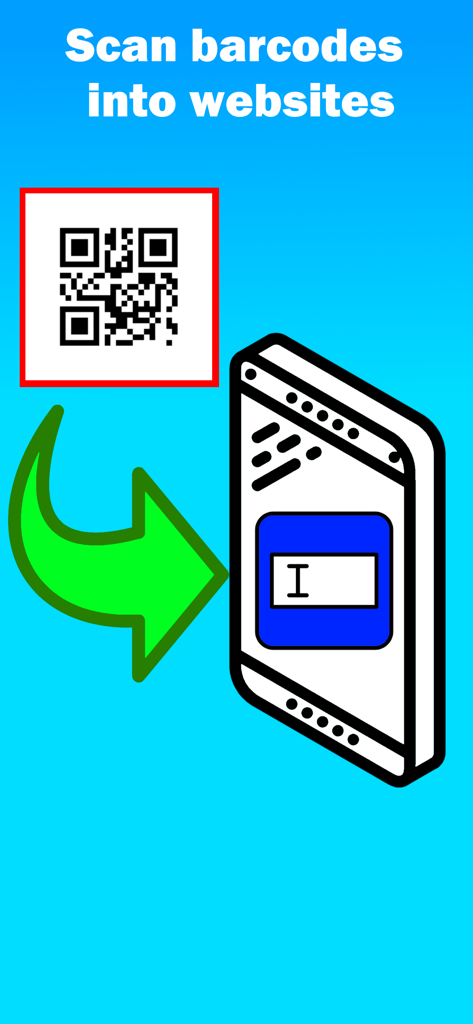
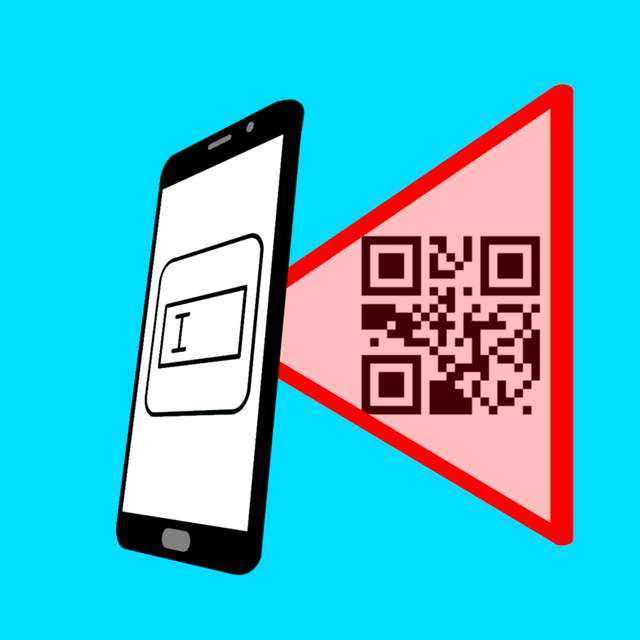
スマートフォン上のウェブフォームフィールドにQRコードデータが転送されている様子を示すグラフィック

スマートフォン上のウェブフォームフィールドにQRコードデータが転送されている様子を示すグラフィック

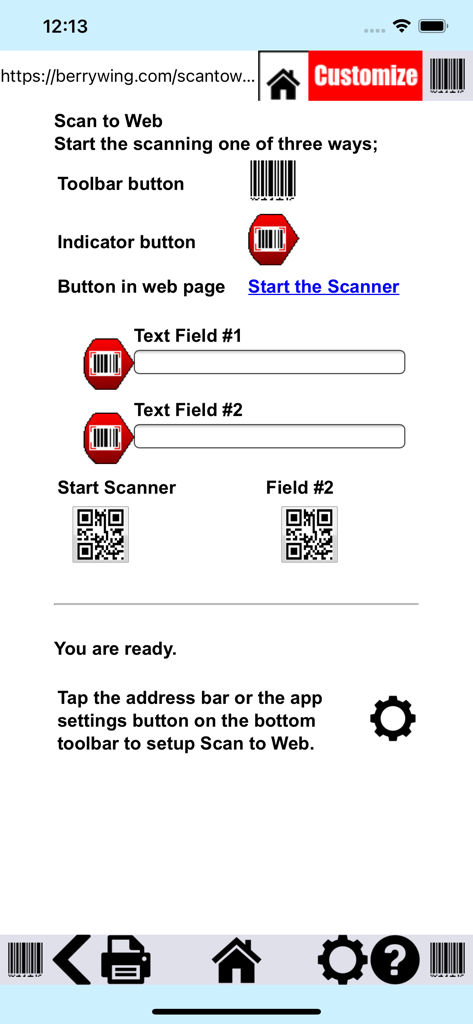
バーコードスキャン・トゥ・ウェブアプリのインターフェース。ウェブフォームへのバーコードスキャン方法を説明。

バーコードスキャン・トゥ・ウェブアプリのインターフェース。ウェブフォームへのバーコードスキャン方法を説明。

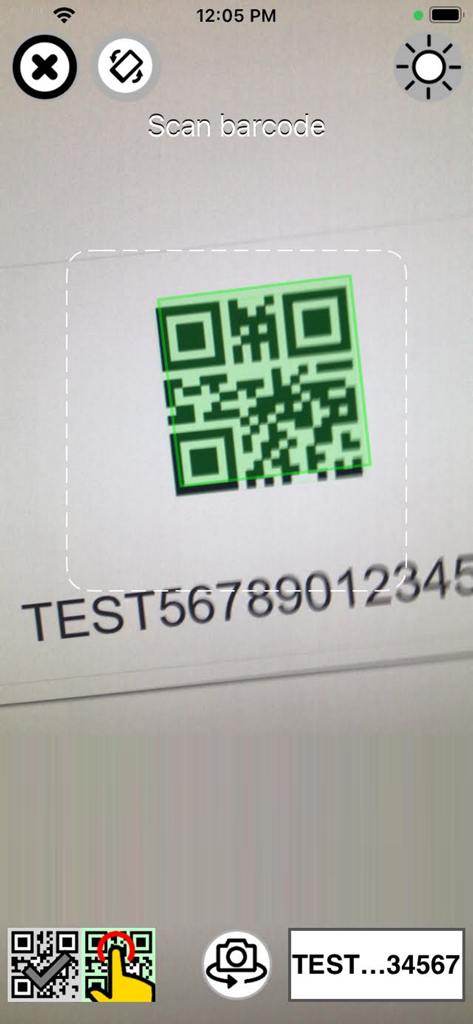
バーコードスキャン・トゥ・ウェブアプリが画面上のQRコードをスキャンしている様子

バーコードスキャン・トゥ・ウェブアプリが画面上のQRコードをスキャンしている様子

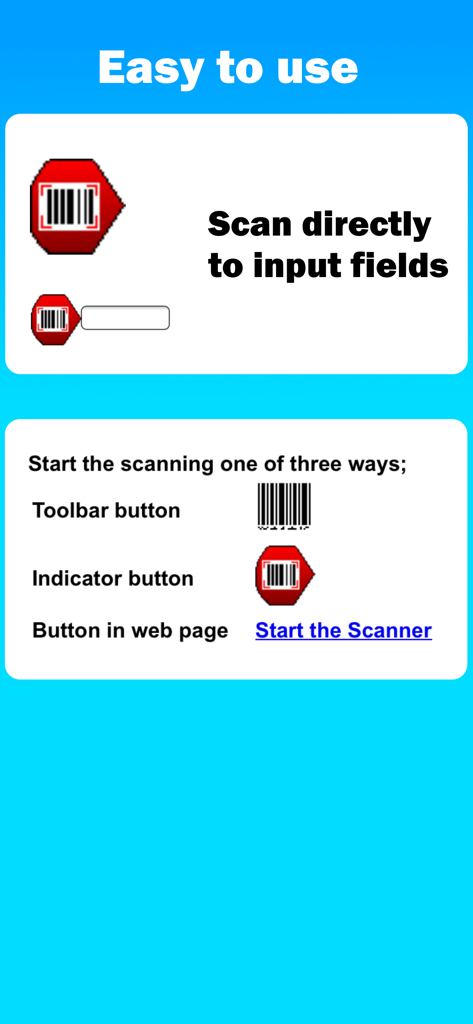
3つの異なるボタンオプションを通じて、ウェブ入力フィールドに直接バーコードをスキャンするための指示

3つの異なるボタンオプションを通じて、ウェブ入力フィールドに直接バーコードをスキャンするための指示

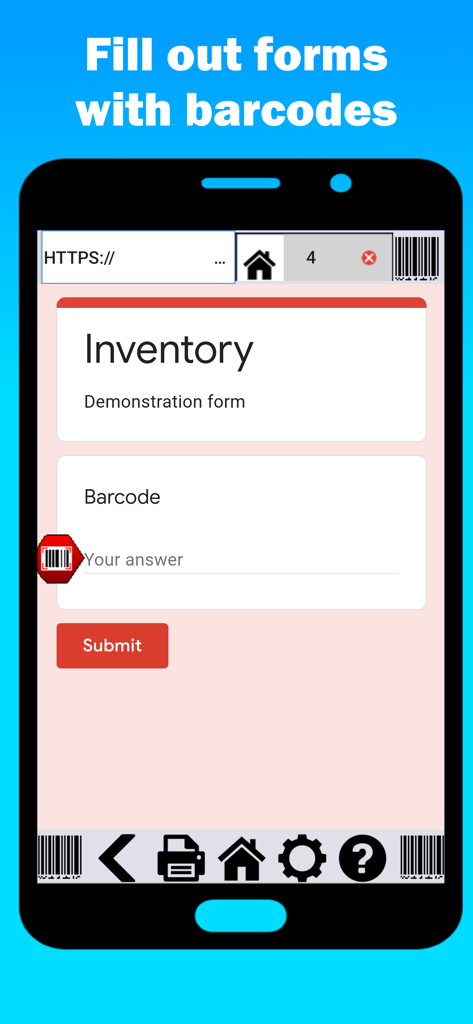
在庫フォームが表示されたバーコードスキャン・トゥ・ウェブアプリのインターフェースを示すスマートフォン画面

在庫フォームが表示されたバーコードスキャン・トゥ・ウェブアプリのインターフェースを示すスマートフォン画面

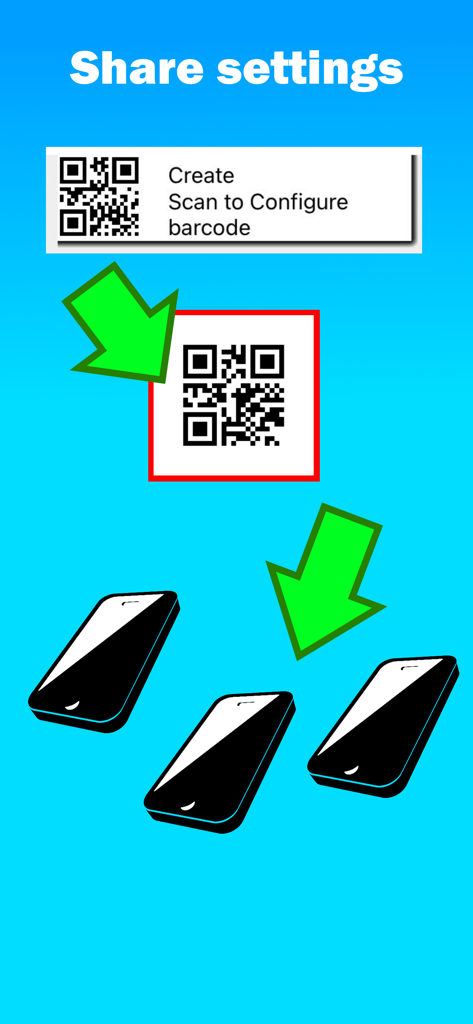
QRコードをスキャンして、複数のスマートフォンとアプリ構成設定を共有する方法を示すイラスト。

QRコードをスキャンして、複数のスマートフォンとアプリ構成設定を共有する方法を示すイラスト。

よりスマートに、より効率的に

このアプリを際立たせるツール、 16K+ 人のユーザーが選択.

📲

あらゆる電話機をスキャナーに

高価なハードウェアは不要になります。チームの既存のiOSデバイスを活用して、倉庫から現場まで、どこでもデータをキャプチャしましょう。

⚙️

自動データ入力

「次のフィールドへタブ移動」や「ウェブへ音声入力」機能でワークフローをスピードアップ。人的エラーを減らし、数時間かかる手入力をわずか数分で完了しましょう。

🌐

インスタントクラウド接続

物理的な資産をGoogle スプレッドシートまたは独自のウェブツールにリアルタイムで接続します。一日の終わりのデータ入力や在庫の遅延はもうありません。

アプリについて

について知っておくべきこと Barcode Scan to Web.

説明

Thousands of business like yours are using Scan to Web to scan barcode information into websites and fill out web forms hands free! Stop manual updates and start using Barcode Scan to Web. BEDS Plus use this app to save them time on their inventory. They saved so much time that they are starting a community garden. They gave our app and our app support five stars! “It’s been working great. Someone called the other day and suggested we do a drive for toothbrushes. I can check in my office in real time and I immediately know that we have over 700. That saves me the drive to get to the building, and now we know we can focus on other things.” –Molek, Volunteer Coordinator, BEDs Plus Scan barcodes into: - Google Drive Forms (Google Sheets) - Your own intranet website - Any website Features: • Speak to web - Voice to text in your forms! • Tab to next - Cursor moves to next field after scan. • Duplicate scan check - to ensure reliable information. • Javascript after scan - For web developers who want complete control after scan. Scan to Web provides the iOS device user with a basic web browser and the ability to scan into web fields on web pages the user has browsed to. No external hardware is needed. Scan to Web uses the camera scanner in your iOS device to scan barcodes so it’s a great option for bring your own device (BYOD). Use your own website for scanning inventory, check in/out sheets, attendance; any number of business related problems can be solved with Scan to Web. Open any web page or search engine and scan any barcode instead of typing. +17 required as this is a fully functional web browser. To scan into a web page: - Scan to place barcode result wherever cursor is on the web page. - If text field is not active, scan result will be entered in first text field available - If Submit on Scan setting is ON, the web page will “Submit” after the scan result Settings: - Scan Suffix: Submit on Scan or Do nothing. Determines what the web site will do after a scan - Home page: URL of the home page in the app - Hide address bar: Hides or displays the address bar when the app starts. Use [ Show/Hide ] Subscription Model: The app is free to download and test out, but after a number of scans, the app will ask you to subscribe. We are continually supporting and upgrading Scan to Web. Please let us know what options and updates you’d like to see. Barcode symbology supported: - QR Code - Aztec - EAN / UPC - Code 3 of 9 (Code39) (*10 to 15 characters max) - Code 128 (Code128) (*20 characters max) - Code 93 - PDF417 (Driver's license) - Data Matrix Please note: Long values or multiple close Code 3 of 9 barcodes can become out of focus in the camera scanner and result in poor barcode scanning performance. Download "Scan to Note" for free from Berry Wing LLC to test the barcode scanner used in Scan to Web. * LEGAL and In- App subscription requirements Unlimited use subscription; yearly or monthly billing cycles. Payment will be charged to iTunes Account at the confirmation of purchase. Subscriptions will automatically renew, unless auto-renew is turned off no later than 24 hours before the end of the current period. Account will be charged for renewal within 24 hours prior to the end of the current period, and identify the cost of the renewal. Subscriptions and auto-renewal can be managed/turned off in the iTunes account settings. Any unused portion of the free trial period is forfeited as soon as a subscription is purchased. Privacy Policy https://berrywing.com/scantoweb/v5/legal/ScantoWebPrivacyPolicy.html Terms of Use https://berrywing.com/scantoweb/v5/legal/termsfeed-terms-conditions-html-english.html

最新バージョン

2025.8.01

サイズ

56.9 MB

リリース日

2013年3月15日

手入力作業をなくす準備はできましたか?

iPhoneまたはiPadをプロ仕様のバーコードスキャナーに変えましょう。何千もの企業が、在庫管理やワークフローを直接ウェブに統合しています。

ダウンロード: App Store

App information, icons, screenshots, and descriptions displayed on this page are sourced from the Apple App Store and are the property of their respective developers. Download estimates and rankings are based on MWM's proprietary models and may not reflect actual figures. This page is provided for informational and analytical purposes only.

Believe this page infringes your intellectual property? File a dispute