Basic Calculator with History
ダウンロード: App Store

このページはアプリまたはその開発者の公式ページではなく、情報提供および論評を目的として作成された独立した編集出版物です。明示的に別段の記載がない限り、アプリおよびその開発者は、MWM、Apple、Google Play、アプリのパブリッシャー、またはアプリの開発者と提携、承認、後援、認可、またはその他の公式的な関係はなく、このページのいかなる内容も、アプリがMWMのサービスを使用して開発されたことを意味するものではありません。すべての商標、ロゴ、スクリーンショット、その他のコンテンツはそれぞれの所有者の財産です。

ロゴ: Basic Calculator with History
ダウンロード: App Store

Basic Calculator with History

触覚的なリアルさと洗練された機能性の完璧な融合を体験してください。内蔵の履歴ログで各入力項目を追跡し、デザイナー スキンでスタイルを表現しましょう。すべてプレミアムで広告なしの環境で。

主要数値

ダウンロード

274K+

ユーザー評価

4.6/5

評価数

12K+

開発元

Alenrom sp. z o.o.

カテゴリ

Utilities

対応言語

23

最新バージョン

1.7.4

サイズ

175.6 MB

リリース日

2024年8月6日
機能

毎日の数学をレベルアップ

あなたの美的感覚に合い、生産性を向上させる、広告なしの触覚的な体験のために、退屈なストックアプリを捨てましょう。

数字を失わない

完全な計算履歴にアクセスし、プロセスの各ステップを確認して、入力項目を簡単にレビューまたは再利用できます。

あなたの美学に合わせる

基本的なユーティリティをスタイリッシュなアクセサリーに変える、限定デザイナー スキンでワークスペースをパーソナライズしましょう。

以下のスクリーンショットと説明は、アプリの公式ストアリスティングから直接取得されたものであり、アプリ開発者の所有物です。

アプリストア

スクリーンショット
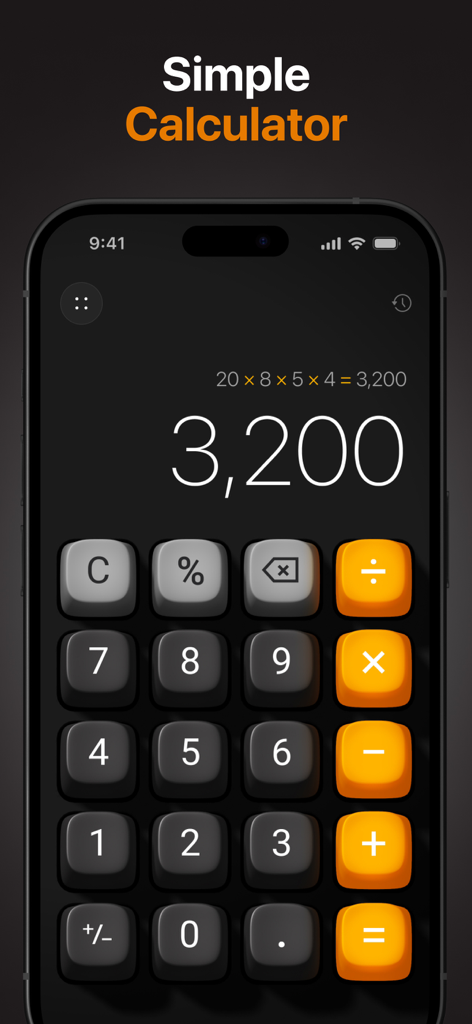
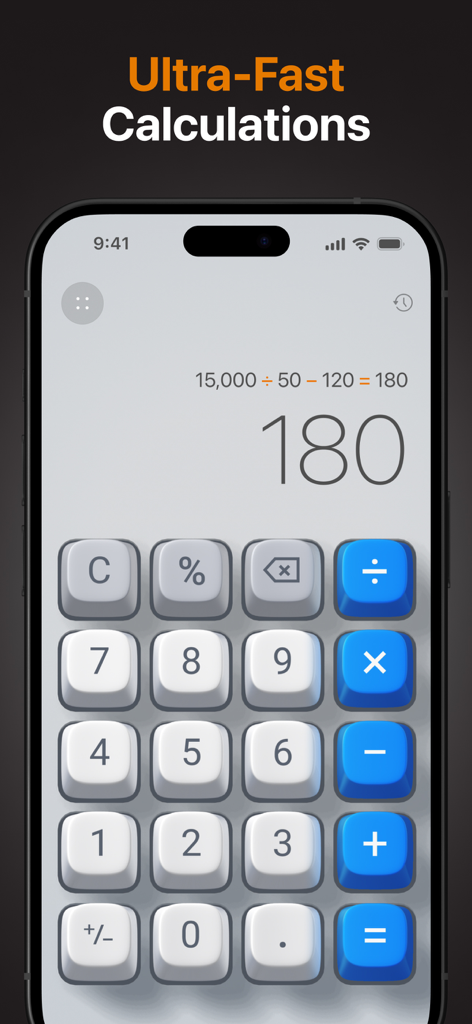
Basic Calculator with History - 履歴付きの美しい3D計算機、ダークiPhone画面

履歴付きの美しい3D計算機、ダークiPhone画面

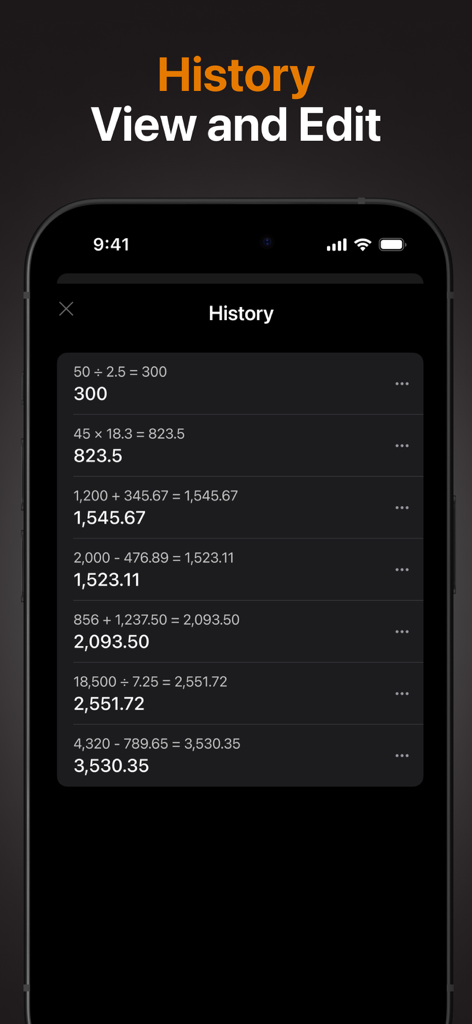
Basic Calculator with History - 計算履歴ログを表示する基本計算機3Dインターフェイス

計算履歴ログを表示する基本計算機3Dインターフェイス

Basic Calculator with History - ダークモードインターフェイスで過去の数式と結果の詳細な計算履歴リストを表示するスマートフォンの画面。
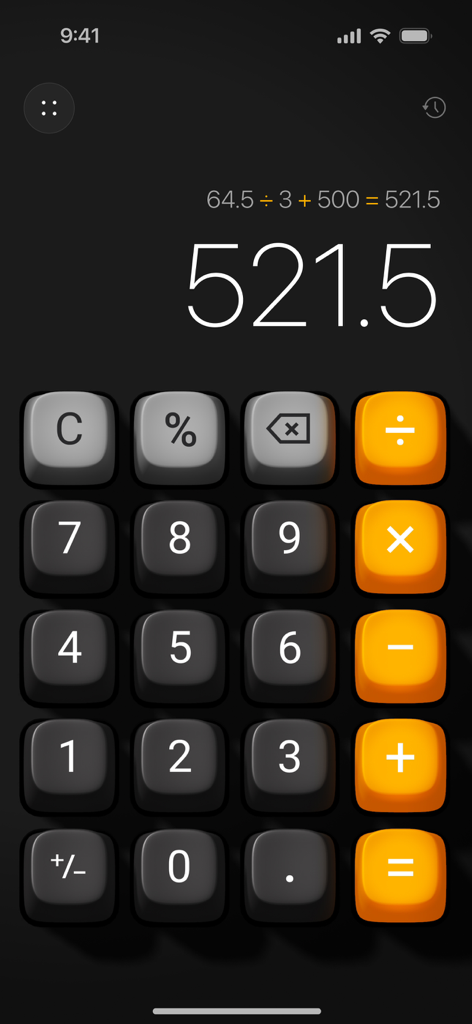
ダークモードインターフェイスで過去の数式と結果の詳細な計算履歴リストを表示するスマートフォンの画面。

Basic Calculator with History - リアルな3Dボタンと表示されている計算履歴プロセスを備えた美しいiOS計算機インターフェイス
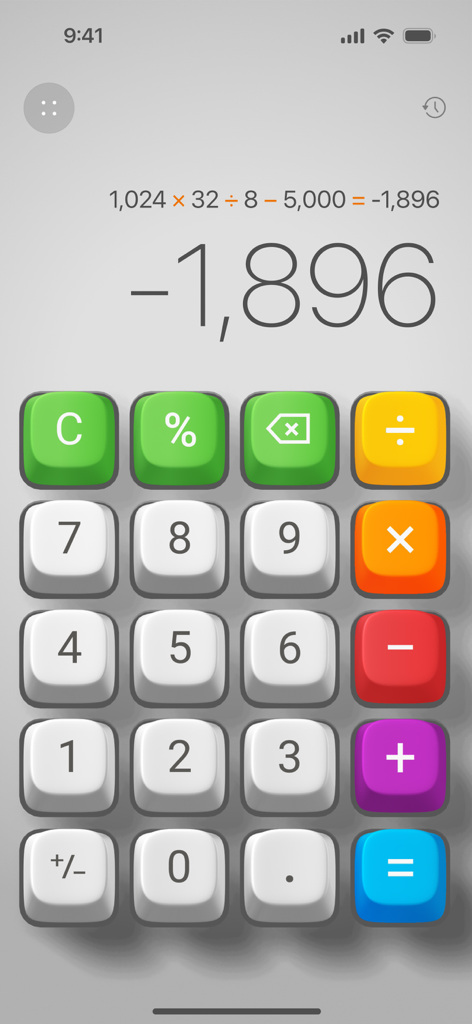
リアルな3Dボタンと表示されている計算履歴プロセスを備えた美しいiOS計算機インターフェイス

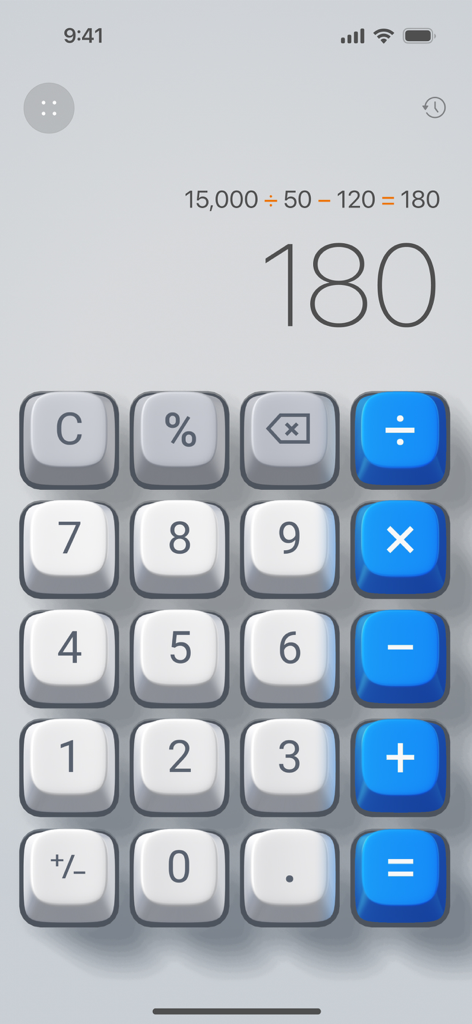
Basic Calculator with History - 3Dカラフルなボタンと表示されている計算プロセスを備えた基本計算機履歴アプリのインターフェイス。
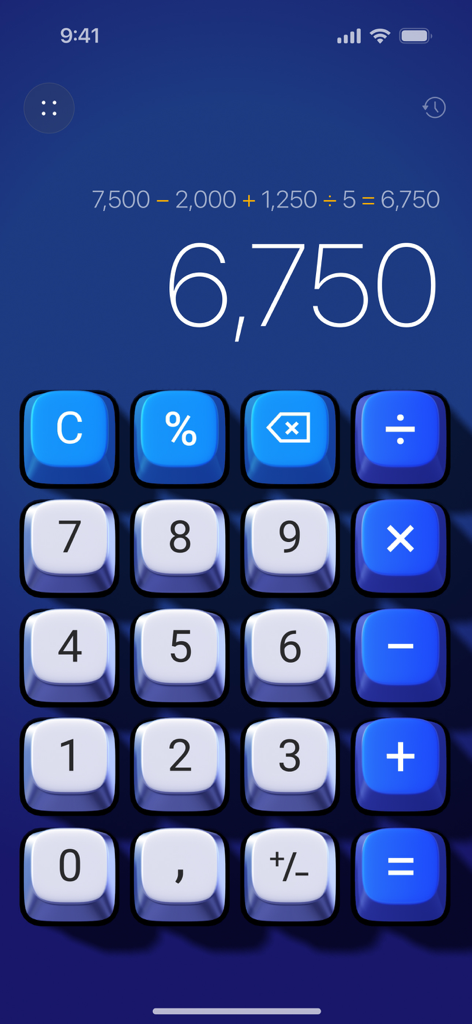
3Dカラフルなボタンと表示されている計算プロセスを備えた基本計算機履歴アプリのインターフェイス。

Basic Calculator with History - 画面上の青いボタンと計算履歴を備えた基本計算機3Dアプリ

画面上の青いボタンと計算履歴を備えた基本計算機3Dアプリ

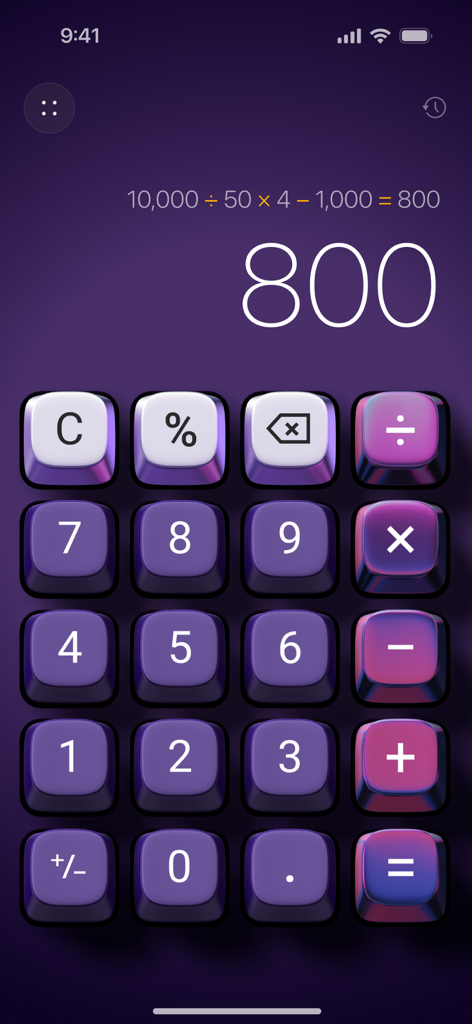
Basic Calculator with History - 計算履歴表示を備えた美しい紫色の3D計算機インターフェイス

計算履歴表示を備えた美しい紫色の3D計算機インターフェイス

Basic Calculator with History - 計算プロセスと履歴アイコンを表示する触覚的な3D計算機インターフェイス

計算プロセスと履歴アイコンを表示する触覚的な3D計算機インターフェイス
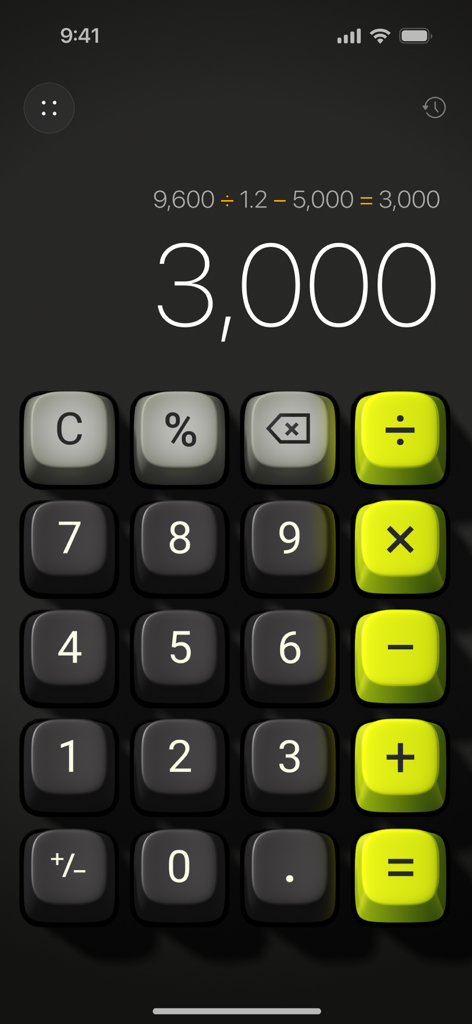
Basic Calculator with History - 計算結果を表示する、触覚的なライムグリーンとダークグレーのボタンを備えた3D計算機インターフェイス
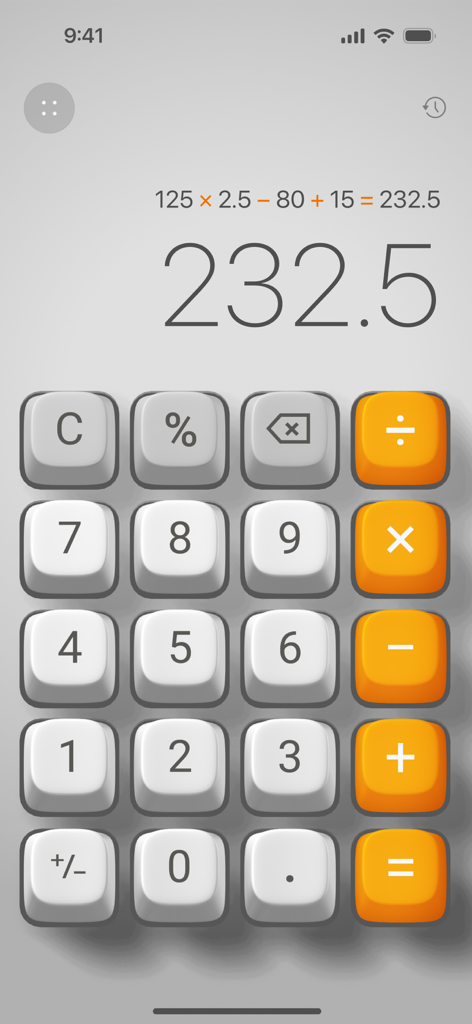
計算結果を表示する、触覚的なライムグリーンとダークグレーのボタンを備えた3D計算機インターフェイス

Basic Calculator with History - iOSで計算プロセスと結果を表示するシンプルな3D計算機インターフェイス

iOSで計算プロセスと結果を表示するシンプルな3D計算機インターフェイス

説明

A Better Everyday Calculator • Do the math with Calculator 3D Simple - a perfect blend of functionality and elegance, designed to enhance your daily calculations. Key Features: • Elegant Design: Enjoy a sleek calculator with realistic 3D button press effects, bringing a tactile, immersive experience. • Plays Like a Game, Works Like an App: Experience a next-generation user interface with 3D animations and sounds, making calculations fun and interactive. • Custom Skins: Transform the entire look of the app with unique designer skins, allowing you to personalize your calculator to match your style. • Calculation History: Keep track of your past calculations with the new history feature, enabling you to review and reuse previous entries effortlessly. • Ad-Free Experience: Focus on your work without interruptions. Calculator 3D Simple is completely ad-free. • Show the Calculation Process: Each step is clearly displayed, ensuring transparency and accuracy in your calculations. • Backspace Key: Easily correct mistakes with the dedicated backspace key, providing a seamless and hassle-free experience. • One-Handed Use: Designed for convenience, the app can be easily operated with one hand. Why Choose Calculator 3D Simple? • User-Friendly: Perfect for everyday use, our calculator is designed with simplicity and efficiency in mind. • Enhanced Visuals and Interactivity: The 3D buttons and animations provide a unique and engaging experience, unlike any other calculator. • Customization: Stand out with exclusive skins that reflect your personal style. • No Distractions: Our ad-free environment lets you focus solely on your calculations. • Calculation History: Access and revisit your past calculations whenever you need them. SUBSCRIPTION PLANS: Calculator offers 3 types of subscriptions to choose from 1. Week plan with 3-day trial period 2. Monthly plan 3. Annual plan More Subscription Information: - Payment will be charged to your Apple ID account at confirmation of purchase. - Subscription automatically renews unless auto-renew is turned off at least 24 hours before the end of the current period. - Within 24-hours prior to the end of the current period, the account will be charged for the renewal of the subscription, indicating the cost of the renewal. - You can manage subscriptions and turn off auto-renewal after purchase by going to your App Store account settings. - Any unused portion of a free trial period, if offered, will be forfeited when purchasing a subscription. - The offer is limited to a 3-day trial for a weekly subscription. At the end of the 3-day trial period, the subscription will automatically renew according to the tariff, unless it is canceled at least 24 hours before the end of the 3-day trial. Privacy Policy https://appalenrom.eu/privacy.html Terms of Use https://appalenrom.eu/terms.html

Download

ダウンロード: App Store

このページはアプリまたはその開発者の公式ページではなく、情報提供および論評を目的として作成された独立した編集出版物です。明示的に別段の記載がない限り、アプリおよびその開発者は、MWM、Apple、Google Play、アプリのパブリッシャー、またはアプリの開発者と提携、承認、後援、認可、またはその他の公式的な関係はなく、このページのいかなる内容も、アプリがMWMのサービスを使用して開発されたことを意味するものではありません。すべての商標、ロゴ、スクリーンショット、その他のコンテンツはそれぞれの所有者の財産です。