
このページはアプリまたはその開発者の公式ページではなく、情報提供および論評を目的として作成された独立した編集出版物です。明示的に別段の記載がない限り、アプリおよびその開発者は、MWM、Apple、Google Play、アプリのパブリッシャー、またはアプリの開発者と提携、承認、後援、認可、またはその他の公式的な関係はなく、このページのいかなる内容も、アプリがMWMのサービスを使用して開発されたことを意味するものではありません。すべての商標、ロゴ、スクリーンショット、その他のコンテンツはそれぞれの所有者の財産です。


Bluefy – Web BLE Browser
iPhoneとiPadでIoTの可能性を最大限に引き出します。WebページとBLEデバイスをシームレスに接続し、強力なPWAを開発し、高性能Web Bluetooth APIサポートでネイティブアプリの制限を回避します。
ダウンロード
861K+ユーザー評価
評価数
1K+開発元
カテゴリ
Utilities対応言語
38最新バージョン
3.9.3サイズ
14.8 MBリリース日
2020年1月15日iOSでWeb Bluetoothの力を解き放つ
WebアプリケーションをBLEハードウェアに直接接続できるように設計された、開発者およびテクノロジー愛好家向けの専用ブラウザ。標準的なモバイルブラウザの制限を回避します。
シームレスなPWA&R&Dプロトタイピング
App Storeの承認を待ったり、ネイティブコードをビルドしたりすることなく、Progressive Web AppやIoTソリューションを即座にテストして開発サイクルを加速します。
ユニバーサルハードウェア制御
多数の個別のアプリをインストールする代わりに、単一のWebダッシュボードを使用してスマートホームデバイス、ヘルスモニター、DIYプロジェクトを管理することで、iPhoneを整理します。
よくある質問
について知っておくべきこと Bluefy – Web BLE Browser
Bluefy – Web BLE Browserとは何ですか?
Bluefyは、Web Bluetooth APIをサポートするスマートWebブラウザであり、ネイティブアプリケーションを必要とせずに、Webページから近くのBluetooth Low Energy(BLE)デバイスに直接接続して対話することができます。
BluefyはどのようにBluetoothデバイスに接続しますか?
Bluefyは、ユーザーがスマートフォンとBLEデバイスでBluetoothをオンにし、互換性のあるWeb Bluetooth APIページを開いて接続を確立し、その機能を使用することでBLEデバイスに接続します。
Bluefyはどのような種類のデバイスに接続できますか?
Bluefyは、スマートホームアプライアンス、心拍数モニター、グルコースモニター、温度センサーなどの医療機器を含む、さまざまなBluetooth Low Energy(BLE)デバイスに接続します。
BluefyはWeb Bluetooth開発のためにiOSデバイスをサポートしていますか?
はい、Bluefyブラウザにより、開発者はすべてのiOSデバイスで機能するWeb Bluetooth API仕様を活用したWebソリューションを作成できます。
BluefyのWeb Bluetooth APIはどのBluetoothバージョンをサポートしていますか?
BluefyのWeb Bluetooth APIは、Bluetooth 4.0以降を実装したデバイス間の通信をサポートしています。
BluefyでWeb Bluetoothを使用するためにセキュアな接続は必要ですか?
はい、BluefyでWeb Bluetoothを使用するには、ウェブサイトはセキュアな接続(HTTPS)を通じて運営されている必要があります。
Bluefyは通常のWebブラウザとして機能できますか?
はい、BluefyはスマートWebブラウザとして機能し、ウェブサイトへの移動、ブックマークの管理、閲覧履歴の表示などの標準機能を提供します。
以下のスクリーンショットと説明は、アプリの公式ストアリスティングから直接取得されたものであり、アプリ開発者の所有物です。
アプリストア
スクリーンショット
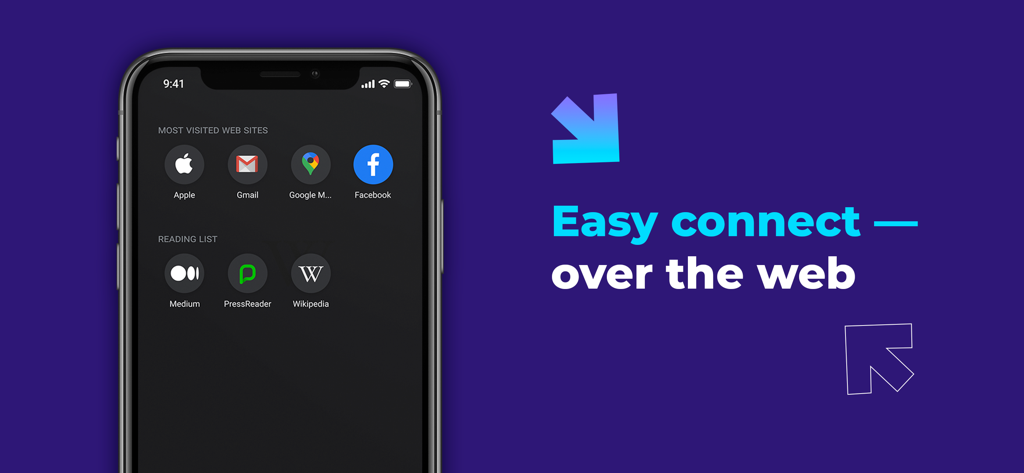
BluefyブラウザインターフェースがiPhoneに表示され、Webショートカットと「easy connect over the web」というスローガンが表示されています
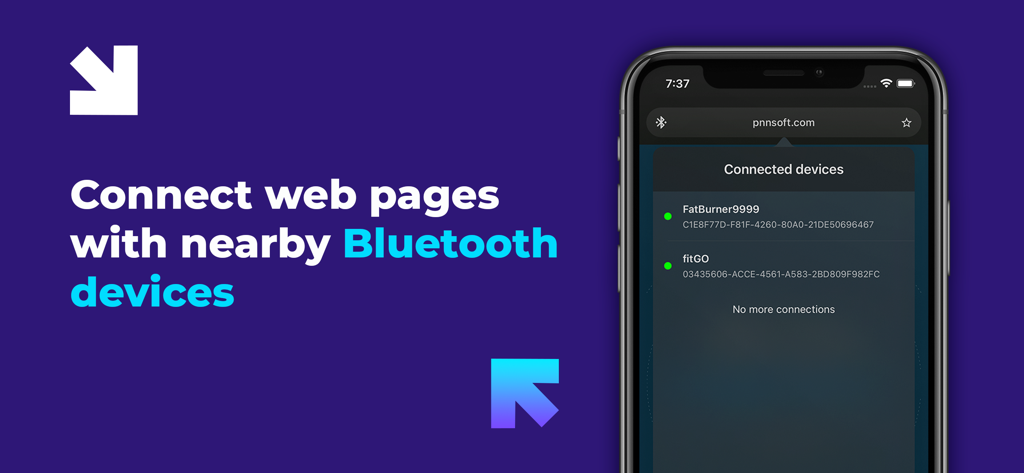
Bluefyブラウザインターフェースに、Webページから接続されたBluetoothデバイスのリストが表示されています
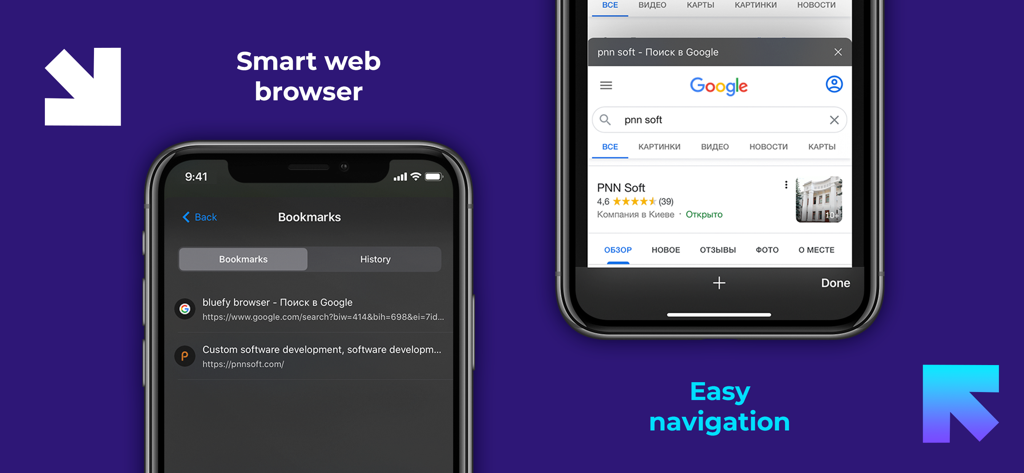
Bluefyアプリのスクリーンショット。ブックマークリストと検索インターフェースが表示され、簡単なナビゲーションを強調するテキストが表示されています
説明
Download

このページはアプリまたはその開発者の公式ページではなく、情報提供および論評を目的として作成された独立した編集出版物です。明示的に別段の記載がない限り、アプリおよびその開発者は、MWM、Apple、Google Play、アプリのパブリッシャー、またはアプリの開発者と提携、承認、後援、認可、またはその他の公式的な関係はなく、このページのいかなる内容も、アプリがMWMのサービスを使用して開発されたことを意味するものではありません。すべての商標、ロゴ、スクリーンショット、その他のコンテンツはそれぞれの所有者の財産です。