
このページはアプリまたはその開発者の公式ページではなく、情報提供および論評を目的として作成された独立した編集出版物です。明示的に別段の記載がない限り、アプリおよびその開発者は、MWM、Apple、Google Play、アプリのパブリッシャー、またはアプリの開発者と提携、承認、後援、認可、またはその他の公式的な関係はなく、このページのいかなる内容も、アプリがMWMのサービスを使用して開発されたことを意味するものではありません。すべての商標、ロゴ、スクリーンショット、その他のコンテンツはそれぞれの所有者の財産です。


Blur Video - AI Blur Maker
インテリジェントAIトラッキングにより、顔、ナンバープレート、機密オブジェクトを自動的にぼかします。ワンタップでTikTokやInstagram向けの安全で高品質な4Kビデオを作成します。
ダウンロード
742K+ユーザー評価
評価数
11K+開発元
カテゴリ
Photo & Video対応言語
16最新バージョン
2.0.0サイズ
167.0 MBリリース日
2021年9月12日AIによるプロフェッショナルなプライバシー
iPhone向けの最も高度なビデオブラーツールで、機密の詳細を隠し、身元を保護し、コンテンツを安全に保ちます。
ワンタップAI顔ぼかし
ビデオ全体で顔を瞬時に検出し、ぼかします。手作業なしでプライバシーを保護したい保護者やVloggerに最適です。
スマートモーショントラッキング
移動する車、ナンバープレート、ロゴを自動的に追跡します。高度なAIにより、激しいアクションシーンでもぼかしをターゲットに固定します。
よくある質問
について知っておくべきこと Blur Video - AI Blur Maker
What is the Blur Video - AI Blur Maker app?
Blur Videoは、iPhone向けの無料の動画ぼかしアプリです。AIを活用したぼかし機能で、動画内の人物、顔、テキスト、ロゴ、オブジェクト、ナンバープレートを隠し、その他の動画編集ツールも提供します。
Does Blur Video - AI Blur Maker automatically blur faces?
はい、Blur Video - AI Blur Makerは、インテリジェントなAI検出を使用して動画内の顔を自動的にぼかします。このアプリは、クリップ全体で顔を識別および追跡し、一貫性のあるシームレスなぼかしを実現します。
Can Blur Video blur multiple moving objects?
はい、Blur Videoは動画内の複数の移動オブジェクトをぼかすことができます。AIを活用した追跡機能を使用して移動要素を自動的に追跡するか、手動キーフレーム追跡で完全に制御して正確な結果を得ることができます。
What video export resolutions does Blur Video support?
Blur Videoは、480p、540p、720p、1080p、Ultra HD - 4K解像度を含む動画エクスポート解像度をサポートしています。また、ビデオ品質を向上させるためにHDRエクスポートも提供しています。
Does Blur Video - AI Blur Maker remove video metadata?
はい、Blur Video - AI Blur Makerは、ユーザーデータとプライバシーを保護するためにメタデータを削除します。ユーザーは、安全な共有のために動画エクスポートプロセス中にこの機能を有効にできます。
How does the Blur Video app subscription work?
Blur Videoアプリは、すべての機能への無制限アクセスを提供するために、自動更新サブスクリプション(週次、年次)を提供しています。無料トライアル付きのサブスクリプションは、少なくとも24時間前にキャンセルしない限り、有料に自動更新されます。
What blur effects are available in Blur Video - AI Blur Maker?
Blur Videoは、ガウスぼかしとピクセル化ぼかしエフェクトを提供します。ユーザーはぼかしの強度を調整し、長方形または楕円形のぼかし形状を選択することもできます。
Does Blur Video include other editing features besides blurring?
はい、Blur Videoには、ぼかし以外の追加の編集機能が含まれています。ユーザーはさまざまなフィルターを適用したり、複数のステッカーを追加したり、カスタムテキストを追加したり、描画して動画を強化したりできます。
What video file formats does Blur Video support for export?
Blur Videoは、MP4またはMOVのいずれかのファイル形式で動画をエクスポートすることをサポートしています。ユーザーは、動画エクスポートオプション中に希望の形式を選択できます。
Is it safe to share videos after using Blur Video - AI Blur Maker?
はい、Blur Video - AI Blur Makerを使用した後に動画を共有しても安全です。このアプリはプライバシーを保護するためにメタデータを削除し、共有コンテンツが安全であることを保証します。
以下のスクリーンショットと説明は、アプリの公式ストアリスティングから直接取得されたものであり、アプリ開発者の所有物です。
アプリストア
スクリーンショット
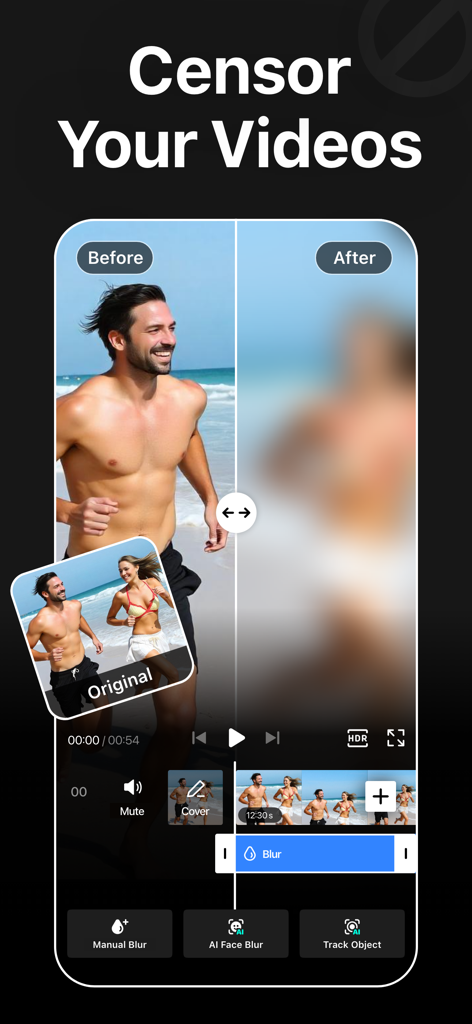
AIぼかし効果を人に適用する前後のビデオのサイドバイサイド比較
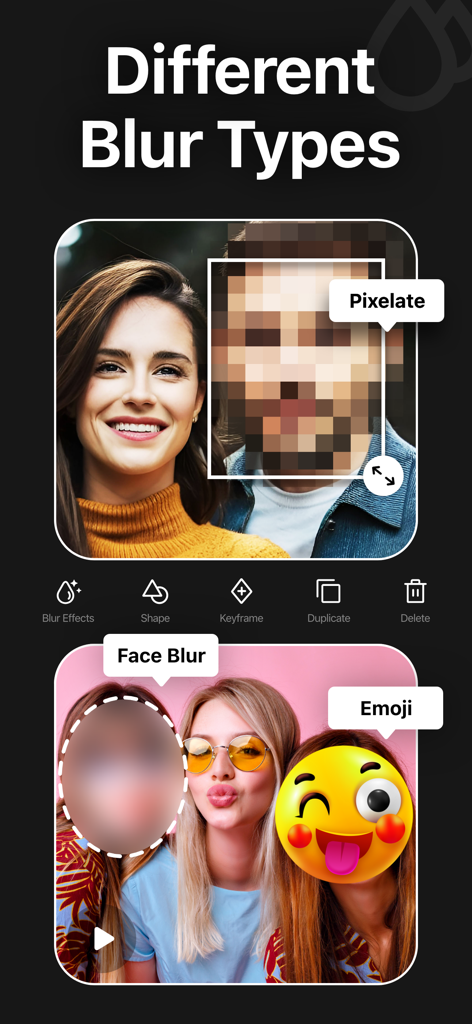
ビデオ編集アプリでピクセル化、顔ぼかし、絵文字などのさまざまなぼかし効果を紹介。
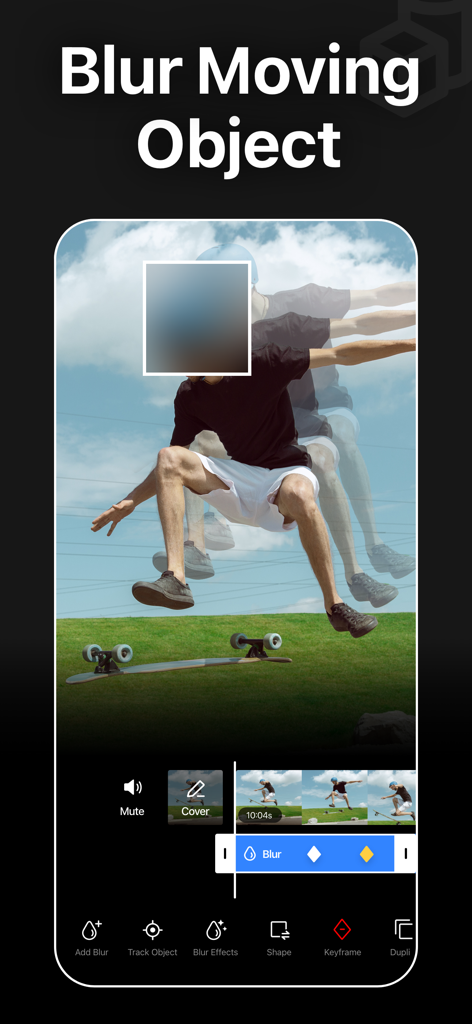
移動する人をぼかすAIトラッキングとぼかしを表示するモバイルアプリインターフェース。
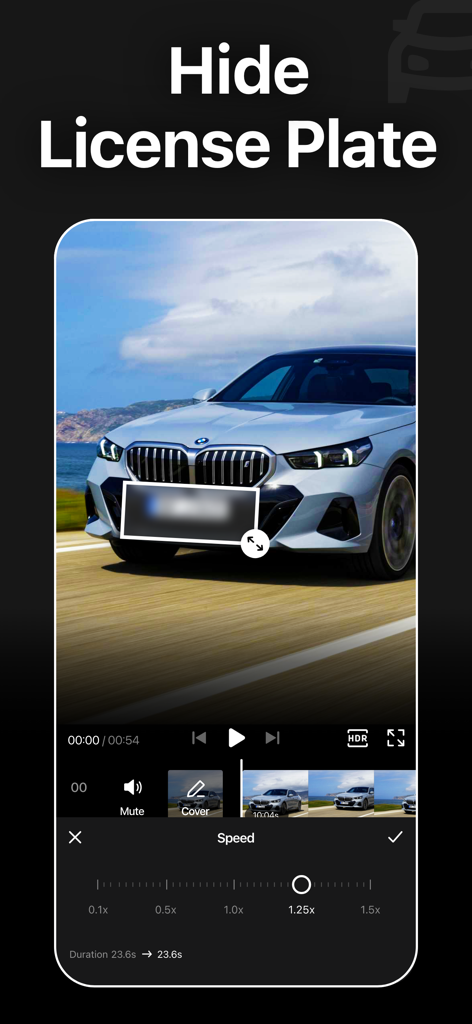
ビデオ編集ツールで車のナンバープレートをぼかすBlur Videoアプリインターフェース
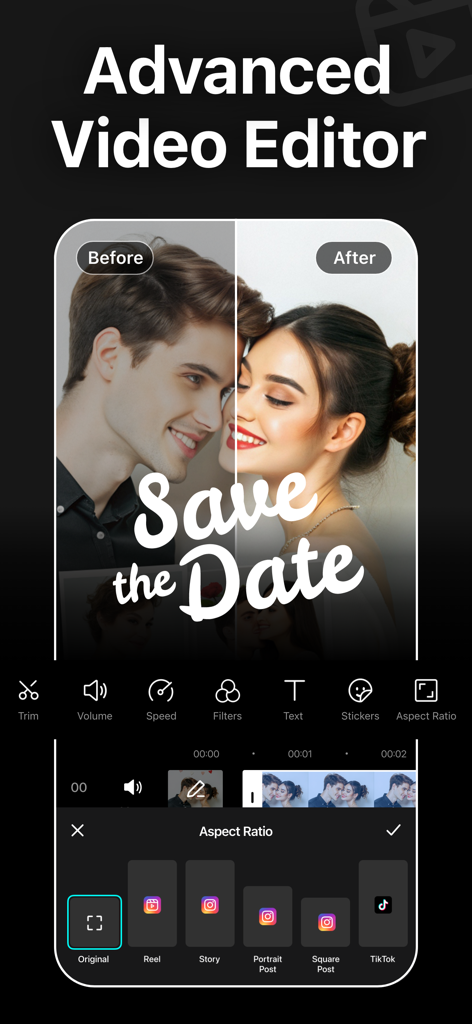
TikTokやInstagramなどのソーシャルメディアプラットフォームのアスペクト比プリセットを表示する高度なビデオエディターインターフェース
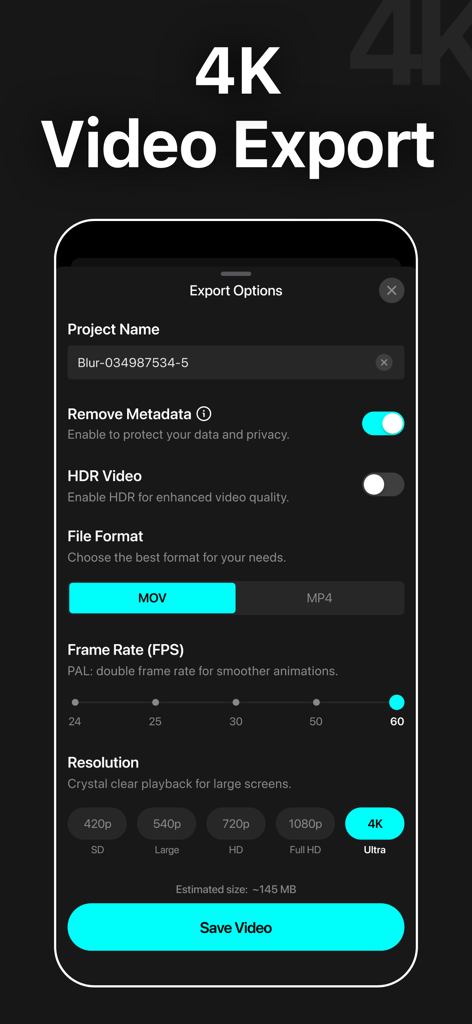
Blur Videoアプリのエクスポートオプションのスクリーンショット。4K解像度とメタデータ削除プライバシー設定が表示されています
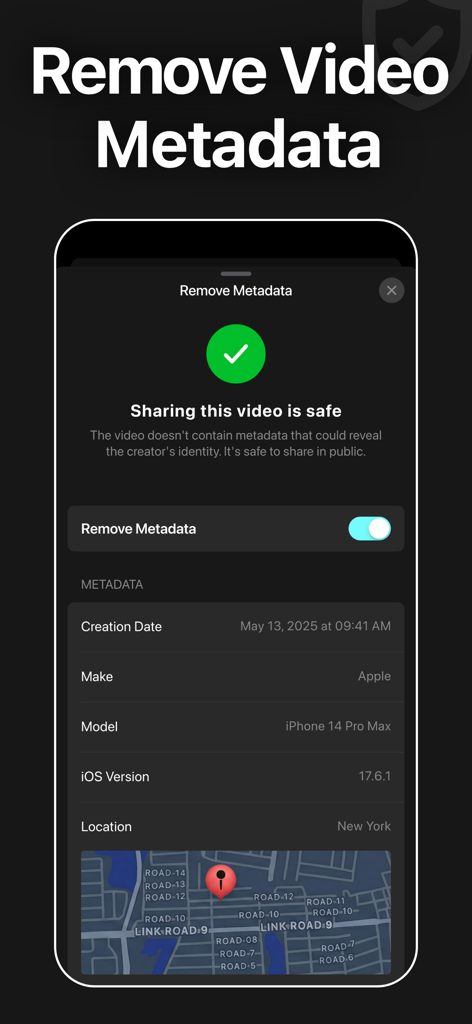
安全な共有のためにビデオメタデータと位置情報を削除する機能を表示するBlur Videoアプリのインターフェース
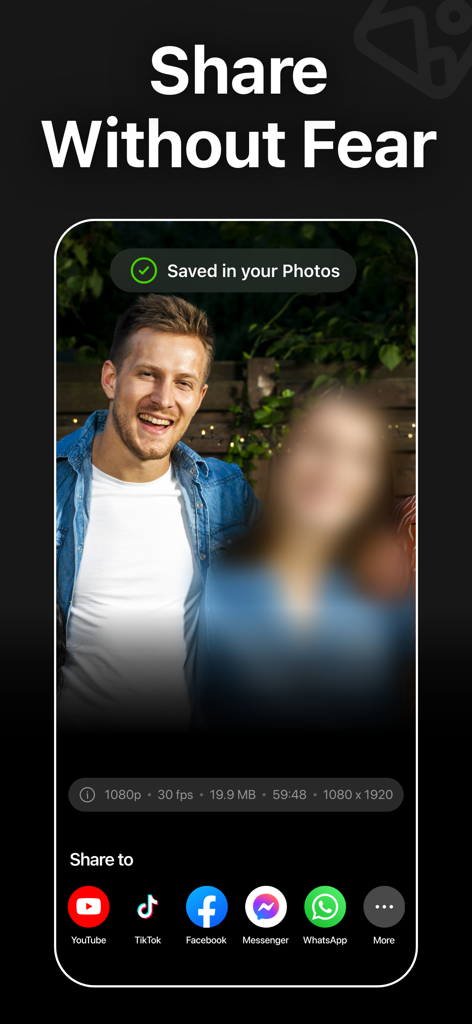
TikTokやYouTubeなどのソーシャルメディアプラットフォームでの共有オプションと、ビデオ内のぼかし顔を表示するBlur Videoアプリのインターフェース。
説明
Download




このページはアプリまたはその開発者の公式ページではなく、情報提供および論評を目的として作成された独立した編集出版物です。明示的に別段の記載がない限り、アプリおよびその開発者は、MWM、Apple、Google Play、アプリのパブリッシャー、またはアプリの開発者と提携、承認、後援、認可、またはその他の公式的な関係はなく、このページのいかなる内容も、アプリがMWMのサービスを使用して開発されたことを意味するものではありません。すべての商標、ロゴ、スクリーンショット、その他のコンテンツはそれぞれの所有者の財産です。