BT Volleyball Scoreboard
ダウンロード: App Store

このページはアプリまたはその開発者の公式ページではなく、情報提供および論評を目的として作成された独立した編集出版物です。明示的に別段の記載がない限り、アプリおよびその開発者は、MWM、Apple、Google Play、アプリのパブリッシャー、またはアプリの開発者と提携、承認、後援、認可、またはその他の公式的な関係はなく、このページのいかなる内容も、アプリがMWMのサービスを使用して開発されたことを意味するものではありません。すべての商標、ロゴ、スクリーンショット、その他のコンテンツはそれぞれの所有者の財産です。

ロゴ: BT Volleyball Scoreboard
ダウンロード: App Store

BT Volleyball Scoreboard

モバイルデバイスをハイグレードスコアボードに変えましょう。広告なし、完全カスタマイズ可能で、高価なハードウェアなしでプロレベルの体験を求めるコーチやリーグのために設計されています。

主要数値

ダウンロード

1K+

ユーザー評価

1.0/5

評価数

0

開発元

The Basketball Temple LLC

カテゴリ

Sports

対応言語

1

最新バージョン

1124

サイズ

115.6 MB

リリース日

2024年1月22日
機能

あらゆるコートのためのプロフェッショナルスコアリング

コーチ、クラブディレクター、競技リーグのために特別に設計された広告なしのインターフェースで、iPadやプロジェクターをハイエンドアリーナスコアボードに変えましょう。

ワイヤレスリモートエコシステム

WiFiまたはBluetooth経由で2台のデバイスをペアリングし、携帯電話をリモートコントローラーとして使用し、タブレットやテレビにスコアをジム全体に表示します。

直感的なジェスチャーコントロール

シンプルなタップとスワイプ操作でラリーに集中しましょう。手元を見ることなく、スコア、タイムアウト、セットカウントを簡単に管理できます。

以下のスクリーンショットと説明は、アプリの公式ストアリスティングから直接取得されたものであり、アプリ開発者の所有物です。

アプリストア

スクリーンショット
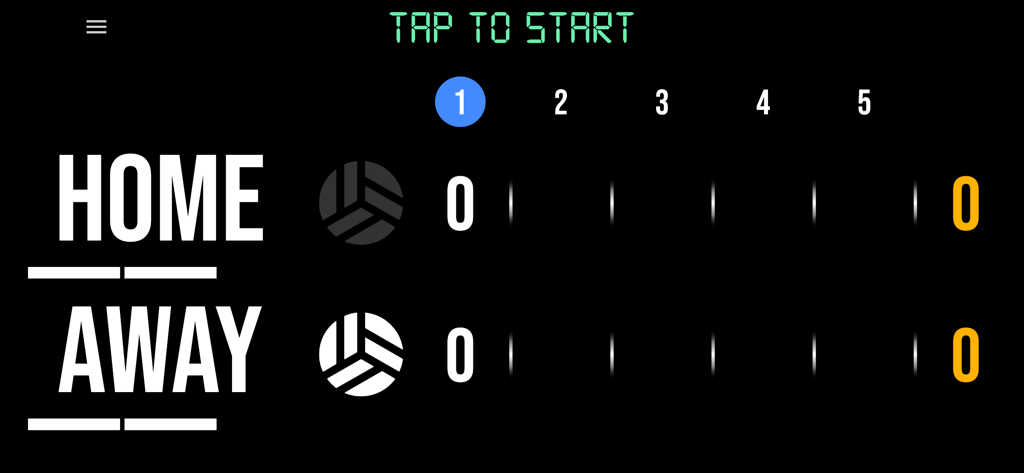
BT Volleyball Scoreboard - ホームとアウェイチームのスコアを表示するプロフェッショナルなデジタルバレーボールスコアボードインターフェース。
ホームとアウェイチームのスコアを表示するプロフェッショナルなデジタルバレーボールスコアボードインターフェース。

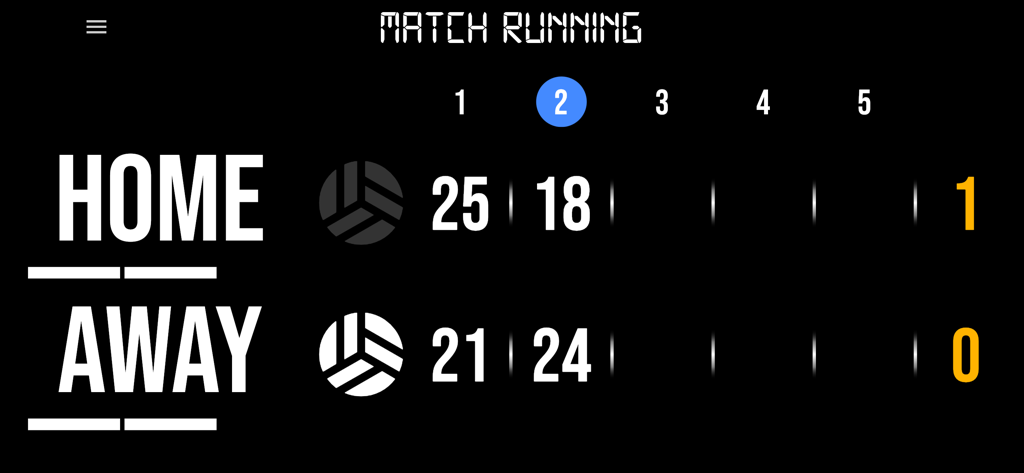
BT Volleyball Scoreboard - 試合中にホームとアウェイチームのスコアを表示するデジタルバレーボールスコアボード
試合中にホームとアウェイチームのスコアを表示するデジタルバレーボールスコアボード

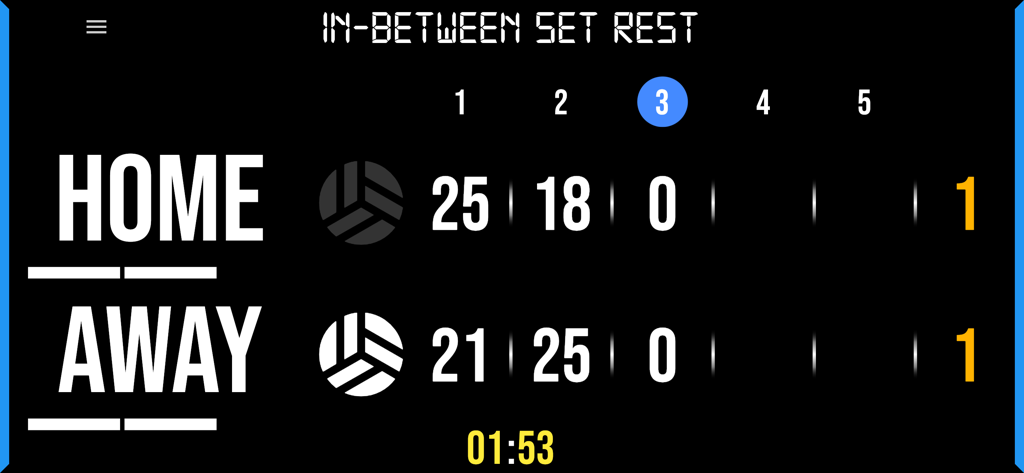
BT Volleyball Scoreboard - セット間の休憩タイマーとホームおよびアウェイチームのスコアを表示するデジタルバレーボールスコアボード。
セット間の休憩タイマーとホームおよびアウェイチームのスコアを表示するデジタルバレーボールスコアボード。

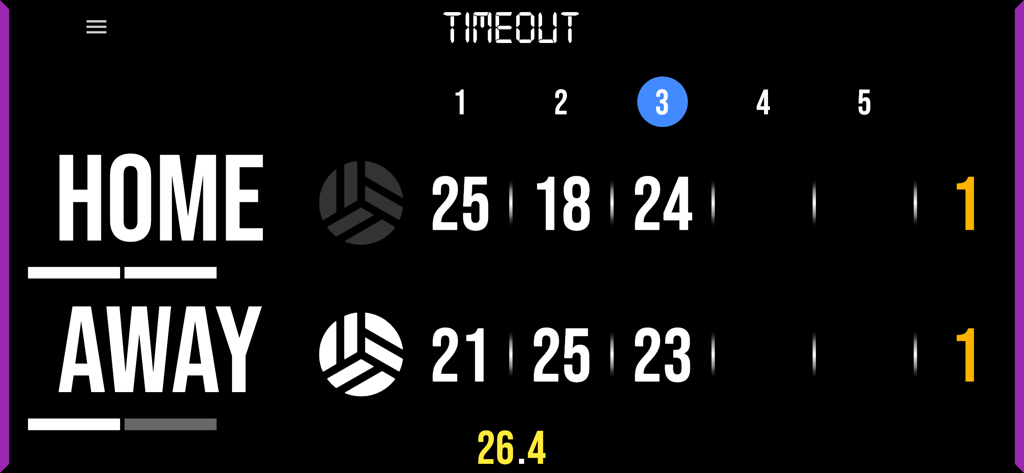
BT Volleyball Scoreboard - チームのスコアとアクティブなタイムアウトタイマーを表示するBTバレーボールスコアボードアプリの画面
チームのスコアとアクティブなタイムアウトタイマーを表示するBTバレーボールスコアボードアプリの画面

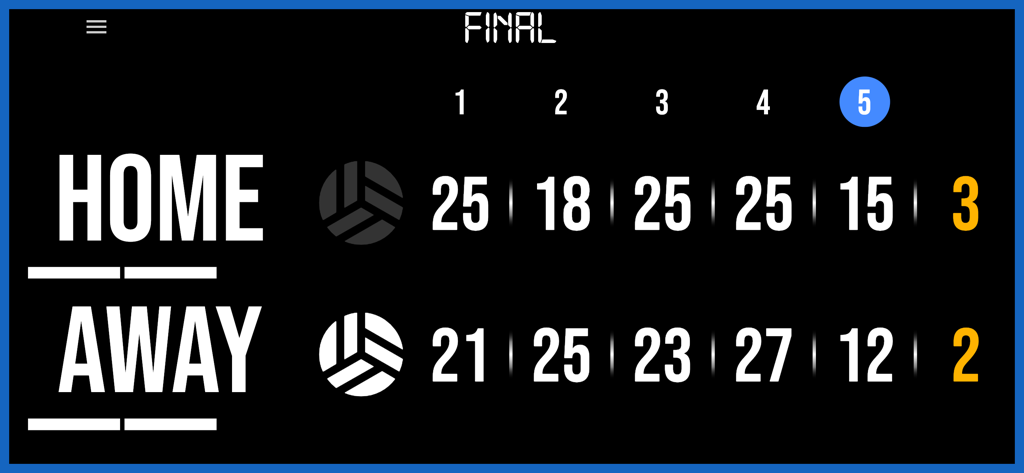
BT Volleyball Scoreboard - ホームとアウェイチームの最終セットスコアと試合結果を表示するプロフェッショナルなデジタルバレーボールスコアボード。
ホームとアウェイチームの最終セットスコアと試合結果を表示するプロフェッショナルなデジタルバレーボールスコアボード。

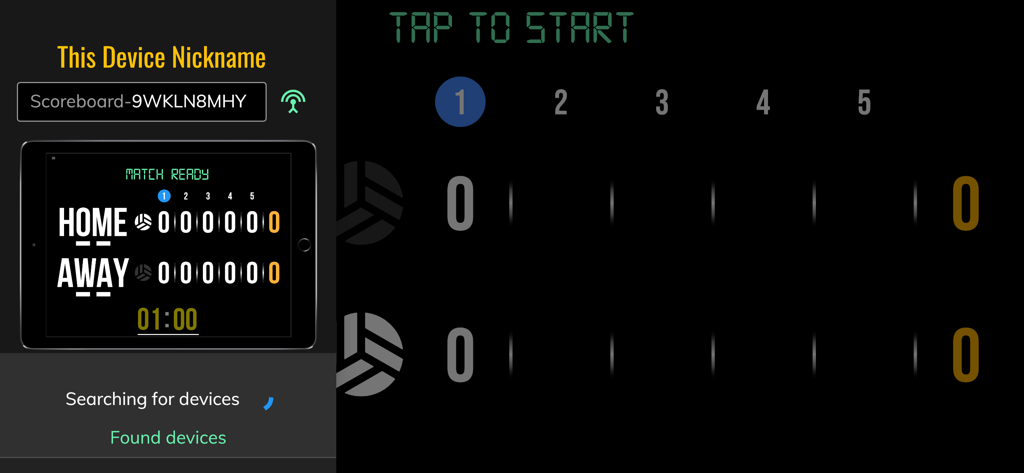
BT Volleyball Scoreboard - BTバレーボールスコアボードアプリを制御するためのリモートデバイスの接続とペアリングのインターフェース。
BTバレーボールスコアボードアプリを制御するためのリモートデバイスの接続とペアリングのインターフェース。

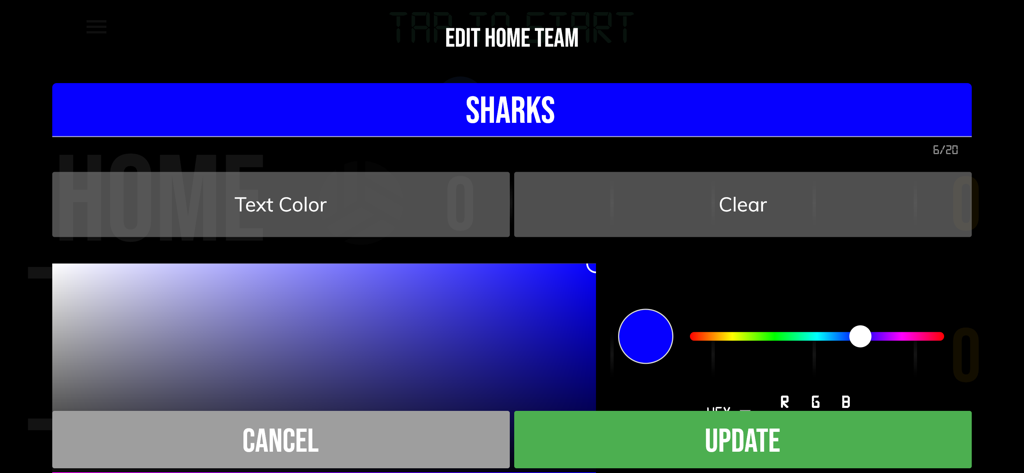
BT Volleyball Scoreboard - BTバレーボールスコアボードアプリでホームチームの名前を編集し、カスタムカラーを選択するためのインターフェース
BTバレーボールスコアボードアプリでホームチームの名前を編集し、カスタムカラーを選択するためのインターフェース

BT Volleyball Scoreboard - 試合ルールとポイント制限を表示するBTバレーボールスコアボードアプリのゲーム設定概要画面
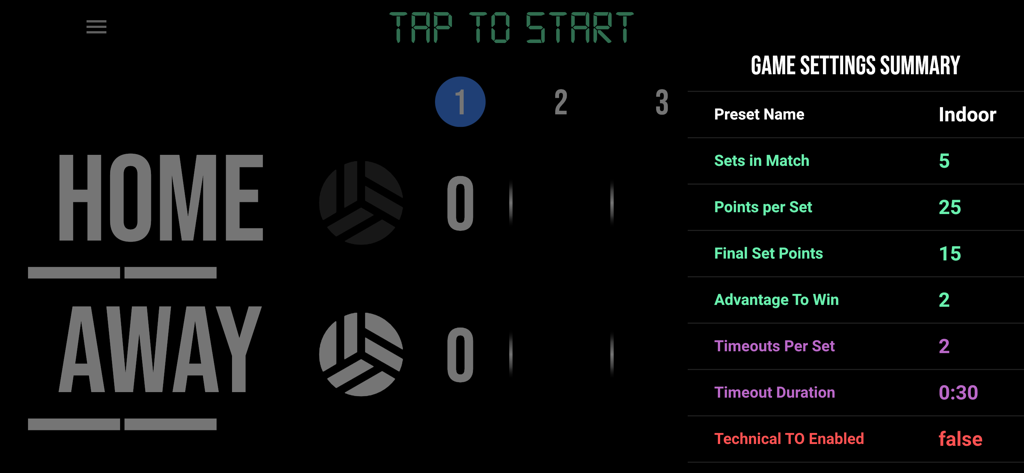
試合ルールとポイント制限を表示するBTバレーボールスコアボードアプリのゲーム設定概要画面

BT Volleyball Scoreboard - 屋内およびビーチバレーボールの試合のプリセットオプションを備えたゲーム設定画面
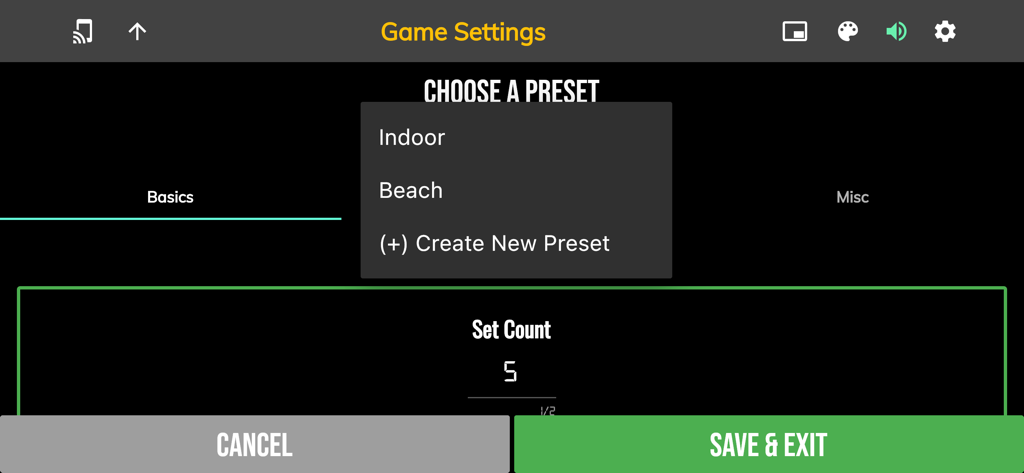
屋内およびビーチバレーボールの試合のプリセットオプションを備えたゲーム設定画面

BT Volleyball Scoreboard - ライブ試合中にホームおよびアウェイチームのスコアを表示するデジタルバレーボールスコアボード

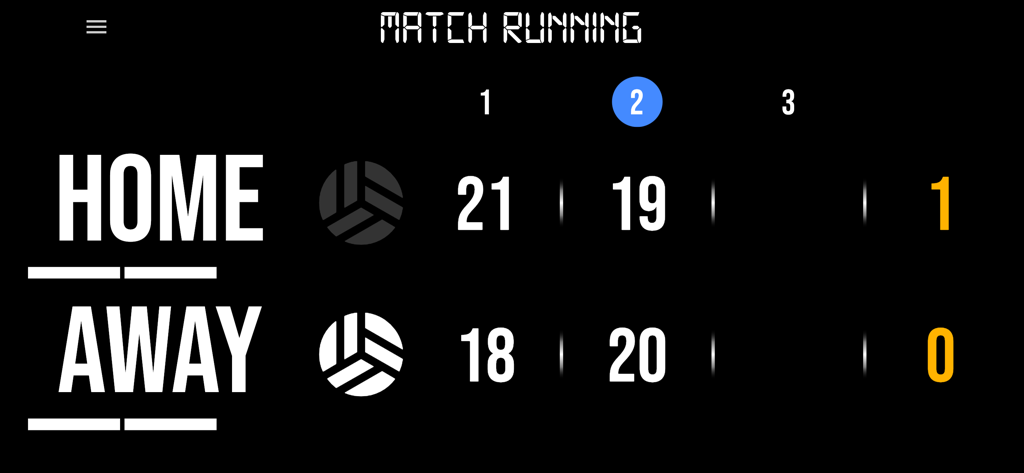
ライブ試合中にホームおよびアウェイチームのスコアを表示するデジタルバレーボールスコアボード

説明

One of the most convenient volleyball scoreboard apps on the market with many convenient features. The BT Volleyball Scoreboard app is the next best option to investing in an expensive professional grade scoreboard. BT Volleyball Scoreboard Features: - Clean design, no ads - Intuitive direct tap and swipe controls - Remotely control scoreboard with WiFi or Bluetooth - Convenient timers: pregame timer, in-between set timer, timeout timer - Fully customizable game in the settings For the best experience, use the application on a large tablet, or hook your phone/tablet up to a large display or video projector. You'll feel like you have just bought a professional scoreboard! Video tutorial: https://vimeo.com/1136248415 For a full list of our other tutorials please visit: https://vimeo.com/channels/btstatsco The BT Volleyball Camera app was created by The Basketball Temple Company. After the success of our basketball products, we have expanded into other sports. The Basketball Temple Company focuses on high quality academies, leagues, and technologies that are used to support those academies and leagues. We open our technology to the public so everyone in the sports community can experience the same technologies that we use within our institutions. # Quick Start Documentation: Score Controls: - Tap score to increase quickly - Swipe up/down score to increase/decrease - Hold down on team names to adjust name and color of teams - Select set to adjust previous set scores Timeout Controls: - Tap timeout number to call timeout - Swipe up/down timeouts to adjust numbers - Enable tech timeouts for 8th, 16th points. Fully customizable. Use the Scoreboard as a Remote Controller - Tap on top-left icon to open connect menu - Hit "Refresh" to find devices - Tap on WiFi or Bluetooth icon to connect, green icon indicates connected - If unable to connect or having connection errors try one of the following: 1) please ensure all devices are on the same WiFi network 2) please ensure bluetooth is turned ON on all devices 3) lastly, try to restart the app on all devices Time and Game Settings: - Tap on top-right icon to open settings menu - Edit and save the many settings available

Download

ダウンロード: App Store

このページはアプリまたはその開発者の公式ページではなく、情報提供および論評を目的として作成された独立した編集出版物です。明示的に別段の記載がない限り、アプリおよびその開発者は、MWM、Apple、Google Play、アプリのパブリッシャー、またはアプリの開発者と提携、承認、後援、認可、またはその他の公式的な関係はなく、このページのいかなる内容も、アプリがMWMのサービスを使用して開発されたことを意味するものではありません。すべての商標、ロゴ、スクリーンショット、その他のコンテンツはそれぞれの所有者の財産です。








