
このページはアプリまたはその開発者の公式ページではなく、情報提供および論評を目的として作成された独立した編集出版物です。明示的に別段の記載がない限り、アプリおよびその開発者は、MWM、Apple、Google Play、アプリのパブリッシャー、またはアプリの開発者と提携、承認、後援、認可、またはその他の公式的な関係はなく、このページのいかなる内容も、アプリがMWMのサービスを使用して開発されたことを意味するものではありません。すべての商標、ロゴ、スクリーンショット、その他のコンテンツはそれぞれの所有者の財産です。

Call Recorder ™ Record Phone
詳細はこちらで処理しますので、会話に集中してください。精度と説明責任を求める専門家のために、無制限の録音、安全なクラウドストレージ、インスタント共有を入手してください。
ダウンロード
4M+ユーザー評価
評価数
210K+開発元
カテゴリ
Business対応言語
22最新バージョン
1.5.3サイズ
393.7 MBリリース日
2019年9月2日現代のプロフェッショナル向けに設計
ビジネスの効率と説明責任に合わせた、信頼性の高い高忠実度の通話録音スイートで、あらゆる口頭合意やインタビューの詳細をキャプチャします。
無制限の通話録音
必要なだけ多くの発信および着信通話を録音します。時間制限や従量課金はありません。長い証言録取やクライアントへの説明に最適です。
安全なクラウドアーカイブ
安全なクラウドストレージで専門的な記録を保護します。いつでも音声「領収書」にアクセスし、デバイスのスペースを解放します。
よくある質問
について知っておくべきこと Call Recorder ™ Record Phone
Call Recorder ™ Record Phone とは何ですか?
Call Recorder ™ Record Phone は、着信および発信の両方の電話を録音するアプリケーションです。録音はクラウドに安全に保存され、録音された会話の共有も簡単に行えます。
Call Recorder ™ Record Phone は着信および発信の両方の通話を録音できますか?
はい、Call Recorder ™ Record Phone は着信および発信の両方の通話を録音します。このアプリは、iOS デバイスで会話をキャプチャするために、録音回線との 3 者通話マージ方法を利用しています。
Call Recorder ™ Record Phone に録音制限はありますか?
いいえ、Call Recorder ™ Record Phone のサブスクライバーには、録音の長さや回数に制限はありません。このアプリは、隠れた従量課金料金のない、シンプルで均一な価格設定を提供しています。
Call Recorder ™ を使用して発信通話を録音するにはどうすればよいですか?
発信通話を録音するには、Call Recorder ™ を開き、「RECORD」をタップしてから、目的の連絡先にダイヤルします。 「Merge」をタップして、アプリの録音回線との 3 者通話を作成します。
Call Recorder ™ を使用して着信通話を録音するにはどうすればよいですか?
着信通話を録音するには、応答してから、ホーム画面から Call Recorder ™ アプリを開きます。「Record」をタップし、接続されたら、アプリの録音番号との通話をマージします。
Call Recorder ™ Record Phone は 3 者通話を必要としますか?
はい、Call Recorder ™ Record Phone は、その機能のために携帯電話キャリアが 3 者通話をサポートしている必要があります。SimpleTalk や H2o Wireless などのキャリアは、米国ではこれを提供していません。
Call Recorder ™ Record Phone で利用可能なサブスクリプションオプションは何ですか?
Call Recorder ™ Record Phone は、週次、月次、または年次のオプションを含む自動更新サブスクリプションを提供しています。これらのサブスクリプションは、アプリのすべての機能を利用可能にします。
Call Recorder ™ の電話通話録音はどこに保存されますか?
Call Recorder ™ Record Phone からの録音は、クラウドに安全に保存されます。電話での会話が終了すると、アプリ内で即座に利用可能になります。
Call Recorder ™ Record Phone のサブスクリプションを管理するにはどうすればよいですか?
最初の購入後、App Store の Apple ID アカウント設定を通じて、Call Recorder ™ Record Phone のサブスクリプションを管理およびキャンセルできます。
以下のスクリーンショットと説明は、アプリの公式ストアリスティングから直接取得されたものであり、アプリ開発者の所有物です。
アプリストア
スクリーンショット
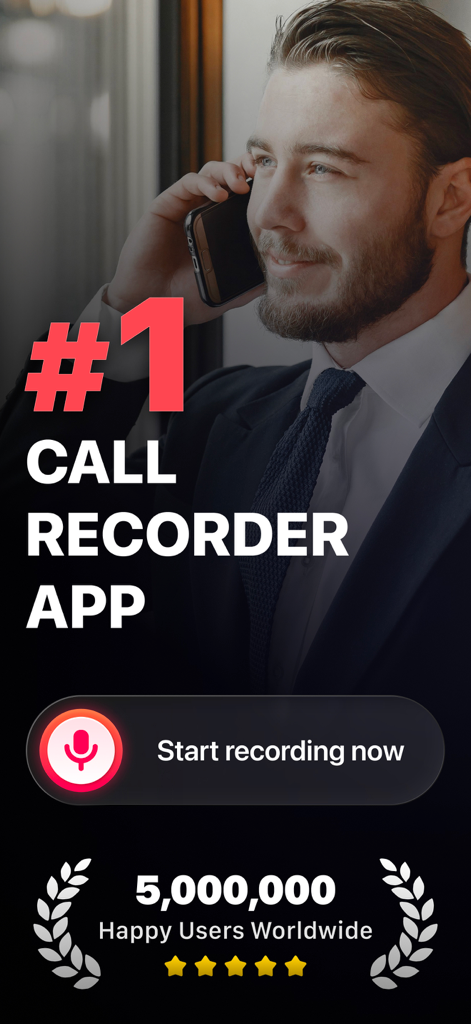
iPhoneでビジネス向けのナンバーワン評価の通話録音アプリを使用しているスーツ姿のプロフェッショナルな男性
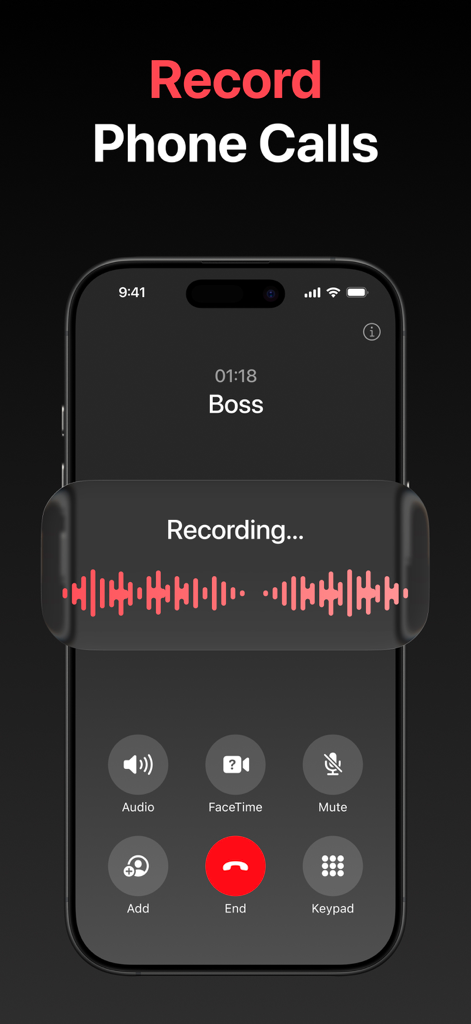
録音波形オーバーレイで通話中にアクティブなCall Recorderアプリを示すiPhoneスクリーンショット
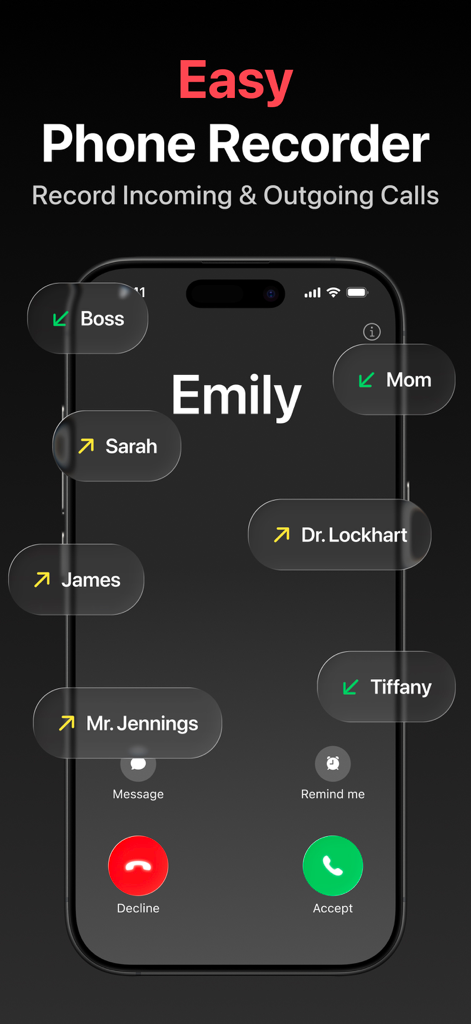
iPhoneで発信および着信電話を録音するためのCall Recorderアプリインターフェース
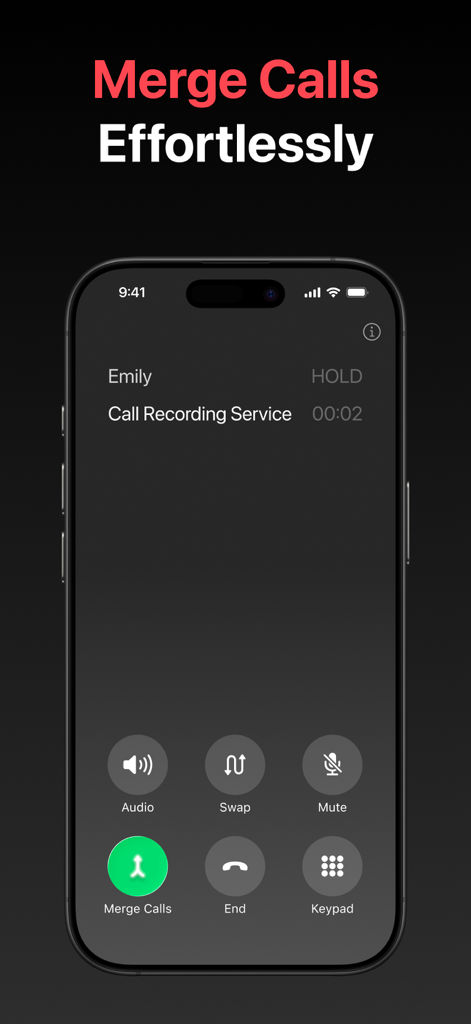
会話を録音するためのマージコールボタンを示すiPhoneインターフェース。
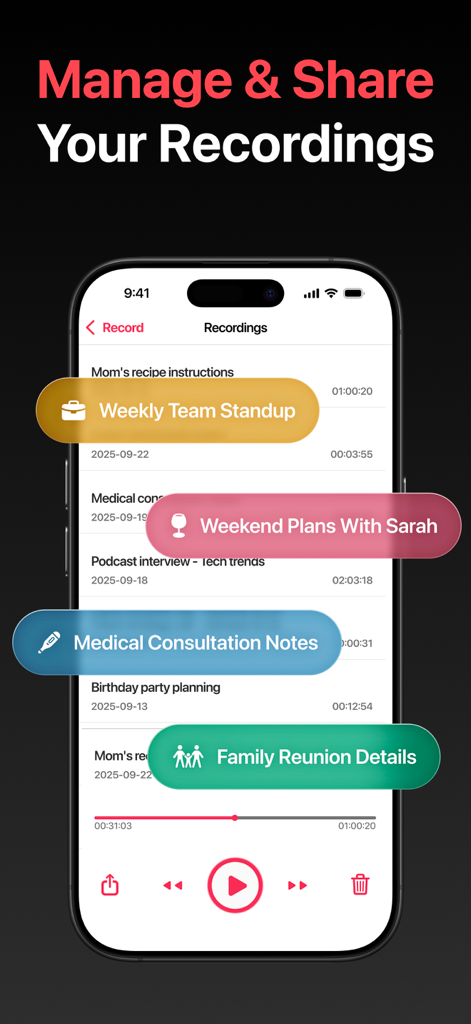
録音を管理および共有するためのオプションが表示された録音リストを表示するCall Recorderアプリのモバイルインターフェース
説明
Download
類似アプリ
似た機能とユーザー体験を持つアプリ

Beside (M1): AI Receptionist
Interface, Inc.
Call Recorder for iPhone.
JatApp LLC

Voice Recorder & Audio Editor
TapMedia Ltd

Call Recorder App ◉ACR MyCalls
AppAmore Limited

Switch - Call recording app
Atlas Guide, Inc.

Call Recorder App-Voice Record
WindTalking LLC

TeleMe – Record on 2nd Number
Gelenk Networks Inc.

Call Recorder: Record All
Henrieta Jaworski

Record Phone Calls App - Auto
Henning Christensen Bonde Søgaard
このページはアプリまたはその開発者の公式ページではなく、情報提供および論評を目的として作成された独立した編集出版物です。明示的に別段の記載がない限り、アプリおよびその開発者は、MWM、Apple、Google Play、アプリのパブリッシャー、またはアプリの開発者と提携、承認、後援、認可、またはその他の公式的な関係はなく、このページのいかなる内容も、アプリがMWMのサービスを使用して開発されたことを意味するものではありません。すべての商標、ロゴ、スクリーンショット、その他のコンテンツはそれぞれの所有者の財産です。