Camera Scanner - PDF

Camera Scanner - PDF

ダウンロード: App Store
ロゴ: Camera Scanner - PDF

Camera Scanner - PDF: ハイパフォーマンスなポータブルオフィス

ピクセルパーフェクトな精度でドキュメントを瞬時にスキャン、編集、署名できます。強力なOCRを活用して紙を編集可能なテキストに変換し、プロフェッショナルな生活を整理整頓、安全、そして完全にペーパーレスに保ちましょう。

開発元

Position Mobile Ltd SEZC

カテゴリ

Business

ダウンロード

3M+

ユーザー評価

4.4/5

評価数

10K+

対応言語

8

あなたのオフィスを、再構築

このインターフェースを利用する 3M+ 人のユーザー.

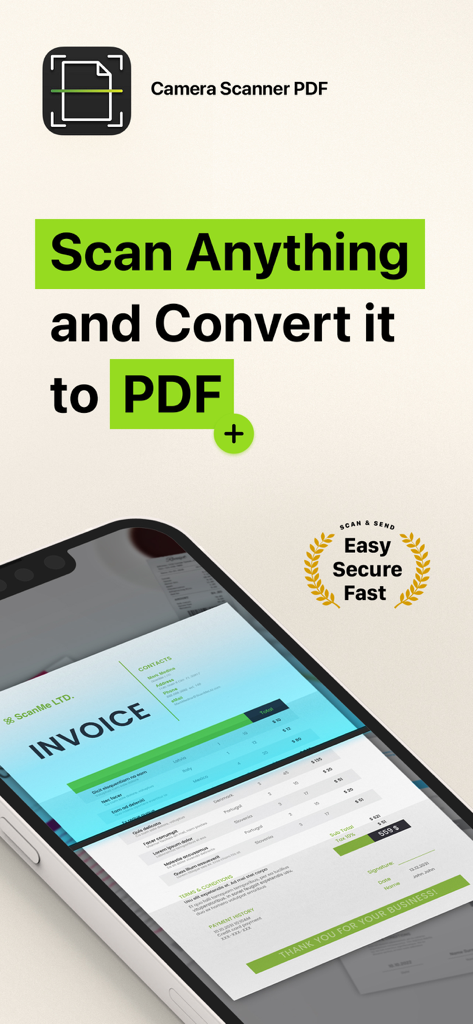
Camera Scanner PDFアプリのインターフェース。スマートフォンの画面上で請求書がスキャンされている様子を表示。

Camera Scanner PDFアプリのインターフェース。スマートフォンの画面上で請求書がスキャンされている様子を表示。

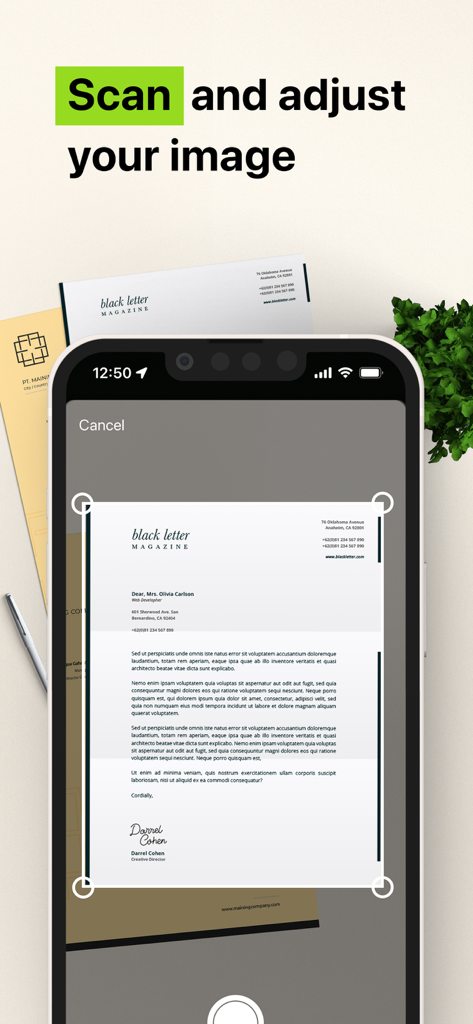
モバイルアプリのインターフェース。スマートフォンが紙のドキュメントをスキャンし、PDFに調整している様子を表示。

モバイルアプリのインターフェース。スマートフォンが紙のドキュメントをスキャンし、PDFに調整している様子を表示。

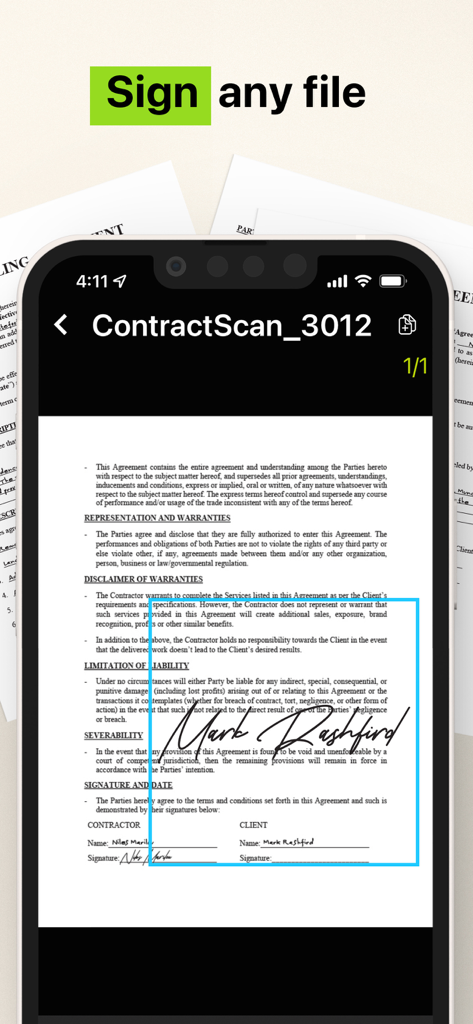
Camera Scanner PDFアプリを使用して署名された法的契約書を表示するスマートフォンのインターフェース。

Camera Scanner PDFアプリを使用して署名された法的契約書を表示するスマートフォンのインターフェース。

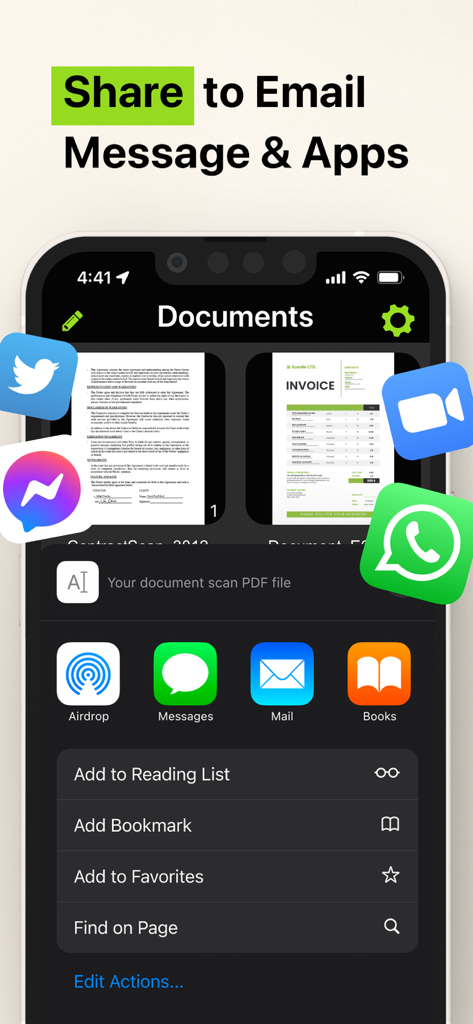
Camera Scanner PDFアプリの共有インターフェース。メールやメッセージアプリのオプションを表示。

Camera Scanner PDFアプリの共有インターフェース。メールやメッセージアプリのオプションを表示。

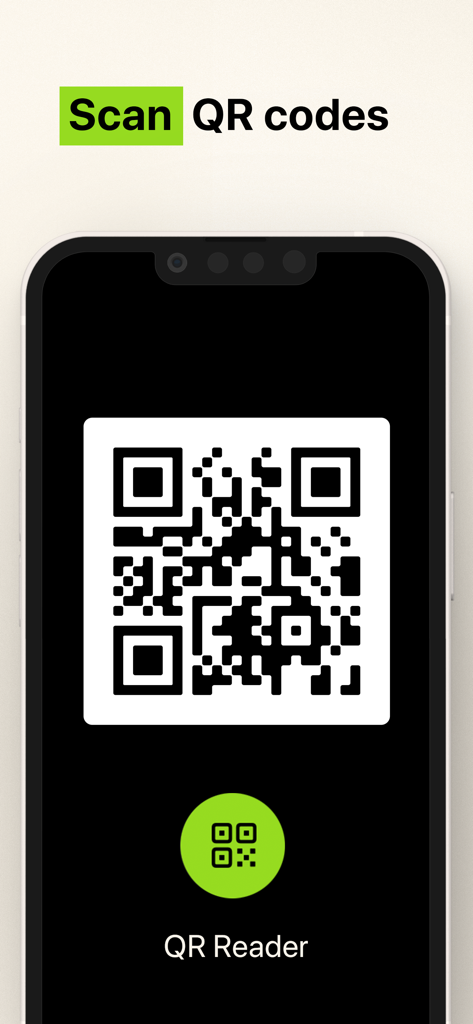
Camera ScannerアプリでQRコードをスキャンするためのインターフェース。

Camera ScannerアプリでQRコードをスキャンするためのインターフェース。

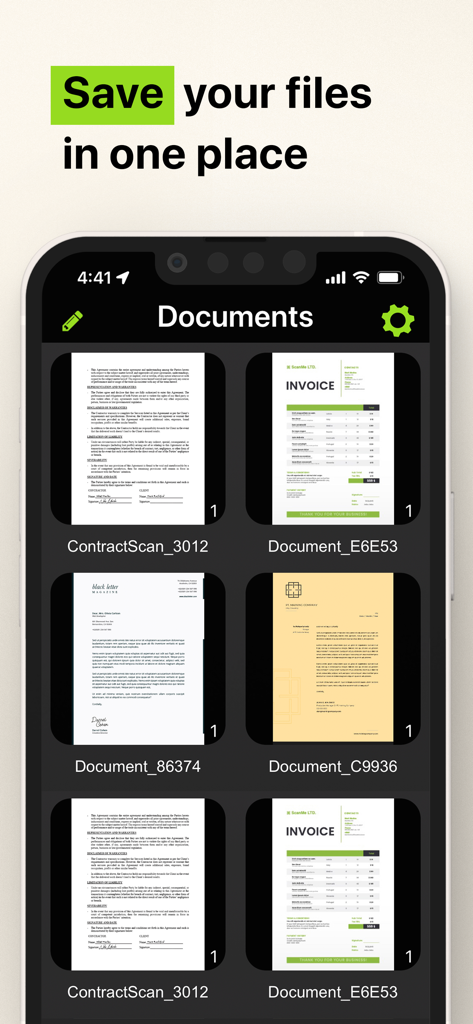
Camera Scanner PDFアプリのモバイルインターフェース。スキャンされた請求書や契約書が1か所に保存されている様子を表示。

Camera Scanner PDFアプリのモバイルインターフェース。スキャンされた請求書や契約書が1か所に保存されている様子を表示。

あなたのオフィス全体を、ポケットの中に

このアプリを際立たせるツール、 3M+ 人のユーザーが選択.

📝

スマートOCRテキスト抽出

印刷された、または手書きのテキストを瞬時に編集可能なデジタルファイルに変換します。強力な文字認識エンジンで手作業の入力を何時間も節約できます。

✍️

移動中に署名&保護

安全なデジタル署名で契約書を数秒で完了します。機密性の高いIDや税務フォームは、最大限のプライバシーのためにデバイスにローカルに保存します。

📂

ピクセルパーフェクトな整理

散らかりのない生活を送りましょう。無制限のスキャンをカスタムフォルダーに整理し、Slack、メール、テキスト経由でプロフェッショナルグレードのPDFを瞬時に共有します。

レビュー分析

ユーザーレビューの分析.

感情スコア

7%
ネガティブ

概要

Users express extreme dissatisfaction with this mobile app, primarily due to its aggressive and deceptive subscription model. Many reviews highlight unexpectedly high weekly charges, often incurred automatically after a short or misleading free trial, leading to significant financial frustration. A substantial number of users report considerable difficulty in cancelling subscriptions, with the app lacking clear in-app options, contributing to ongoing unwanted billing and a prevalent feeling of being scammed. Additionally, some users experienced functional shortcomings, such as the app not working as advertised or producing overly large files.

主なテーマ

High Subscription Cost(25)
Automatic Charges(22)
Difficulty Cancelling(18)
App Functionality Issues(12)
Scam Allegations(9)
Misleading Free Trial(9)

アプリについて

について知っておくべきこと Camera Scanner - PDF.

説明

The Camera Scanner - PDF app offers you the most accurate PDF scanning capabilities using our powerful text editing (OCR) engine. With enhanced Optical Character Recognition software, you can now edit and sign documents much easier. Your device will become your essential portable document scanner. Manage an endless number of files and folders with just a few taps and keep all your documents securely in one place. You can even share your favorite documents with others easily and immediately or sign them. Use your phone to scan any hand written, printed or graphic material such as: - Contracts - Business Cards - Expenses - School or university documents - Books - Notes - IDs (Driver's License, Passports, Personal Identification, etc) - Tax Forms & Tax Documents PDF Document Scanner with OCR app is easier than ever to use and with a pixel perfect design. Simply follow these easy steps: - SCAN documents from your camera, photos or even from your clipboard - EDIT your documents in order to fit your needs (crop, blur and use many other filters) - PRINT or SHARE your PDF files with anyone via email, message or any other platform that you use - COPY TEXT from your digital scans - STORE securely all your documents on your device with no additional cloud storage cost involved - SIGN your docs in a secure environment This app is your best ally for scanning purposes! -------------------------------------- PDF Document Scanner with OCR Premium Subscription -------------------------------------- Upgrade to the Premium version in order to: - Share your files with no limits - Use our powerful character recognition engine (OCR) to copy and edit text from your scanned files - Enjoy an ad-free experience Document Scanner – PDF, OCR app has different subscription plans. Subscription payments are charged to your iTunes account at confirmation of purchase. Subscription automatically renews unless auto-renew is turned off at least 24 hours before the end of the current subscription period or trial. Subscriptions starting with a trial automatically renew for the indicated price after the trial period ends. Any unused portion of a free trial period, if offered, will be forfeited when you purchase a premium subscription during the trial period. Subscriptions may be managed by you and auto-renewal may be turned off by going to your Account Settings after purchase ("Settings" -> "iTunes & App Store" -> "Apple ID" and select "Subscriptions") * Link to Terms of Use: http://iosdocumentscanner.com/pp.html#terms-of-service * Link to Privacy Policy: http://iosdocumentscanner.com/pp.html#privacy-policy

最新バージョン

15.5

サイズ

81.6 MB

リリース日

2020年8月12日

あなたのオフィス全体を、ポケットに最適化

仕事のやり方を変革している300万人以上のプロフェッショナルに加わりましょう。今日、ドキュメントに署名、編集、保護するための最も正確なOCRスキャナーを手に入れましょう。

ダウンロード: App Store

App information, icons, screenshots, and descriptions displayed on this page are sourced from the Apple App Store and are the property of their respective developers. Download estimates and rankings are based on MWM's proprietary models and may not reflect actual figures. This page is provided for informational and analytical purposes only.

Believe this page infringes your intellectual property? File a dispute