capella score reader
ダウンロード: App Store

このページはアプリまたはその開発者の公式ページではなく、情報提供および論評を目的として作成された独立した編集出版物です。明示的に別段の記載がない限り、アプリおよびその開発者は、MWM、Apple、Google Play、アプリのパブリッシャー、またはアプリの開発者と提携、承認、後援、認可、またはその他の公式的な関係はなく、このページのいかなる内容も、アプリがMWMのサービスを使用して開発されたことを意味するものではありません。すべての商標、ロゴ、スクリーンショット、その他のコンテンツはそれぞれの所有者の財産です。

ロゴ: capella score reader
ダウンロード: App Store

capella score reader

パートの分離再生、テンポコントロール、プロフェッショナルな楽譜レンダリングで、コーラスやオーケストラのパートをいつでもどこでもマスターしましょう。

主要数値

ダウンロード

37K+

ユーザー評価

3.4/5

評価数

100

開発元

capella-software AG

カテゴリ

Music

対応言語

4

最新バージョン

8.0.26

サイズ

59.3 MB

リリース日

2019年5月13日
機能

よりスマートに練習し、より良く演奏する

リハーサルをどこへでも。パートの分離からテンポの調整まで、capella score readerはあなたのモバイルデバイスを究極のデジタル譜面台に変えます。

自分のパートをマスターする

ソロモードで自分のパートを分離したり、他のパートをミュートして一緒に歌ったりできます。ポケットの中にプライベートなパート練習があるようで、コーラスやオーケストラのメンバーに最適です。

自分のペースで練習する

難しいパッセージを遅くして全ての音符を完璧に覚え、自信がつくにつれて徐々にテンポを上げましょう。効果的な練習のための完全なコントロール。

以下のスクリーンショットと説明は、アプリの公式ストアリスティングから直接取得されたものであり、アプリ開発者の所有物です。

アプリストア

スクリーンショット
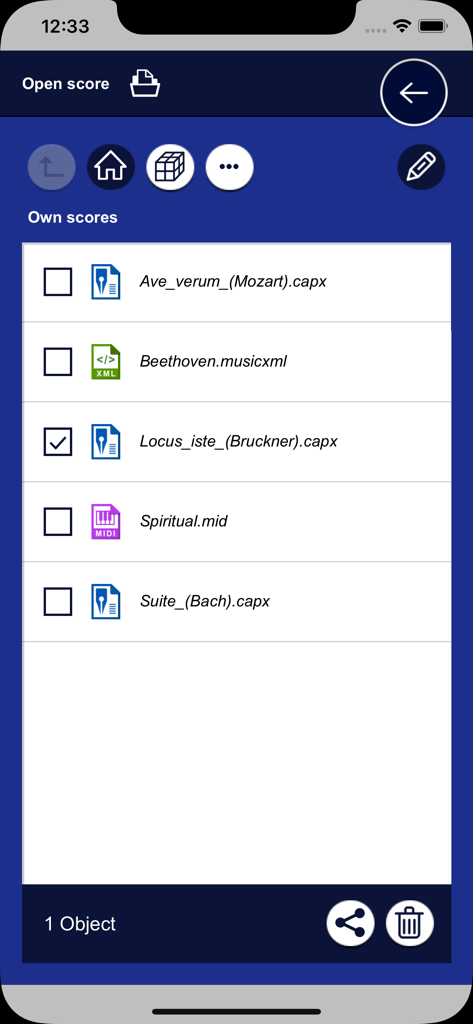
capella score reader - capella score readerアプリが、capx、musicxml、midiなどのさまざまな形式のユーザーミュージックスコアのリストを表示しています。
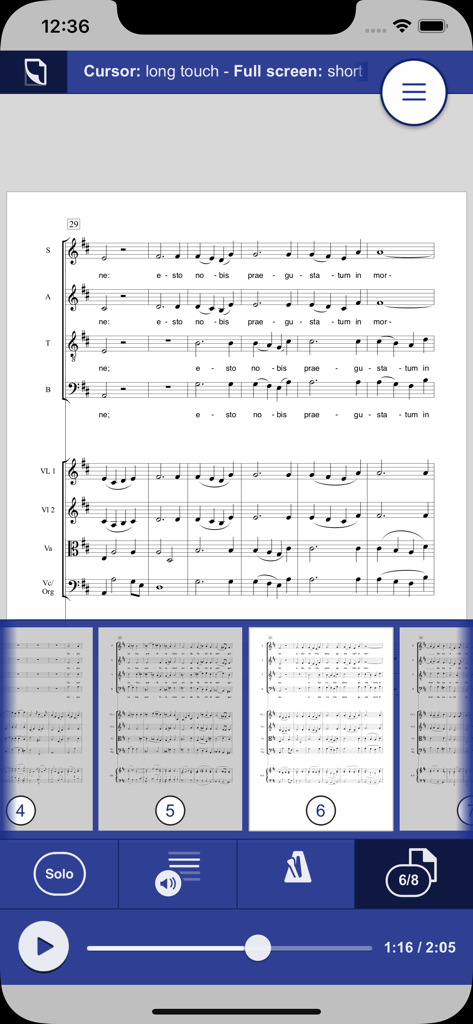
capella score readerアプリが、capx、musicxml、midiなどのさまざまな形式のユーザーミュージックスコアのリストを表示しています。

capella score reader - capella score readerアプリのインターフェースに、再生コントロールとページナビゲーションを備えた楽譜が表示されています。
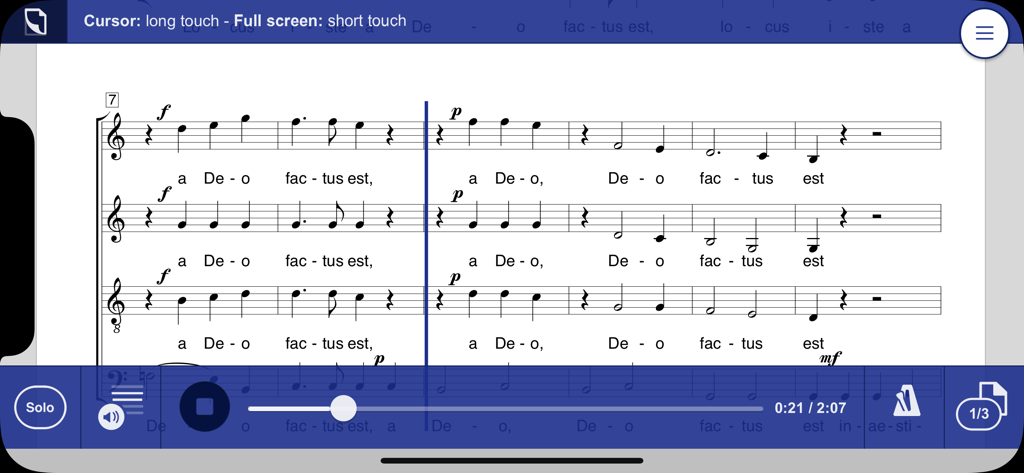
capella score readerアプリのインターフェースに、再生コントロールとページナビゲーションを備えた楽譜が表示されています。

capella score reader - 再生とソロボイスコントロールを備えたcapella score readerアプリのデジタル楽譜。
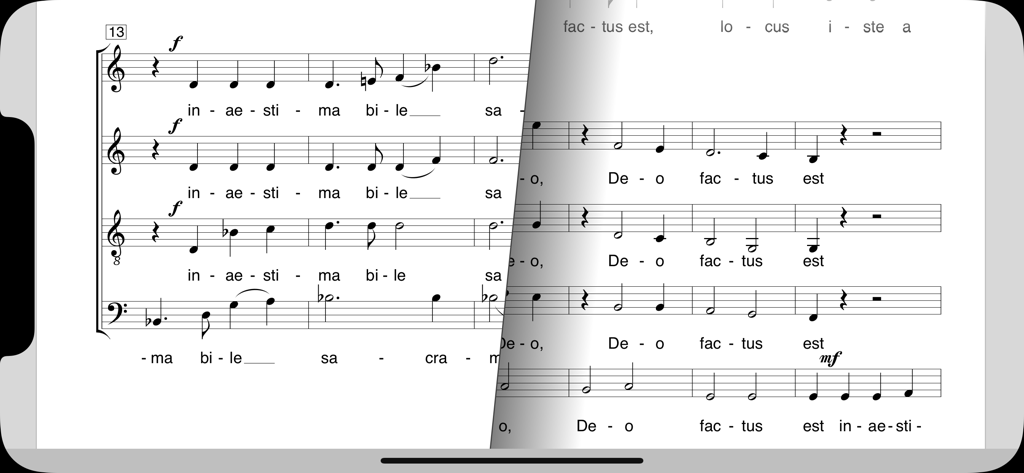
再生とソロボイスコントロールを備えたcapella score readerアプリのデジタル楽譜。

capella score reader - capella score readerアプリで、コーラスの楽譜を表示するモバイルデバイスとスムーズなページめくりアニメーション。
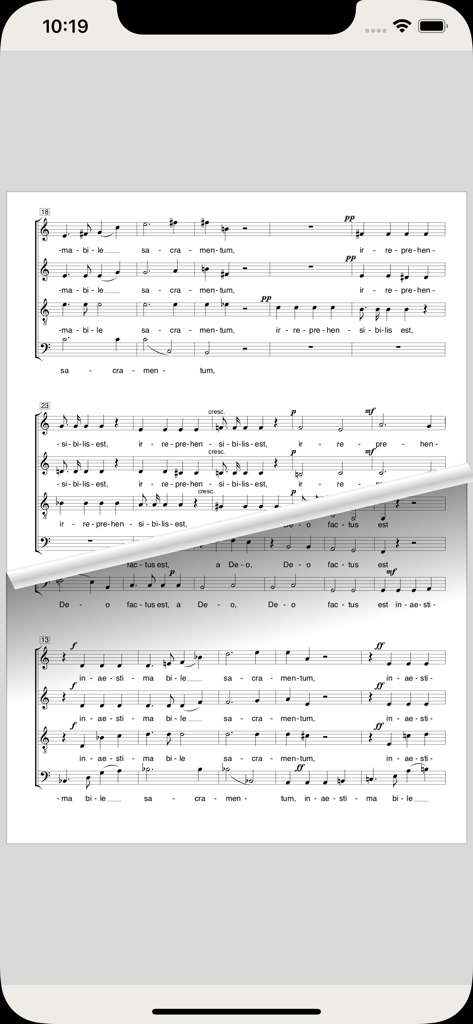
capella score readerアプリで、コーラスの楽譜を表示するモバイルデバイスとスムーズなページめくりアニメーション。

capella score reader - capella score readerアプリに、ページめくり効果のあるデジタル楽譜が表示されています。
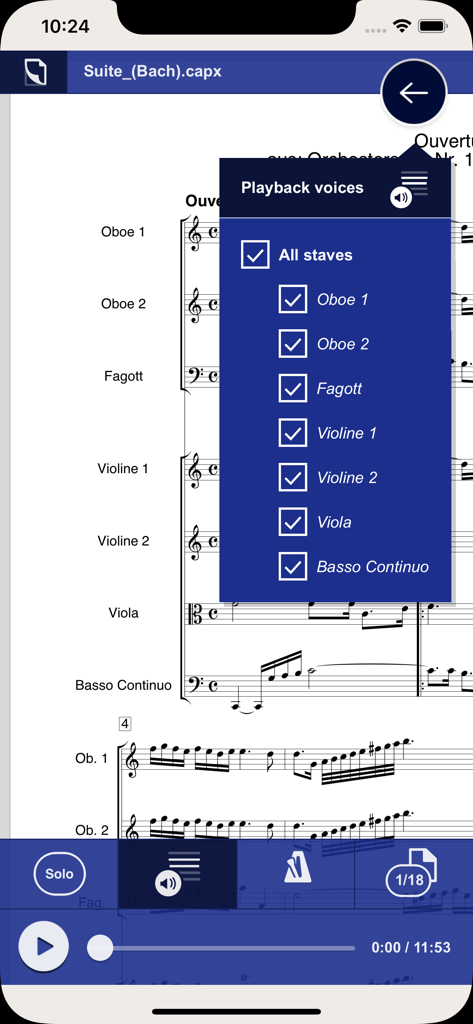
capella score readerアプリに、ページめくり効果のあるデジタル楽譜が表示されています。

capella score reader - デジタル楽譜の楽器をフィルタリングするための再生ボイスメニューを表示するモバイルアプリインターフェース。
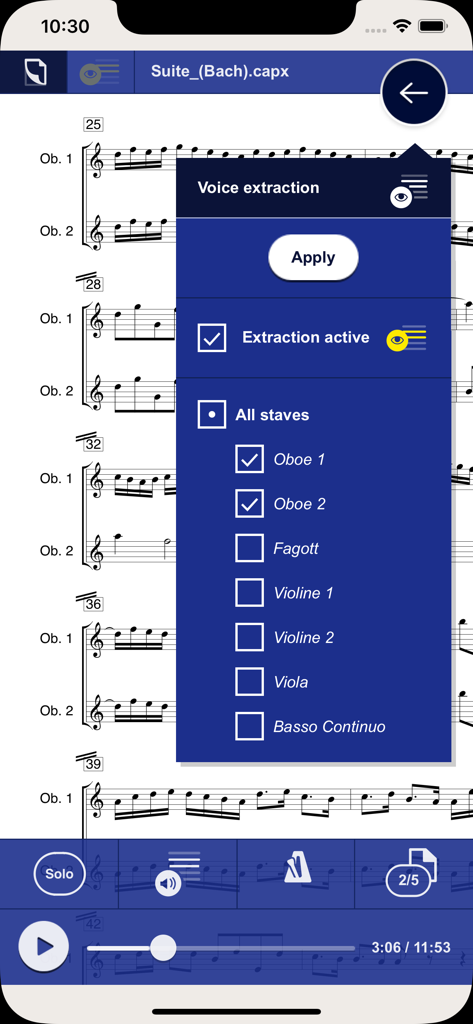
デジタル楽譜の楽器をフィルタリングするための再生ボイスメニューを表示するモバイルアプリインターフェース。

capella score reader - 楽器選択オプションを備えたボイス抽出メニューを楽譜の上に表示するcapella score readerアプリのインターフェース。
楽器選択オプションを備えたボイス抽出メニューを楽譜の上に表示するcapella score readerアプリのインターフェース。

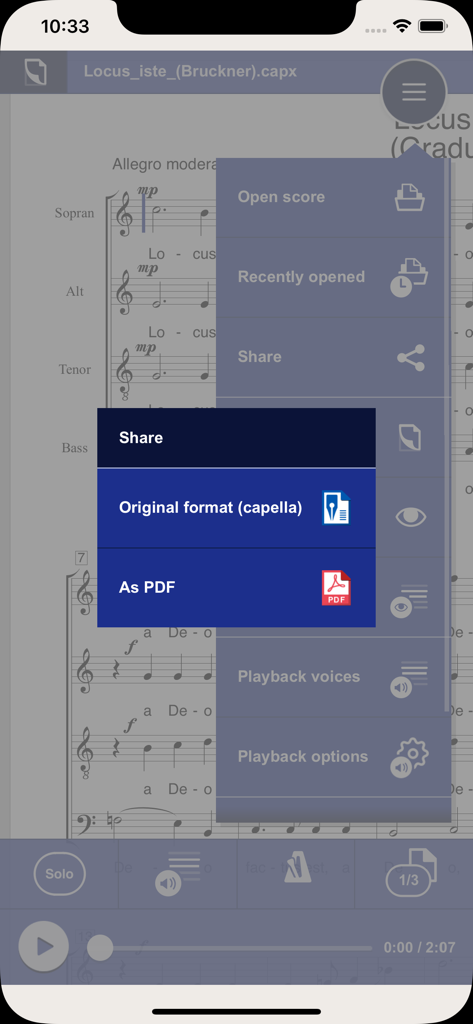
capella score reader - PDFまたは元のcapella形式で音楽をエクスポートするオプションを備えた共有メニューを表示するcapella score readerのインターフェース。

PDFまたは元のcapella形式で音楽をエクスポートするオプションを備えた共有メニューを表示するcapella score readerのインターフェース。

説明

capella score reader Read and listen to music scores anywhere at any time Open your scores and read, listen, practice, study, perform when and where you like. Practice your part for choir or orchestra. As choir director or conductor study scores. Use capella score reader as digital music stand. capella score reader is the most recent offshoot of the capella family. With many practicing musicians, capella is known to be THE notation software which has been around for more than 25 years. capella is available for Windows and for Mac. Several additional programs, for example for scanning sheet music, complement the capella family – and now it’s capella score reader. Solo - tutti Select the Solo button to listen to one single voice. Solo on/off – this can be done during playback at any position in the piece. This way you learn your part efficiently. Voice filter When you’re almost there: Mute one or several voices to sing or play along yourself. Voice extraction Select a voice extraction for one or several voices – all others are hidden. Two-finger zoom With two-finger scroll zoom single spots or get an overview of the entire page. Page turning with one finger Slide across the screen as if you would turn pages – the notes will follow. Change tempo Control the tempo according to your needs for rehearsal: Slower at the beginning, next time faster. Navigation Open your own files. The last used files will be displayed. Exchange of scores Receive scores from other musicians, for example via WhatsApp or eMail. Share your scores with other musicians as capella file or PDF. capella score reader reads these score formats: - capXML (capella format) - cap (older capella format) - MusicXML - MIDI Video introduction A short video introduction shows the most important features. It’s really simple! We are looking forward to your feedback. Please use the feedback button in the help menu for questions about the app or error reports.

Download

ダウンロード: App Store

このページはアプリまたはその開発者の公式ページではなく、情報提供および論評を目的として作成された独立した編集出版物です。明示的に別段の記載がない限り、アプリおよびその開発者は、MWM、Apple、Google Play、アプリのパブリッシャー、またはアプリの開発者と提携、承認、後援、認可、またはその他の公式的な関係はなく、このページのいかなる内容も、アプリがMWMのサービスを使用して開発されたことを意味するものではありません。すべての商標、ロゴ、スクリーンショット、その他のコンテンツはそれぞれの所有者の財産です。







