
このページはアプリまたはその開発者の公式ページではなく、情報提供および論評を目的として作成された独立した編集出版物です。明示的に別段の記載がない限り、アプリおよびその開発者は、MWM、Apple、Google Play、アプリのパブリッシャー、またはアプリの開発者と提携、承認、後援、認可、またはその他の公式的な関係はなく、このページのいかなる内容も、アプリがMWMのサービスを使用して開発されたことを意味するものではありません。すべての商標、ロゴ、スクリーンショット、その他のコンテンツはそれぞれの所有者の財産です。


Chess Studio Lite
Stockfish 18のパワーでオープニングをマスターし、ゲームを分析しましょう。広告やトラッキングなしでプロレベルのツールを求めるトーナメントプレイヤーのために設計された包括的なPGN管理スイート。
ダウンロード
4K+ユーザー評価
評価数
0開発元
カテゴリ
Games対応言語
4最新バージョン
4.7.6サイズ
318.8 MBリリース日
2013年9月3日プロフェッショナルツールで盤面をマスター
トーナメントプレイヤーと熱心な学生のために設計されたチェススタジオ Liteは、あなたのモバイルデバイスをゲームマスターのための強力な分析ラボに変えます。
エリート Stockfish 18 分析
マルチライン評価とニューラルネットワークサポートを備えた世界で最も強力なエンジンを使用して、あらゆる局面の真実を明らかにします。
完全な PGN ワークフロー
Dropbox、Google Drive、iCloud を介したシームレスなクラウド同期により、大規模なゲームデータベースを楽に管理、編集、マージできます。
よくある質問
について知っておくべきこと Chess Studio Lite
Chess Studio Liteとは何ですか?
Chess Studio Liteは、真剣なチェスプレイヤーのために設計されたiPhoneおよびiPad向けのiOSアプリケーションです。PGN形式のチェスデータベースとゲームを完全に管理できます。
Chess Studio LiteはPGNファイルをサポートしていますか?
はい、Chess Studio LiteはPGN形式のチェスデータベースとゲームの読み取り、作成、編集を完全にサポートしており、拡張表記の移動も含まれます。
Chess Studio Liteはエンジンでゲームを分析できますか?
はい、Chess Studio Liteはニューラルネットワークを備えたStockfish 18 Engineを使用してゲームを分析し、同時に最大5行の分析を提供し、Engine Evaluation Barを表示します。
Chess Studio Liteにゲームをインポートするにはどうすればよいですか?
はい、Chess Studio Liteでは、他のアプリケーションからゲーム、データベース、オープニングブックをインポートできます。また、インターネットやPGN Mentorからチェスデータベースをダウンロードすることもサポートしています。
Chess Studio Liteはクラウドストレージ統合を提供していますか?
はい、Chess Studio Liteはクラウドサービスと統合されています。ユーザーはPGNデータベースをDropbox、Google Drive、OneDriveにアップロードおよびダウンロードしたり、iCloud Drive経由でデバイス間でデータベースを共有したりできます。
Chess Studio Liteでエンジンと対戦できますか?
はい、Chess Studio Liteでは、標準チェスモードとチェス960(フィッシャーランダムチェス)モードの両方でエンジンと対戦してスキルを測定できます。
Chess Studio Liteはどのようなオープニングブックをサポートしていますか?
Chess Studio Liteは、Polyglot形式のオープニングブックの作成と管理をサポートしています。また、ctg、cto、ctb形式のChessBaseオープニングブックのインポートと管理も可能です。
Chess Studio Liteはダイアグラム認識をサポートしていますか?
はい、Chess Studio Liteにはダイアグラム認識機能が含まれています。これにより、ユーザーはチェスダイアグラムの写真を撮ったりアップロードしたりして、PGN形式のポジションに直接変換できます。
Chess Studio Liteは広告や登録が不要ですか?
はい、Chess Studio Liteは広告がなく、登録も不要です。また、個人データの共有も保証されていません。
Chess Studio Liteでポーン構造を表示できますか?
はい、Chess Studio Liteはゲームのポーン構造を視覚化する機能を提供しています。この機能は、ポジションのより深い分析と理解に役立ちます。
Chess Studio Liteは二重チェスボード表示を提供していますか?
はい、Chess Studio Liteは同じ画面に二重チェスボードを備えています。この機能は、ゲーム分析と比較を強化するために提供されています。
Chess Studio Liteはどの言語をサポートしていますか?
Chess Studio Liteは複数の言語をサポートしています。このアプリケーションは、ユーザー向けに英語、イタリア語、スペイン語、ドイツ語で利用可能です。
以下のスクリーンショットと説明は、アプリの公式ストアリスティングから直接取得されたものであり、アプリ開発者の所有物です。
アプリストア
スクリーンショット
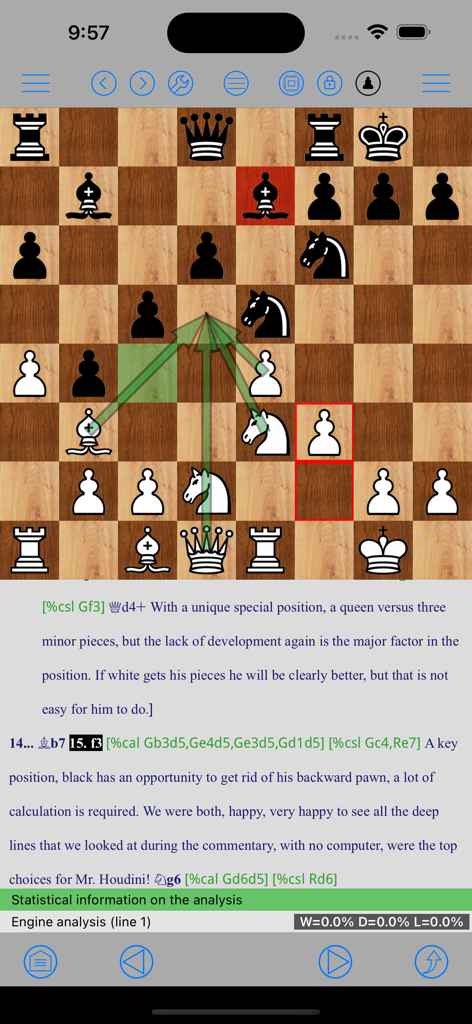
ゲーム学習のための戦術的な矢印とプロフェッショナルなPGN注釈が表示されたチェスボードを備えたチェススタジオ Liteのインターフェース。
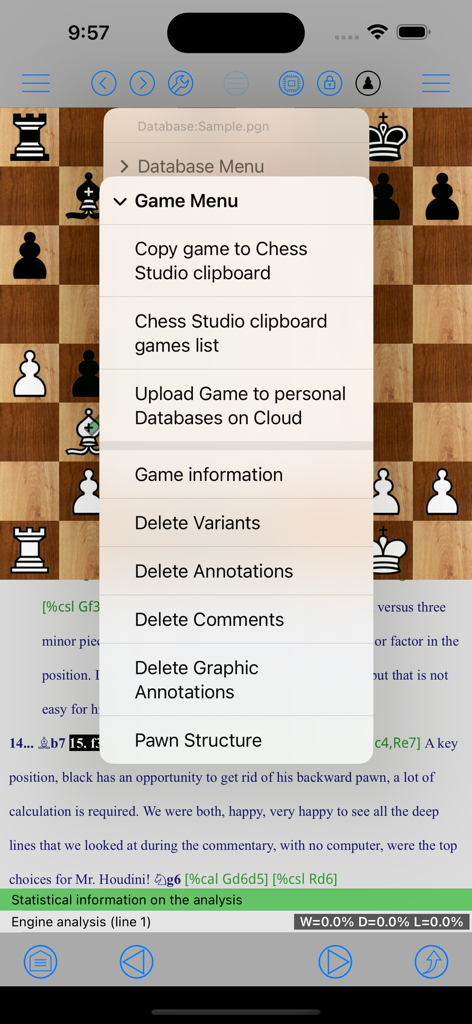
クリップボード管理、クラウドアップロード、ゲーム分析のオプションが表示されたゲームメニューを示すチェススタジオ Liteアプリのスクリーンショット
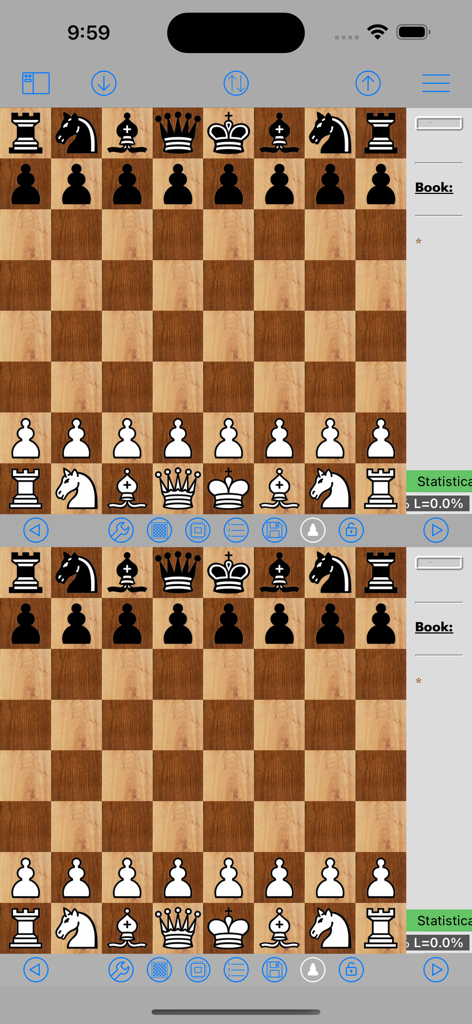
ゲーム分析用のチェススタジオ Liteダブルチェスボードインターフェース
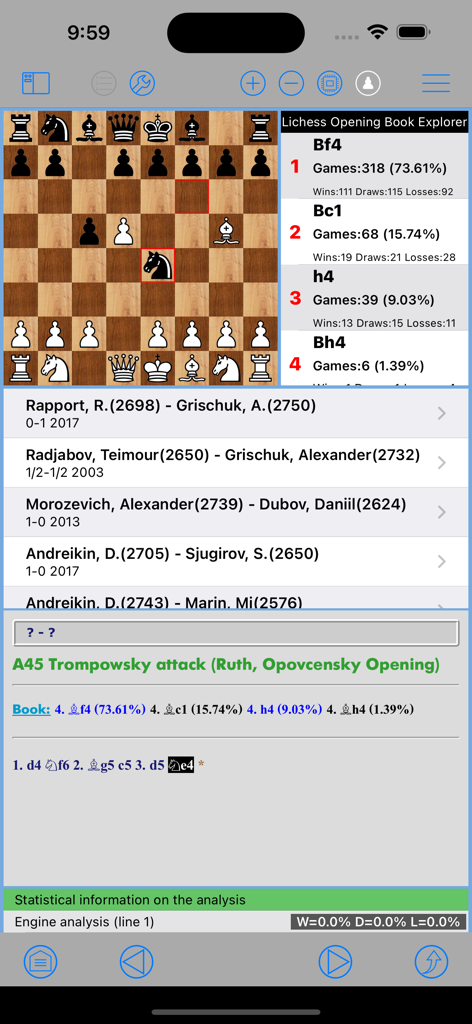
オープニングブックの統計情報とグランドマスターゲームのデータベースが表示されたチェスボード上のチェスポジション。
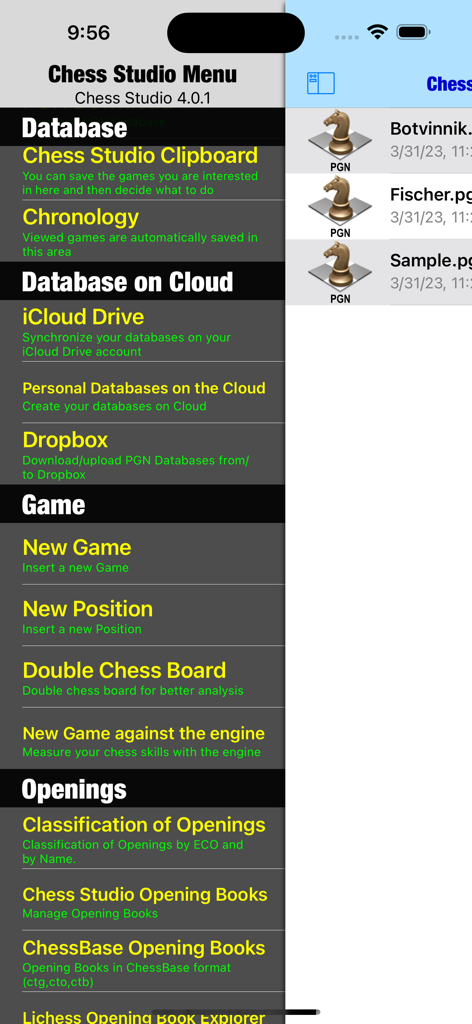
データベース管理とクラウドストレージオプションを備えたチェススタジオ Liteアプリのメインメニュー
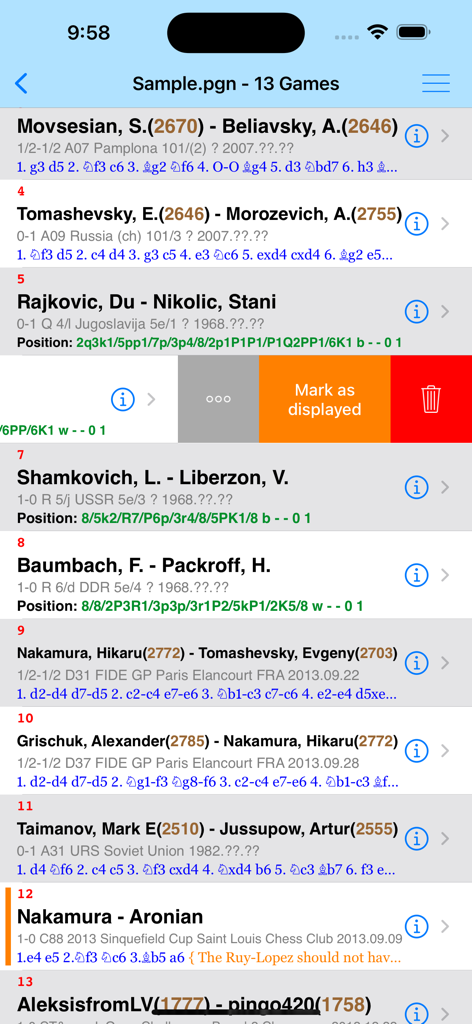
プレイヤー名とレーティングを示す、チェススタジオ LiteアプリインターフェースのPGNファイルからのチェスゲームのリスト。
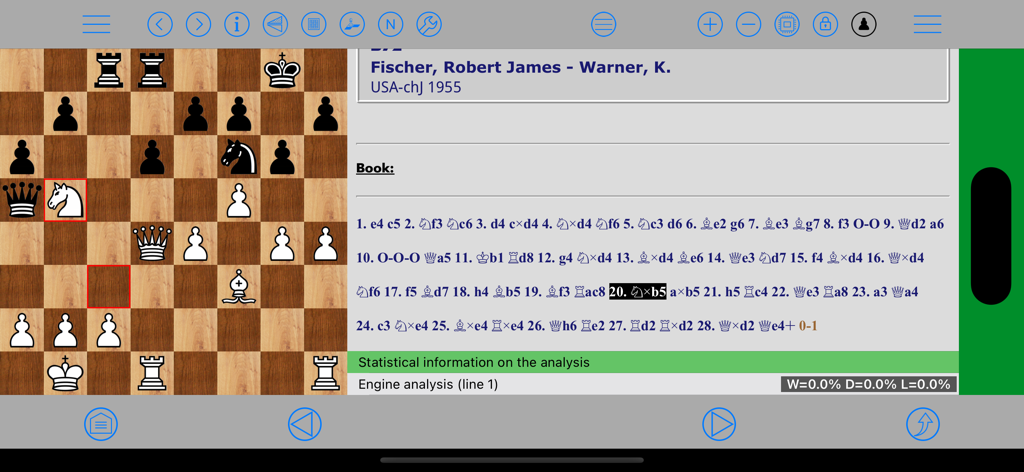
iPad上でPGNムーブ表記とエンジン評価を備えたプロフェッショナルなゲーム分析を示すチェススタジオ Liteアプリケーションインターフェース
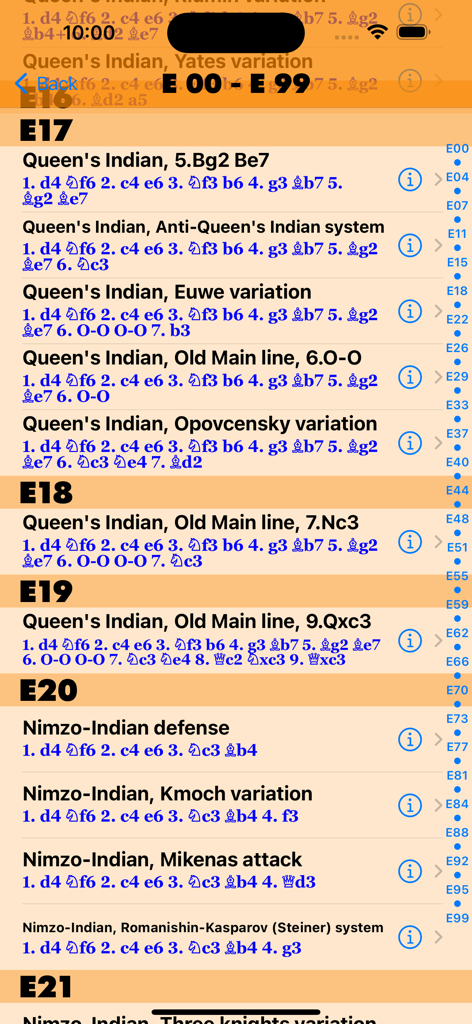
チェススタジオ LiteにおけるECOコードで索引付けされたチェスオープニングとバリエーションのリスト
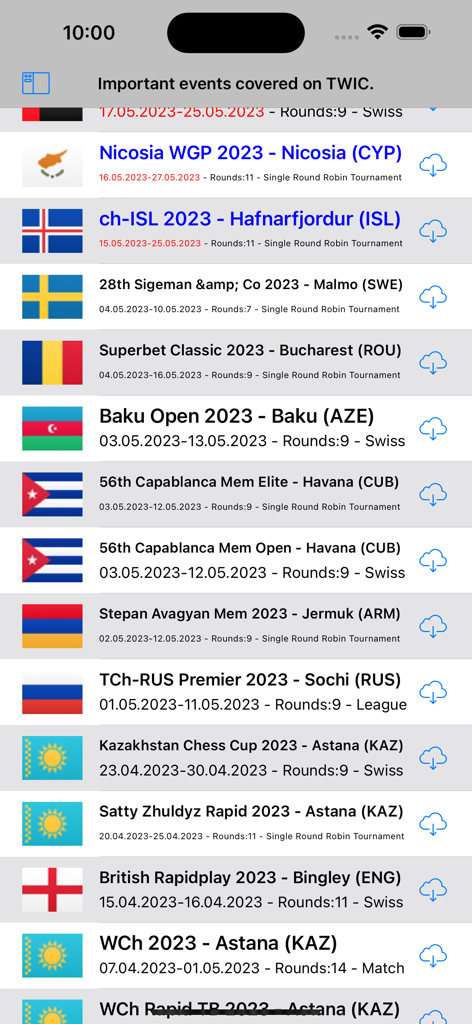
チェススタジオ Liteアプリ内のThe Week In Chessからダウンロード可能な国際チェストーナメントデータベースのリスト
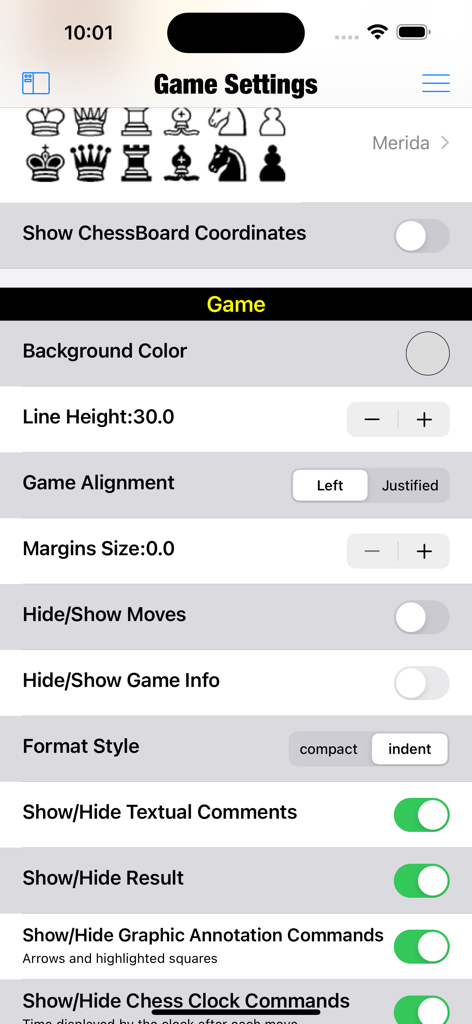
チェススタジオ Liteアプリのゲーム設定メニュー、駒のスタイル、ボードの座標、レイアウトのカスタマイズオプションを示す。
説明
Download
類似アプリ
同じカテゴリのトップランクアプリ

Block Blast!
ARETIS LIMITED

Solitaire Associations Journey
Hitapps Games LTD

Roblox
Roblox Corporation

Heartopia
XD Entertainment Co., Ltd.

Gossip Harbor®: Merge & Story
Microfun Limited

Arrows – Puzzle Escape
Lessmore UG haftungsbeschraenkt

Township
PLR Worldwide Sales Limited

Vita Mahjong
VITA STUDIO PTE. LTD.

Subway Surfers
Sybo Games ApS
このページはアプリまたはその開発者の公式ページではなく、情報提供および論評を目的として作成された独立した編集出版物です。明示的に別段の記載がない限り、アプリおよびその開発者は、MWM、Apple、Google Play、アプリのパブリッシャー、またはアプリの開発者と提携、承認、後援、認可、またはその他の公式的な関係はなく、このページのいかなる内容も、アプリがMWMのサービスを使用して開発されたことを意味するものではありません。すべての商標、ロゴ、スクリーンショット、その他のコンテンツはそれぞれの所有者の財産です。