Clarity by Broadcom
Clarity by Broadcom
ダウンロード: App Store

このページはアプリまたはその開発者の公式ページではなく、情報提供および論評を目的として作成された独立した編集出版物です。明示的に別段の記載がない限り、アプリおよびその開発者は、MWM、Apple、Google Play、アプリのパブリッシャー、またはアプリの開発者と提携、承認、後援、認可、またはその他の公式的な関係はなく、このページのいかなる内容も、アプリがMWMのサービスを使用して開発されたことを意味するものではありません。すべての商標、ロゴ、スクリーンショット、その他のコンテンツはそれぞれの所有者の財産です。


ロゴ: Clarity by Broadcom
ダウンロード: App Store

Clarity by Broadcom

管理上の手間をなくし、プロジェクトを前進させましょう。安全でモバイルファーストの効率性で、外出先から勤怠表、チェックリスト、重要な承認を管理できます。

主要数値

ダウンロード

1K+

ユーザー評価

4.8/5

評価数

0

開発元

CA, Inc

カテゴリ

Business

対応言語

1

最新バージョン

3.3.1

サイズ

31.4 MB

リリース日

2018年11月16日
機能

移動中でもワークフローをマスター

Clarityのエンタープライズグレードのパワーを、あなたのモバイルライフスタイルに合わせて再設計しました。ラップトップを開くことなく、勤怠表、承認、チームタスクをシームレスに処理できます。

スムーズな時間追跡

数秒で勤怠表を提出し、管理上の負担をなくしましょう。安全なSSOアクセスで、移動中でも実績とメモを記録できます。

即時のアクションと承認

ボトルネックにならないでください。ダッシュボードから直接アクションアイテムを確認、承認、または却下し、重要なプロジェクトを順調に進めましょう。

以下のスクリーンショットと説明は、アプリの公式ストアリスティングから直接取得されたものであり、アプリ開発者の所有物です。

アプリストア

スクリーンショット
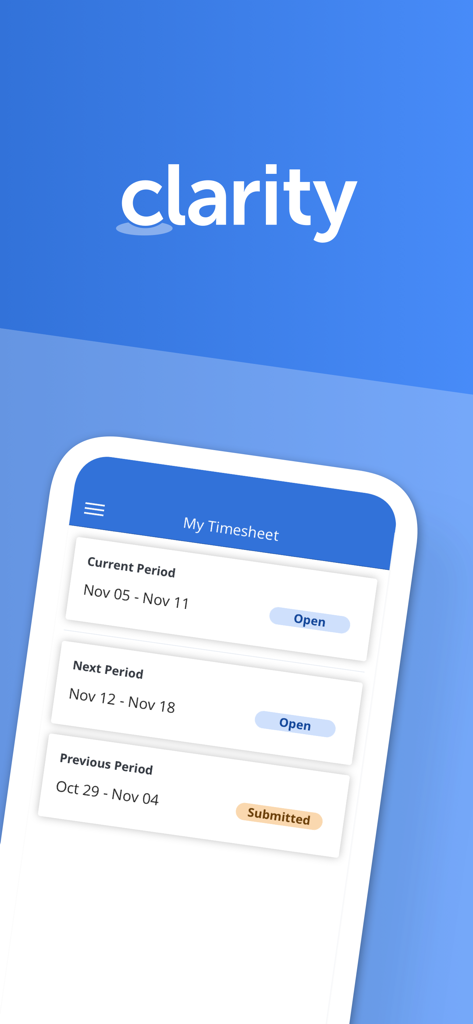
Clarity by Broadcom - Broadcom Clarityアプリのインターフェイスに、現在および過去のレポート期間を表示する「マイタイムシート」の概要が表示されています。
Broadcom Clarityアプリのインターフェイスに、現在および過去のレポート期間を表示する「マイタイムシート」の概要が表示されています。

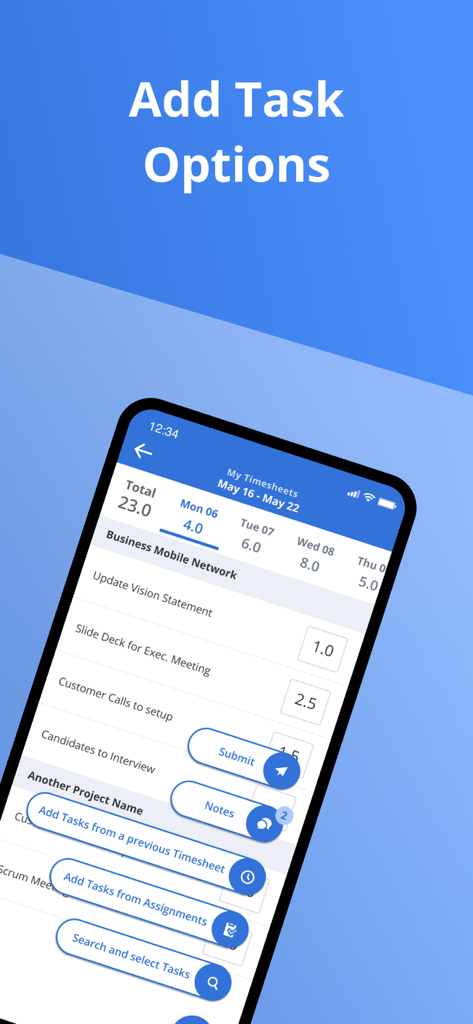
Clarity by Broadcom - Clarityアプリのインターフェイスに、タイムシートにタスクを追加するオプションが表示されています。
Clarityアプリのインターフェイスに、タイムシートにタスクを追加するオプションが表示されています。

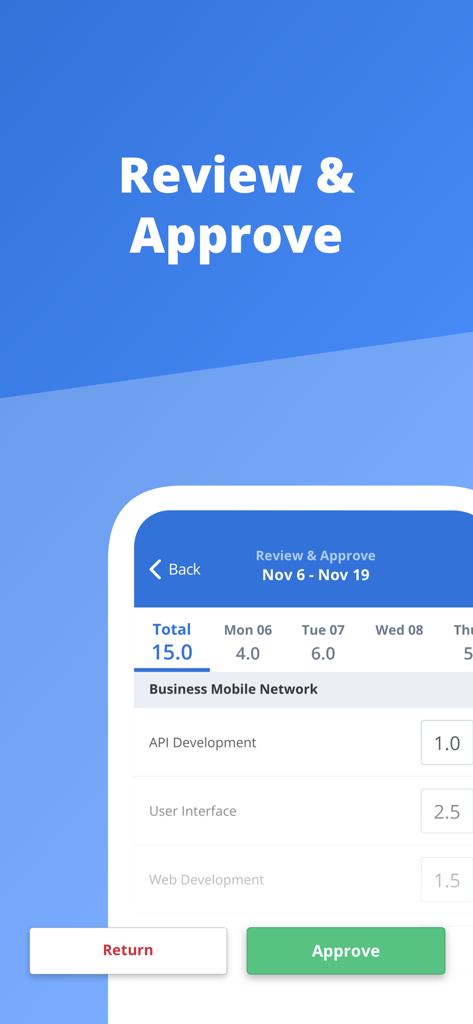
Clarity by Broadcom - Clarityモバイルアプリの確認および承認画面に、プロジェクトタスクに記録された時間が表示されています。
Clarityモバイルアプリの確認および承認画面に、プロジェクトタスクに記録された時間が表示されています。

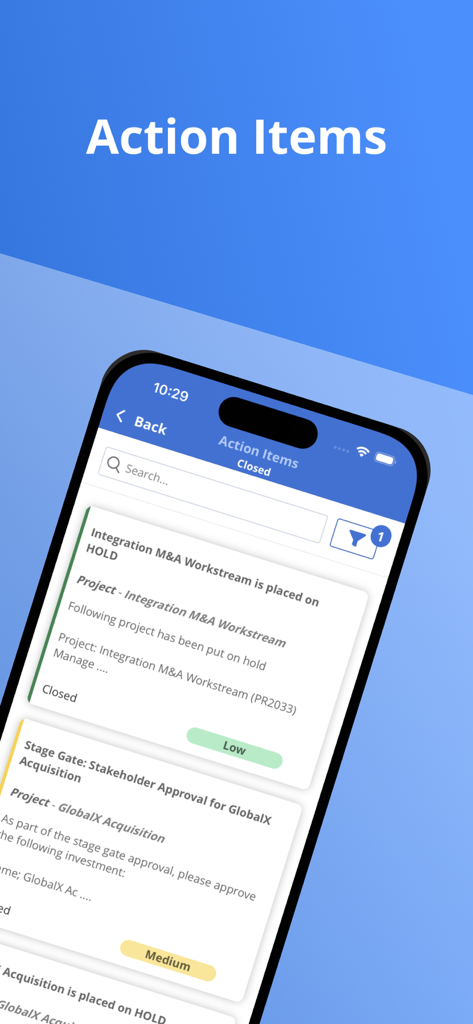
Clarity by Broadcom - Broadcom Clarityアプリのモバイル画面に、プロジェクトアクションアイテムのリストが表示されています。
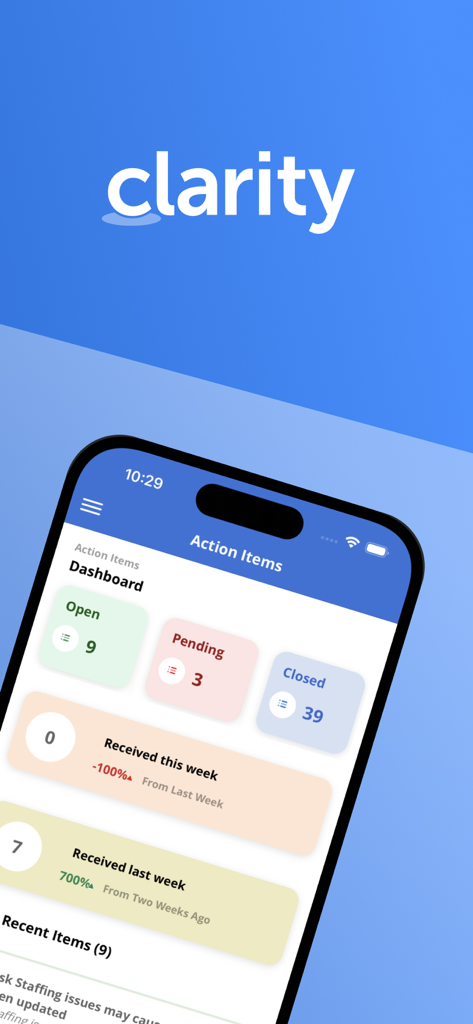
Broadcom Clarityアプリのモバイル画面に、プロジェクトアクションアイテムのリストが表示されています。

Clarity by Broadcom - Clarityアプリのダッシュボードに、プロジェクトアクションアイテムと週次のタスクステータスサマリーが表示されています。
Clarityアプリのダッシュボードに、プロジェクトアクションアイテムと週次のタスクステータスサマリーが表示されています。

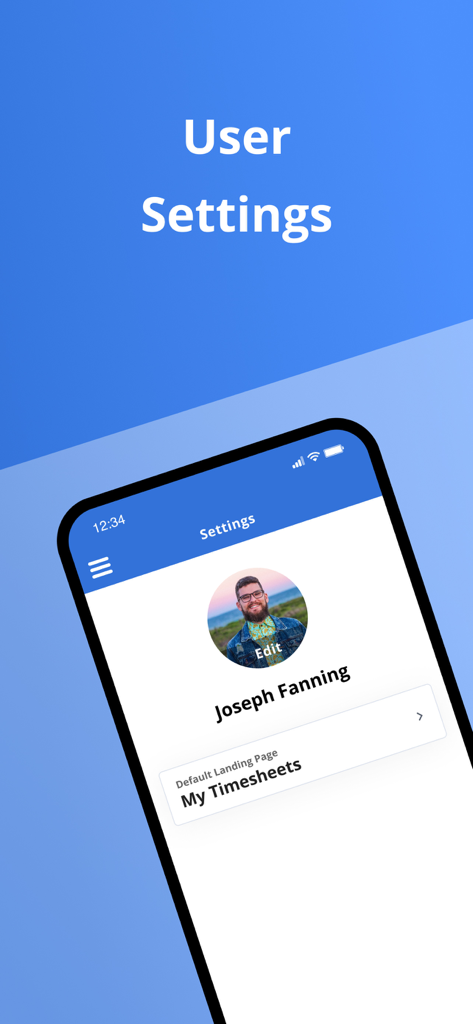
Clarity by Broadcom - Clarityアプリのユーザー設定画面に、プロフィール詳細とデフォルトのランディングページオプションが表示されています。
Clarityアプリのユーザー設定画面に、プロフィール詳細とデフォルトのランディングページオプションが表示されています。

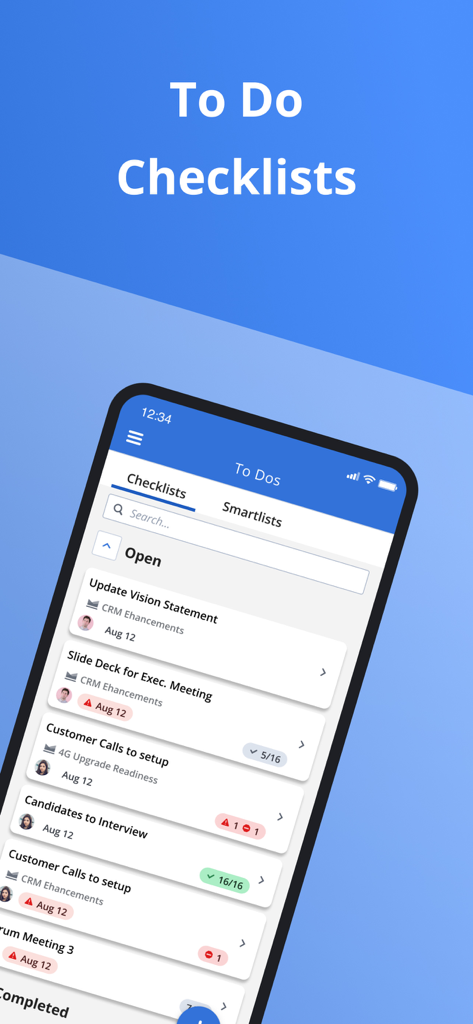
Clarity by Broadcom - Broadcom Clarityモバイルアプリのインターフェイスに、企業のToDoリストとプロジェクトチェックリストが表示されています。
Broadcom Clarityモバイルアプリのインターフェイスに、企業のToDoリストとプロジェクトチェックリストが表示されています。

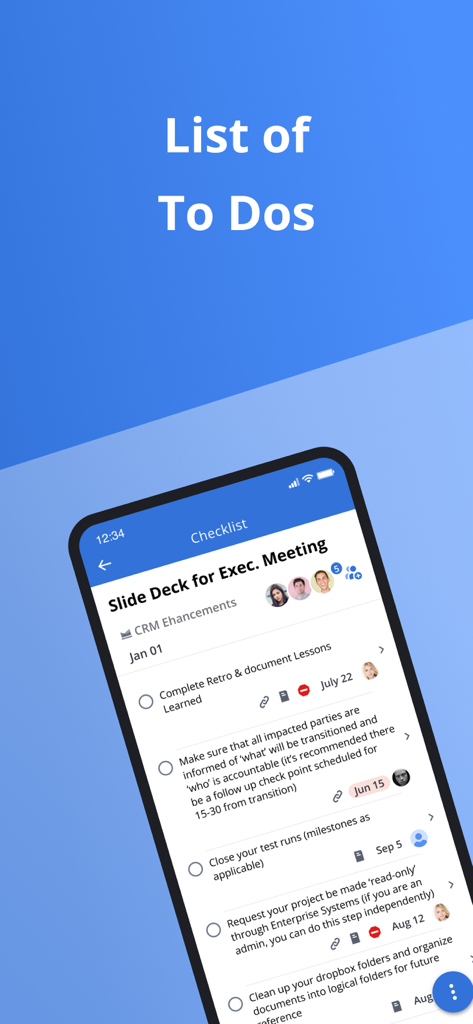
Clarity by Broadcom - Clarityアプリの画面に、タスクの説明と期日が表示されたプロジェクトToDoリストが表示されています。
Clarityアプリの画面に、タスクの説明と期日が表示されたプロジェクトToDoリストが表示されています。

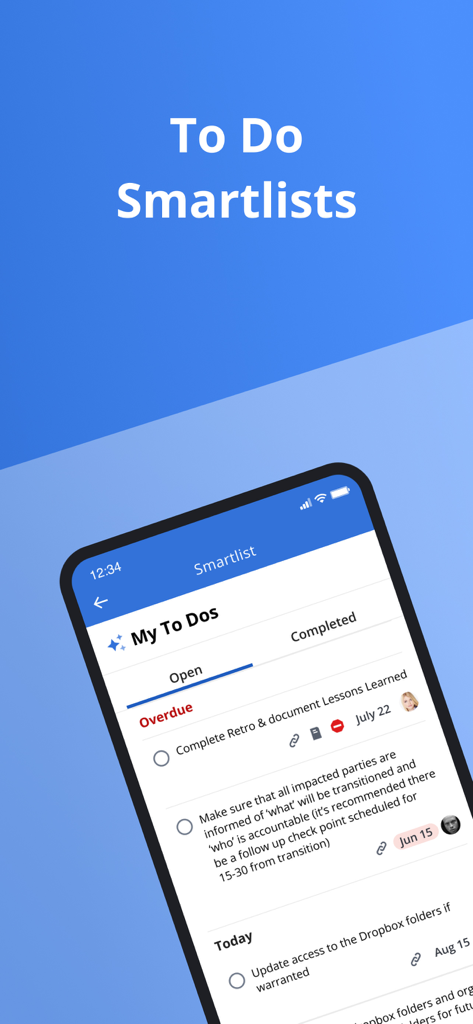
Clarity by Broadcom - Broadcom Clarityモバイルアプリのインターフェイスに、プロジェクト管理のための未完了および期限切れのタスクが表示されたToDoスマートリストが表示されています。

Broadcom Clarityモバイルアプリのインターフェイスに、プロジェクト管理のための未完了および期限切れのタスクが表示されたToDoスマートリストが表示されています。

説明

In today's to-go economy team members are always looking for more convenient ways to access their application from anywhere. The Clarity mobile app is single sign-on enabled, which means users may log into it by simply reentering the same username and password they use to access other SSO-enabled corporate accounts. Time management functionality - View past and future time reporting periods - Add or remove work from timesheet - Ability to enter total actuals for entire time period for tasks instead of each day - Split task within a timesheet for different codes - Add notes to timesheet as well as timesheet task - Ability to enter notes date at timesheet and task level within timesheet - Return own timesheet - View timesheet rules error within a error panel under “My Timesheet” and “Review and Approve Timesheet” - Support time entry increments - Submit timesheet for approval Time review and approval functionality - View open, submitted, returned, and approved time for previous, current, and next period. - Ability to approve or return submitted time. - View submitted time details Respond to Action Items - Action Item dashboard to display action items based on received date and status. - Quickly access pre-filtered action items. - Ability to filter for action items based on multiple criteria. - View action item history and act on actions items as needed. Manage Checklists - View all checklists available within My Workspace - To Do - Create/Edit/Complete/Share/Copy/Delete Checklists - View and manage sections within Checklist - Manage To Dos within a Checklist - Upload attachments within To Dos - Reorder To Dos and sections View Smartlists - View all smartlist available within My Workspace - To Do - Filter smartlist based on name - View To Dos within the smartlist and sort them by Date, Name, and Owner - Manage To Dos within a smartlist Conversations - View existing conversations that were started within Clarity - Respond to existing conversations - Upload supported documents, images, or camera shots to conversations.   General Setting - Ability for the user to define their app default landing page. - Ability to open Clarity app in mobile when clicking on a link

Download

ダウンロード: App Store

このページはアプリまたはその開発者の公式ページではなく、情報提供および論評を目的として作成された独立した編集出版物です。明示的に別段の記載がない限り、アプリおよびその開発者は、MWM、Apple、Google Play、アプリのパブリッシャー、またはアプリの開発者と提携、承認、後援、認可、またはその他の公式的な関係はなく、このページのいかなる内容も、アプリがMWMのサービスを使用して開発されたことを意味するものではありません。すべての商標、ロゴ、スクリーンショット、その他のコンテンツはそれぞれの所有者の財産です。








