ClipOCR2
ClipOCR2
ダウンロード: App Store

このページはアプリまたはその開発者の公式ページではなく、情報提供および論評を目的として作成された独立した編集出版物です。明示的に別段の記載がない限り、アプリおよびその開発者は、MWM、Apple、Google Play、アプリのパブリッシャー、またはアプリの開発者と提携、承認、後援、認可、またはその他の公式的な関係はなく、このページのいかなる内容も、アプリがMWMのサービスを使用して開発されたことを意味するものではありません。すべての商標、ロゴ、スクリーンショット、その他のコンテンツはそれぞれの所有者の財産です。


ロゴ: ClipOCR2
ダウンロード: App Store

ClipOCR2

印刷物や手書きのメモを瞬時にデジタル化。日本語の縦書きから複雑な手書き文字まで、AIがアナログテキストを編集可能なデータに変換し、Evernote、Google Drive、Notionなどのお気に入りの生産性アプリと直接同期します。

主要数値

ダウンロード

197K+

ユーザー評価

4.2/5

評価数

1K+

開発元

Mitsuhiro Hashimoto

カテゴリ

Business

対応言語

12

最新バージョン

1.9.4

サイズ

9.1 MB

リリース日

2016年12月15日
機能

アナログを実用的なデータへ

複雑なレイアウトや手書きメモに対応したAI搭載OCRで、物理的な書籍とデジタルのワークスペースの架け橋に。

高度な日本語OCR

日本語に特化した高精度AI認識により、マンガ、小説、書類の縦書き・横書きテキストをマスター。

手書きをデジタルに

手書きの日記や学習メモを即座に編集可能なテキストに変換し、アナログのアーカイブを検索可能かつ整理された状態にします。

以下のスクリーンショットと説明は、アプリの公式ストアリスティングから直接取得されたものであり、アプリ開発者の所有物です。

アプリストア

スクリーンショット
ClipOCR2 - ClipOCRアプリ内にあるデジタル化された書籍や雑誌のリスト

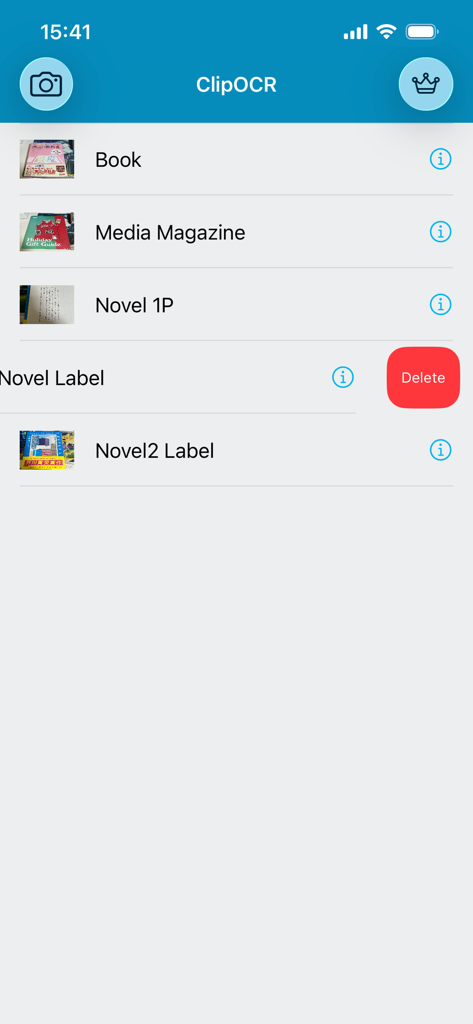
ClipOCRアプリ内にあるデジタル化された書籍や雑誌のリスト

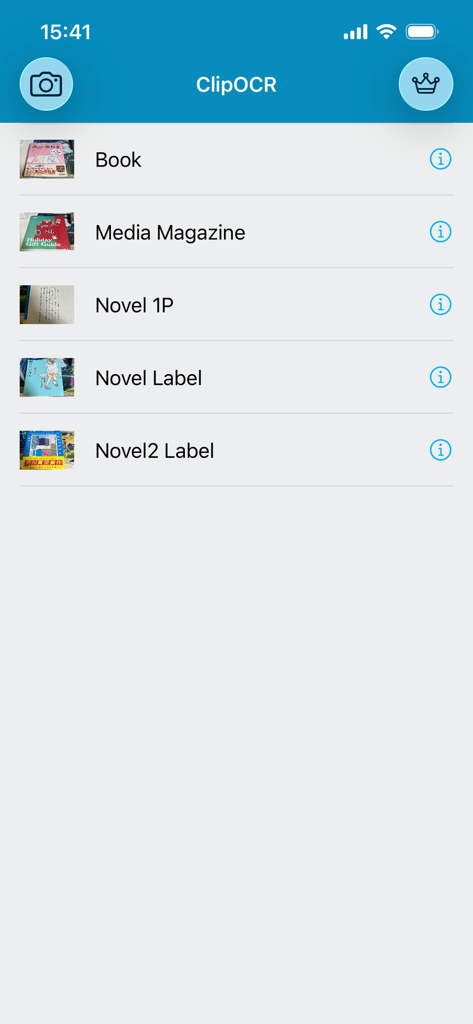
ClipOCR2 - ClipOCR2アプリの保存済みスキャンリスト。「Book」や「Media Magazine」といったタイトルが表示され、1つのアイテムには削除ボタンが見える
ClipOCR2アプリの保存済みスキャンリスト。「Book」や「Media Magazine」といったタイトルが表示され、1つのアイテムには削除ボタンが見える

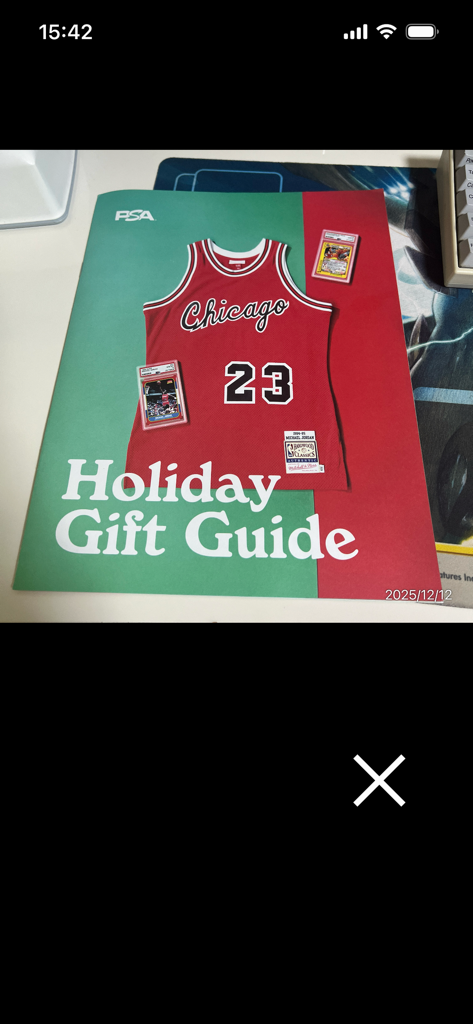
ClipOCR2 - テキスト認識のために、バスケットボールのユニフォームが掲載されたホリデーギフトガイドの雑誌の表紙をスキャンしているモバイルアプリのスクリーンショット
テキスト認識のために、バスケットボールのユニフォームが掲載されたホリデーギフトガイドの雑誌の表紙をスキャンしているモバイルアプリのスクリーンショット

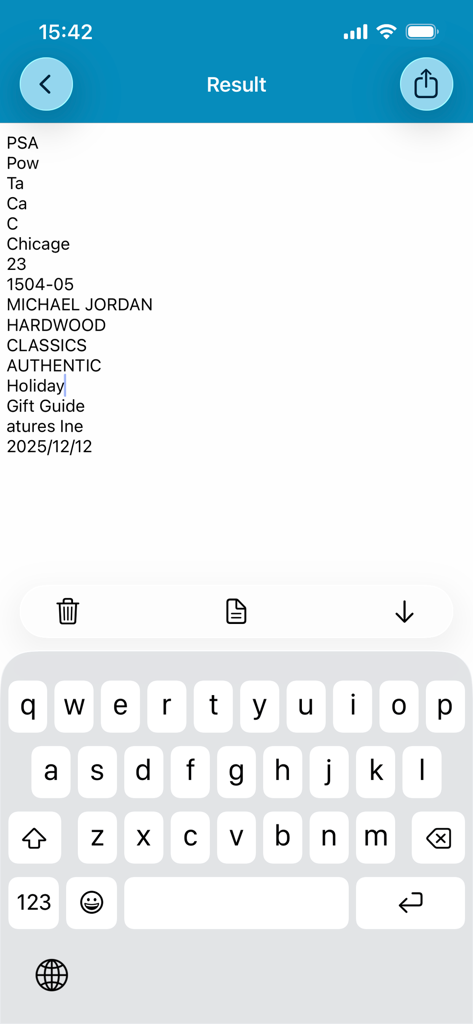
ClipOCR2 - スキャンからデジタル化されたテキスト結果を表示し、編集用のキーボードが有効になっているClipOCR2アプリのインターフェース
スキャンからデジタル化されたテキスト結果を表示し、編集用のキーボードが有効になっているClipOCR2アプリのインターフェース

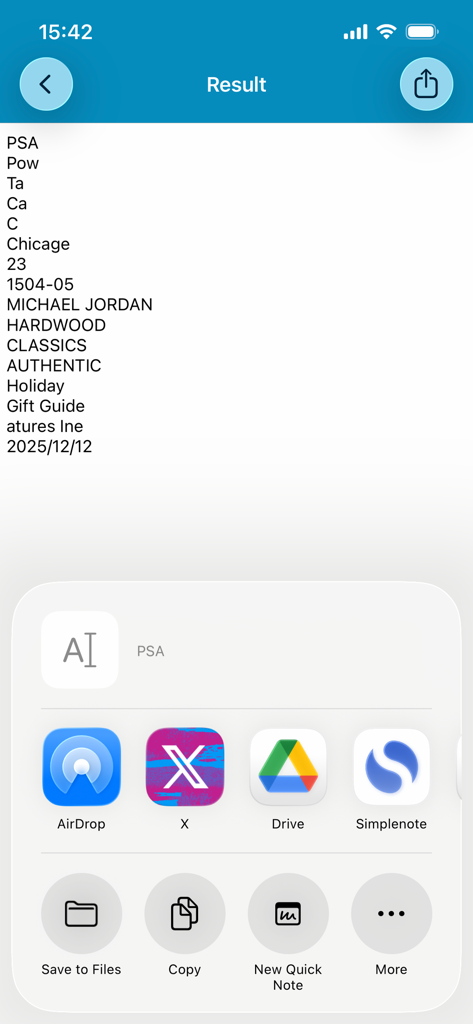
ClipOCR2 - OCRテキストの結果と、Google DriveやXへの統合された共有オプションを表示するClipOCR2アプリのスクリーンショット

OCRテキストの結果と、Google DriveやXへの統合された共有オプションを表示するClipOCR2アプリのスクリーンショット

説明

The definitive version of the OCR Japanese app is back with a power-up! ClipOCR is an app that uses a camera to read analog text such as printed materials and handwritten characters through "Artificial Intelligence", converts it into editable digital data text, and can be shared. It supports almost all languages, including vertical and horizontal Japanese and English. - How to use - ・Press the camera button on the top left from the top page. ・Take a photo from the camera or select a photo from the photo album. ・On the next screen, crop the sentence you want to recognize from the selected photo. ・Artificial Intelligence automatically determines the language of the text. ・Press the Done button. ・Once the conversion process is complete, the digitized sentence will be displayed. ・Editing is possible. Furthermore, the keyboard can be put away with the button on the far right displayed with the keyboard out, and the image can be seen with the middle button. The button on the far left is a delete button. ・You can delete from the list by swiping left. - Features and characteristics - ・With automatic save function ・You can copy the converted text and share it on Twitter, Facebook, email, etc. ・You can also share with other apps such as Evernote, LINE, Simplenote, Dropbox, and Google Drive. ・Supports both vertical and horizontal Japanese, English, and other languages. ・Save the original image as a .png photo file and text data as a .txt file. ・You can recognize and edit Japanese and other characters with simple operation! - We recommend this to those who - ・Those who want to take notes of the contents of newspapers and magazines ・Those who are studying a foreign language and want to text from books ・Those who want to share the characters of printed materials as digital data ・Those who want to recognize handwritten characters ・Those who want to copy text from photos - Points to note - ・Artificial intelligence requires an internet connection. Please use it while connected to the network. ・If the camera becomes completely dark on iOS, Please confirm that "ClipOCR" is turned "On" by going to [Settings App]> [Privacy]> [Camera]. A subscription for automatic renewal is required to unlock all features. Support Site http://adolfoi.info

Download

ダウンロード: App Store

このページはアプリまたはその開発者の公式ページではなく、情報提供および論評を目的として作成された独立した編集出版物です。明示的に別段の記載がない限り、アプリおよびその開発者は、MWM、Apple、Google Play、アプリのパブリッシャー、またはアプリの開発者と提携、承認、後援、認可、またはその他の公式的な関係はなく、このページのいかなる内容も、アプリがMWMのサービスを使用して開発されたことを意味するものではありません。すべての商標、ロゴ、スクリーンショット、その他のコンテンツはそれぞれの所有者の財産です。