
このページはアプリまたはその開発者の公式ページではなく、情報提供および論評を目的として作成された独立した編集出版物です。明示的に別段の記載がない限り、アプリおよびその開発者は、MWM、Apple、Google Play、アプリのパブリッシャー、またはアプリの開発者と提携、承認、後援、認可、またはその他の公式的な関係はなく、このページのいかなる内容も、アプリがMWMのサービスを使用して開発されたことを意味するものではありません。すべての商標、ロゴ、スクリーンショット、その他のコンテンツはそれぞれの所有者の財産です。


Coding For Kids: Learn To Code
1,000以上の受賞歴のあるレベルで、スクリーンタイムを脳を活性化する冒険に変えましょう。4~8歳のお子様に、デジタルの未来に必要な問題解決ツールを身につけさせましょう。
ダウンロード
666K+ユーザー評価
評価数
4K+開発元
カテゴリ
Education対応言語
4最新バージョン
4.4.5サイズ
151.6 MBリリース日
2017年7月11日遊びが未来に役立つスキルと出会う場所
1,000以上のインタラクティブなレベルを通して、お子様にプログラミングの基礎を紹介する受賞歴のあるカリキュラムで、スクリーンタイムを生産的な学習の旅に変えましょう。
主要なコーディング論理を習得する
お子様は、初期の学習者向けに設計された直感的なパズルを解くことで、シーケンス、ループ、関数などの複雑な概念を理解するでしょう。
批判的思考力を高める
コード以外にも、私たちのゲームは記憶力、パターン認識、論理的推論を研ぎ澄ますように作られています。これらは学校生活や人生に備えるスキルです。
よくある質問
について知っておくべきこと Coding For Kids: Learn To Code
Coding For Kids: Learn To Code とは何ですか?
Coding For Kids: Learn To Code(KidloLand Coding Schoolとしても知られています)は、200以上の楽しいゲームと1000以上のレベルを通じて、子供たちに基本的なコーディングの概念を教える教育アプリです。
Coding For Kids: Learn To Code はどのようなコーディングの概念を教えますか?
Coding For Kids: Learn To Code は、シーケンス、ループ、関数、デバッグ、配列、高度な問題解決、座標移動などの基本的なプログラミング概念を教えます。
Coding For Kids: Learn To Code は受賞歴のあるアプリですか?
はい、Coding For Kids: Learn To Code は受賞歴のあるアプリです。NAPPA Award、Academics' Choice Smart Media Award、Tillywig Brain Child Award、Mom's Choice Gold Awardを受賞しており、Educational App Storeから5つ星の認証を受けています。
KidloLand Coding School にはいくつのレベルがありますか?
KidloLand Coding School は、基本的なコーディング原則を教え、パターン認識や論理的シーケンスなどのスキルを開発するように設計された1000以上のレベルを提供しています。
子供たちは KidloLand Coding School を使用してどのようなスキルを開発しますか?
子供たちは、KidloLand Coding School をプレイすることで、問題解決能力、記憶力、論理的思考力、パターン認識能力、そして論理的な順序でアクションを並べる能力を開発します。
Coding For Kids: Learn To Code のサブスクリプションはどのように機能しますか?
Coding For Kids: Learn To Code は、年間または月間の自動更新サブスクリプションを提供しています。支払いはAppleアカウントに請求され、自動更新が24時間前にオフにされない限り更新されます。
KidloLand Coding School のサブスクリプションをキャンセルできますか?
はい、Appleアカウント設定の「サブスクリプション」セクションから、いつでもKidloLand Coding Schoolのサブスクリプション更新をキャンセルできます。アクティブなサブスクリプション期間中のキャンセルは許可されません。
KidloLand Coding School は広告なしで、子供にとって安全ですか?
はい、KidloLand Coding School は完全に広告なしで、子供にとって安全なように設計されています。子供たちがコーディングを学ぶための教育的で安全な環境を提供します。
KidloLand Coding School のプライバシーポリシーはどこで見つけられますか?
KidloLand Coding School のプライバシーポリシーは http://www.kidlo.com/privacypolicy.php で入手できます。このドキュメントには、アプリが個人情報をどのように処理するかが詳述されています。
KidloLand Coding School を推薦しているのは誰ですか?
教師がKidloLand Coding Schoolを推薦しています。これは、その教育的価値と学習環境への適合性を裏付けています。
以下のスクリーンショットと説明は、アプリの公式ストアリスティングから直接取得されたものであり、アプリ開発者の所有物です。
アプリストア
スクリーンショット
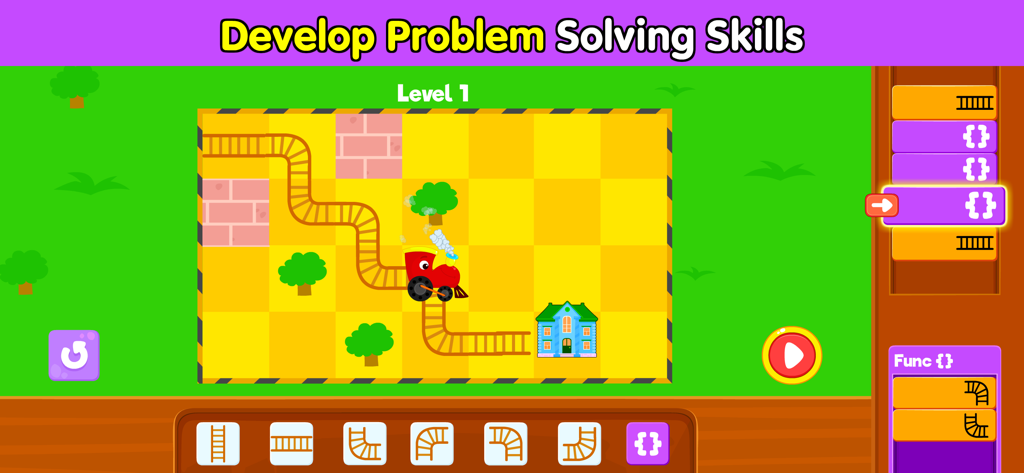
問題解決スキルを養うための列車パズルを特徴とする子供向けコーディングゲームのレベル
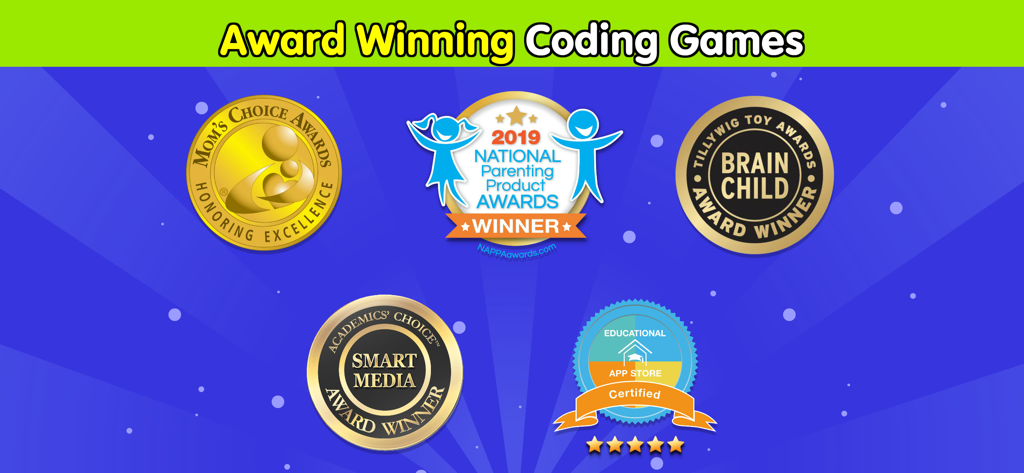
Coding For KidsアプリのMoms Choice Gold、NAPPA、Academics Choiceからの教育賞のシール。
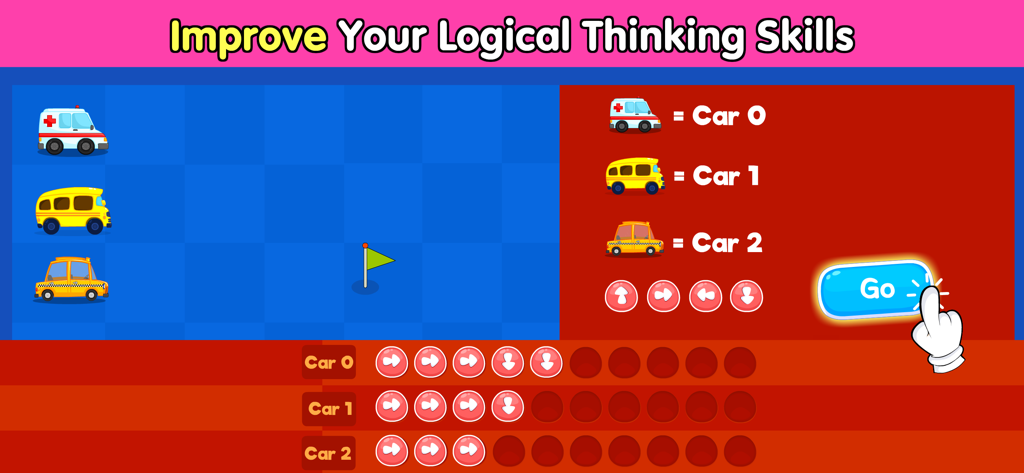
子供たちが車の動きをプログラミングして論理的思考を向上させる教育的なコーディングゲーム画面
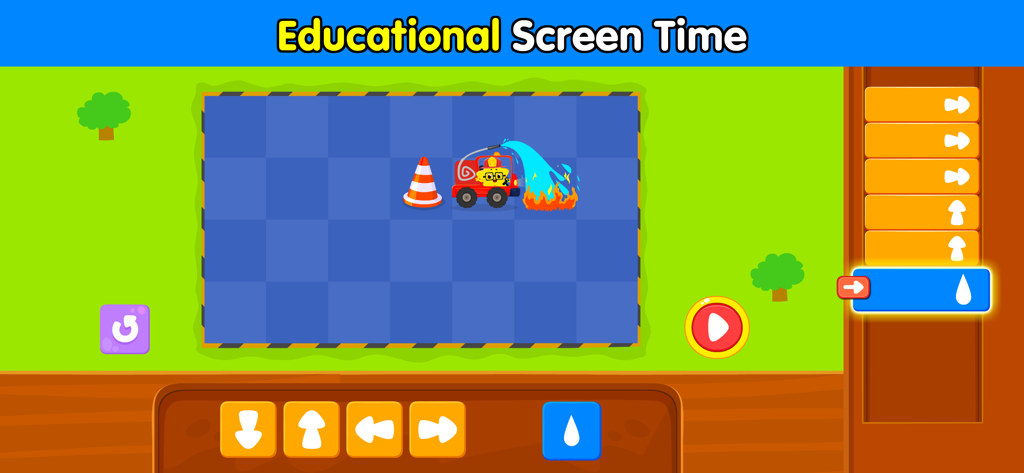
方向コマンドを使用して消防車が火事を消す様子を描いた子供向けコーディングパズル。
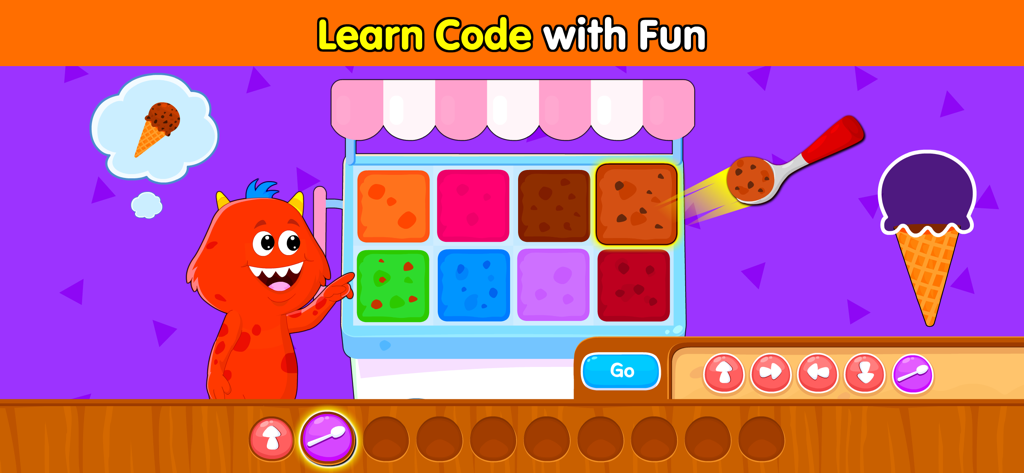
アイスクリームをテーマにしたコーディングシーケンスゲームをプレイする赤いモンスター。
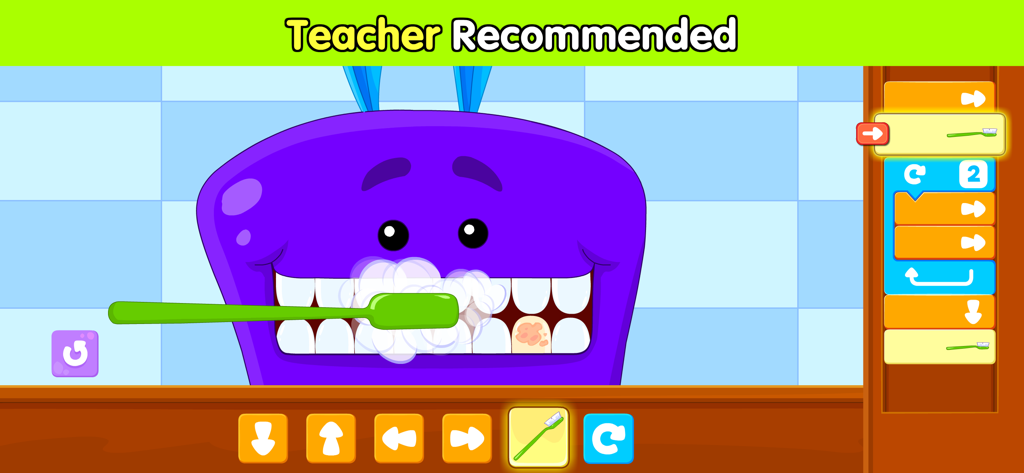
歯科医をテーマにした、先生が推奨する子供向けコーディングパズル
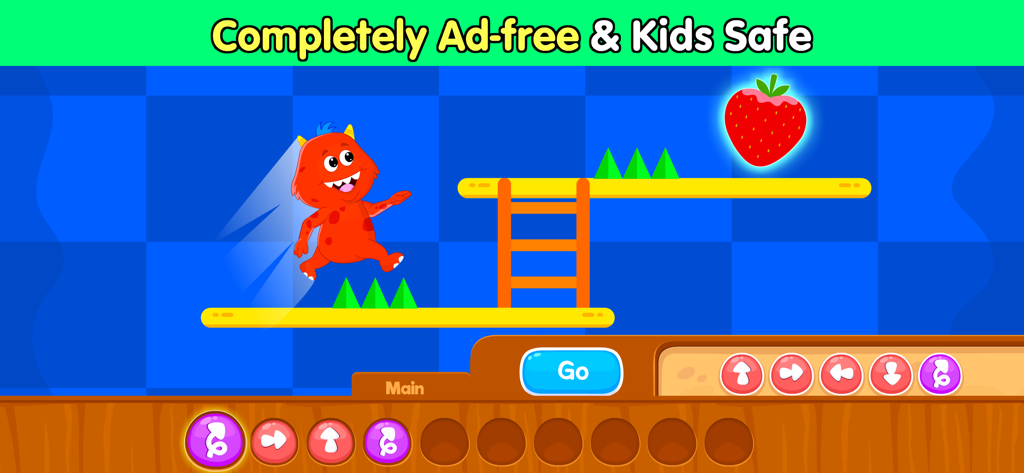
子供に安全なコーディングアプリのインターフェース内で、プラットフォームレベルをジャンプする赤いモンスターのキャラクター
説明
Download
類似アプリ
似た機能とユーザー体験を持つアプリ
Code Land: Kids Coding Games
Learny Land S.L.

Kodable Basics
SurfScore, Inc

Tynker: Coding for Kids
Neuron Fuel, Inc.

编程猫在线-随时随地学编程
Guangdong TanYue Online Non disciplinary Training School Company Limited
Tynker Junior: Coding for Kids
Neuron Fuel, Inc.

Code Kingdom: Treasure
MORE CHINESE EDUCATION & TECHNOLOGY CO.,LIMITED
Scratch Tutorial - Coding Game
海涛 赵

Move the Turtle: Learn to Code
Krzysztof Haft-Szatynski

ScratchJr
Scratch Foundation, Inc.
このページはアプリまたはその開発者の公式ページではなく、情報提供および論評を目的として作成された独立した編集出版物です。明示的に別段の記載がない限り、アプリおよびその開発者は、MWM、Apple、Google Play、アプリのパブリッシャー、またはアプリの開発者と提携、承認、後援、認可、またはその他の公式的な関係はなく、このページのいかなる内容も、アプリがMWMのサービスを使用して開発されたことを意味するものではありません。すべての商標、ロゴ、スクリーンショット、その他のコンテンツはそれぞれの所有者の財産です。