Connect My PC

Connect My PC

ダウンロード: App Store
ロゴ: Connect My PC

Connect My PC: Windows サーバーとPC向けのプロフェッショナルリモートデスクトップ

どこからでもワークステーションを安全に管理。精密な仮想マウスパッド、修飾キー、Windows ProfessionalおよびServerエディションのネイティブサポートにより、iPhoneまたはiPadでデスクトップを完全に制御できます。

開発元

Hana Mobile LLC

カテゴリ

Business

ダウンロード

260K+

ユーザー評価

2.9/5

評価数

100

対応言語

13

完全なデスクトップコマンド

このインターフェースを利用する 260K+ 人のユーザー.

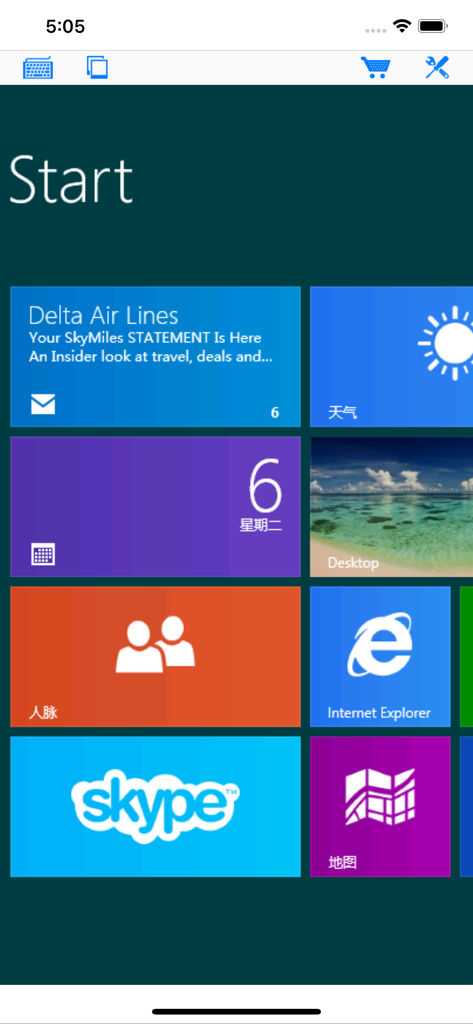
Connect My PCアプリが、モバイルデバイス上のさまざまなアプリタイルを備えたリモートWindowsスタート画面を表示しています

Connect My PCアプリが、モバイルデバイス上のさまざまなアプリタイルを備えたリモートWindowsスタート画面を表示しています

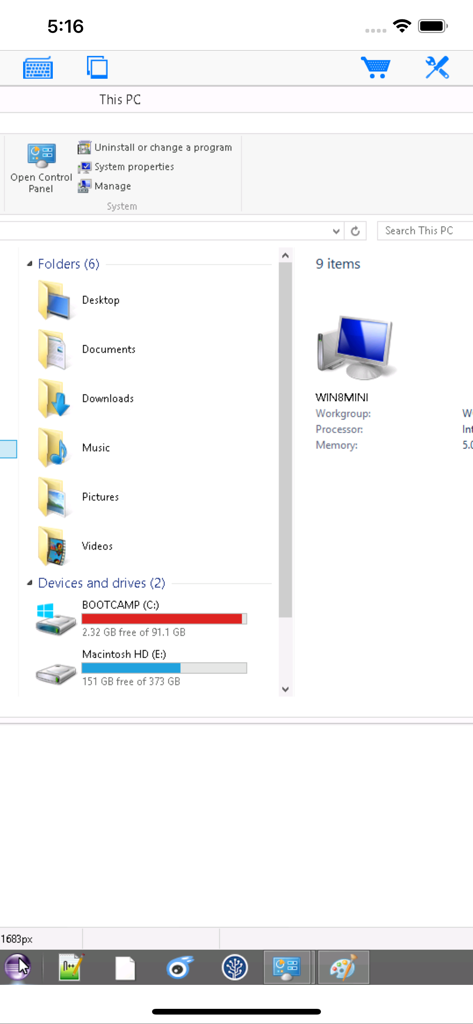
Connect My PCリモートデスクトップアプリのWindowsファイルエクスプローラービュー

Connect My PCリモートデスクトップアプリのWindowsファイルエクスプローラービュー

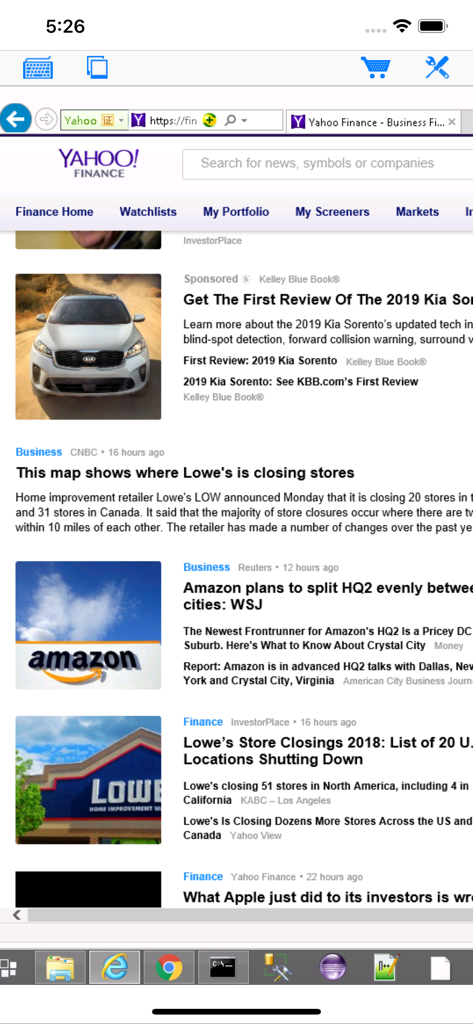
Connect My PCアプリが、iPhone画面上のリモートWindowsデスクトップセッションを表示しています

Connect My PCアプリが、iPhone画面上のリモートWindowsデスクトップセッションを表示しています

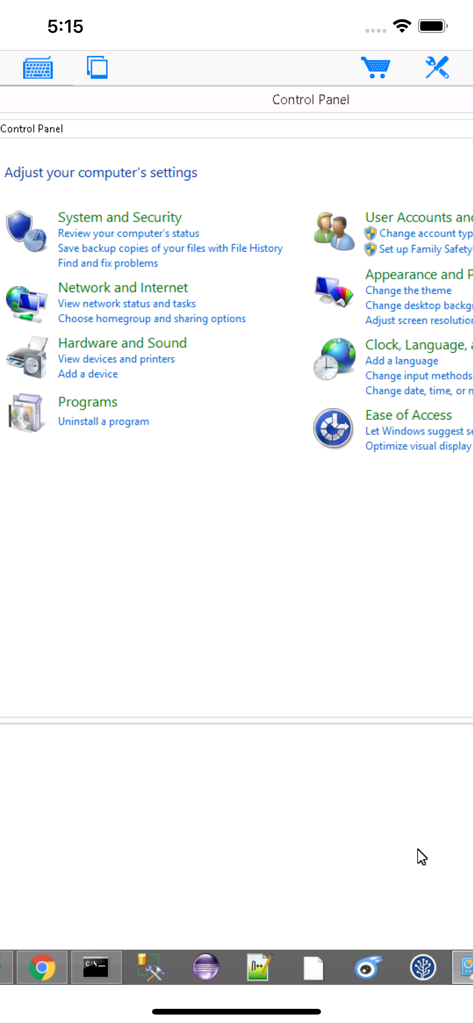
Connect My PCモバイルアプリを介したWindowsコントロールパネルへのリモートアクセス

Connect My PCモバイルアプリを介したWindowsコントロールパネルへのリモートアクセス

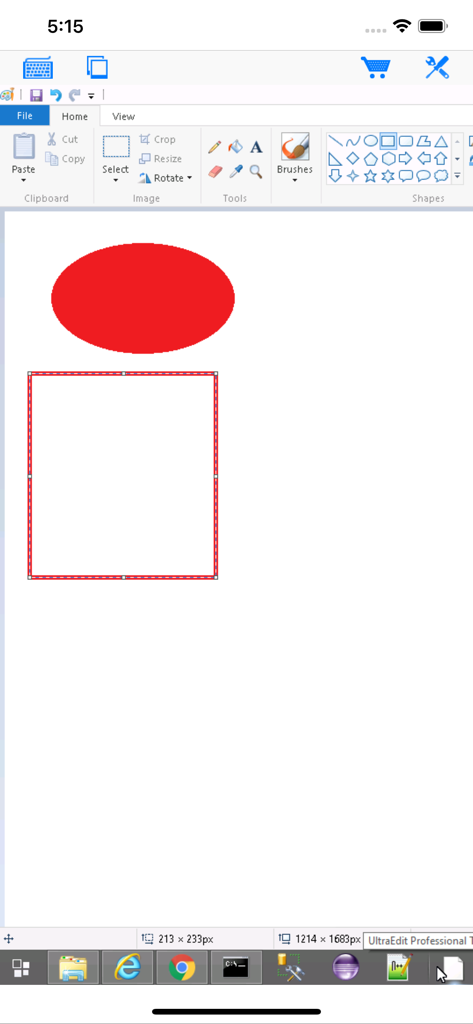
Connect My PCアプリが、iPhone画面上のペイントが開いたリモートWindowsデスクトップを表示しています。

Connect My PCアプリが、iPhone画面上のペイントが開いたリモートWindowsデスクトップを表示しています。

プロフェッショナルリモートデスクトップパフォーマンス

このアプリを際立たせるツール、 260K+ 人のユーザーが選択.

🖱️

精密マウス操作

重要なタスクや正確な右クリック向けに設計された仮想マウスパッドを使用して、複雑なWindowsソフトウェアを簡単に操作できます。

⌨️

フル修飾キーパッド

プロフェッショナルなワークフローに対応した専用修飾キーボードで、Ctrl+Alt+Delや複雑なキーの組み合わせなどの必須ショートカットを実行できます。

🖥️

エンタープライズとサーバーのサポート

Windows Server、Professional、Enterpriseエディション向けの信頼性の高いRDP接続。レガシーインフラストラクチャのサポートも含まれます。

アプリについて

について知っておくべきこと Connect My PC.

説明

Optimized to use iPhone XS Max screen! Designed for both iPad and iPhone!! Connect My PC let you access Windows PC from anywhere at anytime! Note: Not all Windows support remote desktop. Check below for supported platforms or download the tool from http://www.hanamobiles.com/tools/HanaEasyConfig.exe Features: - Portrait and landscape mode - Multiple connections - Support various resolutions and colors - Modifier keypad including Shift, Ctrl and Alt which enables you to press almost any key combinations. - Cut, copy & paste and other shortcuts keypad, including HOME, END, PAGE UP, PAGE DOWN, Arrow keys, etc. - Virtual mouse pad for precise and easy mouse control - Better mouse pad with virtual left and right mouse button - Easy dragging and resizing using virtual mousepad - Startup password protection - International keyboard support for many languages, including French, German, Korean, Russian etc. - Video output (need iPad or iOS4 and output connector) - Easy to use design Supported Platform: - Windows XP Professional - Windows Vista Business/Enterprise/Ultimate - Windows 7 Professional/Enterprise/Ultimate - Windows Server 2000/2003/2008 Important: The following systems are NOT supported: - Windows XP Home - Windows Vista Home Basic/Premium - Windows 7 Home Starter/Basic/Premium - Others not listed in "Supported Platform" section Note: Others Windows versions not listed in "Supported Platform" section are NOT supported. Setup Instructions: http://www.hanajobs.com/mobile/posts/list/6960.page How to enable Windows Remote Desktop? - Windows XP: http://www.microsoft.com/windowsXp/using/mobility/getstarted/Remoteintro.mspx - Windows Vista/Windows 7: http://www.howtogeek.com/howto/windows-vista/turn-on-remote-desktop-in-windows-vista/ http://windows.microsoft.com/en-US/windows-vista/Remote-Desktop-Connection-frequently-asked-questions Send your comments/suggestions to hanamobiles@gmail.com or visit our website.

最新バージョン

1.3.2

サイズ

12.6 MB

リリース日

2010年3月20日

どこからでもワークステーションを完全に制御

Windows Serverおよびレガシーシステムをサポートする、プロフェッショナルグレードRDPを体験してください。正確で安全なモバイルデスクトップアクセスを入手するには、今すぐConnect My PCをダウンロードしてください。

ダウンロード: App Store

App information, icons, screenshots, and descriptions displayed on this page are sourced from the Apple App Store and are the property of their respective developers. Download estimates and rankings are based on MWM's proprietary models and may not reflect actual figures. This page is provided for informational and analytical purposes only.

Believe this page infringes your intellectual property? File a dispute