Console Link
Console Link
ダウンロード: App Store

このページはアプリまたはその開発者の公式ページではなく、情報提供および論評を目的として作成された独立した編集出版物です。明示的に別段の記載がない限り、アプリおよびその開発者は、MWM、Apple、Google Play、アプリのパブリッシャー、またはアプリの開発者と提携、承認、後援、認可、またはその他の公式的な関係はなく、このページのいかなる内容も、アプリがMWMのサービスを使用して開発されたことを意味するものではありません。すべての商標、ロゴ、スクリーンショット、その他のコンテンツはそれぞれの所有者の財産です。


ロゴ: Console Link
ダウンロード: App Store

Console Link

PS5、Xbox、Switchのラグフリーコンソールゲームを、120fpsの滑らかなレンダリング、ネイティブアップスケーリング、プロフェッショナルな色精度で、お持ちの最高の画面で体験してください。

主要数値

ダウンロード

5K+

ユーザー評価

4.5/5

評価数

0

開発元

莼乾 沈

カテゴリ

Entertainment

対応言語

2

最新バージョン

26.0.16

サイズ

0.9 MB

リリース日

2023年6月2日
機能

あなたのiPadが、プロゲーミングディスプレイに

超低遅延と息をのむような5Kアップスケーリングで、PlayStation、Xbox、SwitchのiPad Liquid Retinaディスプレイの可能性を最大限に引き出しましょう。

超低遅延エンジン

Apple Metal上に構築された同期エンジンにより、激しい競技プレイ中の入力の滑らかさを完璧に保ち、ほぼゼロのラグを体験してください。

ネイティブ5Kアップスケーリング

標準HDを超えるビジュアルを体験してください。高度な画像アップサンプリングが、コンソール信号を息をのむような5Kの鮮明さに変換し、プレミアムモニター体験を提供します。

以下のスクリーンショットと説明は、アプリの公式ストアリスティングから直接取得されたものであり、アプリ開発者の所有物です。

アプリストア

スクリーンショット
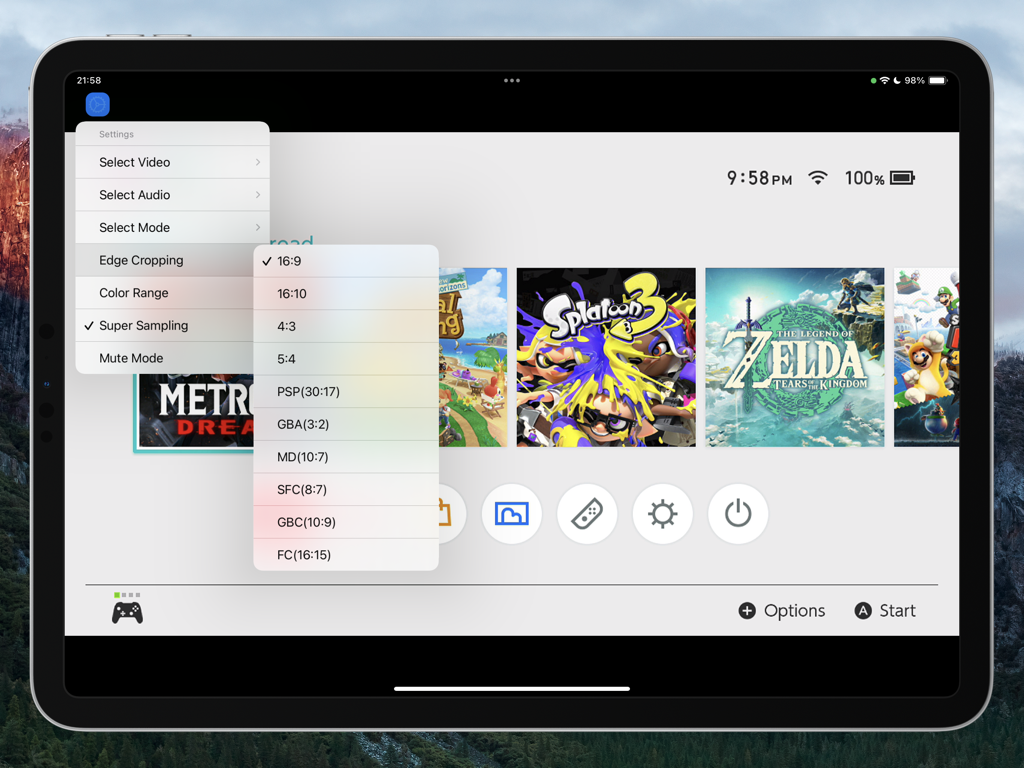
Console Link - アスペクト比とエッジクロッピング設定メニューが開いた状態で、Nintendo Switchインターフェースを表示しているiPad上のConsole Linkアプリ。
アスペクト比とエッジクロッピング設定メニューが開いた状態で、Nintendo Switchインターフェースを表示しているiPad上のConsole Linkアプリ。

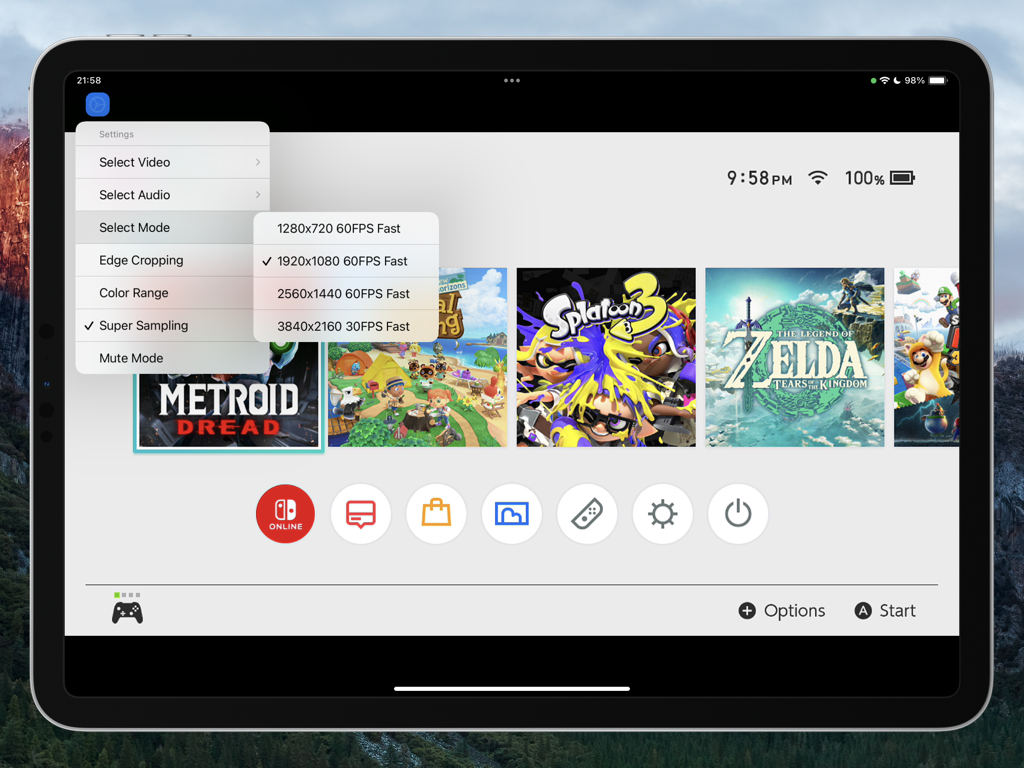
Console Link - Nintendo Switchインターフェース上に、ビデオ解像度とフレームレート設定を備えたConsole Linkアプリメニューを表示するiPad画面
Nintendo Switchインターフェース上に、ビデオ解像度とフレームレート設定を備えたConsole Linkアプリメニューを表示するiPad画面

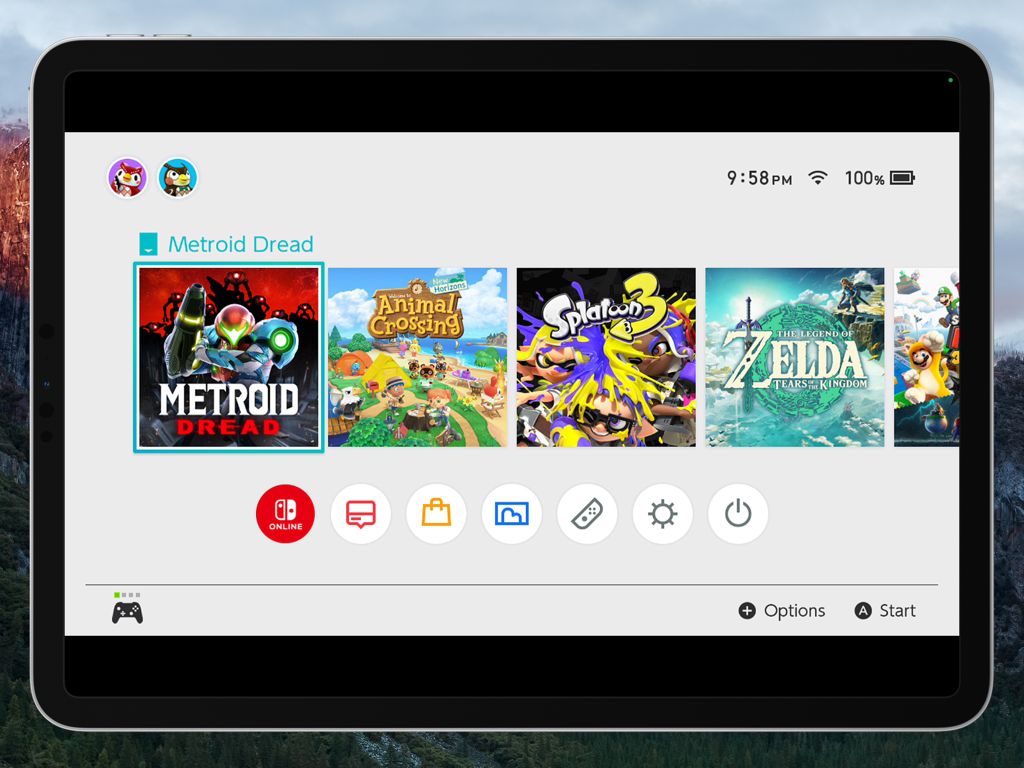
Console Link - Console Linkアプリを使用して表示された、Metroid Dreadが選択されたNintendo Switchホームメニューを表示しているiPad Pro画面
Console Linkアプリを使用して表示された、Metroid Dreadが選択されたNintendo Switchホームメニューを表示しているiPad Pro画面

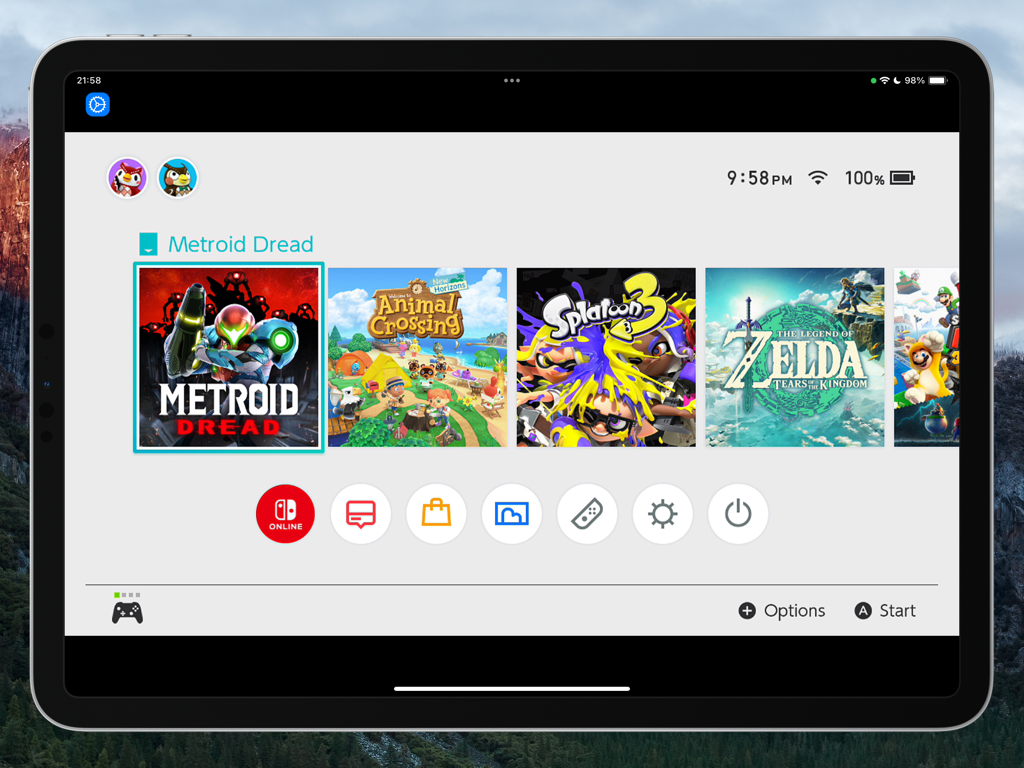
Console Link - Console Linkアプリを使用してiPadに表示されたNintendo Switchホーム画面

Console Linkアプリを使用してiPadに表示されたNintendo Switchホーム画面

説明

Turn Your iPad into a True Gaming Display! Console Link transforms your iPad into a high-performance gaming monitor. With ultra-low latency, native 5K upscaling, and full HDMI input support via capture cards, your iPad becomes the ultimate display for any console. Whether you are using a PlayStation, Xbox, Nintendo Switch, or any HDMI-compatible device, Console Link delivers a seamless, high-quality gameplay preview-directly on your iPad. Key Features Ultra-Low Latency Mode New synchronization engine, experience near-zero delay. Perfect sync with iPad refresh rate for smooth, responsive gameplay. Native 5K Video Output Enhances HDMI input signals up to native 5K resolution, powered by advanced super-resolution and image upsampling technologies. Optimized Rendering Engine Built on Apple Metal and Audio Unit for high-performance video and audio rendering with reduced power consumption. 4K 120fps Rendering Smooth, fluid gameplay with support for 4K at up to 120 frames per second. Includes crop-to-edge features and sharp frame rendering. Advanced Upscaling & Sampling Choose from low, medium, or high sampling modes to boost image clarity without sacrificing performance. Professional Color Space Support Switch between sRGB, Display P3, and Adobe RGB for accurate color tuning based on your screen. AirPods Optimized Audio Enjoy stable, low-latency wireless audio with seamless AirPods integration. Requirements Any HDMI-compatible device can stream to your iPad via a supported USB 3.0 video capture card. Console Link leverages Apple Metal graphics technology to deliver fast, efficient rendering-without dropped frames or stutters. Devices HDMI output device (e.g., PS5, Xbox Series X|S, Nintendo Switch) USB 3.0 video capture card supporting the UVC protocol Systems iPad running iPadOS 17.0 or higher, can work perfectly. Terms of Service https://www.apple.com/legal/internet-services/itunes/dev/stdeula/ Disclaimer PlayStation, Xbox, Nintendo Switch, and related trademarks are the property of their respective owners. Console Link is not affiliated with, endorsed by, or authorized by Sony, Microsoft, Nintendo, or any of their subsidiaries.

Download

ダウンロード: App Store

このページはアプリまたはその開発者の公式ページではなく、情報提供および論評を目的として作成された独立した編集出版物です。明示的に別段の記載がない限り、アプリおよびその開発者は、MWM、Apple、Google Play、アプリのパブリッシャー、またはアプリの開発者と提携、承認、後援、認可、またはその他の公式的な関係はなく、このページのいかなる内容も、アプリがMWMのサービスを使用して開発されたことを意味するものではありません。すべての商標、ロゴ、スクリーンショット、その他のコンテンツはそれぞれの所有者の財産です。








