Cost Track: your Money Tracker
ダウンロード: App Store

このページはアプリまたはその開発者の公式ページではなく、情報提供および論評を目的として作成された独立した編集出版物です。明示的に別段の記載がない限り、アプリおよびその開発者は、MWM、Apple、Google Play、アプリのパブリッシャー、またはアプリの開発者と提携、承認、後援、認可、またはその他の公式的な関係はなく、このページのいかなる内容も、アプリがMWMのサービスを使用して開発されたことを意味するものではありません。すべての商標、ロゴ、スクリーンショット、その他のコンテンツはそれぞれの所有者の財産です。

ロゴ: Cost Track: your Money Tracker
ダウンロード: App Store

Cost Track: your Money Tracker

細部にこだわるマネージャーのためのプライバシー重視の手動トラッカー。カスタムシートに支出を整理し、詳細なチャートで進捗状況を可視化し、銀行口座を連携することなく、すべてのドルを管理しましょう。

主要数値

ダウンロード

852K+

ユーザー評価

4.6/5

評価数

6K+

開発元

Artezio, LLC

カテゴリ

Finance

対応言語

5

最新バージョン

5.2.3

サイズ

53.0 MB

リリース日

2014年2月17日
機能

あなたの人生の目標のための精密な予算管理

細心の注意を払った家計管理者向けに設計されています。詳細な手動追跡、高いセキュリティプライバシー、そして特定のプロジェクトに合わせて調整された視覚的な洞察で、あなたの財政を管理しましょう。

パーソナライズされたコストシート

プロジェクトごとに世界を整理しましょう。各目標に個別の通貨サポートを備え、住宅改修、家族旅行、または出張のための個別のサイロを作成します。

プライバシー重視のコントロール

あなたの財務データをあなたの手に。機密性の高い銀行ログインを連携せずに支出を追跡し、FaceID と個人の iCloud または Dropbox ストレージで保護します。

以下のスクリーンショットと説明は、アプリの公式ストアリスティングから直接取得されたものであり、アプリ開発者の所有物です。

アプリストア

スクリーンショット
Cost Track: your Money Tracker -

Cost Track: your Money Tracker -

Cost Track: your Money Tracker -

Cost Track: your Money Tracker -

説明

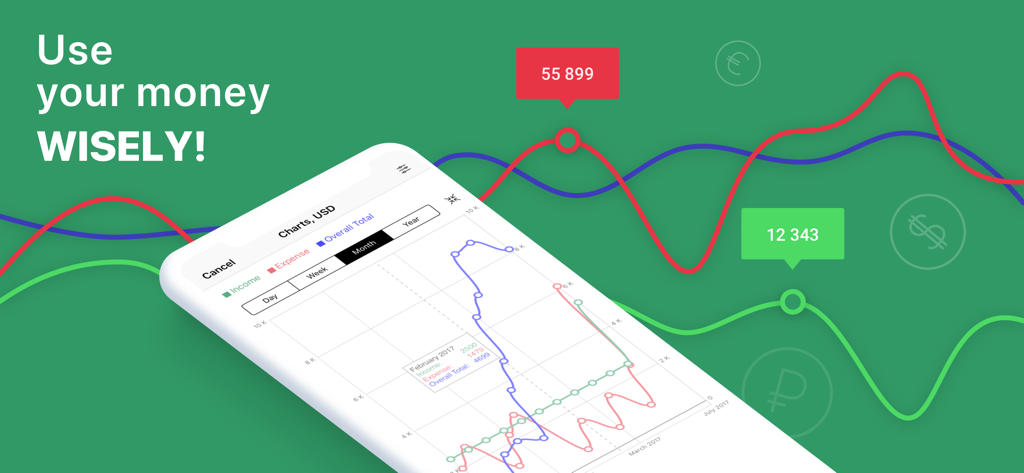
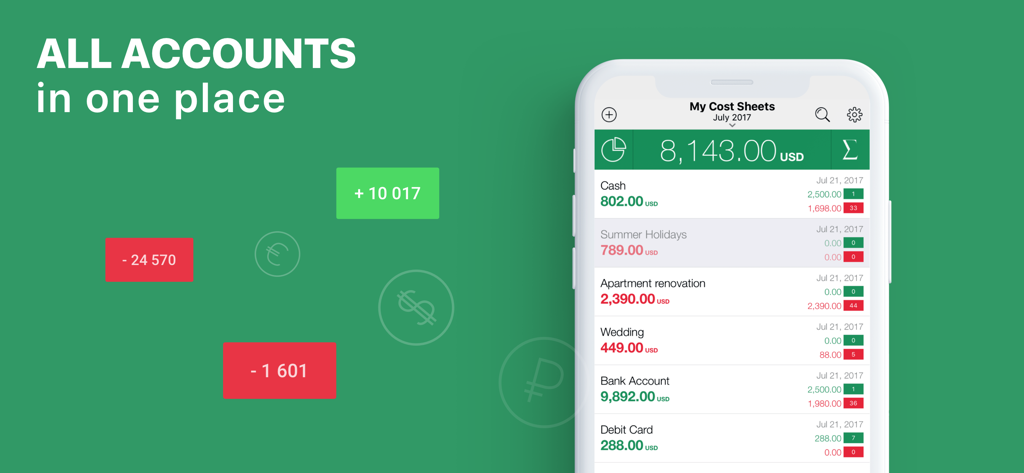
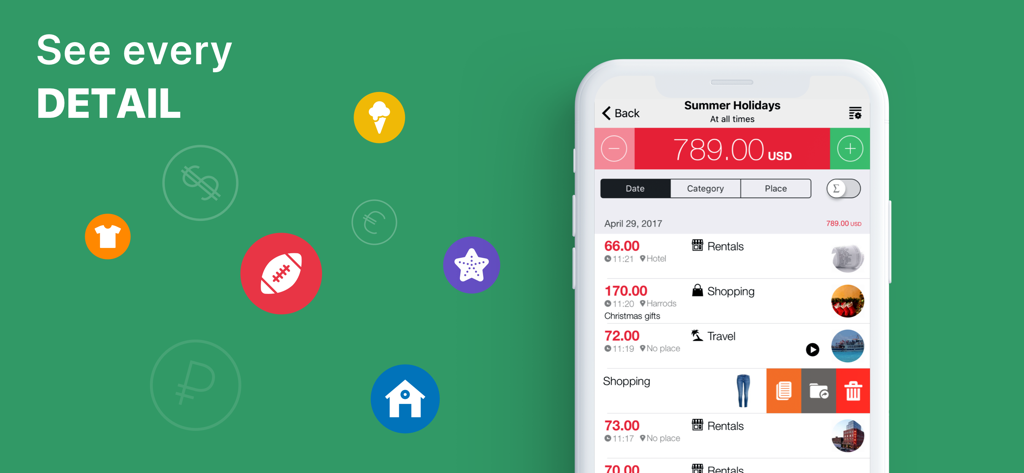
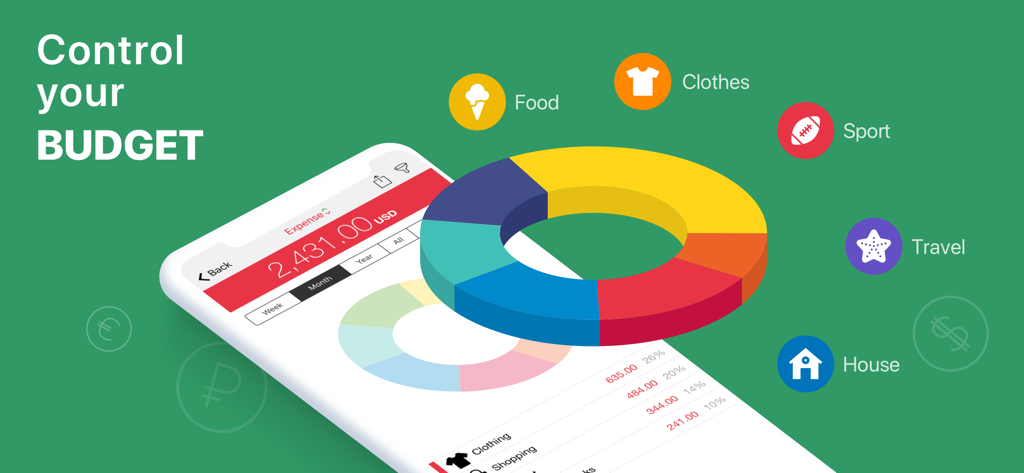
Cost Track allows you to: - Use your money wisely - Keep track of your personal and family budget - Quickly enter your income and expenses - View income and expenses grouped by category and location - Know exactly where your money goes, how to save money and where to get the best deals - View your current balance for all accounts and each one separately and know the amount of money you currently have - Save your spending history where you can always find the required entry An overview of key features: • Cost sheets - A cost sheet is a list of entries (income and expenses) grouped by various features, for example, accounts (Cash, Debit Card, Bank Account, etc.) or events (Wedding, Summer Holidays, Apartment Renovation, etc.) - Create and manage as many cost sheets as you need* - Each cost sheet can have its own currency - The app calculates and displays your overall balance and statistics in the base currency - Remove a cost sheet from tracking if you don’t want it to impact your overall balance and statistics - Make transfers between cost sheets in various currencies • Income and Expenses - Create new entries in seconds specifying a category as the only required field - Change date and time of your entries, add a comment to know exactly when and how you spend your money - Specify a location to see where you spend your money and also get statistics by location - Add a photo of a paper receipt, a product, etc. to your entries - In case you’re busy and don’t have time to add a comment and the amount of income or expenses, then add an audio recording and get back when you are free - Calculate your expenses with the built-in calculator - Convert currencies directly in the Expenses • Sync via Dropbox for joint budget management* • The app supports more than 150 different currencies and automatically updates currency exchange rates • The app contains more than 25 pre-installed income and expenses categories. You can change, delete, or add new categories to customize them in a convenient way • Statistics – view statistics of your income and expenses grouped by time, category, and location • Diagrams – get a visual image of your income and expenses • Customize your statistics and diagrams in a convenient way using a filter • Create PDF reports in Diagrams and Statistics • Search entries by description, category, and location • PIN and TouchID/FaceID – protect your data with a PIN number and use your TouchID/FaceID for better experience • Save and download data via iCloud for backup and data transfer between devices • 3D Touch support *Please note that the free version is intended to provide users a preview of the functions of the app. It has a limited number of cost sheets and entries (5 cost sheets and 20 entries in a cost sheet), no synchronization feature (via Dropbox) for joint budget management. To remove all restrictions, please upgrade to the full version with a one-time purchase or buy a subscription (monthly or annual). The current subscription price is specified on the purchase screen of the app. Payment will be charged to your iTunes Account at the confirmation of purchase. The monthly subscription automatically renews every month, and the annual subscription automatically renews every year, being charged to your iTunes Account, unless cancelled at least 24 hours before the end of the current period. Auto-renew can be turned off anytime by going to your Account Settings in iTunes after purchase. No cancellation of the current subscription is allowed during the active subscription period. Any unused portion of a free trial period, if offered, will be forfeited when purchasing a subscription. Privacy Policy: http://www.artezio.com/products/cost-track/privacy_en.html Terms of Use (EULA): https://www.apple.com/legal/internet-services/itunes/dev/stdeula/ If you like Cost Track, please take a moment to rate it in the App Store!

Download

ダウンロード: App Store

このページはアプリまたはその開発者の公式ページではなく、情報提供および論評を目的として作成された独立した編集出版物です。明示的に別段の記載がない限り、アプリおよびその開発者は、MWM、Apple、Google Play、アプリのパブリッシャー、またはアプリの開発者と提携、承認、後援、認可、またはその他の公式的な関係はなく、このページのいかなる内容も、アプリがMWMのサービスを使用して開発されたことを意味するものではありません。すべての商標、ロゴ、スクリーンショット、その他のコンテンツはそれぞれの所有者の財産です。