Create PDF - Camera Scanner

Create PDF - Camera Scanner

ダウンロード: App Store
ロゴ: Create PDF - Camera Scanner

PDF作成 - カメラスキャナー:あなたのプロフェッショナルなドキュメントハブをどこへでも

iPhoneを高性能なオフラインスキャナーに変身させよう。書類、ID、レシートを、クリアな品質と完全なプライバシーで簡単にデジタル化。

ダウンロード: App Store

開発元

Jogani Bhavesh Keshubhai

カテゴリ

Utilities

ダウンロード

2K+

ユーザー評価

1.0/5

評価数

0

対応言語

1

効率をフォーカス

このインターフェースを利用する 2K+ 人のユーザー.

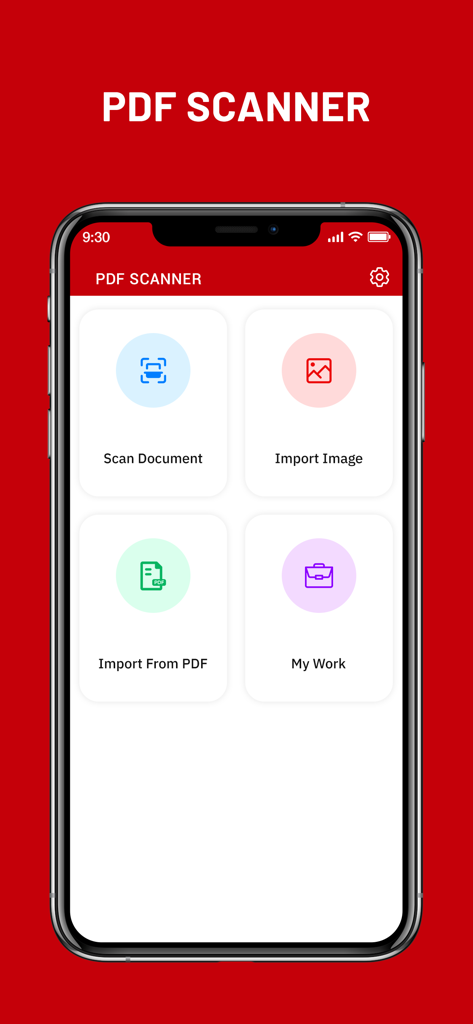
iPhoneに表示されたPDF作成カメラスキャナーアプリのメインダッシュボード。書類のスキャンや画像のインポートボタンが表示されています。

iPhoneに表示されたPDF作成カメラスキャナーアプリのメインダッシュボード。書類のスキャンや画像のインポートボタンが表示されています。

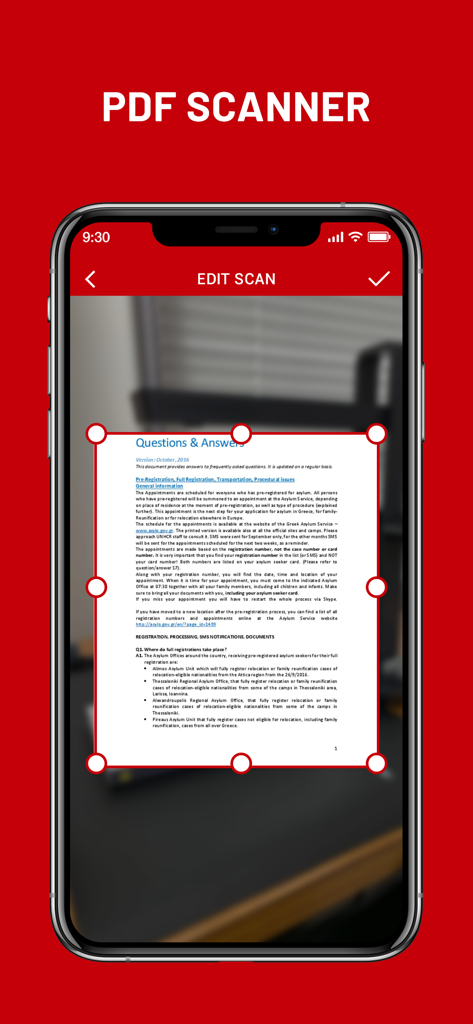
PDF作成カメラスキャナーアプリのドキュメント編集・トリミング機能を示すiPhone画面。

PDF作成カメラスキャナーアプリのドキュメント編集・トリミング機能を示すiPhone画面。

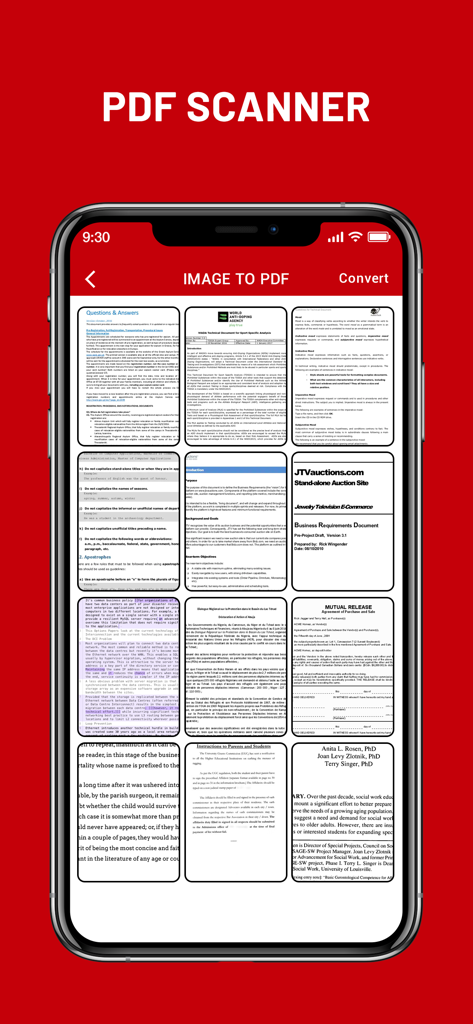
複数のスキャンされたドキュメントのグリッドを表示し、PDFファイルに変換する準備ができたモバイルアプリのインターフェース。

複数のスキャンされたドキュメントのグリッドを表示し、PDFファイルに変換する準備ができたモバイルアプリのインターフェース。

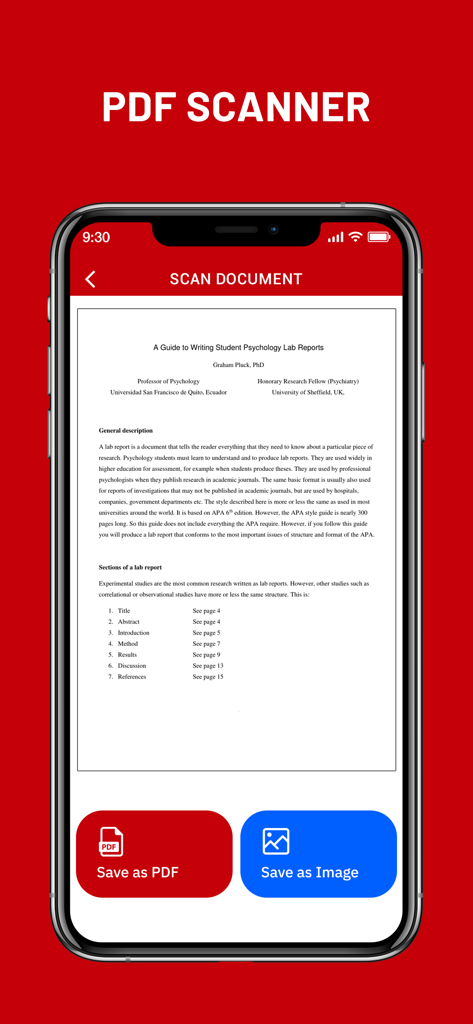
PDF作成アプリでスキャンされたドキュメントを表示し、PDFとして保存または画像として保存ボタンが表示されたスマートフォンの画面。

PDF作成アプリでスキャンされたドキュメントを表示し、PDFとして保存または画像として保存ボタンが表示されたスマートフォンの画面。

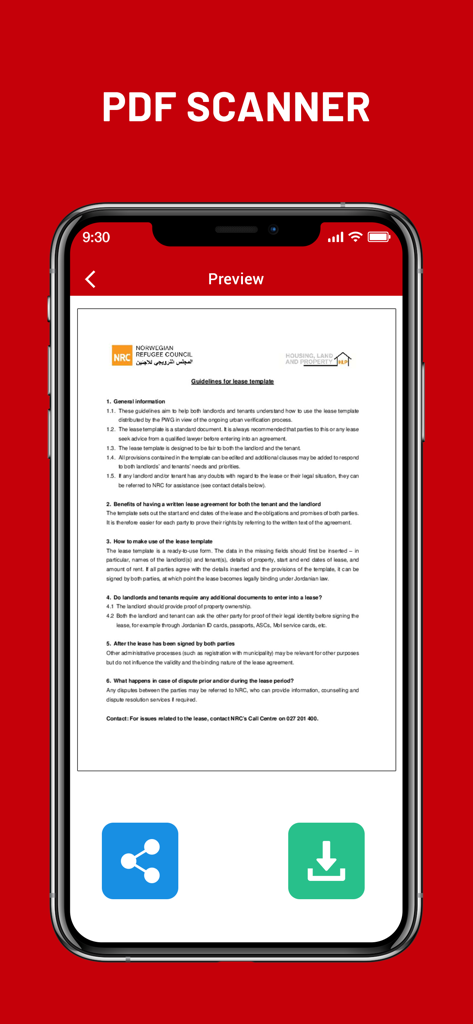
PDF作成カメラスキャナーアプリでスキャンされた賃貸契約書のプレビュー。

PDF作成カメラスキャナーアプリでスキャンされた賃貸契約書のプレビュー。

あなたのプロフェッショナルオフィスをポケットに

このアプリを際立たせるツール、 2K+ 人のユーザーが選択.

📄

瞬時に高品質スキャン

高度な画像処理フィルターを使用して、契約書、手書きメモ、IDなどをワンタップでプロフェッショナルなPDFに変換。

🔒

プライベート&オフライン設計

機密データを安全に保管。すべてのPDF生成はデバイス上で直接行われ、クラウドへのアップロードやインターネット接続は不要。

📂

シームレスな複数ページファイル

複数のスキャンを1つの整理されたドキュメントに結合。経費のレシート、税務フォーム、複数ページの学習ガイドのコンパイルに最適。

アプリについて

について知っておくべきこと Create PDF - Camera Scanner.

説明

Create PDF - Camera Scanner is a tool that lets you convert any printed document to a PDF file, all on your iPhone, iPad. Camera Scanner comes with a lightweight, clean, and easy-to-use interface that makes this app feel like a breeze. CamScanner - PDF Creator is the best scanner app that will turn your phone into a PDF scanner. Convert images to pdf in a simple tap. Download it for FREE! The only thing you have to do is take a photo of the document in question, using the Free iScanner that is part of CamScanner - PDF Creator! Of course, the photo needs to be somewhat cantered and well-lit. Cam Scan app will then process the photo in question, and in a matter of seconds it will have converted it to a PDF document. Once you have the PDF document saved to your iPhone, you can work with it just like you would with any other file of this type. In addition, before saving the document, you can apply different filters to it to see if it looks better; depending on the quality of light in the photo, you might be able to obtain better results with a filter. Camera Scanner - PDF Creator is an interesting tool for users who normally tend to work with printed documents, but who also want to be able to bring those documents anywhere. Camera Scanner allows users to 'scan' documents (by taking a photo with the device's camera) and share the photo as either a JPEG or PDF. • Scan Documents Camera Scanner - PDF allows user to scan documents by taking a picture with the phone camera. Feature recognises texts in images and extract them from images for later searching, editing or sharing. • PDF Conversion Camera Scanner support a variety of format conversion including converting PDF to JPG and vice versa. * Features * • Easy to scan ID-Card, Passport, any documents • Document Scanner - Scan documents, Scan PDF • iScanner - Document Scan & Edit with OCR • Mobile PDF Scanner -Create pdf from a website, convert document files (doc, docx, ppt, pptx) to PDF • Scaner - Scan documents and photos to PDF or PNG • Easily scan multiple pages into one document using Cam Scanner • Instantly print out any documents in CamScanner • Scan documents free • Share PDF/JPEG Files CamScanner HD for iPhone use your smartphone camera to scan multi-page of documents, card, whiteboards, receipts, notes and other text. using scanner for ipad free you can quickly scan your documents and share! Cam Scan - PDF Scanner App is easier, faster scanning with cs scan. CamScanner-PDF Scanner App lets you scan and create PDF files. PDF scanner is the best free camscanner app for iphone. Scanner App: PDF Document Scan. Photo scanner is completely offline and requires no internet connection. Along with scanning, features like cropping and filters improve the visibility of your documents using scan.app In CamScanner PDF generation is completely offline and requires no internet connection. It saves your PDF file in history and in the list of recently used documents. Cam Scan is not just easy to use but also completely secure scanner app. The camera scanner App is the best scan app, doc scanner & a must have application for those people who are always travelling for business purposes. ABOUT SUBSCRIPTIONS • Payment will be charged to iTunes Account at confirmation of purchase • Subscription automatically renews unless auto-renew is turned off at least 24-hours before the end of the current period • Account will be charged for renewal within 24-hours prior to the end of the current period, and identify the cost of the renewal • Subscriptions may be managed by the user and auto-renewal may be turned off by going to the user's Account Settings after purchase • Any unused portion of a free trial period, if offered, will be forfeited when the user purchases a subscription to that publication, where applicable Terms of Use : https://joganibhavesh.home.blog/terms-condition/ Privacy Policy : https://joganibhavesh.home.blog/

最新バージョン

1.0

サイズ

12.1 MB

リリース日

2021年8月23日

iPhoneをパワフルなポータブルスキャナーに変えよう

何千人もの学生やプロフェッショナルに加わろう。100%安全なオフラインPDF作成で、書類、ID、レシートのスキャンを数秒で開始。

ダウンロード: App Store

App information, icons, screenshots, and descriptions displayed on this page are sourced from the Apple App Store and are the property of their respective developers. Download estimates and rankings are based on MWM's proprietary models and may not reflect actual figures. This page is provided for informational and analytical purposes only.

Believe this page infringes your intellectual property? File a dispute