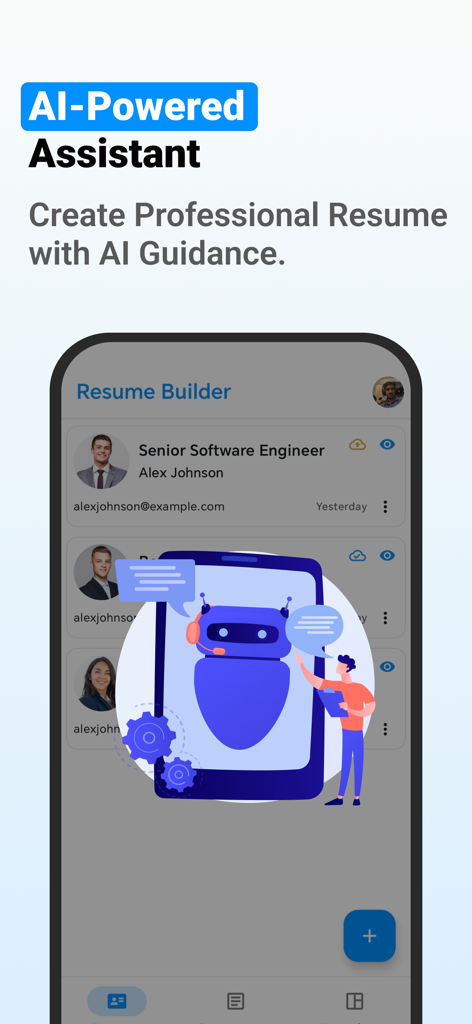
If you are looking for a free CV Maker app, then DuckResume is the perfect choice for you. Create professional resume in minutes with easy to use Resume Builder App. Choose from modern templates, customize your CV, and export it as a PDF. Whether you're a fresher or a professional, DuckResume helps you build a job-winning resume quickly.
Start with customizable resume templates tailored for every industry. With canvas resume maker and CV maker app, you can easily create and edit resume, customize fonts, change colors, and export your CV in PDF format. No design skills needed – just enter your details and get a clean, polished resume in minutes.
CV Maker for Job Application – just enter your info, and build a professional resume in minutes!
Key Features of Resume Builder App:
- Make a professional Curriculum vitae and resume in minutes with CV editor app.
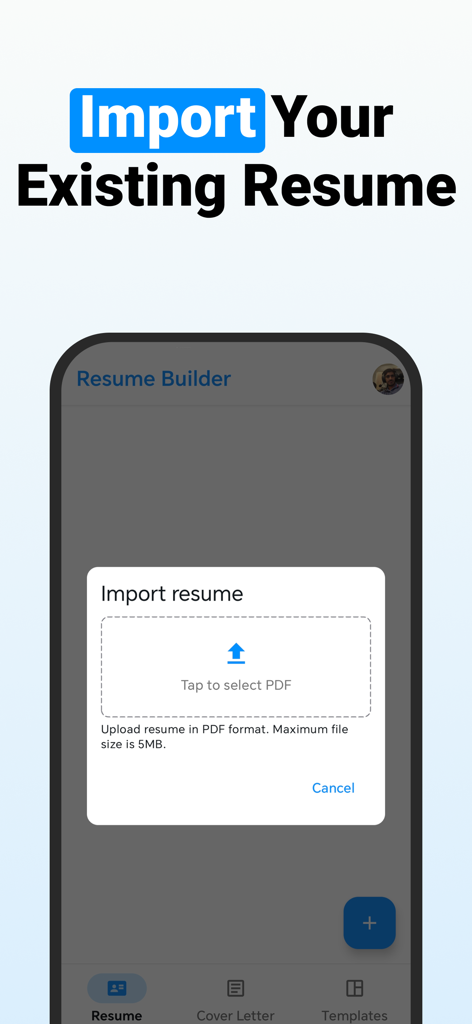
- Import and edit your existing resume PDF instantly.
- Create and manage multiple resume profiles for different job roles.
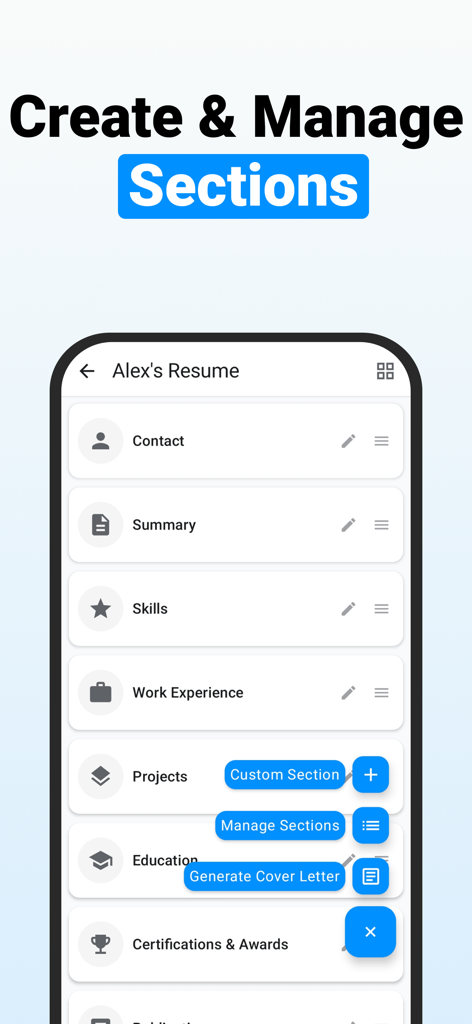
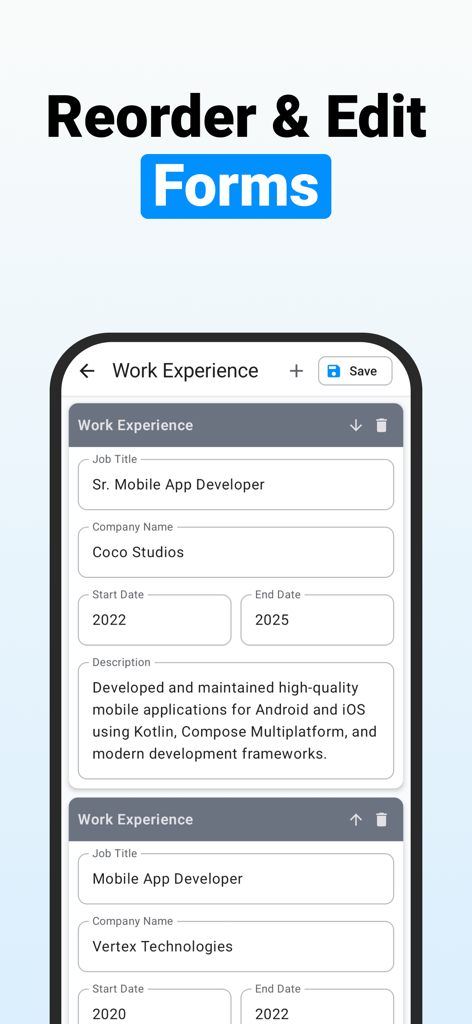
- Reorder resume sections easily to match job requirements.
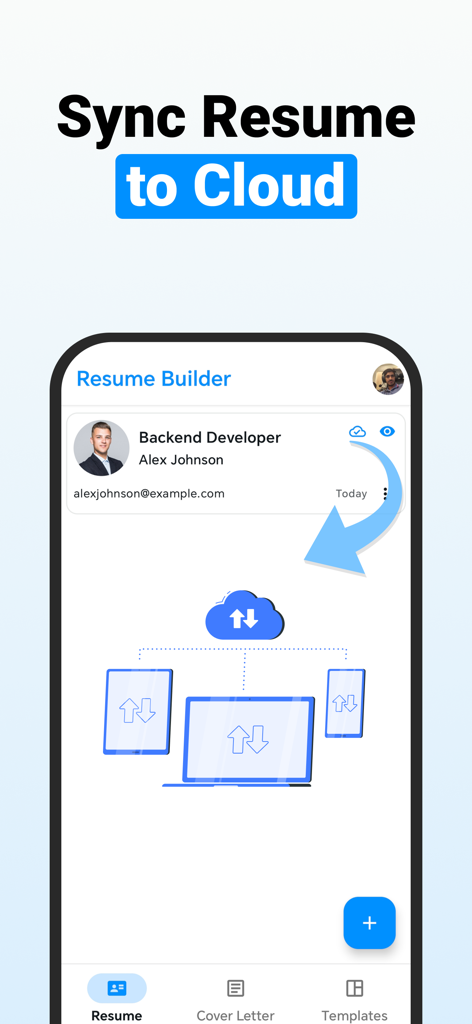
- Sync resumes to the cloud and access them anytime, from any device.
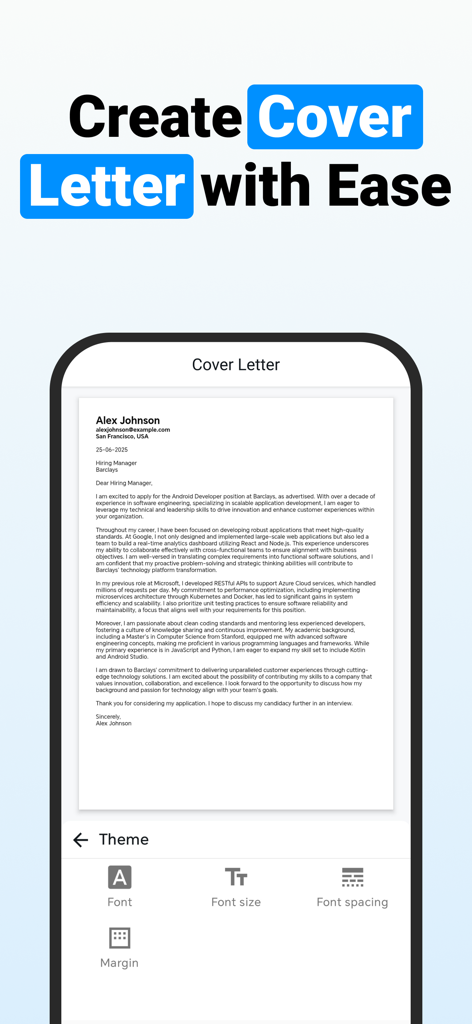
- Generate AI-powered cover letters from your resume and job description.
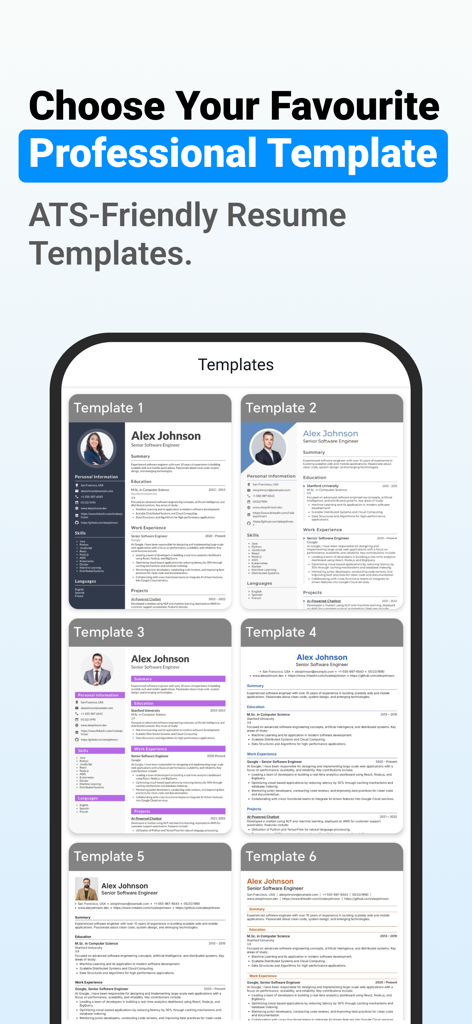
- Use ATS-friendly resume templates designed for modern job applications.
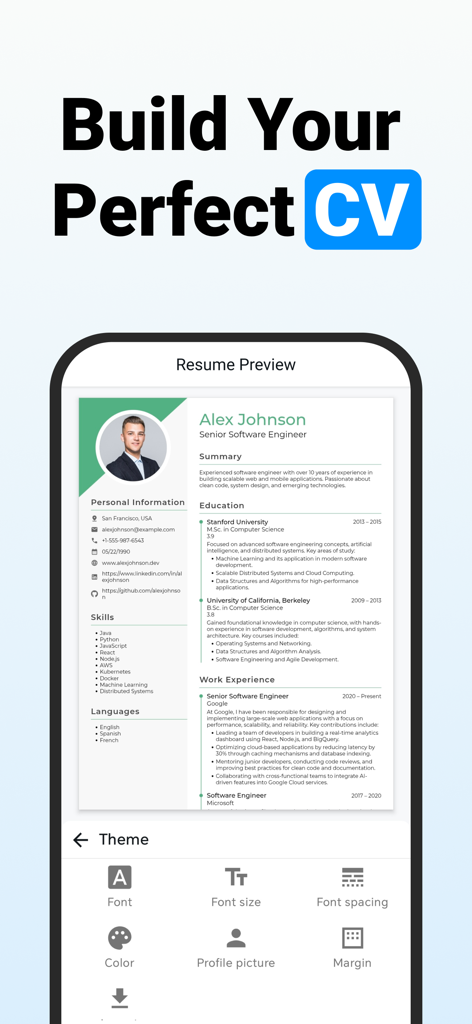
- Customize fonts, colors, margins, and layout to design your perfect CV.
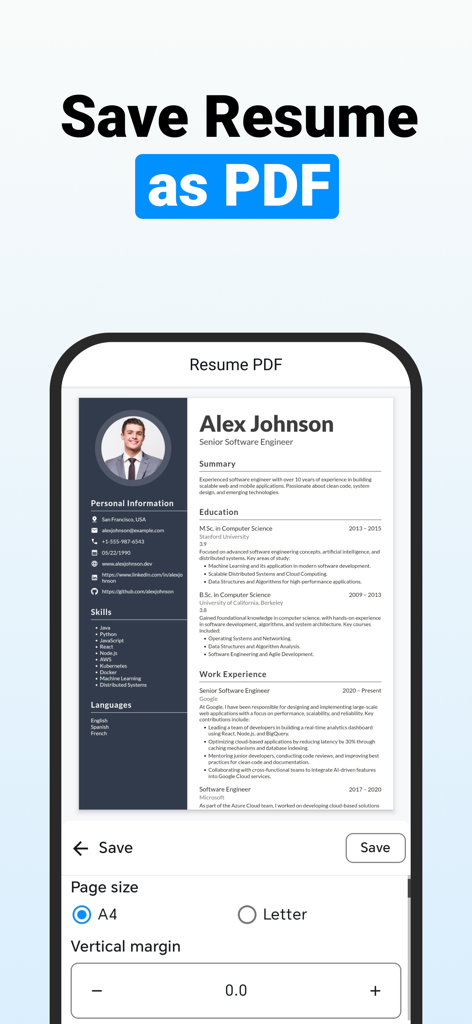
- Export high quality resume PDF files.
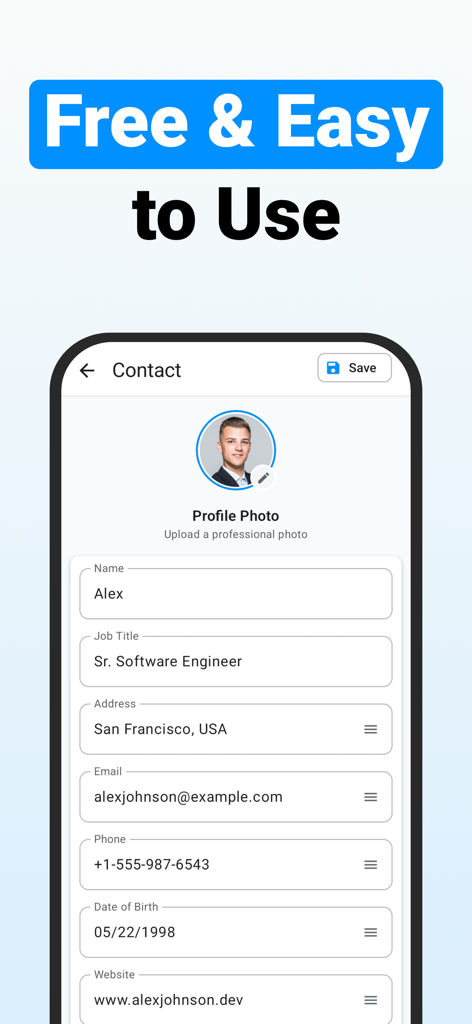
1. Create Your Resume Easily – No Design Skills Needed
Let the smart resume maker app take care of fonts, spacing, and structure while you focus on content. Just choose a template, fill in your info, and export a high-quality PDF resume instantly.
2. Import and Edit Your Existing PDF Resume
Already have a resume? No problem. Easily import your existing resume in PDF format and edit it directly in the app. The resume PDF maker automatically extracts your information so you can update your details, change the layout, or switch to a new template.
Save time by reusing your current resume content while giving it a modern, professional look with new CV templates. It’s the easiest way to upgrade your resume without starting from scratch.
3. AI Cover Letter Generator
Say goodbye to writing cover letters from scratch. Our AI-powered cover letter generator creates professional, job-specific cover letter in seconds.
Simply select your resume and paste the job description — the app analyzes both and generates a tailored cover letter that matches the tone, keywords, and expectations of employers.
4. Fully Customizable Resume Templates
Make your resume stand out with full customization options. Choose between single-column or two-column resume templates to match your preferred layout. You can easily adjust fonts, font sizes, section spacing, text alignment, margins, and theme colors to create a unique and professional look.
Our resume and CV templates are fully editable, allowing you to control every detail — from visual style to structure — while keeping your resume ATS-friendly and job-ready.
5. Cloud Backup for Your Resume and Cover Letters
Never lose your resume again. With curriculum vitae maker you can cloud sync your resumes and cover letters, allowing you to access, edit, and manage them from any device.
Make updates to your resume on the go, apply for jobs from anywhere, and always have your latest CV version ready. It's the perfect feature for job seekers who need flexibility and reliability.
6. Export, Share & Print Resume as PDF
Export your resume or CV in high-quality PDF format with a single tap. Whether you're applying online or printing for an interview, you can download, share, or print your resume directly from the AI CV maker app.
Start building CV with Resume Builder App today Whether you're applying for your first job or your next big career move, DuckResume is a CV Maker app that gives you all the tools you need to stand out in the job market. Download Duck Resume now and take the next step in your career with confidence.