DB Secure Authenticator
ダウンロード: App Store

このページはアプリまたはその開発者の公式ページではなく、情報提供および論評を目的として作成された独立した編集出版物です。明示的に別段の記載がない限り、アプリおよびその開発者は、MWM、Apple、Google Play、アプリのパブリッシャー、またはアプリの開発者と提携、承認、後援、認可、またはその他の公式的な関係はなく、このページのいかなる内容も、アプリがMWMのサービスを使用して開発されたことを意味するものではありません。すべての商標、ロゴ、スクリーンショット、その他のコンテンツはそれぞれの所有者の財産です。


ロゴ: DB Secure Authenticator
ダウンロード: App Store

DB Secure Authenticator

安全な2要素認証であなたの資産を守り、バンキング体験を効率化します。ハイバリュープロフェッショナルのために設計された、生体認証またはプッシュ通知による即時トランザクション承認。

主要数値

ダウンロード

482K+

ユーザー評価

1.5/5

評価数

1K+

開発元

Deutsche Bank AG

カテゴリ

Finance

対応言語

7

最新バージョン

4.9.0.2.0.3

サイズ

35.8 MB

リリース日

2018年7月27日
機能

グローバルファイナンスのためのプロフェッショナルセキュリティ

現代のエグゼクティブのために、信頼性とスピードのために設計されたシームレスな2要素認証スイートで、高価値資産を保護します。

即時トランザクション承認

手入力は不要です。安全なプッシュ通知により、複雑な送金やログインをワンタップで承認し、ワークフローを中断させません。

簡単な生体認証ログイン

FaceIDまたはTouchIDを使用してセキュリティキーに即座にアクセスし、妥協のない銀行グレードの安全性と、あなたのスケジュールが要求するスピードを組み合わせます。

以下のスクリーンショットと説明は、アプリの公式ストアリスティングから直接取得されたものであり、アプリ開発者の所有物です。

アプリストア

スクリーンショット
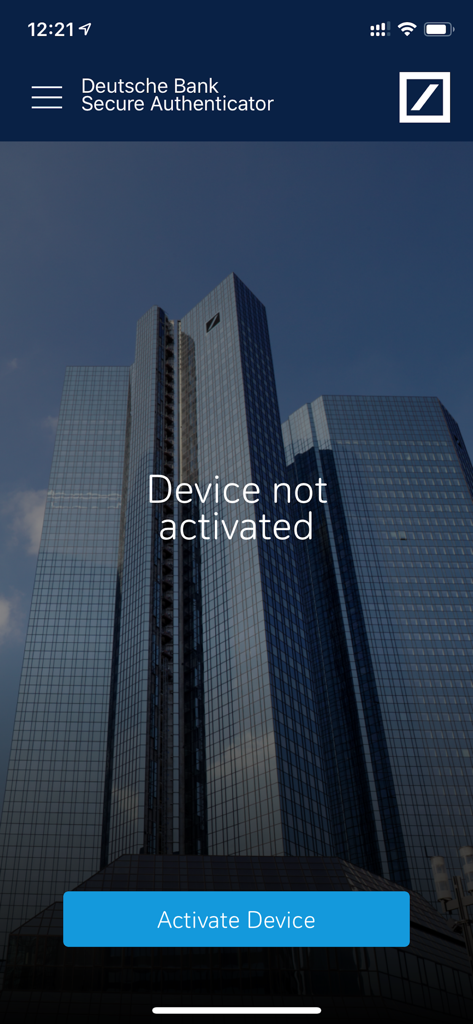
DB Secure Authenticator - ドイツ銀行セキュアオーセンティケーターアプリのウェルカム画面。デバイスがアクティブ化されていないメッセージとアクティブ化ボタンが表示されています。
ドイツ銀行セキュアオーセンティケーターアプリのウェルカム画面。デバイスがアクティブ化されていないメッセージとアクティブ化ボタンが表示されています。

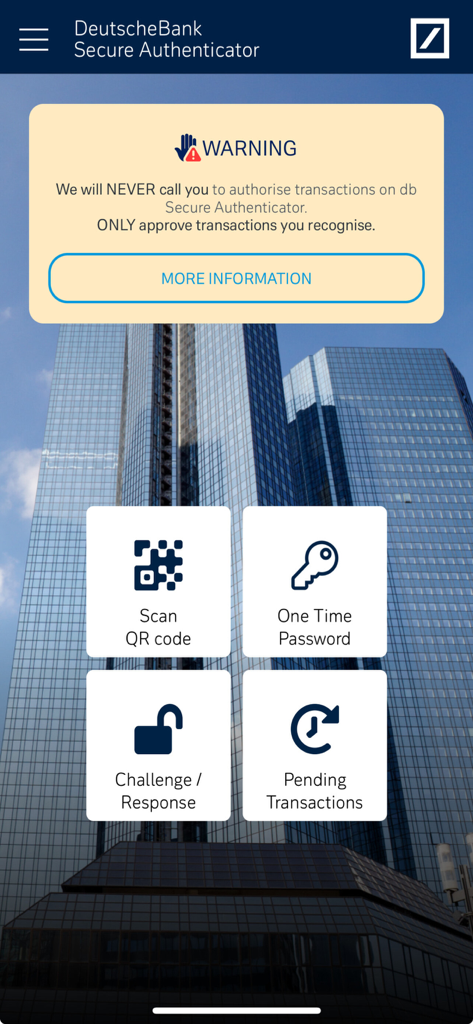
DB Secure Authenticator - DBセキュアオーセンティケーターアプリのメインダッシュボード。QRスキャンやワンタイムパスワードなどの認証オプションが表示されています。
DBセキュアオーセンティケーターアプリのメインダッシュボード。QRスキャンやワンタイムパスワードなどの認証オプションが表示されています。

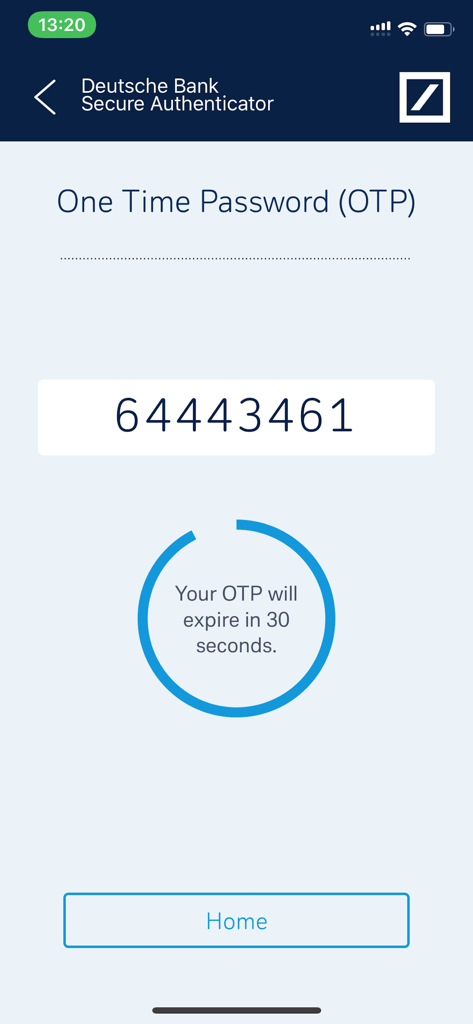
DB Secure Authenticator - ドイツ銀行セキュアオーセンティケーターアプリに、30秒の有効期限タイマー付きのワンタイムパスワードが表示されています。
ドイツ銀行セキュアオーセンティケーターアプリに、30秒の有効期限タイマー付きのワンタイムパスワードが表示されています。

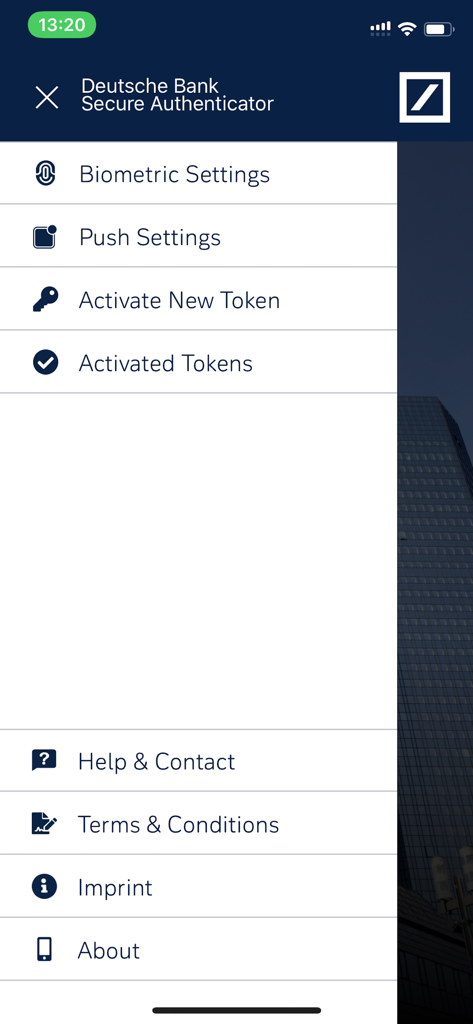
DB Secure Authenticator - ドイツ銀行セキュアオーセンティケーターアプリのメニュー。生体認証設定、プッシュ通知、トークン管理オプションが表示されています。
ドイツ銀行セキュアオーセンティケーターアプリのメニュー。生体認証設定、プッシュ通知、トークン管理オプションが表示されています。

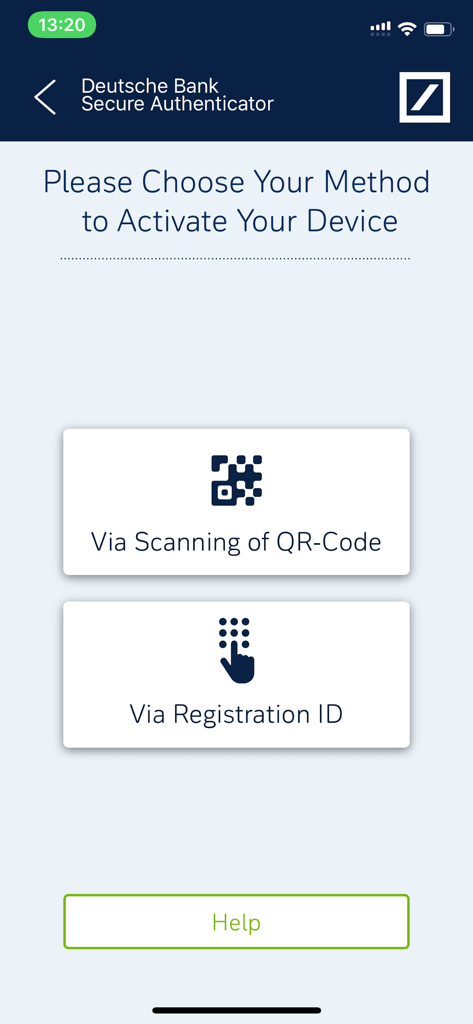
DB Secure Authenticator - DBセキュアオーセンティケーターのデバイスアクティブ化画面。QRコードをスキャンするか、登録IDを使用するオプションが表示されています。
DBセキュアオーセンティケーターのデバイスアクティブ化画面。QRコードをスキャンするか、登録IDを使用するオプションが表示されています。

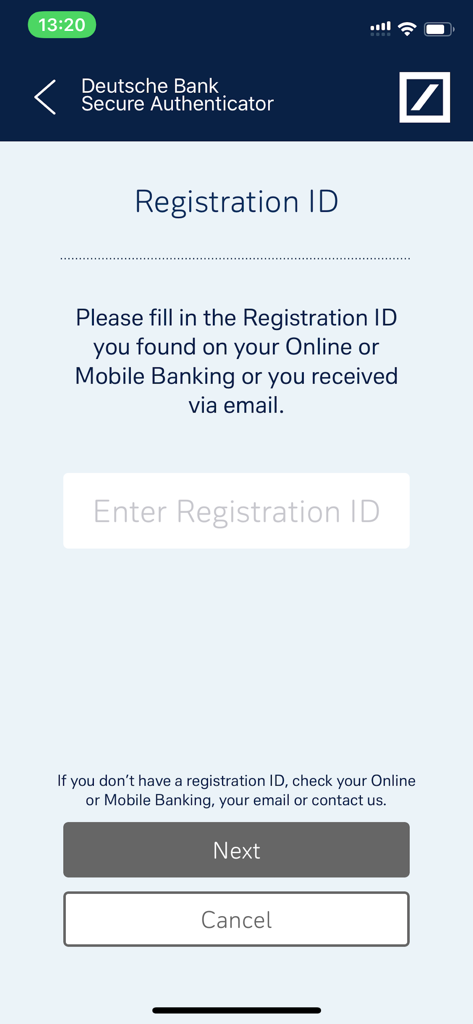
DB Secure Authenticator - ドイツ銀行セキュアオーセンティケーターモバイルアプリの登録ID入力画面

ドイツ銀行セキュアオーセンティケーターモバイルアプリの登録ID入力画面

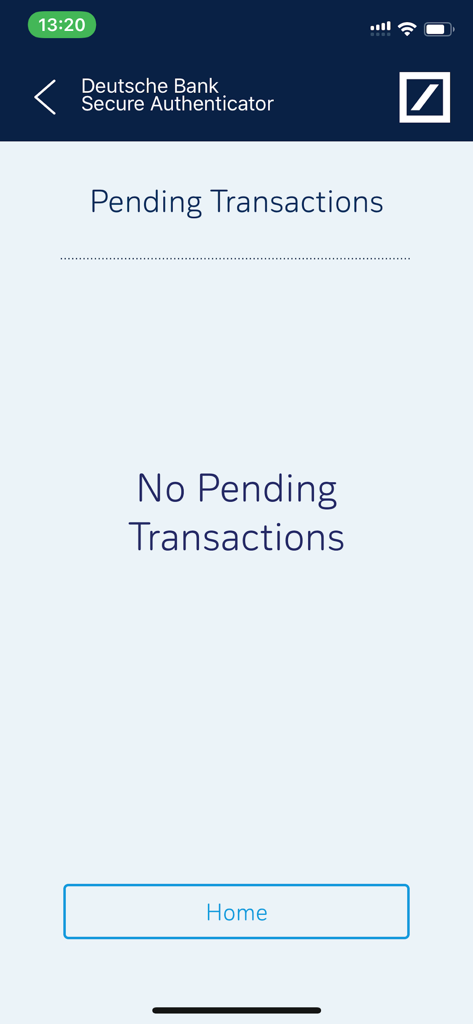
DB Secure Authenticator - DBセキュアオーセンティケーターアプリの画面。保留中のトランザクションはありません。

DBセキュアオーセンティケーターアプリの画面。保留中のトランザクションはありません。

説明

DB Secure Authenticator provides customers with a two-factor authentication solution for logging into accounts and for authorising transactions. For signing transactions on Deutsche Bank’s Online and Mobile banking platforms, customers from Germany can use the photoTAN app, which can be downloaded from the app store. There is a choice of 4 functions within the app: 1. Scan QR Code: Using your phone’s camera, a QR-code is scanned on-screen and a numeric response code is provided. The code may be used for logging into a DB banking application or for authorising transactions. 2. Generate a One-Time Password (OTP): On request, the app generates a numeric code which may be used for logging into a DB banking application. 3. Challenge / Response: When speaking with a DB customer service agent, an 8-digit number provided by the agent is entered into the app and a response code is provided. This function is used for customer identification via the telephone. 4. Authorising transactions: If enabled, Push Notifications can be received to inform the user of outstanding transactions. When the app is next opened the transaction details are displayed, and can be authorized without the need to scan a QR-code or type a code into the online banking application. App setup: Access to DB Secure Authenticator is controlled either via a 6 digit PIN, which you choose on first launch of the app or by using the device's biometric functionalities, such as fingerprint or facial recognition. Following the PIN setup, you are required to activate the device. This is done by either entering a provided Registration ID or by scanning two QR-codes through the online activation portal.

Download

ダウンロード: App Store

このページはアプリまたはその開発者の公式ページではなく、情報提供および論評を目的として作成された独立した編集出版物です。明示的に別段の記載がない限り、アプリおよびその開発者は、MWM、Apple、Google Play、アプリのパブリッシャー、またはアプリの開発者と提携、承認、後援、認可、またはその他の公式的な関係はなく、このページのいかなる内容も、アプリがMWMのサービスを使用して開発されたことを意味するものではありません。すべての商標、ロゴ、スクリーンショット、その他のコンテンツはそれぞれの所有者の財産です。