General feedback for the app is overwhelmingly negative, with users citing frequent crashes, particularly after updating to iOS 26 or recent app versions like 3.12.1. Many struggle with unreliable device detection and connectivity to their Denon AVRs, often requiring network troubleshooting or device resets. Users also express frustration with the app's sluggish performance, outdated interface, and the removal or malfunction of key features like internet radio and web-based speaker settings. While some users appreciate its use for firmware updates or find recent updates (like version 3.12.3) have improved stability, the overall consensus is that the app significantly underperforms for a premium brand.
主なテーマ
App Stability(3)
Update Issues & Compatibility(3)
Device Connectivity(2)
Core Functionality & Features(2)
Usability & Performance(1)
アプリについて
について知っておくべきこと Denon AVR Remote.
説明
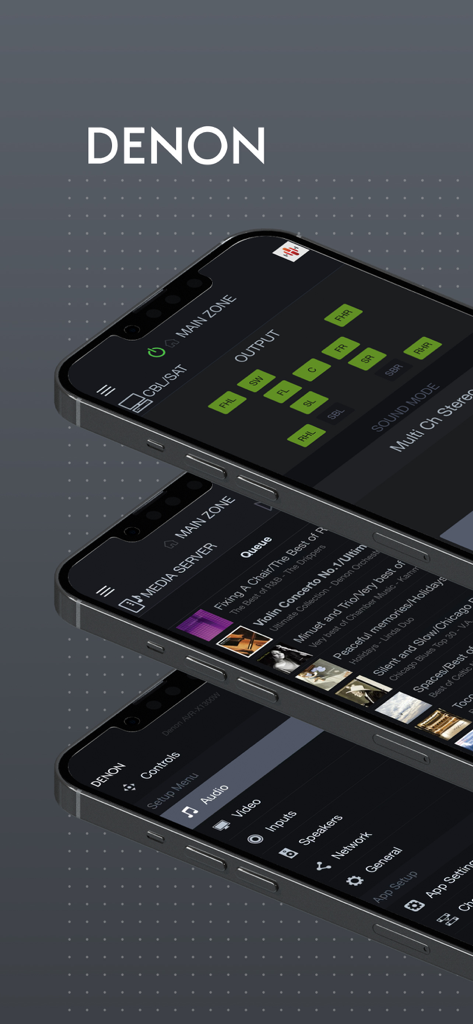
This app for iPhone and iPad will give you an unprecedented level of command and control over your 2014 or later model year network ready Denon AV Receivers (due to hardware differences, older models are not supported with this app. Please check the model compatibility list below; if your model is not listed, please download our previous “Denon Remote App”). Along with many new features, the graphics and user interface have been completely overhauled.
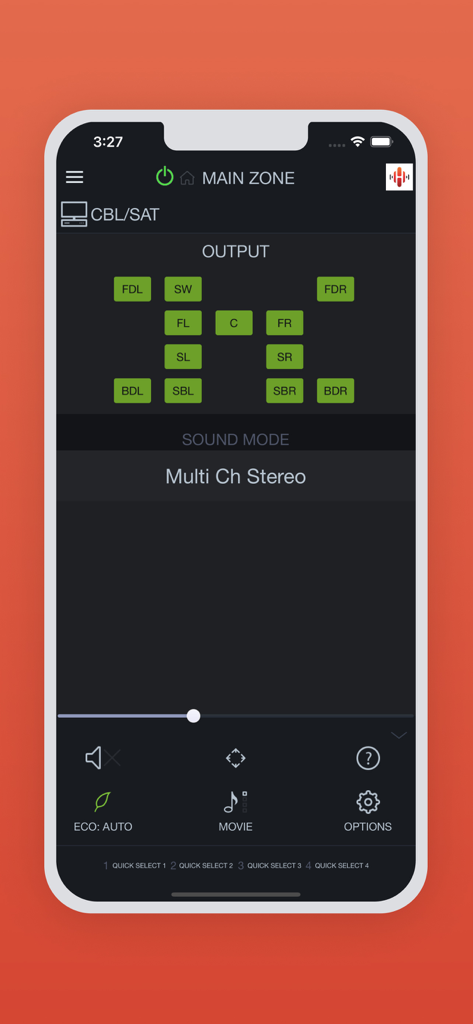
Control the basic functions of your Denon product with power, volume, input and settings.
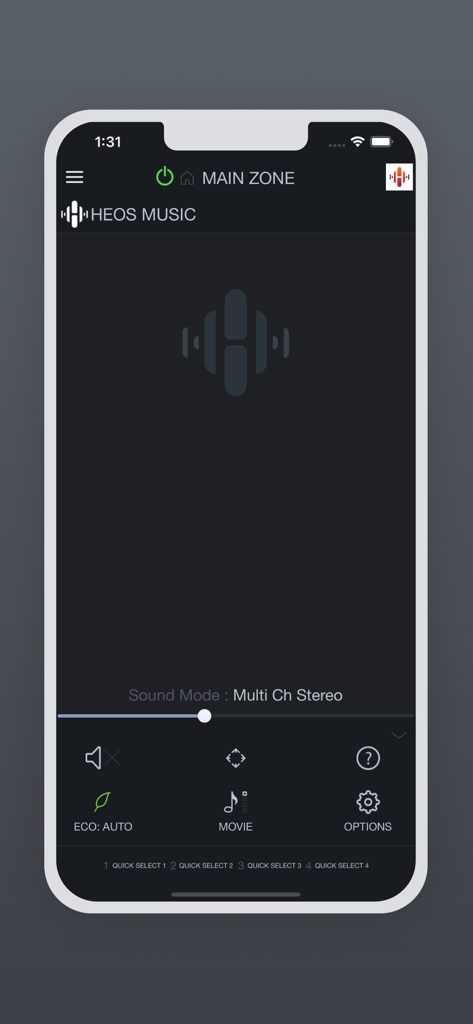
Network browsing is either done within the Denon AVR Remote app or depending on model by selecting HEOS network as input which opens the HEOS app automatically.
With the Denon AVR Remote, your iOS device just became an integral part of your home entertainment experience.
Compatible Denon Models (*1, *2)
2024 New Models
Network AV Receiver: AVR-A10H, AVR-X6800H
2023 Models
Network AV Receiver: AVR-X1800H, AVR-S770H, AVR-S670H, DRA-900H
2022 Models
Network AV Receiver: AVR-A1H, AVR-X4800H, AVR-X3800H, AVR-X2800H, AVR-S970H
2021 Models
Network AV Receiver: AVR-X8500HA, AVR-X1700H, AVR-S760H, AVR-S660H
2020 Models
Network AV Receiver: AVR-A110, AVR-X6700H, AVR-X4700H, AVR-X3700H, AVR-X2700H, AVR-S960H
2019 Models
Network AV Receiver: AVR-X3600H, AVR-X2600H, AVR-X1600H, AVR-S950H, AVR-S750H, AVR-S650H, DRA-800H
2018 Models
Network AV Receiver: AVR-X6500H, AVR-X4500H, AVR-X3500H, AVR-X2500H, AVR-X1500H, AVR-S940H, AVR-S740H, AVR-S640H
2017 Models
Network AV Receiver: AVR-X8500H, AVR-X6400H, AVR-X4400H, AVR-X3400H, AVR-X2400H, AVR-X1400H, AVR-S930H, AVR-S730H
2016 Models
Network AV Receiver: AVR-X6300H, AVR-X4300H, AVR-X3300W, AVR-X2300W, AVR-X1300W, AVR-S920W, AVR-S720W
2015 Models:
Network AV Receiver: AVR-X6200W, AVR-X4200W, AVR-X3200W, AVR-X2200W, AVR-X1200W, AVR-S910W, AVR-S710W
2014 Models:
Network AV Receiver: AVR-X7200W, AVR-X7200WA
*Not compatible with Denon models other than the above models.
Main feature:
•On the fly HEOS app switching for network browsing and control for HEOS built-in AVRs
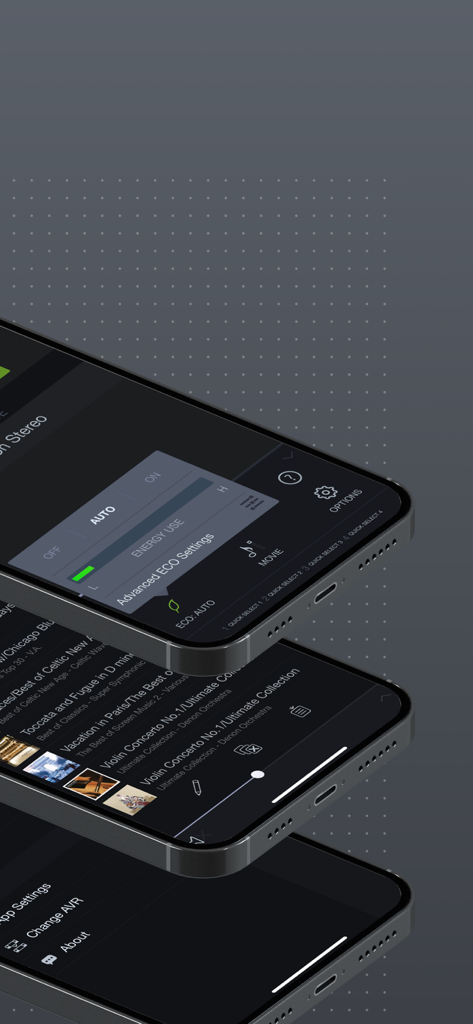
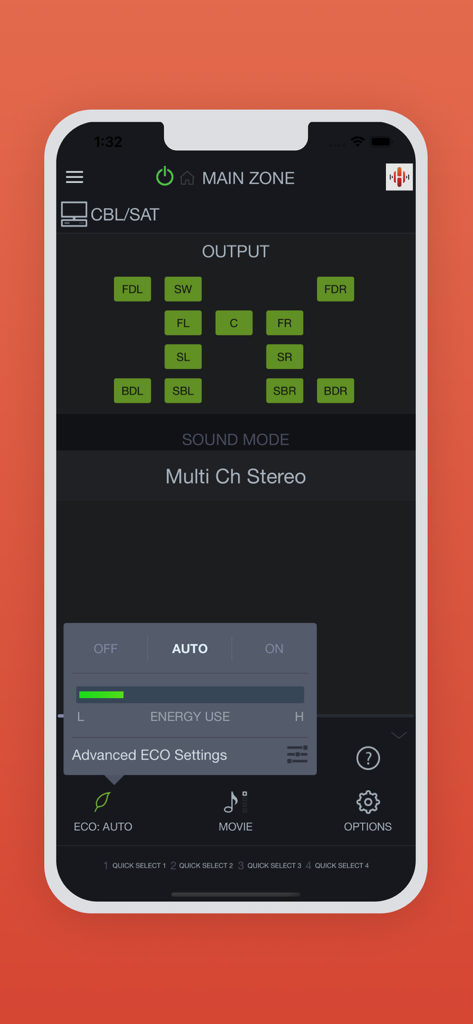
•ECO Mode setting
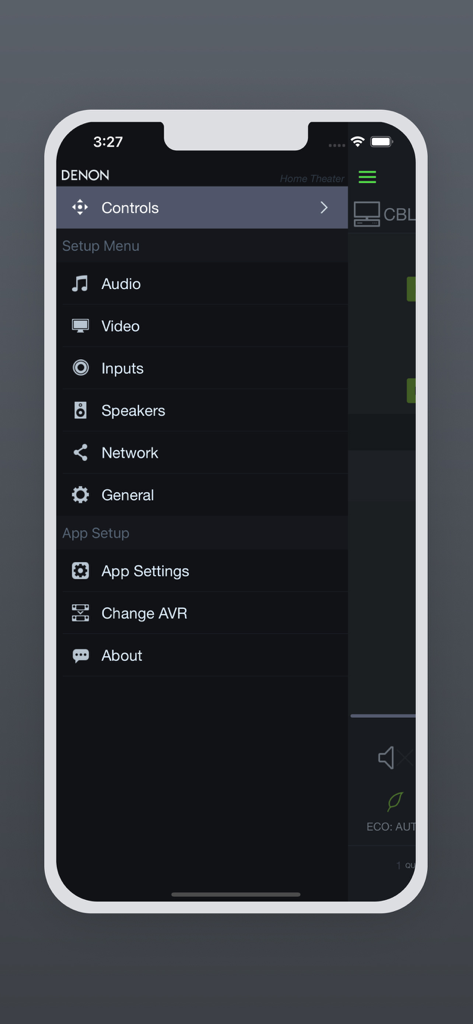
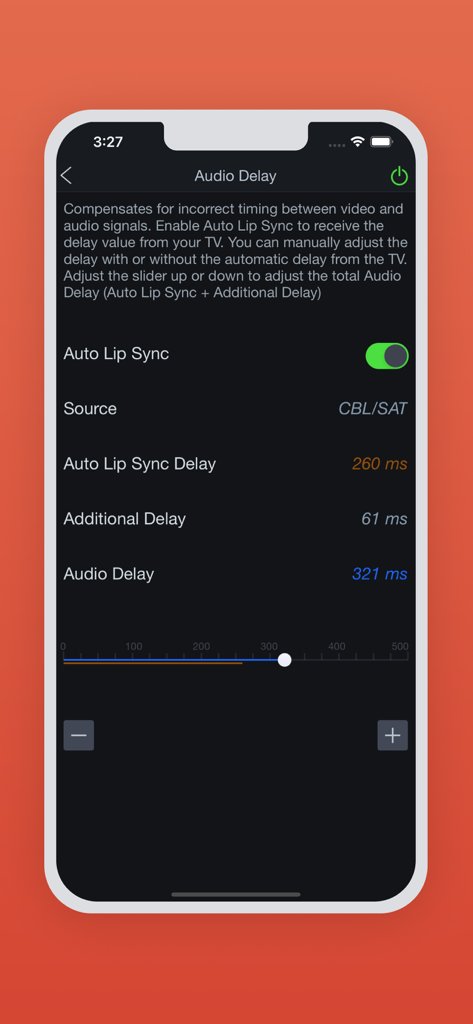
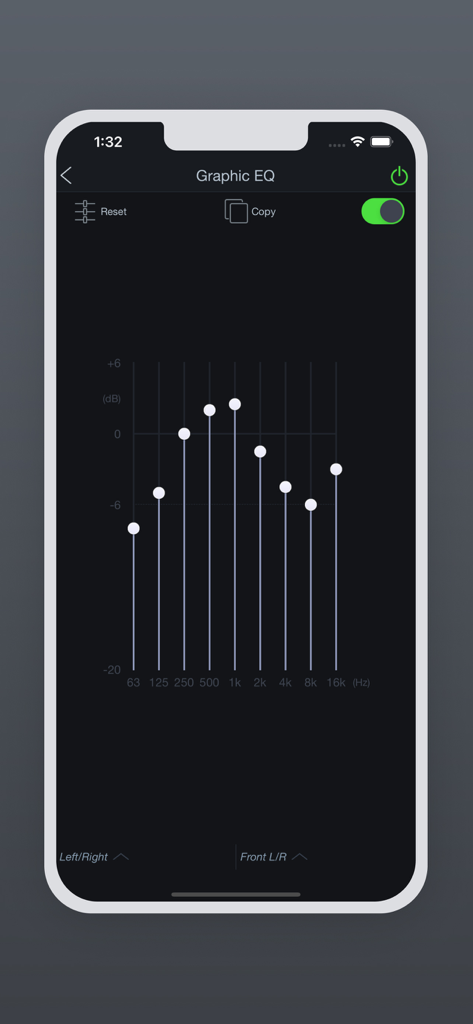
•Option settings (Sleep Tone, Channel Level etc.) and Selected Setup Features
•Viewing User manuals
•Multi-Language Support (English, French, German, Spanish, Dutch, Italian, Swedish, Japanese, Simplified Chinese, Russian and Polish.) (*3)
Notes:
*1: A firmware update for your Denon product is may be needed, please update the firmware via the system setup menu. (General > Firmware) If the App doesn't work well, please try to reboot your mobile device, unplug the power cord of the main unit and reinsert into the power outlet or check your home network.
*2: Please set "Network Control" to "ON" in your product via the system setup menu to use this app. (Network > Network Control)
*3: The OS language setting is automatically detected; when not available, English is selected.
App information, icons, screenshots, and descriptions displayed on this page are sourced from the Apple App Store and are the property of their respective developers. Download estimates and rankings are based on MWM's proprietary models and may not reflect actual figures. This page is provided for informational and analytical purposes only.
Believe this page infringes your intellectual property? File a dispute