
このページはアプリまたはその開発者の公式ページではなく、情報提供および論評を目的として作成された独立した編集出版物です。明示的に別段の記載がない限り、アプリおよびその開発者は、MWM、Apple、Google Play、アプリのパブリッシャー、またはアプリの開発者と提携、承認、後援、認可、またはその他の公式的な関係はなく、このページのいかなる内容も、アプリがMWMのサービスを使用して開発されたことを意味するものではありません。すべての商標、ロゴ、スクリーンショット、その他のコンテンツはそれぞれの所有者の財産です。


Bose Connect
Bose Connectは、単なるアプリではない。Boseハードウェアの潜在能力を解き放ち、ユーザーを自身の音響環境の絶対的な指揮者へと昇華させる。
ダウンロード
25M+ユーザー評価
評価数
825.2K開発元
カテゴリ
Music対応言語
20最新バージョン
25.2サイズ
231.5 MBリリース日
2015年12月8日Bose Connectアプリ主要機能分析
ボーズのワイヤレス体験を最大限に引き出す中核機能
音楽共有
本アプリは、2組のボーズ製ワイヤレスヘッドホン間で同じ音楽を同時に共有することを可能にし、ユーザーは友人や家族とリスニング体験を共有できます。
ノイズキャンセリング調整
QC30ヘッドホンを所有するユーザーは、本アプリを通じてノイズキャンセリングレベルを細かく調整し、周囲の音をどの程度取り込むかを自由に設定できます。
マルチスピーカー同期
ユーザーは、パーティーモードで2台のSoundLinkスピーカーを同期させて音量を2倍にしたり、ステレオモードで左右のチャンネルに音を分離して没入感のあるステレオ体験を作り出すことが可能です。
マルチデバイス管理
本アプリは、複数のBose Bluetooth製品への接続を容易に管理する機能を提供し、ユーザーはデバイス間の切り替えや接続状態の確認をスムーズに行えます。
デバイス設定と制御
ユーザーは、自動オフタイマー、音量調整、バッテリー残量確認などの主要機能に素早くアクセスし、個々の設定をパーソナライズしてBose製品のパフォーマンスを最適化できます。
バックグラウンドソフトウェア更新
本ツールは、最新のソフトウェアをバックグラウンドでダウンロードし、ユーザーの準備が整ったときにのみインストールすることを可能にし、常に最新かつ最適な機能を利用できます。
心拍数モニター表示
SoundSport Pulseヘッドホンを持つユーザーは、内蔵の心拍数モニターから収集されたデータをアプリ内で明確に表示させ、フィットネス活動中のパフォーマンスを追跡できます。
製品詳細表示
本アプリは、接続されているBose製品に関する詳細情報を提供し、ユーザーはデバイスの仕様やステータスを簡単に確認できます。
よくある質問
について知っておくべきこと Bose Connect
What does the Bose Connect app do?
The Bose Connect app unlocks the full potential of your Bose Bluetooth® product. It provides easy access to key features like auto-off timer, volume control, battery readings, and manages multiple Bluetooth connections.
Can I share music with another person using Bose Connect?
Yes, the Bose Connect app enables Music Share. This feature allows two pairs of Bose® wireless headphones to share the listening experience simultaneously, with one user acting as the DJ.
Does the Bose Connect app support multiple speaker connections?
Yes, the Bose Connect app supports connecting multiple speakers. Party Mode syncs two SoundLink® speakers for double audio, and Stereo Mode separates sound into Left and Right channels across two paired speakers.
How does Bose Connect manage noise cancellation for headphones?
For QC®30 headphones, the Bose Connect app offers controllable noise cancellation. Users adjust the level of noise cancellation directly within the app, deciding how much of the external world to let in.
Which Bose products are compatible with the Bose Connect app?
The Bose Connect app is compatible with Bose Frames, QC®35, SoundSport® wireless, QuietControl™ 30, SoundLink® wireless II, ProFlight® headphones, and various SoundLink® and S1 Pro® speakers.
Does Bose Connect display heart rate information?
Yes, for SoundSport® Pulse headphones, the Bose Connect app displays the built-in heart rate monitor's readings. The heart rate information appears clearly within the app interface.
Can I rename my Bose device in the Bose Connect app?
Yes, the Bose Connect app allows users to personalize device settings, including nicknaming their Bose products. This feature enhances device identification within the application.
Does the Bose Connect app provide battery status?
Yes, the Bose Connect app provides battery readings for connected Bose Bluetooth® products. This feature is easily accessible within the app for convenient monitoring of your device's power level.
以下のスクリーンショットと説明は、アプリの公式ストアリスティングから直接取得されたものであり、アプリ開発者の所有物です。
アプリストア
スクリーンショット
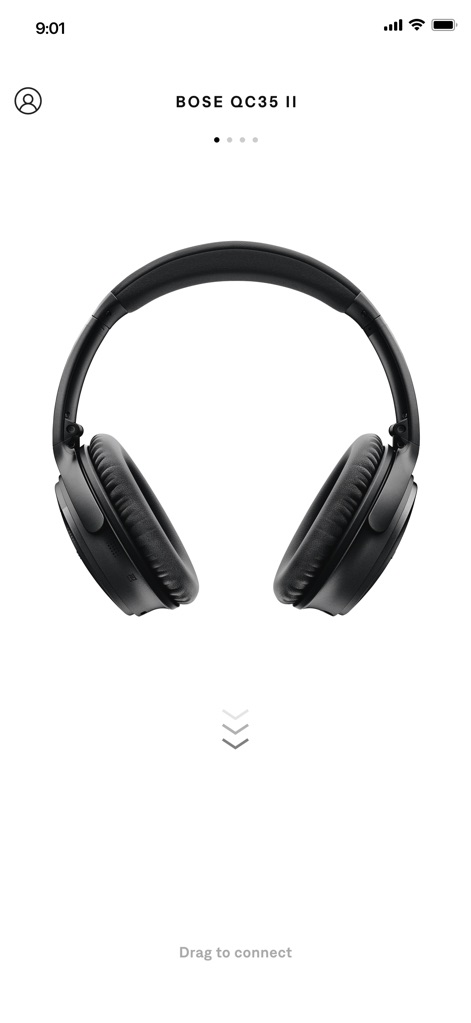
デバイス接続の簡易性
この画面では、Bose QC35 IIヘッドホンが中央に表示されており、ユーザーは「Drag to connect」という指示に従い、簡単にデバイスを接続できる直感的な操作性を提供します。
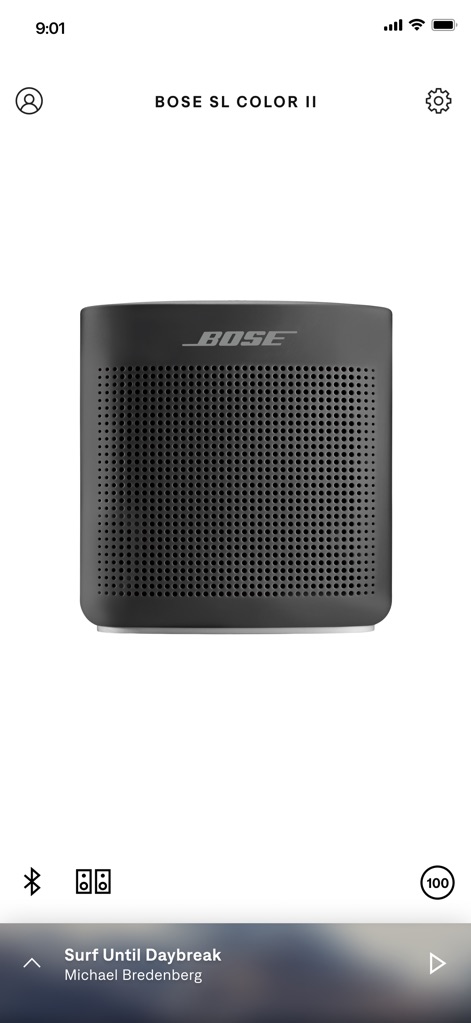
スピーカーの状態管理
本アプリでは、Bose SL Color IIスピーカーが大きく表示され、下部にはBluetooth接続状態と100%のバッテリー残量インジケーターが表示されており、デバイスの現在の状態を一目で確認できます。
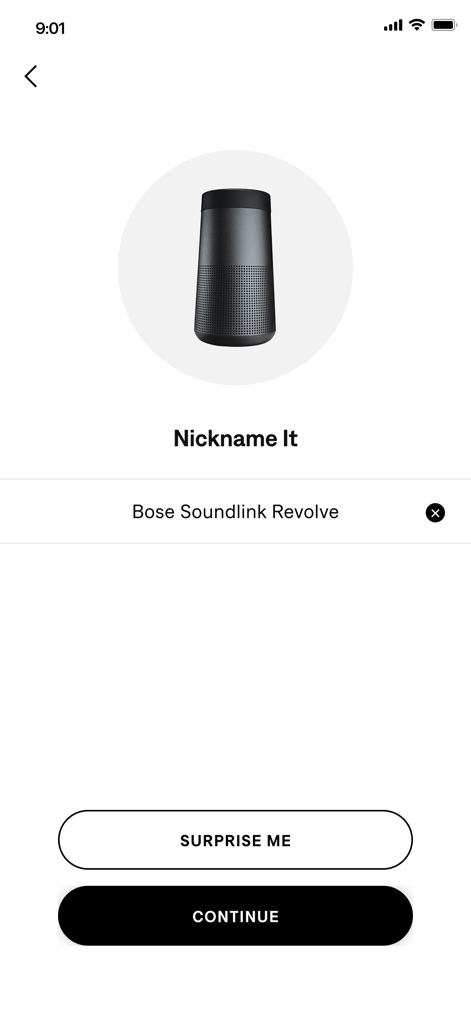
デバイスのパーソナライズ
この画面は、Bose Soundlink Revolveスピーカーのアイコンと「Nickname It」のプロンプトを通じて、ユーザーがデバイス名をカスタマイズできるインターフェースを示しており、個々の好みに合わせた設定が可能です。
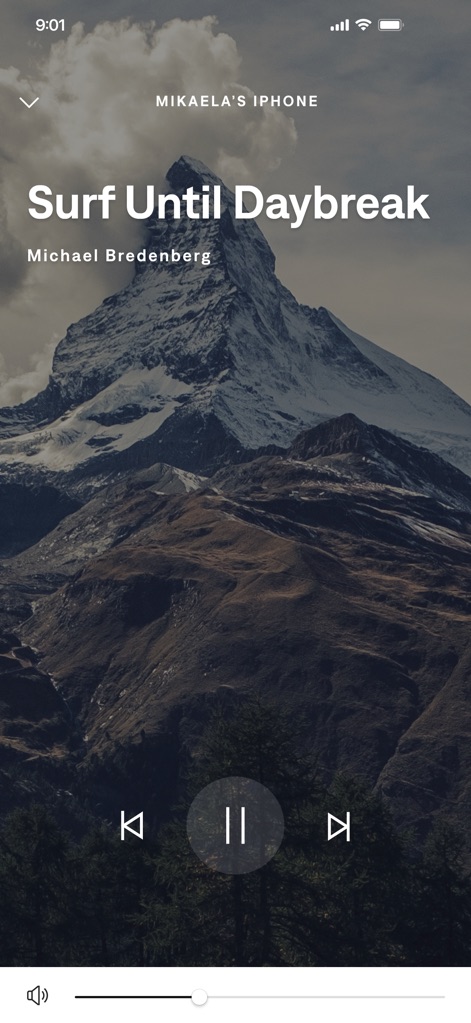
没入型音楽体験
魅力的な山の背景画像と共に、ユーザーは音楽の再生・一時停止や次の曲へのスキップなどの再生コントロールを直感的に操作でき、視覚と聴覚の両方で豊かな音楽体験を提供します。
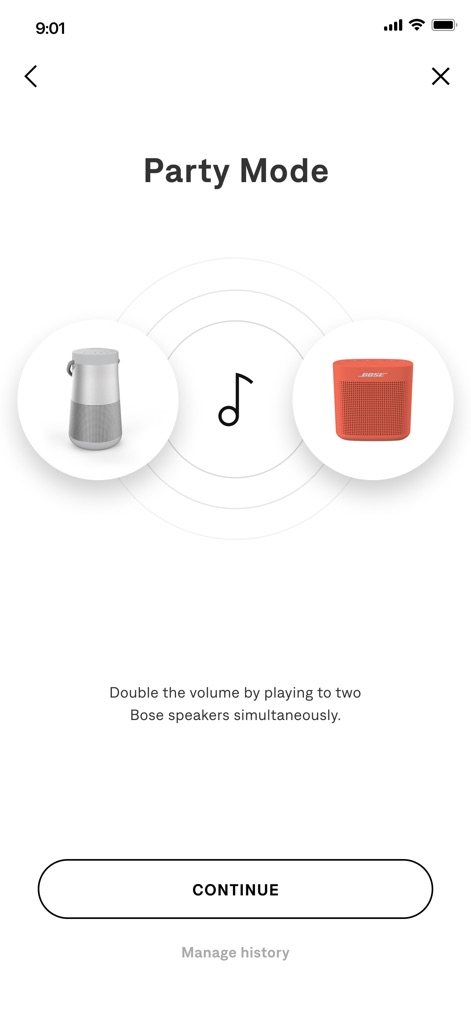
音楽共有機能
この画面は、二つのBoseスピーカー(RevolveとColor)を音楽記号で繋ぎ、同時に再生することで音量を倍増させる「Party Mode」の機能を示しており、ユーザーは複数のデバイスで音楽を共有する体験を簡単に開始できます。
説明
Download
類似アプリ
似た機能とユーザー体験を持つアプリ

Bose
Bose Corporation

Marshall Bluetooth
Marshall Group AB (publ)

JBL PartyBox
Harman International Industries

Bose QC Earbuds
Bose Corporation

JBL Headphones
Harman International Industries

soundcore
Power Mobile Life LLC

JBL Portable
Harman International Industries

Xiaomi Earbuds
Beijing Xiaomi Co., Ltd

Shokz
Shenzhen Shokz Co., Ltd.
このページはアプリまたはその開発者の公式ページではなく、情報提供および論評を目的として作成された独立した編集出版物です。明示的に別段の記載がない限り、アプリおよびその開発者は、MWM、Apple、Google Play、アプリのパブリッシャー、またはアプリの開発者と提携、承認、後援、認可、またはその他の公式的な関係はなく、このページのいかなる内容も、アプリがMWMのサービスを使用して開発されたことを意味するものではありません。すべての商標、ロゴ、スクリーンショット、その他のコンテンツはそれぞれの所有者の財産です。