Doka Tools

Doka Tools

ダウンロード: App Store
ロゴ: Doka Tools

Doka Tools: 精密型枠計画・計算

インスタントな資材決定と生コン圧計算で、現場の効率を最大化。手作業での推測をやめ、業界で最も信頼されるデジタルツールで、数秒で型枠の最適化を始めましょう。

ダウンロード: App Store

開発元

Umdasch AG

カテゴリ

Business

ダウンロード

9K+

ユーザー評価

3.9/5

評価数

0

対応言語

11

指先で精密に

このインターフェースを利用する 9K+ 人のユーザー.

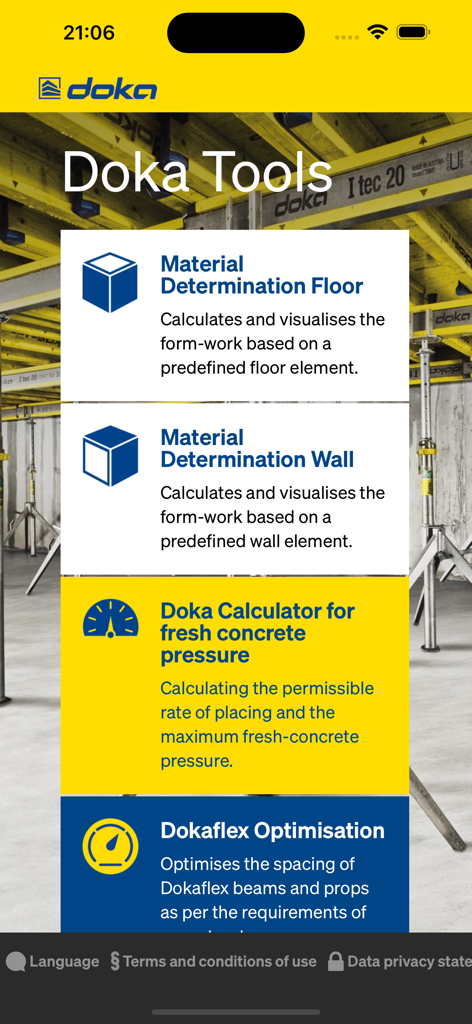
Doka Toolsモバイルアプリのメニュー。床・壁型枠計算およびコンクリート圧モニタリングのオプションが表示されます。

Doka Toolsモバイルアプリのメニュー。床・壁型枠計算およびコンクリート圧モニタリングのオプションが表示されます。

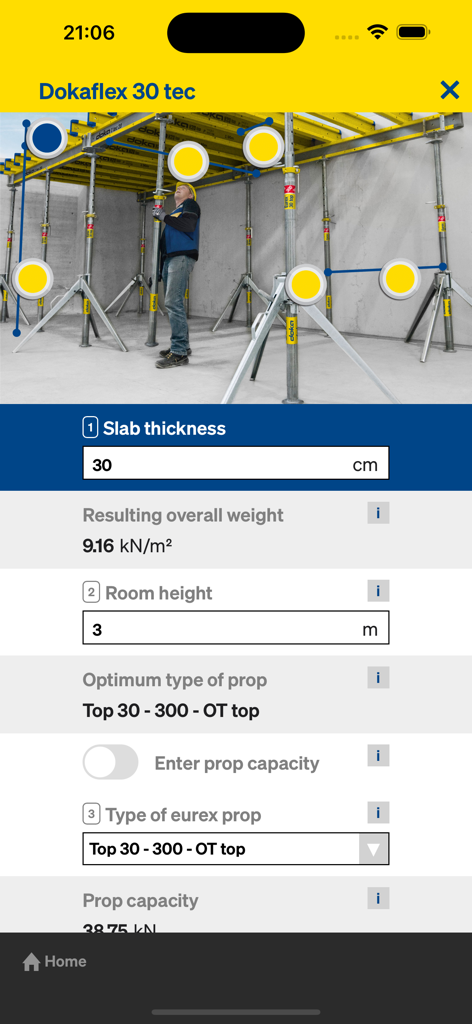
Doka ToolsアプリのDokaFlex 30 tec型枠最適化および支柱計算用インターフェース

Doka ToolsアプリのDokaFlex 30 tec型枠最適化および支柱計算用インターフェース

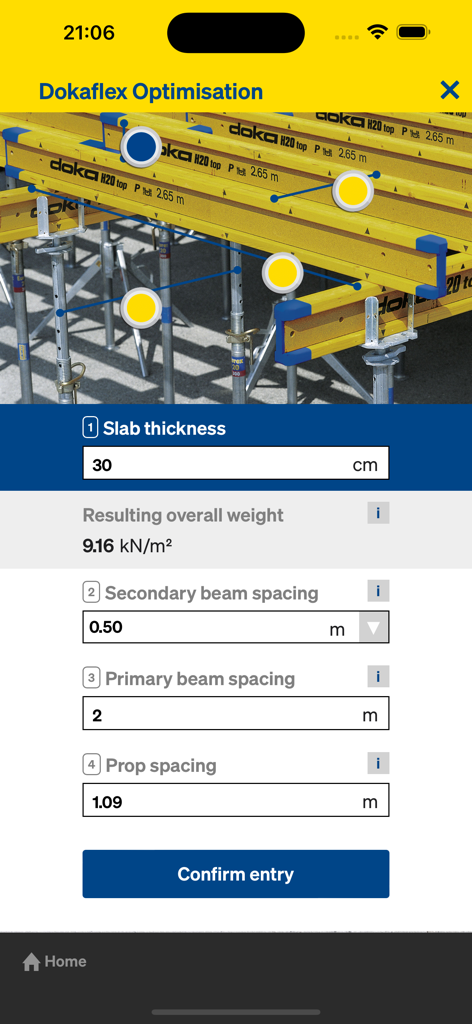
Doka ToolsアプリのDokaFlex最適化インターフェース。スラブ厚およびビーム間隔計算の入力フィールドが表示されます。

Doka ToolsアプリのDokaFlex最適化インターフェース。スラブ厚およびビーム間隔計算の入力フィールドが表示されます。

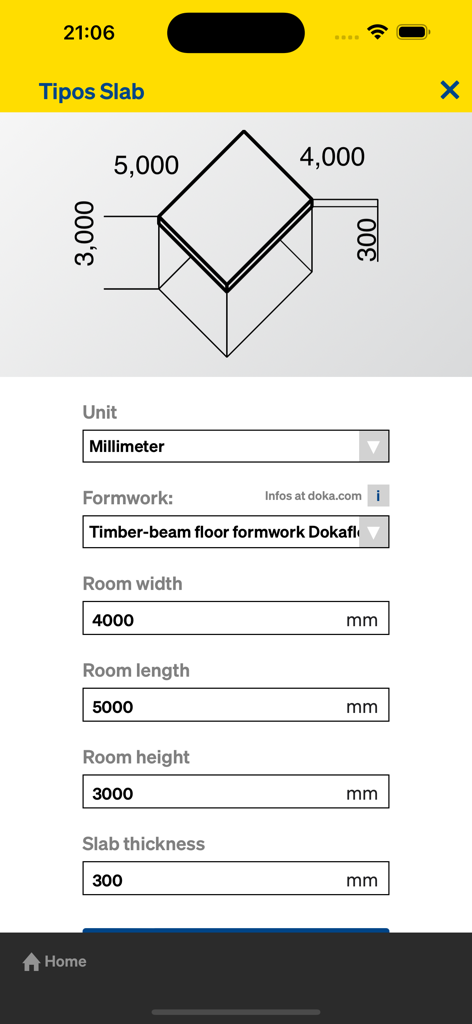
Doka Toolsモバイルアプリの床型枠スラブ寸法入力用インターフェース。幅、長さ、厚さが含まれます。

Doka Toolsモバイルアプリの床型枠スラブ寸法入力用インターフェース。幅、長さ、厚さが含まれます。

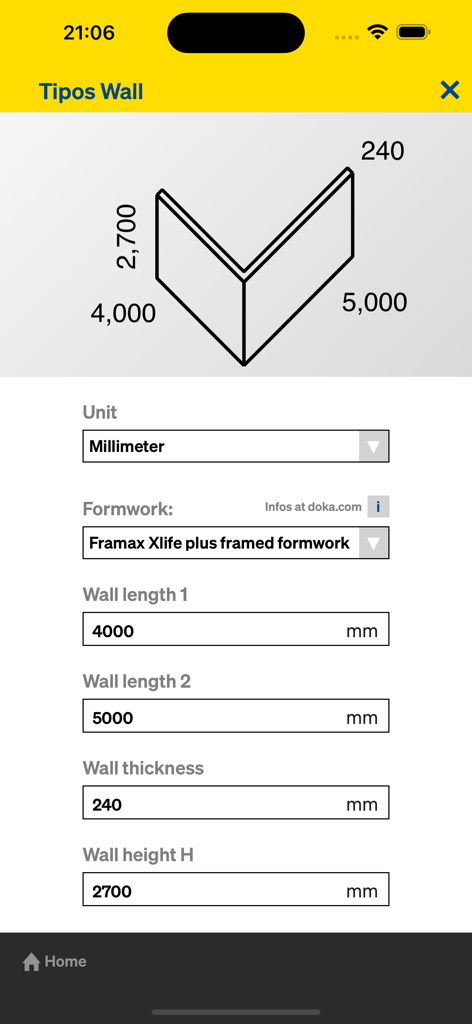
Doka Toolsモバイルアプリの壁型枠寸法および資材所要量計算用画面

Doka Toolsモバイルアプリの壁型枠寸法および資材所要量計算用画面

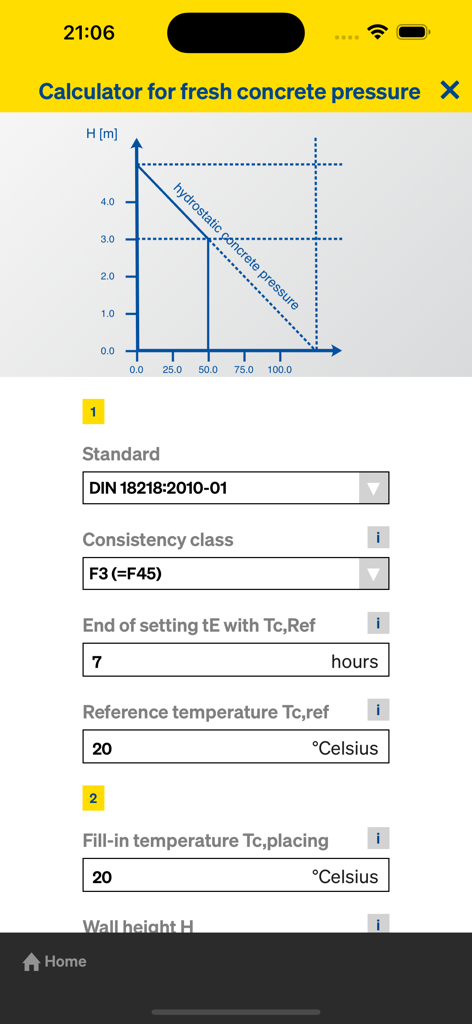
Doka Toolsアプリのインターフェース。圧力グラフと入力パラメータを備えた生コン圧の技術計算機が表示されます。

Doka Toolsアプリのインターフェース。圧力グラフと入力パラメータを備えた生コン圧の技術計算機が表示されます。

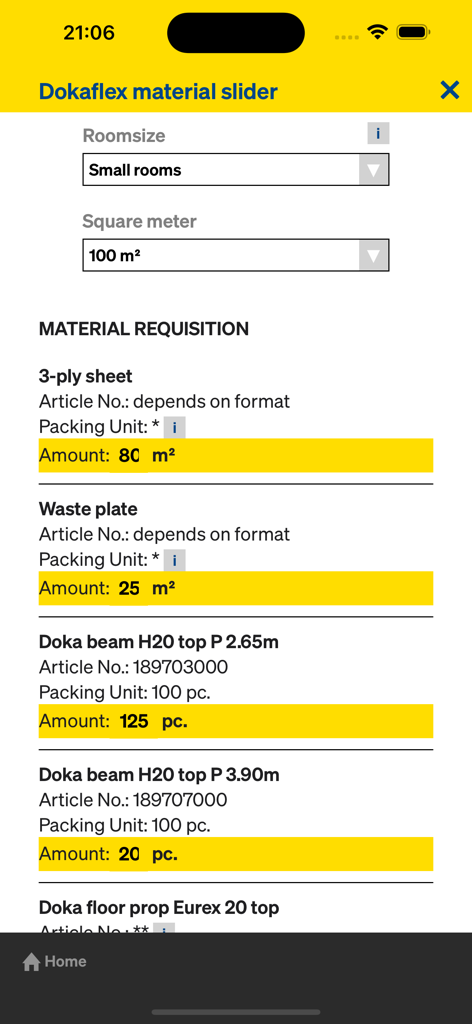
Doka Toolsアプリのインターフェース。DokaFlex資材スライダーと建設資材の所要量リストが表示されます。

Doka Toolsアプリのインターフェース。DokaFlex資材スライダーと建設資材の所要量リストが表示されます。

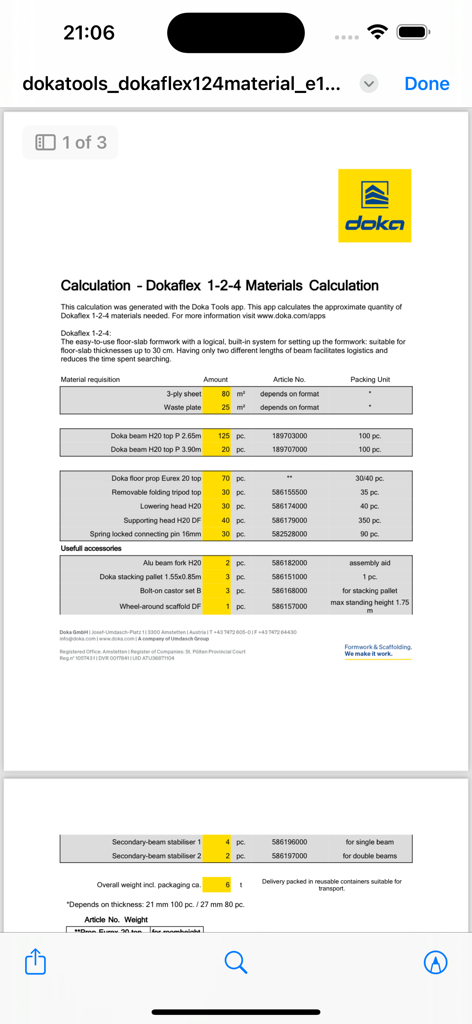
DokaFlex 1-2-4資材計算サマリー画面。型枠に必要なコンポーネントのリストが表示されます。

DokaFlex 1-2-4資材計算サマリー画面。型枠に必要なコンポーネントのリストが表示されます。

現場のための精密エンジニアリング

このアプリを際立たせるツール、 9K+ 人のユーザーが選択.

🏗️

完全な自信を持って打設

最大生コン圧と許容打設速度をインスタントに計算し、すべての打設で構造上の安全性とOSHA(米国労働安全衛生局)のコンプライアンスを確保します。

📊

正確な資材決定

壁・床型枠の完全な部材リストを数秒で生成し、資材の無駄を削減し、プロジェクトの利益率を保護します。

迅速なシステム最適化

数回のタップでDokaFlexビームと支柱の理想的な間隔を自動的に決定し、複雑な計画をインスタントな現場対応レイアウトに変換します。

アプリについて

について知っておくべきこと Doka Tools.

説明

The Doka Tools app is a digital calculation tool for your site. Time-consuming, labour-intensive methods of calculating the optimum equipment quantities are now a thing of the past. With Doka Tools you can plan wall and floor formwork: it takes just a couple of seconds to optimise the components for Dokaflex and to work out the permitted rate of placing and maximum fresh-concrete pressure during pouring. Mobile formwork planning With "Material Determination Wall" and "Material Determination Floor" planning systems you can form in simple components in no time and quickly get an overview of how to best utilise Doka formwork systems. Layout and planning views of your Doka formwork along with the entire piece list and design values appear on your display in little more than the blink of an eye. Gives a boost to efficiency No matter which Dokaflex floor-slab system you are using, the Dokaflex calculations let you optimise the type and the spacing of the necessary beams and props, in just a few mouse-clicks. Digitally calculating the pouring rate The rate at which concrete can be placed has a very great influence on the speed, and thus on the economic efficiency, of CIP concreting work. The Doka Fresh-Concrete Pressure Calculator is a quick and easy way to calculate the permitted rate of placing and max. fresh-concrete pressure. FEATURES - Material Determination floor - Material Determination wall - Dokaflex 30 tec Optimisation - Dokaflex optimisation - Dokaflex Material Determination - Fresh-Concrete Pressure Calculator - ‘Share’ functions for all calculations ABOUT DOKA Doka is one of the world leaders in developing, manufacturing and distributing formwork technology for use in all fields of the construction sector. With more than 160 sales and logistics facilities in over 70 countries, the Doka Group has a highly efficient distribution network which ensures that equipment and technical support are provided swiftly and professionally. An enterprise forming part of the Umdasch Group, Doka Group employs a worldwide workforce of more than 6000.

最新バージョン

2.4.1

サイズ

40.4 MB

リリース日

2013年2月8日

型枠を数秒で最適化

Doka Toolsを今すぐダウンロードして、手計算をなくし、資材の無駄を削減し、現場の安全を最大化しましょう。

ダウンロード: App Store

App information, icons, screenshots, and descriptions displayed on this page are sourced from the Apple App Store and are the property of their respective developers. Download estimates and rankings are based on MWM's proprietary models and may not reflect actual figures. This page is provided for informational and analytical purposes only.

Believe this page infringes your intellectual property? File a dispute