Draw Board on whiteboard pad
ダウンロード: App Store

このページはアプリまたはその開発者の公式ページではなく、情報提供および論評を目的として作成された独立した編集出版物です。明示的に別段の記載がない限り、アプリおよびその開発者は、MWM、Apple、Google Play、アプリのパブリッシャー、またはアプリの開発者と提携、承認、後援、認可、またはその他の公式的な関係はなく、このページのいかなる内容も、アプリがMWMのサービスを使用して開発されたことを意味するものではありません。すべての商標、ロゴ、スクリーンショット、その他のコンテンツはそれぞれの所有者の財産です。


ロゴ: Draw Board on whiteboard pad
ダウンロード: App Store

Draw Board on whiteboard pad

プロジェクトマネージャー、教育者、家族向けのミニマリストツール。写真を注釈し、明確な図を作成し、煩雑さを排除して瞬時にビジョンを共有しましょう。

主要数値

ダウンロード

20K+

ユーザー評価

4.3/5

評価数

500

開発元

勇强 温

カテゴリ

Business

対応言語

2

最新バージョン

3.3

サイズ

11.2 MB

リリース日

2016年11月28日
機能

すべてのアイデアを視覚的な現実に

プロフェッショナルと家族の両方のために設計されたお絵かきボードは、強力な注釈ツールと集中できるキャンバスを組み合わせ、明確かつクリエイティブなコミュニケーションを支援します。

プロフェッショナルな写真注釈

写真に精密な矢印、図形、テキストを簡単に追加できます。現場検査、プロジェクトのフィードバック、または重要な詳細のハイライトに最適です。

集中できるホワイトボード

アイデアを最優先するミニマリストなキャンバス。ブラシのサイズや透明度をカスタマイズして、煩雑さを感じることなくスケッチ、図解、指導が可能です。

以下のスクリーンショットと説明は、アプリの公式ストアリスティングから直接取得されたものであり、アプリ開発者の所有物です。

アプリストア

スクリーンショット
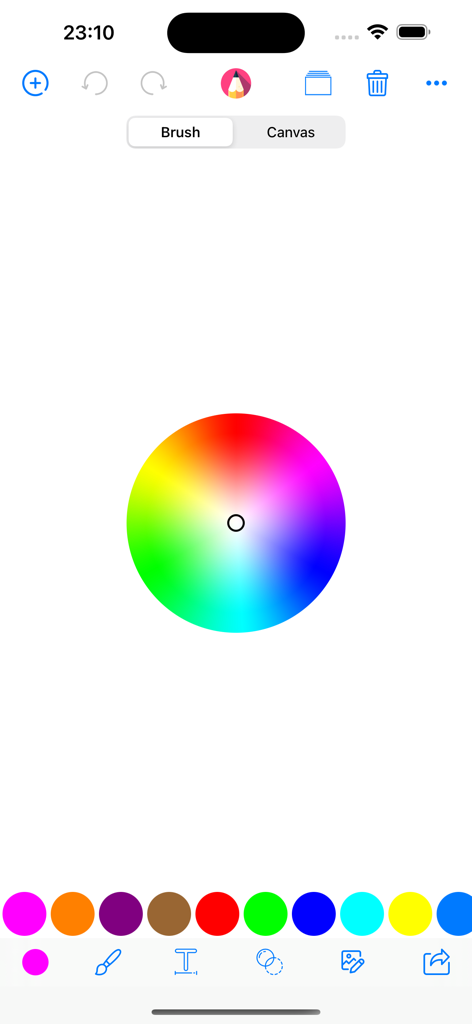
Draw Board on whiteboard pad - 中央にカラーホイールと様々なブラシツールのオプションが表示された、お絵かきボードアプリのカラー選択インターフェース
中央にカラーホイールと様々なブラシツールのオプションが表示された、お絵かきボードアプリのカラー選択インターフェース

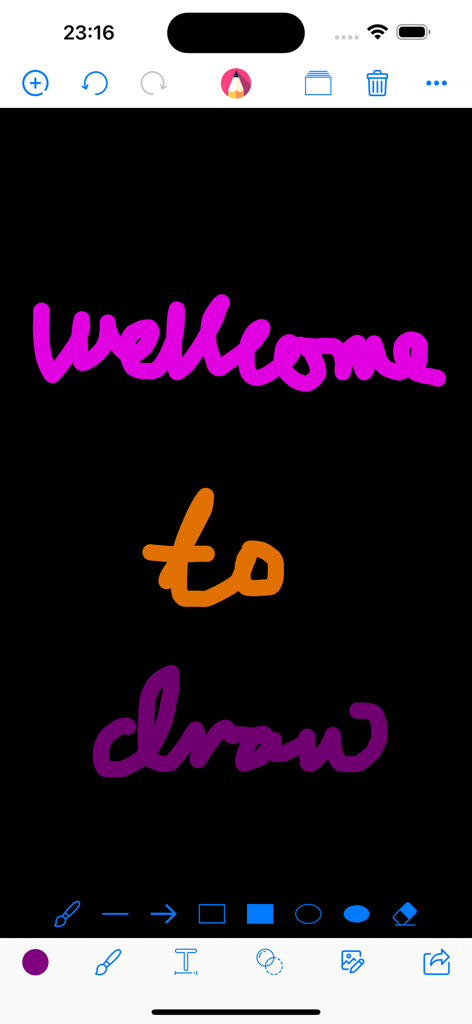
Draw Board on whiteboard pad - 黒いキャンバスに色鮮やかな手書きテキストが表示され、上下に描画ツールが配置されたデジタル描画アプリのインターフェース
黒いキャンバスに色鮮やかな手書きテキストが表示され、上下に描画ツールが配置されたデジタル描画アプリのインターフェース

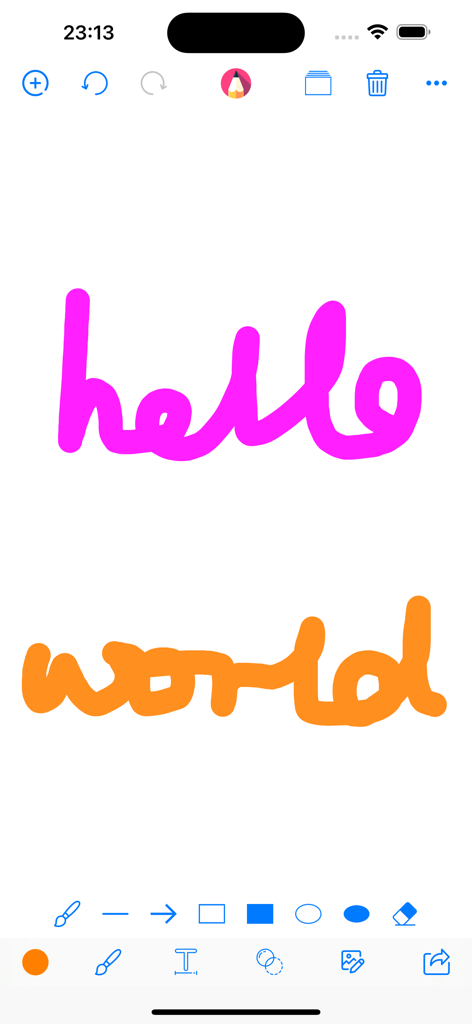
Draw Board on whiteboard pad - 描画ツールを備えたデジタルホワイトボードキャンバス上の手書きの「hello world」テキスト
描画ツールを備えたデジタルホワイトボードキャンバス上の手書きの「hello world」テキスト

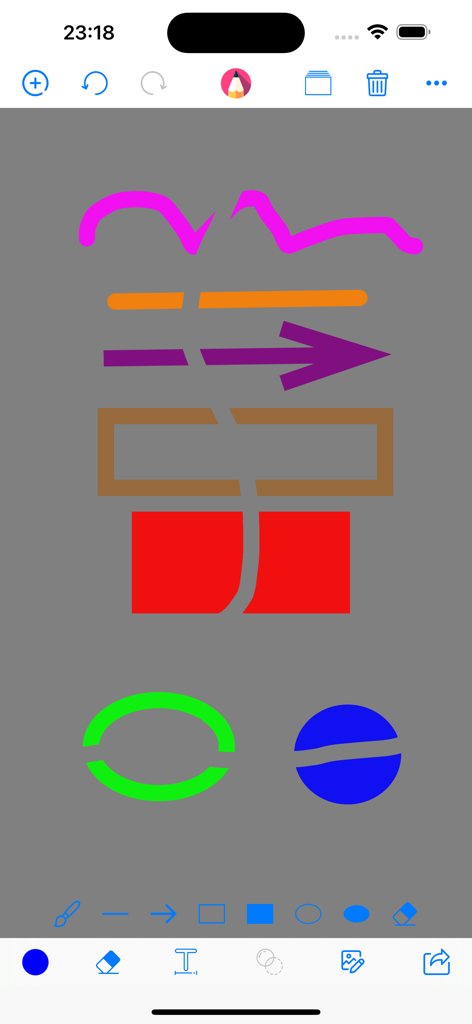
Draw Board on whiteboard pad - グレーの背景にカラフルな図形と消しゴムツールが表示された、お絵かきボードアプリの描画インターフェース
グレーの背景にカラフルな図形と消しゴムツールが表示された、お絵かきボードアプリの描画インターフェース

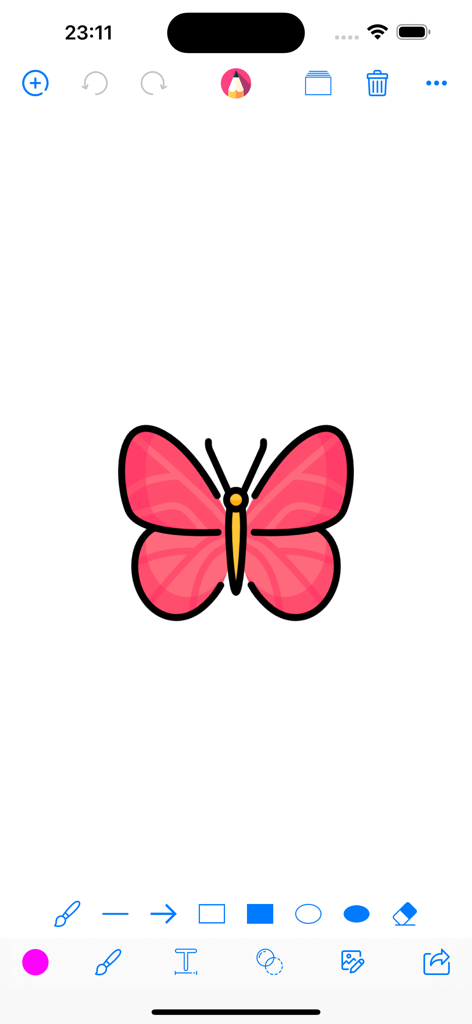
Draw Board on whiteboard pad - 画面の上下に様々なイラストツールが表示され、ピンクの蝶の絵が描かれたデジタルホワイトボードのインターフェース

画面の上下に様々なイラストツールが表示され、ピンクの蝶の絵が描かれたデジタルホワイトボードのインターフェース

説明

Draw Board Key Features: * Draw on whiteboard, blank canvas or your photos, pictures & images with Pen, Line, Arrow, Rect(Stroke), Rect(Fill), Ellipse(Stroke), Ellipse(Fill), Eraser. * Edit your photos, pictures & images with Filter, Adjustment, Effect, Blur & Focus, Rotate, Draw, Splash, Crop, Resize, ToneCurve, Sticker, Emotions, Text. * Draw everything what you want with the tools and colors what you like. * Custom the size(0-50) of your drawing tools. * Custom the alpha(0-1) of your drawing colors. * Undo, Redo, Clear and Wipe off drawing actions. * Add blank paper to your canvas restart your drawings. * Change the background color by pressing on the ColorsPicker. * Remember your last used marker colors and sizes and your canvas color. * Import photos from your album or take pictures through camera or choose images from template to trace, annotate, and have fun with them. * Save your drawings to your Photos Library. * Print your drawings to AirPrint enabled printers. * Draw together and share with your friends and family through the social media app. Just send your drawing to them and they can open it and draw on it too and then send it back. We just think that everybody love it so much because it's no extra stuff to get in the way, everyone just can be totally immersed in drawing and editing. Our simple goal is just to make the funny and easy to use this drawing and editing app for kids and everyone who like drawing and editing. We will go on to improve it with your reviews, feedbacks, supports. We will be so happy if you and someone you know who both enjoy using it. Please rate it to support us to do better and for more people can find, download, use and enjoy it. Please share it with your friends and family members to help for getting the word out. Please send email to us and let us know how you use it, also send us your drawings, questions, concerns and feedbacks.

Download

ダウンロード: App Store

このページはアプリまたはその開発者の公式ページではなく、情報提供および論評を目的として作成された独立した編集出版物です。明示的に別段の記載がない限り、アプリおよびその開発者は、MWM、Apple、Google Play、アプリのパブリッシャー、またはアプリの開発者と提携、承認、後援、認可、またはその他の公式的な関係はなく、このページのいかなる内容も、アプリがMWMのサービスを使用して開発されたことを意味するものではありません。すべての商標、ロゴ、スクリーンショット、その他のコンテンツはそれぞれの所有者の財産です。








