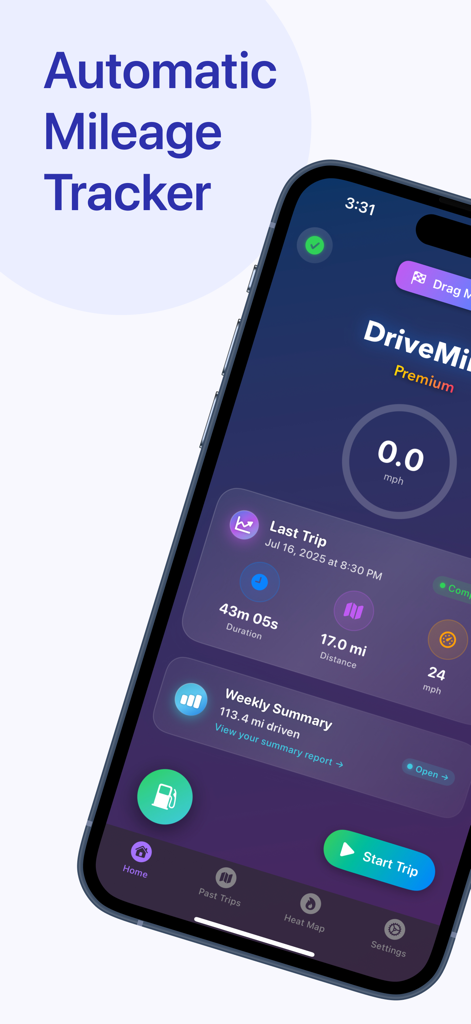
DriveMind is the ultimate tool for any driver looking to effortlessly log their trips — whether it’s for personal tracking, business miles, safety, etc. Once you begin a drive, DriveMind automatically records your journey, without having to open the app. When you arrive, you can view all your trip details at a glance — distance, route, speed, and more!
Core Features:
• AutoStart™ — Automatically detects when you start driving and begins recording your trip — no buttons, no distractions, just seamless tracking. When you arrive, your trip automatically ends. Simple.
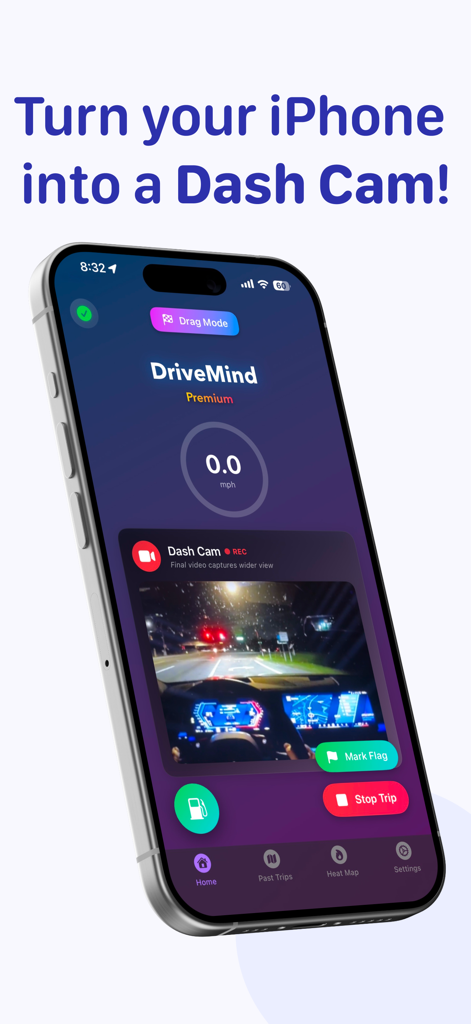
• Dash Cam - Instantly turn your iPhone into a powerful dash cam. Record high-quality video of your drive, securely stored on your device. No extra hardware needed — just tap to record.
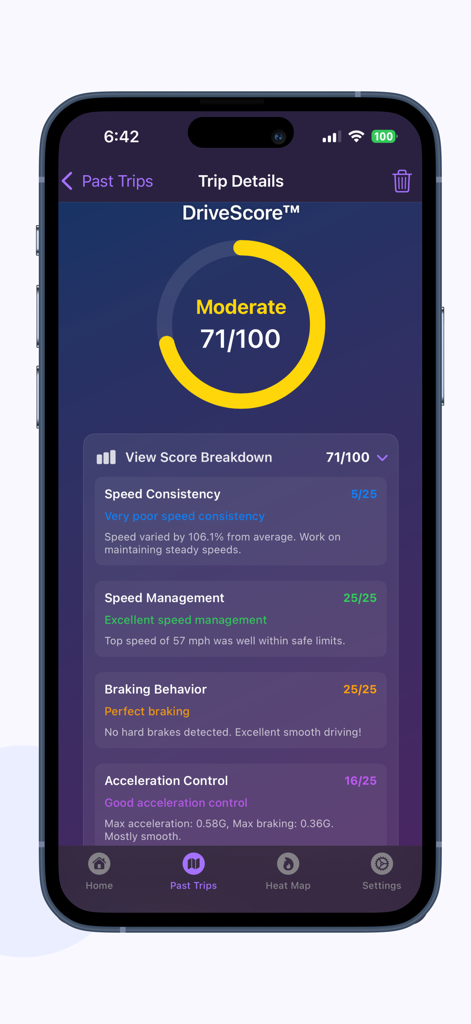
• DriveScore™ — a personalized performance score that reflects your driving style, intelligently calculated using DriveMind Intelligence™.
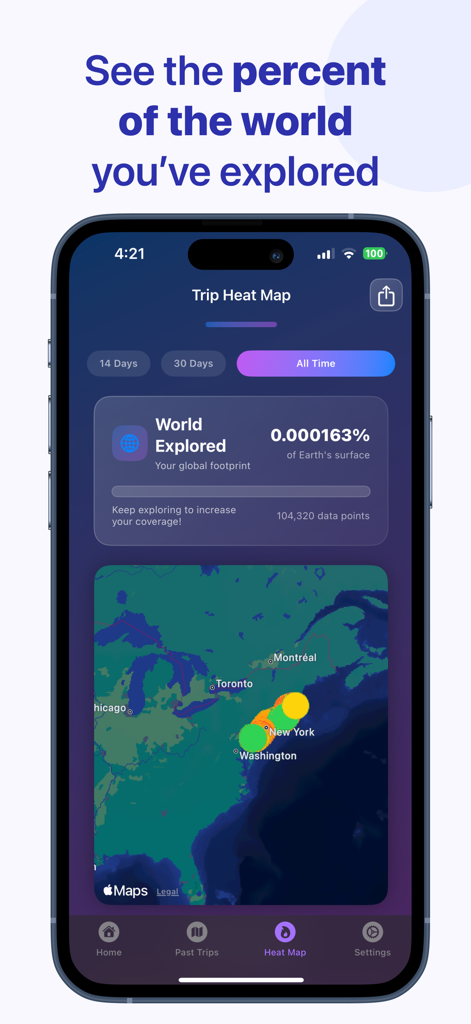
• Trip Heat Map — Visualize your driving footprint. See where you’ve driven, how fast, and how far — color-coded and filterable by time.
• Trip Replay — Scrub through your drive like a video — watch speed, time, and location update in real-time.
• Tax Reports — Tag trips as Personal, Business, or custom, filter by type or tag, and export detailed tax reports for deductions.
• DriveMind Intelligence™ — automatically tags your drives as Commute, Errand, Leisure, and more — giving you insight without lifting a finger.
• Drag Mode — Record 0–60 mph (or 0–100 km/h), quarter mile runs, or your own custom distances. Auto-stop, replayable, and saved to your performance history. Only on DriveMind.
• DriveSense™ — Uses on-device machine learning to listen for critical audio events like car horns and emergency sirens. When detected, DriveMind tags them on your trip map.
DriveMind is also a companion for:
• Documenting trips for insurance claims or police reports.
• Keeping a clear record of your driving history for personal or official use.
• Providing evidence in the event of disputes.
Other Features:
• Hard Braking Detection — Automatically detects sudden stops and highlights them on your trip with tappable pins.
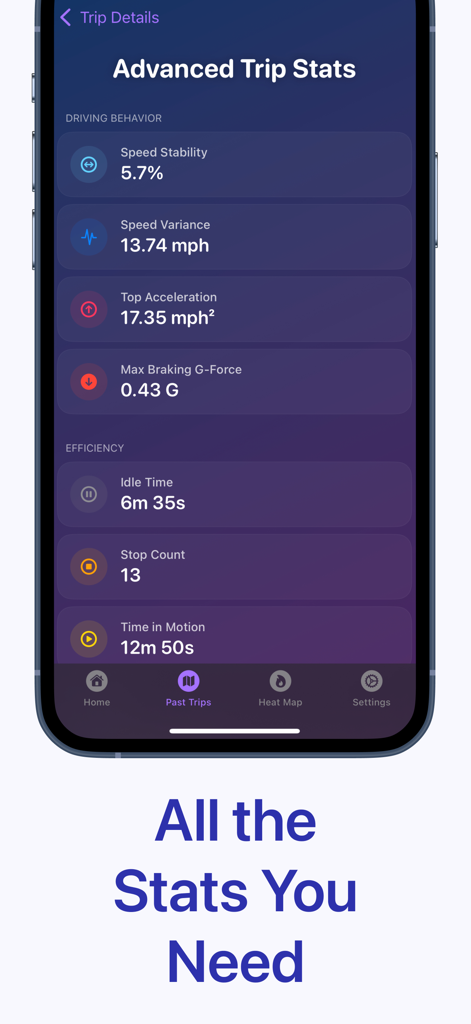
• Advanced Trip Stats — Gain deeper insight into your driving behavior with premium metrics like: speed variance, idle time, stop count, carbon impact estimate, and more!
• G-Force Detection — See how intensely you accelerate and brake during your drive. DriveMind tracks peak G-forces to help you understand your driving habits at a deeper level.
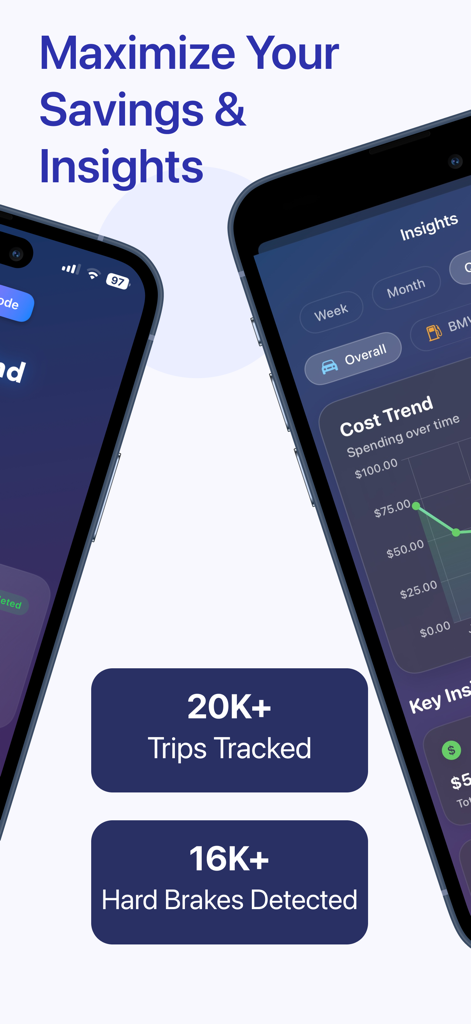
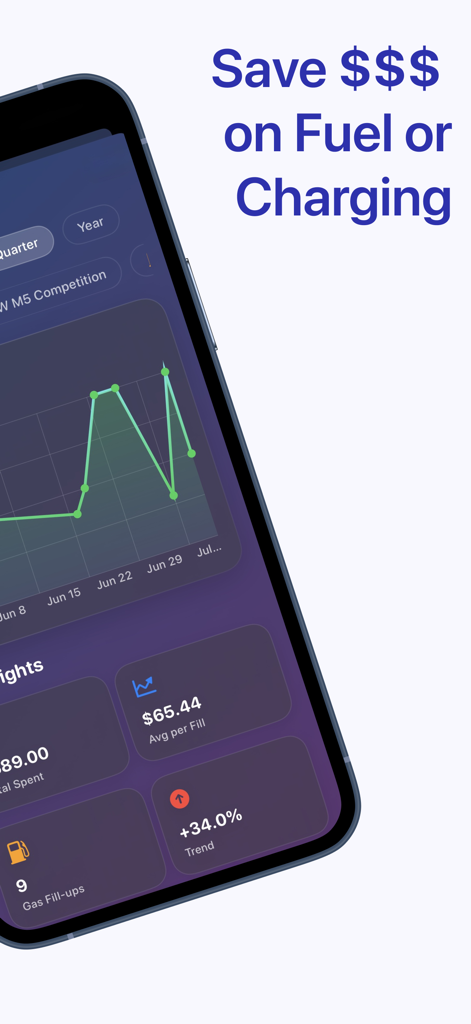
• Trip Summary Page — Get a full breakdown of your driving stats, including total trips, distance, and more including smart insights over 7 days, 30 days, or all time.
• Effortless Trip Recording — Start your trip, and DriveMind will record your drive's distance, time, top speed, and average speed. Press the stop button when you arrive to save your trip data.
• iCloud Backup & Sync — Your trip data is securely backed up to iCloud and synced across your devices, so it’s always safe and accessible.
• Detailed Trip Stats — View detailed stats for each drive, including distance, time saved, top speed, average speed, duration, G-forces, hard brakes, and more!
• Manual Flagging — Easily mark locations during your drive with a tap. Flags appear on the trip map for easy recall.
• Custom Tags - Label your trips your way — add personalized tags like “Gym”, “Class”, “Appointment”, etc
• Favorite Trips — Mark your favorite trips for easy access and add optional notes that can be edited later.
• Time Saved Insights — See how much time you've saved on your trips by automatically comparing it to a previous trip!
Support development and unlock more features with monthly or yearly subscriptions.
Download DriveMind today and take control of your driving history.
Terms of Use: https://www.apple.com/legal/internet-services/itunes/dev/stdeula/