
このページはアプリまたはその開発者の公式ページではなく、情報提供および論評を目的として作成された独立した編集出版物です。明示的に別段の記載がない限り、アプリおよびその開発者は、MWM、Apple、Google Play、アプリのパブリッシャー、またはアプリの開発者と提携、承認、後援、認可、またはその他の公式的な関係はなく、このページのいかなる内容も、アプリがMWMのサービスを使用して開発されたことを意味するものではありません。すべての商標、ロゴ、スクリーンショット、その他のコンテンツはそれぞれの所有者の財産です。
ダウンロード
333K+ユーザー評価
評価数
11K+開発元
カテゴリ
Navigation対応言語
21最新バージョン
6.9.1サイズ
79.5 MBリリース日
2018年8月2日万全の安心感で運転
iPhoneをスマートなAI搭載ドライブレコーダーに変え、賠償責任を保護し、安全性を監視し、すべての運転をクラウドにバックアップします。
プロレベルの賠償責任保護
速度、Gフォース、GPSデータが豊富なHDビデオを録画します。保険会社や法的サポートに安全なクラウドリンクを即座に共有し、何が起こったかを証明します。
AI搭載安全アラート
当社の機械学習アルゴリズムは、急ブレーキ、車間距離不保持、ニアミス事故をリアルタイムで検出し、注意力を維持し、より安全な運転習慣を身につけるのに役立ちます。
よくある質問
について知っておくべきこと Driver: Driving & Dash Cam App
ドライバーアプリとは何ですか?
ドライバーアプリは、クラウド+アプリプラットフォームを通じて、賠償責任保護、ロードサイドアシスタンス、クレームアシスタンス、スピードメーター、運転教育を提供する、コネクテッドドライビングエクスペリエンスを提供します。トリップ記録のために、ダッシュカムとポケットドライブモードをサポートしています。
ドライバーアプリはダッシュカムとして機能しますか?
はい、ドライバーアプリは「ダッシュカムモード」でダッシュカムとして機能します。スマートフォンをトリップの録画デバイスに変え、フルレングスのHDビデオをキャプチャし、Apple CarPlayをサポートしています。
ドライバーの「ポケットドライブモード」はどのように機能しますか?
ドライバーの「ポケットドライブモード」は、ビデオをキャプチャせずに、場所、速度、Gフォース、テレマティクスイベントを含む包括的なトリップデータを記録します。特にビデオ録画が不要な場合に、データ豊富なコンパニオンとして機能します。
ドライバーアプリを使用して記録したトリップを共有できますか?
はい、ユーザーはドライバーアプリで記録したトリップを簡単に共有できます。プラットフォームでは、ドライバークラウド上のトリップへのユニークなURLリンクを生成して送信できます。
ドライバープレミアムにはどのような機能が含まれていますか?
ドライバープレミアムは、クラウドでのHDトリップストレージ、米国での24時間年中無休のロードサイドアシスタンス、毎月の植樹、カメラとビデオのカスタマイズオプション、および年間プランには無料のドライバークーラーを提供します。
ドライバーアプリはロードサイドアシスタンスを提供しますか?
はい、ドライバープレミアム加入者は、米国全土で24時間年中無休のロードサイドアシスタンスを受けられます。サービスは通常15〜30分以内に到着し、運転中の安心を提供します。
ドライバーAIはどのように運転安全性を向上させますか?
ドライバーAIは、機械学習アルゴリズムを使用して、急ブレーキ、急加速、速度超過、事故接近、危険な追従などの重要なイベントを自動的に検出しキャプチャし、運転習慣の改善のためのデータを提供することで、安全性を向上させます。
ドライバーアプリはスマートフォンのストレージを自動的に管理しますか?
はい、ドライバーアプリはスマートフォンのストレージを自動的に管理します。ドライバークラウドに正常にアップロードされたすべてのトリップは、2日後に削除され、デバイスのスペースを確保します。
ドライバーアプリは外部と内部のビデオを同時に録画できますか?
はい、ドライバーアプリはデュアルカメラ録画をサポートしています。iPhone XS以降のモデルでは、ユーザーはトリップ中に外部と内部のビデオを同時に録画できます。
ドライバーアプリの無料版はありますか?
はい、ドライバーアプリの無料版が利用可能です。有料ではないバージョンは完全に無料で利用でき、広告は含まれていません。
ドライバープレミアムサブスクリプションはどのように管理しますか?
ドライバープレミアムサブスクリプションは、iTunesアカウント設定を通じて管理します。自動更新は、購入後にApp Storeでアカウント設定にアクセスすることで、いつでも無効にできます。
ドライバーアプリはGPSを使用しますか?
はい、ドライバーアプリを操作するにはGPS機能が必要です。バックグラウンドで実行されるGPSの継続的な使用は、他のGPS対応アプリケーションと同様に、デバイスのバッテリー寿命に影響を与える可能性があります。
ドライバークラウドにはビデオがどのくらいの期間保存されますか?
ドライバークラウドは、ダッシュカムモードからのフルレングスのHDビデオを90日間の遡及期間保存します。プレミアムユーザーは、HDトリップバージョンの強化されたストレージの恩恵を受けます。
ドライバーアプリ内にスピードメーター機能にアクセスできますか?
はい、ドライバーアプリには統合されたスピードメーターが搭載されています。ダッシュカムモードでアプリをアクティブに使用しているときに、速度を正確に表示します。
ドライバーアプリはApple CarPlayをどのようにサポートしていますか?
ドライバーアプリはApple CarPlayをサポートしており、運転中に好みのナビゲーションや音楽アプリケーションと並行して、ダッシュカムモードをシームレスに使用できます。
以下のスクリーンショットと説明は、アプリの公式ストアリスティングから直接取得されたものであり、アプリ開発者の所有物です。
アプリストア
スクリーンショット
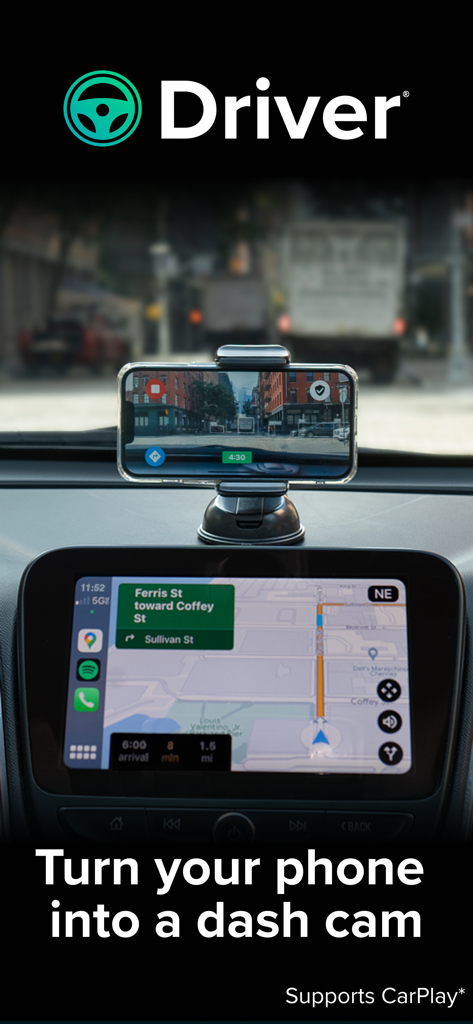
Apple CarPlayナビゲーションと統合されたドライブレコーダーとしてDriverアプリを使用している車のダッシュボードに取り付けられたiPhone。
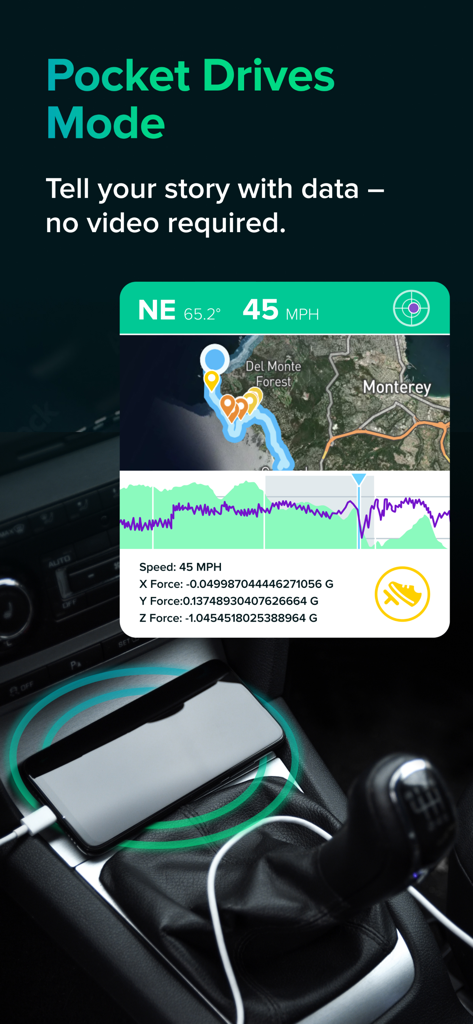
地図上に速度やGフォースなどのテレメトリデータが表示されているDriverアプリのPocket Drivesモードのスクリーンショット。
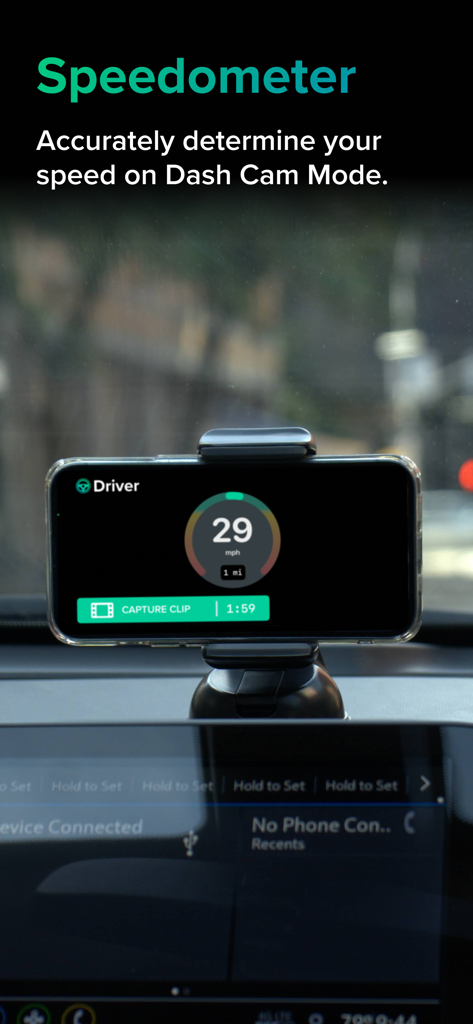
Driverアプリのスピードメーターとドライブレコーダー録画インターフェースを表示する車のダッシュボードに取り付けられたiPhone
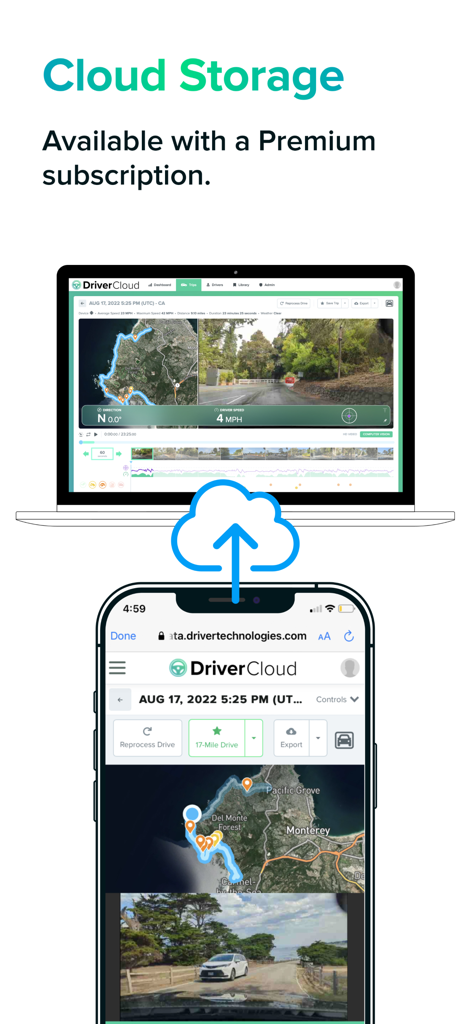
スマートフォンとラップトップ間で同期された旅行データとビデオを示すDriverアプリのクラウドストレージインターフェース
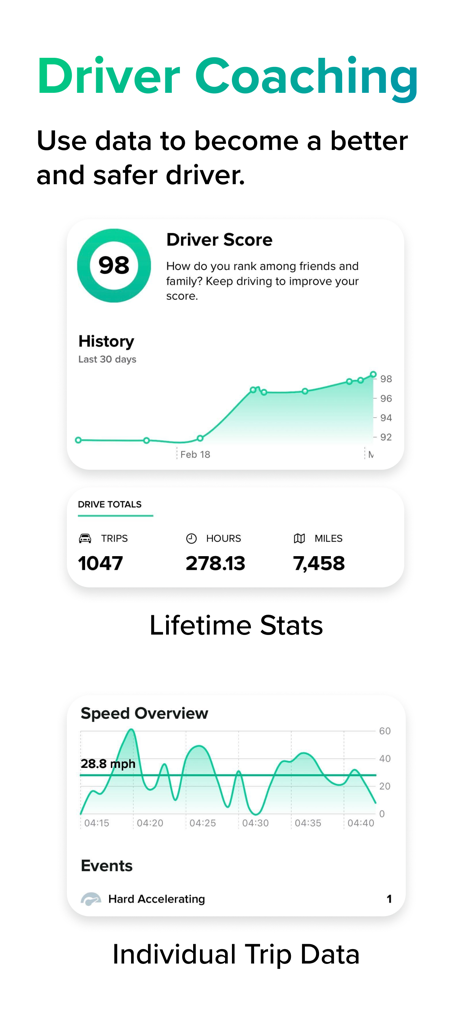
安全スコアと運転統計を表示するDriver Coaching画面
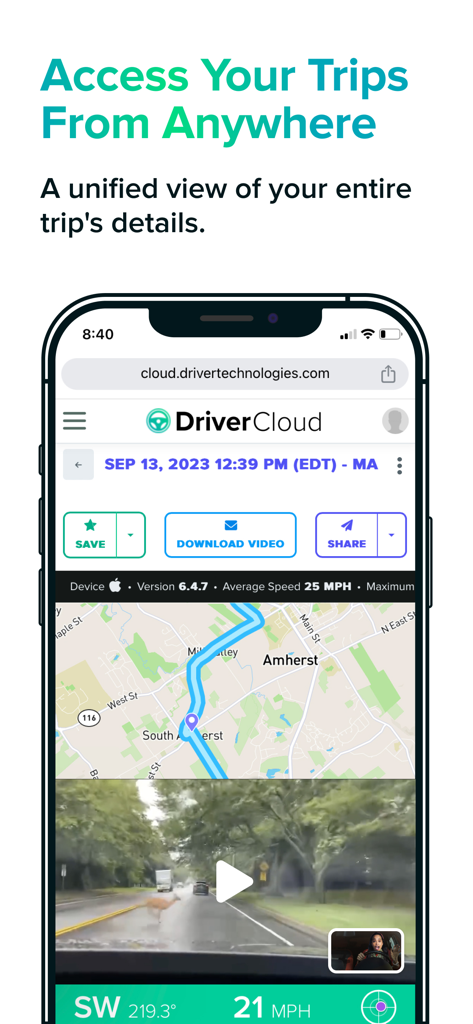
地図ルート、鹿のドライブレコーダー映像、旅行データの保存または共有オプションが表示されたDriver Cloudインターフェースを表示するスマートフォン。
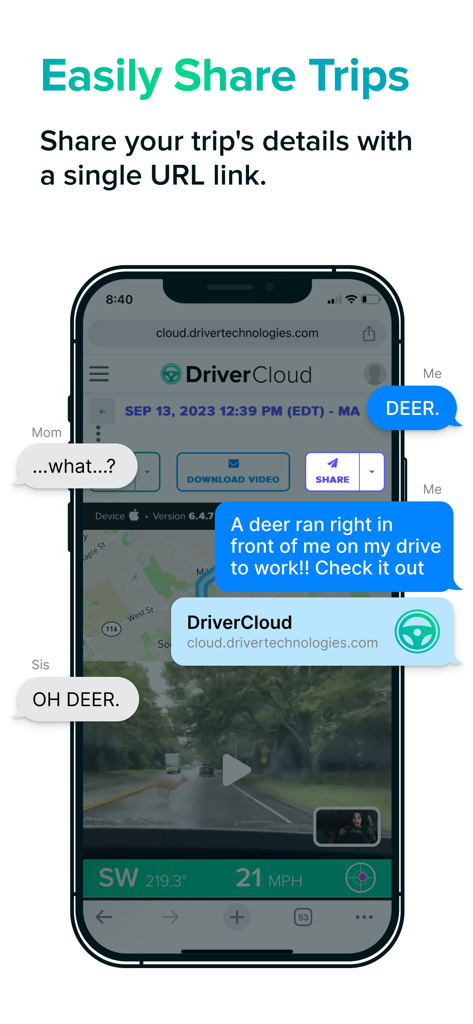
テキスト会話で単一のリンクを介して旅行録画と位置データを共有しているDriverアプリを表示するスマートフォン。
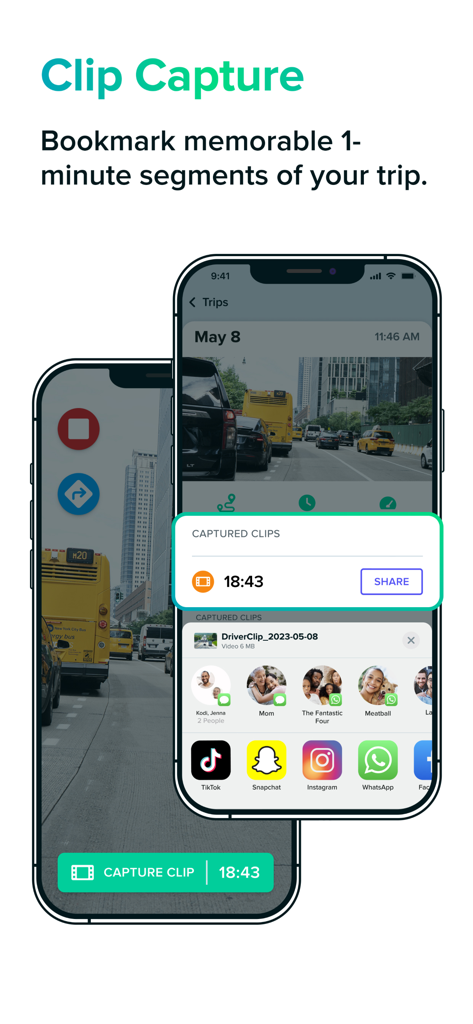
2台のスマートフォンでクリップキャプチャとビデオ共有機能を表示するDriverドライブレコーダーアプリのインターフェース。
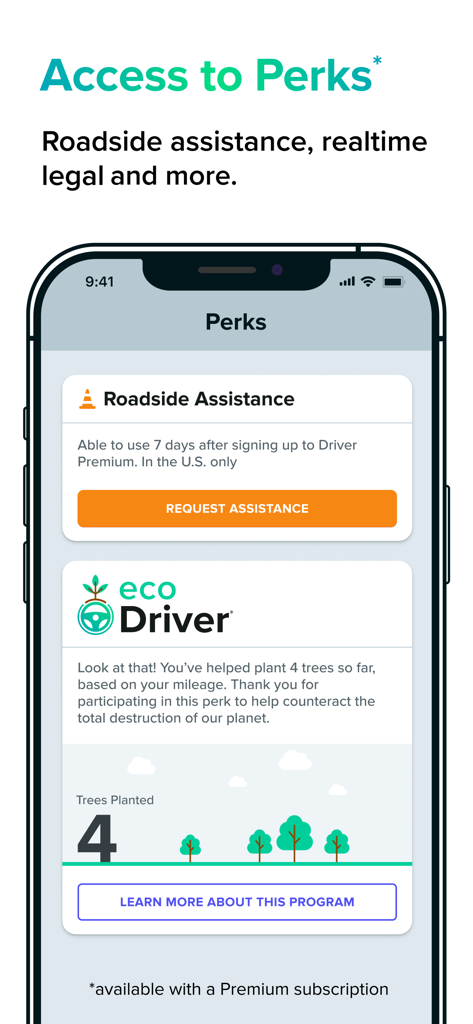
ロードサイドアシスタンスとエコドライバーの植樹プログラムを表示するDriverアプリのPerks画面
説明
Download



このページはアプリまたはその開発者の公式ページではなく、情報提供および論評を目的として作成された独立した編集出版物です。明示的に別段の記載がない限り、アプリおよびその開発者は、MWM、Apple、Google Play、アプリのパブリッシャー、またはアプリの開発者と提携、承認、後援、認可、またはその他の公式的な関係はなく、このページのいかなる内容も、アプリがMWMのサービスを使用して開発されたことを意味するものではありません。すべての商標、ロゴ、スクリーンショット、その他のコンテンツはそれぞれの所有者の財産です。