DTNEXT
DTNEXT
ダウンロード: App Store

このページはアプリまたはその開発者の公式ページではなく、情報提供および論評を目的として作成された独立した編集出版物です。明示的に別段の記載がない限り、アプリおよびその開発者は、MWM、Apple、Google Play、アプリのパブリッシャー、またはアプリの開発者と提携、承認、後援、認可、またはその他の公式的な関係はなく、このページのいかなる内容も、アプリがMWMのサービスを使用して開発されたことを意味するものではありません。すべての商標、ロゴ、スクリーンショット、その他のコンテンツはそれぞれの所有者の財産です。


ロゴ: DTNEXT
ダウンロード: App Store

DTNEXT

デイリー・タンティ・グループの信頼ある伝統を、現代的な電子新聞で体験してください。速報から詳細な分析まで、デジタルレプリカ、音声ニュース、そして365日分のアーカイブを通じて、すべて英語であなたのルーツとつながり続けましょう。

主要数値

ダウンロード

4K+

ユーザー評価

4.9/5

評価数

100

開発元

The Daily Thanthi

カテゴリ

News

対応言語

1

最新バージョン

11.1

サイズ

54.0 MB

リリース日

2016年4月1日
機能

タミル・ナードゥ州への毎日のつながり

米国での生活と故郷のルーツとの架け橋となる、チェンナイで最も信頼されている英語ニュースソースで常に最新情報を入手しましょう。

本物の新聞体験

伝統的な新聞の親しみやすさと、現代的なデジタルナビゲーションを兼ね備えた高解像度の電子新聞レプリカで、朝の習慣を続けましょう。

通勤中のハンズフリーニュース

運転時間を有意義なアップデートの時間に変えましょう。「Listen to Your Paper(新聞を聴く)」機能を使用して、その日のトップニュースや政治分析のプロによるナレーションを聴くことができます。

以下のスクリーンショットと説明は、アプリの公式ストアリスティングから直接取得されたものであり、アプリ開発者の所有物です。

アプリストア

スクリーンショット
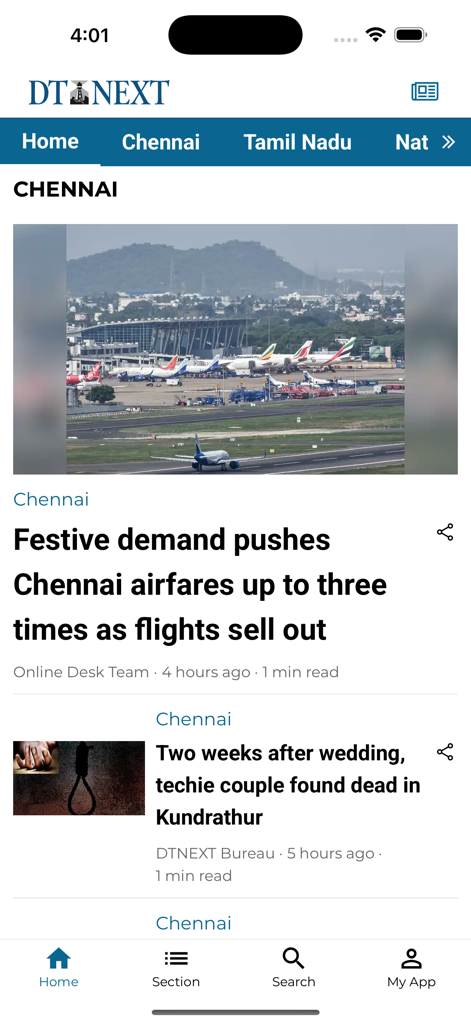
DTNEXT - チェンナイのローカルニュースの見出しと空港の画像が表示されたDTNEXTモバイルアプリのインターフェース
チェンナイのローカルニュースの見出しと空港の画像が表示されたDTNEXTモバイルアプリのインターフェース

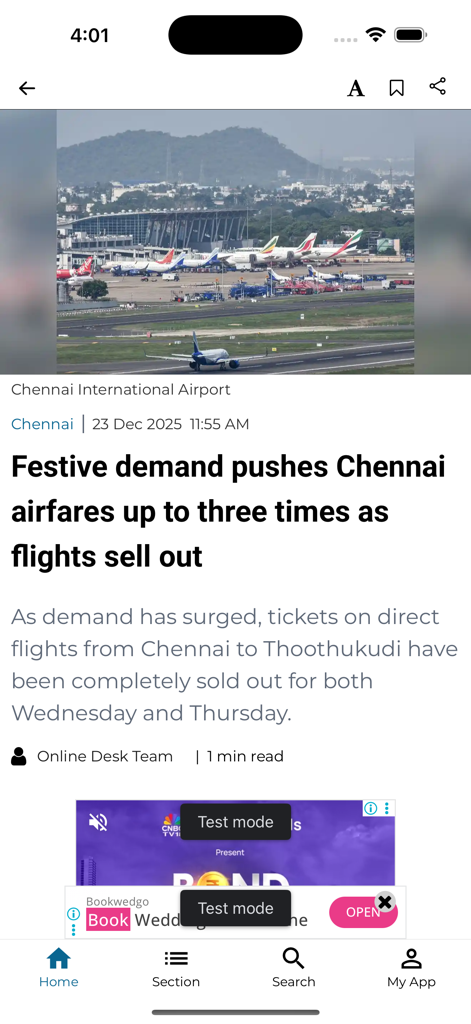
DTNEXT - チェンナイ国際空港の航空券価格に関する記事を表示するDTNEXTニュースアプリ
チェンナイ国際空港の航空券価格に関する記事を表示するDTNEXTニュースアプリ

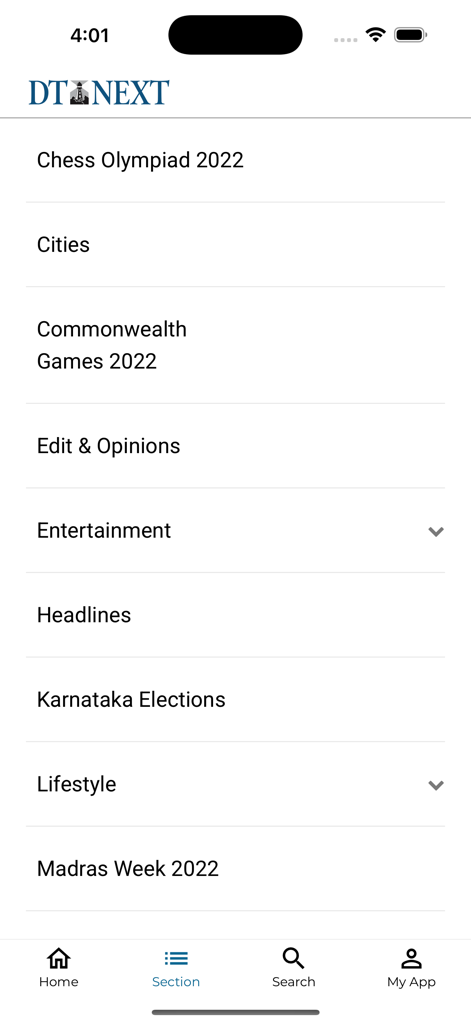
DTNEXT - エンターテインメントやヘッドラインを含むニュースカテゴリのリストを表示するDTNEXTアプリのインターフェース
エンターテインメントやヘッドラインを含むニュースカテゴリのリストを表示するDTNEXTアプリのインターフェース

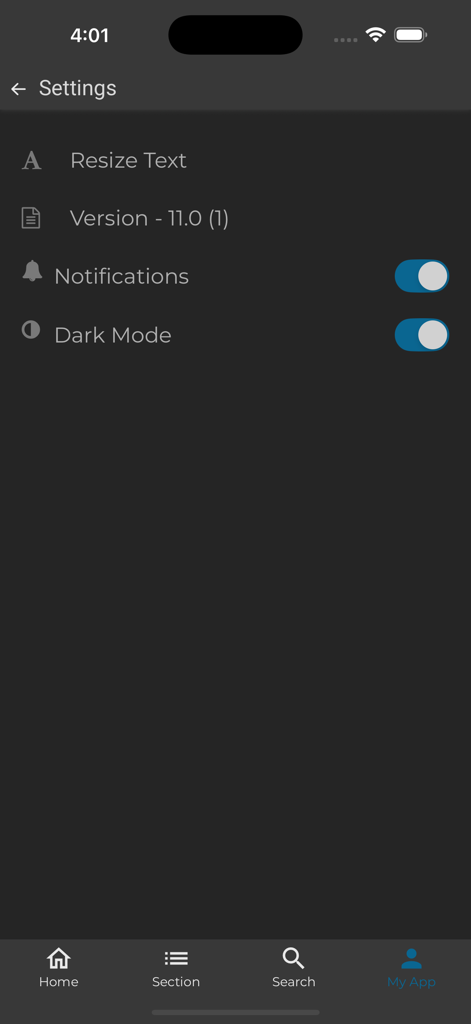
DTNEXT - ダークモード、通知の切り替え、テキストサイズ変更オプションを備えたDTNEXTアプリの設定画面

ダークモード、通知の切り替え、テキストサイズ変更オプションを備えたDTNEXTアプリの設定画面

説明

DT Next is your daily source for English news across politics, sports, films and features. Part of the Daily Thanthi Group, we bring you everything Chennai and Tamil Nadu – from the latest headlines to in-depth political analysis, from where the city eats to the stories that capture its pulse. Stay informed with all things Tamil Nadu at your fingertips. The highly interactive new DT Next e-paper and app is a full-featured print replica with digital elements intact. The easy-to-use interface lets you flip leisurely through the pages like a newspaper, search and share articles easily. A glimpse of DT Next e-paper's new features: 1. Page View Pageview presents your content in the same format as the original paper in print. You can jump to different newspaper sections with the use of the index located at the bottom of the screen. To make reading easier in this mode, scroll up to zoom in and down to zoom out over the desired article. 2. Browse Through Old Issues Remember that great article you read but forgot to bookmark? You can still now browse through 365 days of archives using the calendar located in the e-paper section. You can select any newspaper you want to read by date. 5. Smart Flow SmartFlow mode makes it easier for you to read content on your devices. The horizontal flow allows for seamless reading. 6. Listen to Your Paper Have individual articles or full issues read out loud to you if you are travelling or on the go. 7. Adjust the size or font type with one touch. You can adjust the brightness too. The hybrid app combines the ease-of-use of any news app, presenting news articles and updates by the minute. Download the free app today. Follow us for the latest news on DT Next official and verified social media handles: Twitter: https://twitter.com/dt_next Instagram: https://www.instagram.com/dt_next/?hl=en YouTube: https://www.youtube.com/c/DTNextNews Facebook: https://www.facebook.com/dtnext/

Download

ダウンロード: App Store

このページはアプリまたはその開発者の公式ページではなく、情報提供および論評を目的として作成された独立した編集出版物です。明示的に別段の記載がない限り、アプリおよびその開発者は、MWM、Apple、Google Play、アプリのパブリッシャー、またはアプリの開発者と提携、承認、後援、認可、またはその他の公式的な関係はなく、このページのいかなる内容も、アプリがMWMのサービスを使用して開発されたことを意味するものではありません。すべての商標、ロゴ、スクリーンショット、その他のコンテンツはそれぞれの所有者の財産です。