
このページはアプリまたはその開発者の公式ページではなく、情報提供および論評を目的として作成された独立した編集出版物です。明示的に別段の記載がない限り、アプリおよびその開発者は、MWM、Apple、Google Play、アプリのパブリッシャー、またはアプリの開発者と提携、承認、後援、認可、またはその他の公式的な関係はなく、このページのいかなる内容も、アプリがMWMのサービスを使用して開発されたことを意味するものではありません。すべての商標、ロゴ、スクリーンショット、その他のコンテンツはそれぞれの所有者の財産です。

Easy-PhotoPrint Editor
スマートフォンのギャラリーを、見事な物理的な思い出に変えましょう。コラージュ、カレンダー、ステッカー用の何百もの既成テンプレートから選択してください。家族、クラフター、中小企業に最適です。
ダウンロード
3M+ユーザー評価
評価数
147K+開発元
カテゴリ
Photo & Video対応言語
20最新バージョン
1.10.2サイズ
93.6 MBリリース日
2018年9月3日最高の瞬間を傑作に変える
心温まる家族のコラージュから、サイドハッスルのためのプロフェッショナルなブランディングまで、オールインワンエディターでiPhoneからの印刷が簡単で美しくなります。
あらゆる機会のための素晴らしいテンプレート
カレンダー、グリーティングカード、コラージュ用の何百もの既成レイアウトで、デザインのストレスをスキップしてください。数秒でプロが作ったように見えます。
究極のDIYクラフトコンパニオン
カスタムパターン紙とパーソナライズされたステッカーを印刷して、スクラップブックに命を吹き込みましょう。クリエイティブプロジェクトを際立たせるようにデザインされています。
よくある質問
について知っておくべきこと Easy-PhotoPrint Editor
Easy-PhotoPrint Editorとは何ですか?
Easy-PhotoPrint Editorは、テンプレートとフリーレイアウトエディターを備えた写真プリントアプリです。写真レイアウト、カード、コラージュ、カレンダー、ディスクレーベル、証明写真、名刺、ステッカー、ポスターなどの作成と印刷が可能です。
Easy-PhotoPrint Editorでどのような種類のプリントを作成できますか?
Easy-PhotoPrint Editorを使用すると、写真レイアウト、カード、コラージュ、カレンダー、ディスクレーベル、証明写真、名刺、ステッカー、ポスターを作成できます。また、アート作品用のパターンペーパーも提供しています。
Easy-PhotoPrint Editorはクリエイティブなプロジェクト用のテンプレートを提供していますか?
はい、Easy-PhotoPrint Editorは多くの便利なテンプレートを提供しています。これには、写真レイアウト、カード、コラージュ、カレンダー、名刺、証明写真、ステッカー、ポスターなどのオプションが含まれており、作成を簡素化します。
Easy-PhotoPrint Editorでディスクレーベルを印刷できますか?
はい、Easy-PhotoPrint Editorを使用すると、Canonインクジェットプリンターがこの特定の機能をサポートしている場合、スマートフォンから直接ディスクレーベルを印刷できます。
Easy-PhotoPrint Editorで利用できる編集機能は何ですか?
Easy-PhotoPrint Editorはさまざまな編集機能を提供しています。ユーザーは写真をトリミングまたは拡張したり、色付きの縁、テキスト、スタンプで装飾してプリントをパーソナライズしたりできます。
Easy-PhotoPrint Editorに対応しているプリンターは何ですか?
Easy-PhotoPrint EditorはCanonインクジェットプリンターをサポートしています。アプリの説明に記載されているウェブサイトリンクで、サポートされているプリンターモデルを確認できます。
Easy-PhotoPrint Editorはどのオペレーティングシステムをサポートしていますか?
Easy-PhotoPrint EditorはiOS 17.0以降をサポートしています。アプリが機能するためには、ユーザーはデバイスが互換性のあるiOSバージョンで実行されていることを確認する必要があります。
Easy-PhotoPrint Editorがプリンターを見つけられない場合はどうすればよいですか?
アプリがプリンターを見つけられない場合は、プリンターがサポートリストにあること、およびネットワークに接続されていることを確認してください。必要に応じて、「Canon PRINT」アプリを使用してプリンターをネットワークに接続してください。
Easy-PhotoPrint Editorで名刺を作成できますか?
はい、Easy-PhotoPrint Editorを使用すると、ユーザーは簡単に名刺を作成できます。また、このアプリは証明写真、ステッカー、その他の日常的なアイテムの作成もサポートしています。
Easy-PhotoPrint Editorは写真コラージュを作成するためのオプションを提供していますか?
はい、Easy-PhotoPrint Editorには写真コラージュを作成するためのテンプレートが含まれています。このアプリは、複数の写真をデザインに組み込むことができるさまざまな既製のテンプレートを提供しています。
以下のスクリーンショットと説明は、アプリの公式ストアリスティングから直接取得されたものであり、アプリ開発者の所有物です。
アプリストア
スクリーンショット
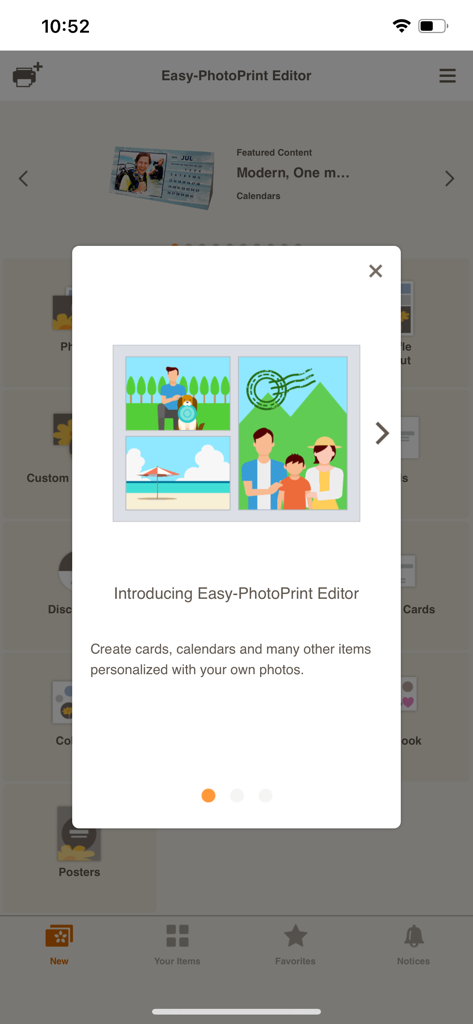
Canon Easy-PhotoPrint Editorアプリの紹介画面。パーソナライズされた写真テンプレートが特徴です。
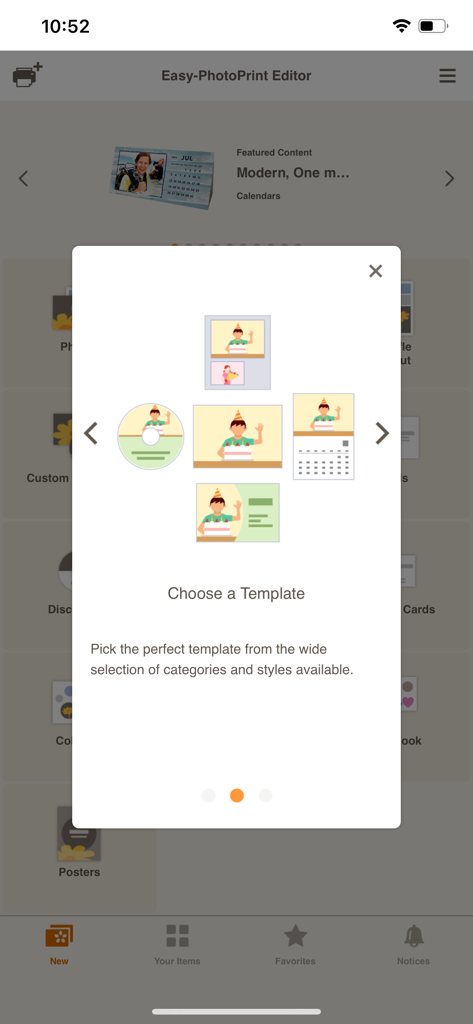
Canon Easy-PhotoPrint Editorアプリで、カレンダー、名刺、写真のテンプレートオプションを表示する画面。
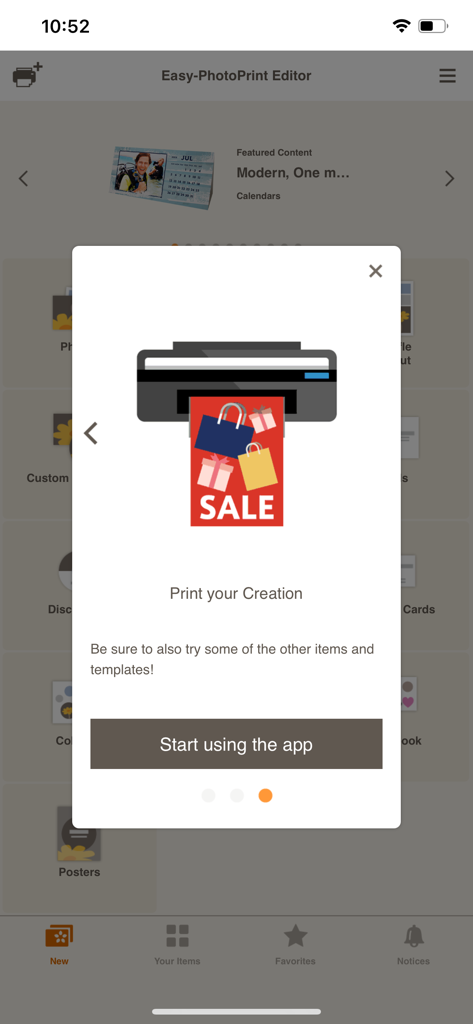
Canon Easy-PhotoPrint Editorアプリのオンボーディング画面。プリンターアイコンとアプリの使用開始ボタンが表示されています。
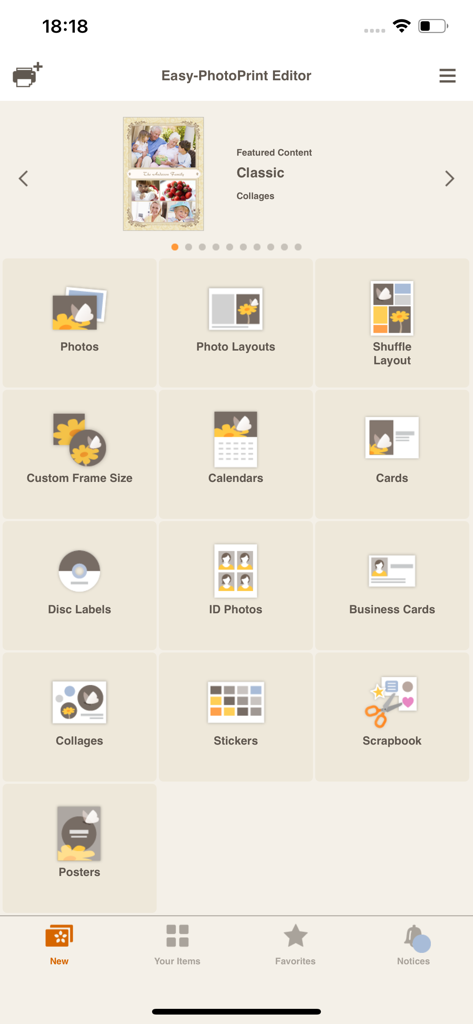
Easy PhotoPrint Editorアプリのメインメニュー。写真、カレンダー、名刺など、さまざまな印刷カテゴリが表示されています。
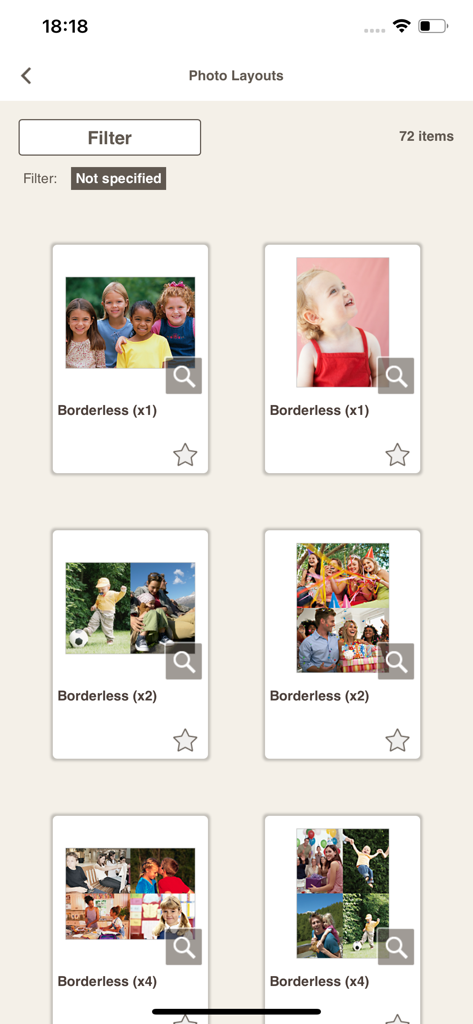
Canon Easy-PhotoPrint Editorアプリで利用可能な、ボーダーレスな写真プリントレイアウトとコラージュテンプレートのギャラリー。
説明
Download
類似アプリ
似た機能とユーザー体験を持つアプリ
Super T-Shirt Designer
Shenzhen Bigger Lens LLC

iShaper: Custom Surfboards
Ryan Kotzebue

Fonts & Designs For DIY Space
UN Global

Cricut Design Space
Cricut, Inc.
Creality Cloud - 3D Printing
CREALITY 3D HK TECHNOLOGY LIMITED

Tinkercad
Autodesk

HelloBlink
Shenzhen Yihengke Electronic Technology Co.,Ltd.

Dot Lab - Perler beads pattern
桂华 冉

Design Creator Space
Hardline Software LLC
このページはアプリまたはその開発者の公式ページではなく、情報提供および論評を目的として作成された独立した編集出版物です。明示的に別段の記載がない限り、アプリおよびその開発者は、MWM、Apple、Google Play、アプリのパブリッシャー、またはアプリの開発者と提携、承認、後援、認可、またはその他の公式的な関係はなく、このページのいかなる内容も、アプリがMWMのサービスを使用して開発されたことを意味するものではありません。すべての商標、ロゴ、スクリーンショット、その他のコンテンツはそれぞれの所有者の財産です。