Easy Scan - PDF Scanner

Easy Scan - PDF Scanner


ダウンロード: App Store
ロゴ: Easy Scan - PDF Scanner

Easy Scan - PDFスキャナー:あなたのプロフェッショナル向けドキュメントハブ

iPhoneをパワフルなモバイルオフィスに変えましょう。現代のプロフェッショナルのために設計された、最高のセキュリティと効率でIDをスキャンし、契約書に署名し、PDFを管理できます。

開発元

Tung To Dinh

カテゴリ

Business

ダウンロード

135K+

ユーザー評価

4.5/5

評価数

800

対応言語

11

効率を一目で確認

このインターフェースを利用する 135K+ 人のユーザー.

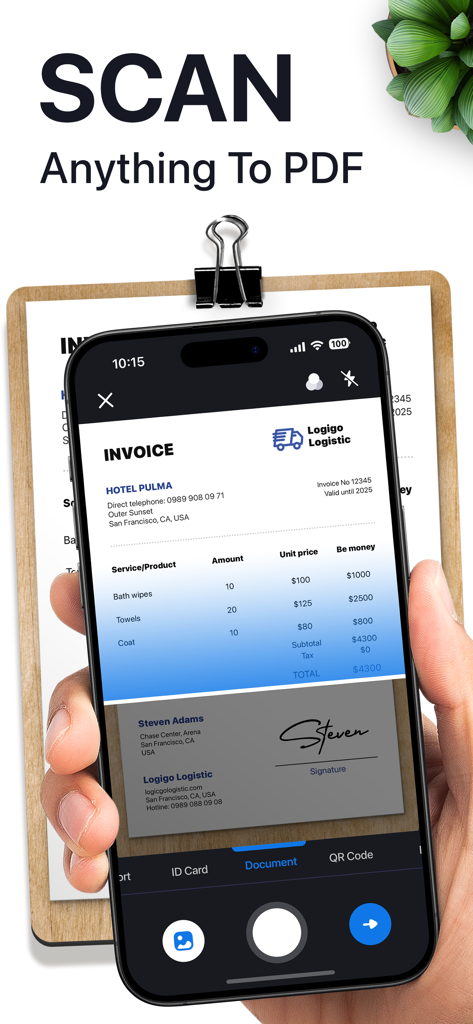
Easy Scanアプリを使用して紙の請求書をPDFドキュメントにデジタル化しているスマートフォンを持つ手

Easy Scanアプリを使用して紙の請求書をPDFドキュメントにデジタル化しているスマートフォンを持つ手

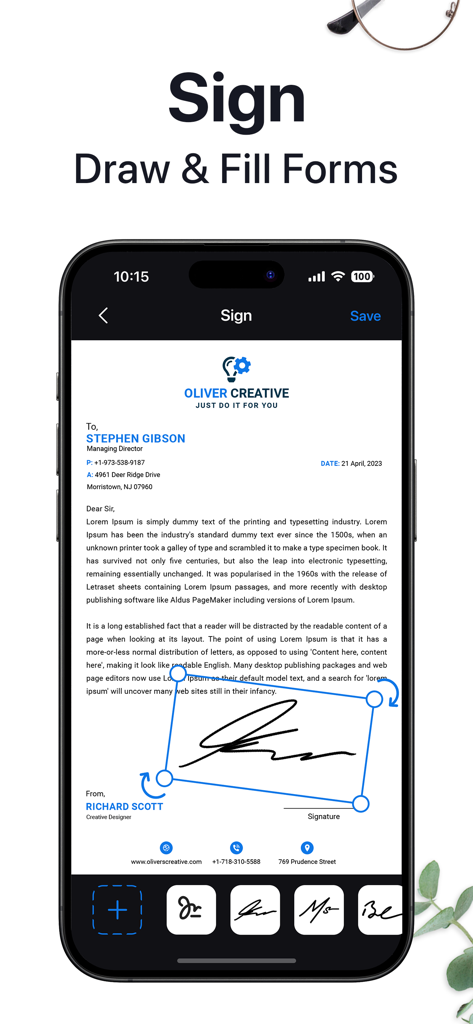
Easy Scanアプリでモバイル画面上でデジタル署名されているプロフェッショナルなドキュメント。

Easy Scanアプリでモバイル画面上でデジタル署名されているプロフェッショナルなドキュメント。

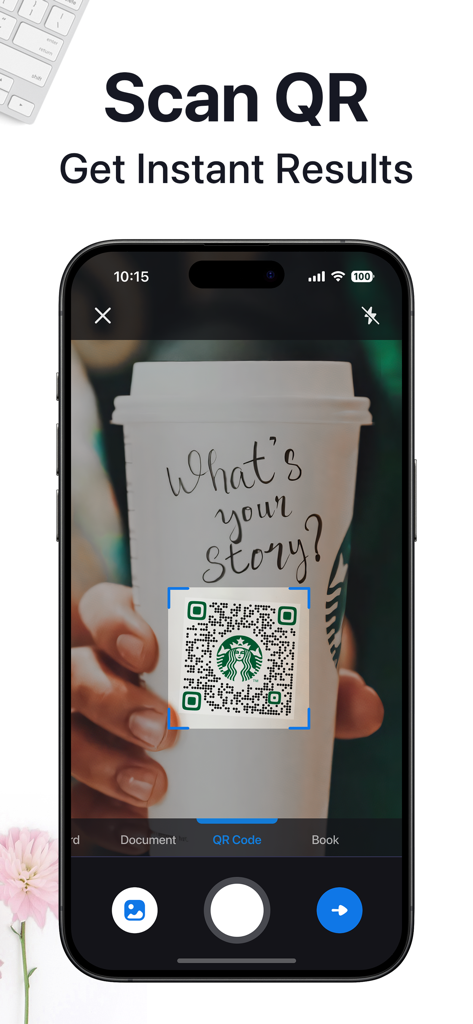
コーヒーカップからQRコードをスキャンして即座に結果を表示するiPhone上のEasy Scanアプリインターフェイス。

コーヒーカップからQRコードをスキャンして即座に結果を表示するiPhone上のEasy Scanアプリインターフェイス。

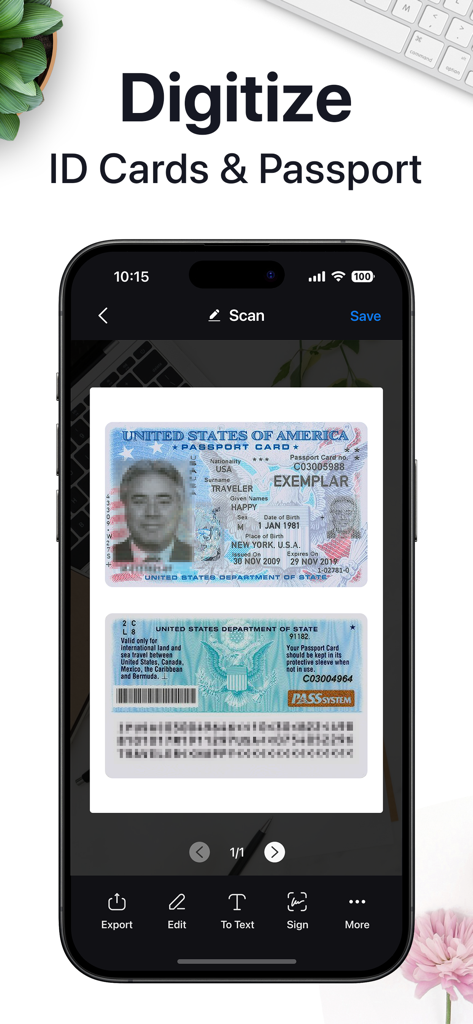
Easy Scanを使用して米国パスポートカードのデジタル化を表示するモバイルアプリインターフェイス

Easy Scanを使用して米国パスポートカードのデジタル化を表示するモバイルアプリインターフェイス

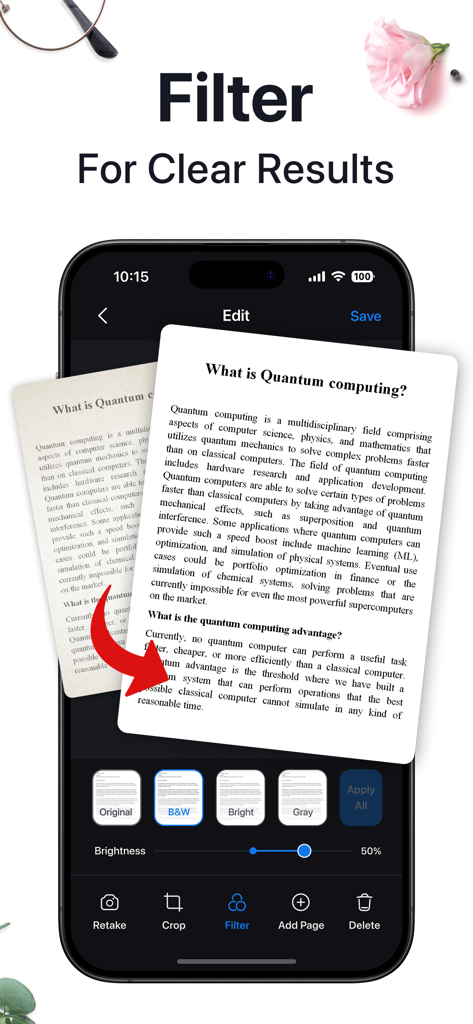
プロフェッショナルなPDFのためにスキャン画像を鮮明にするためのドキュメントフィルターを表示するモバイルアプリインターフェイス

プロフェッショナルなPDFのためにスキャン画像を鮮明にするためのドキュメントフィルターを表示するモバイルアプリインターフェイス

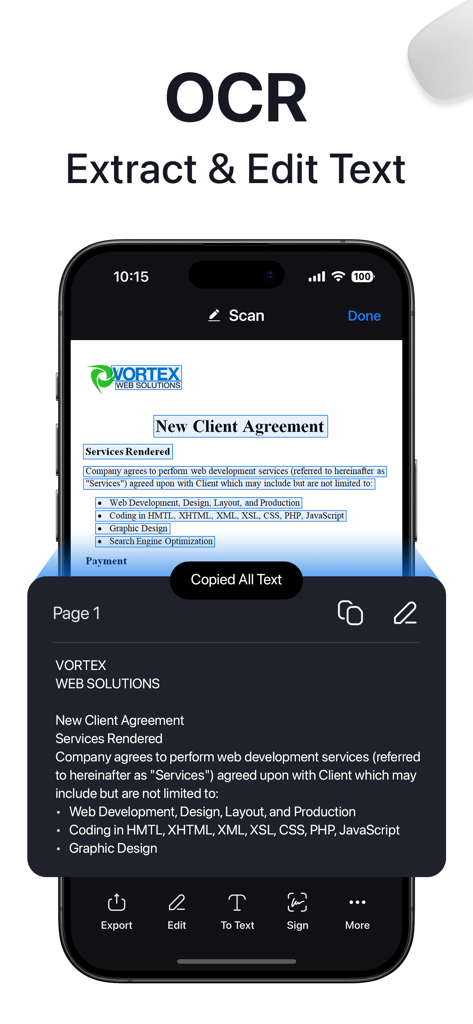
クライアント契約書からOCRテキストを抽出するスマートフォン画面

クライアント契約書からOCRテキストを抽出するスマートフォン画面

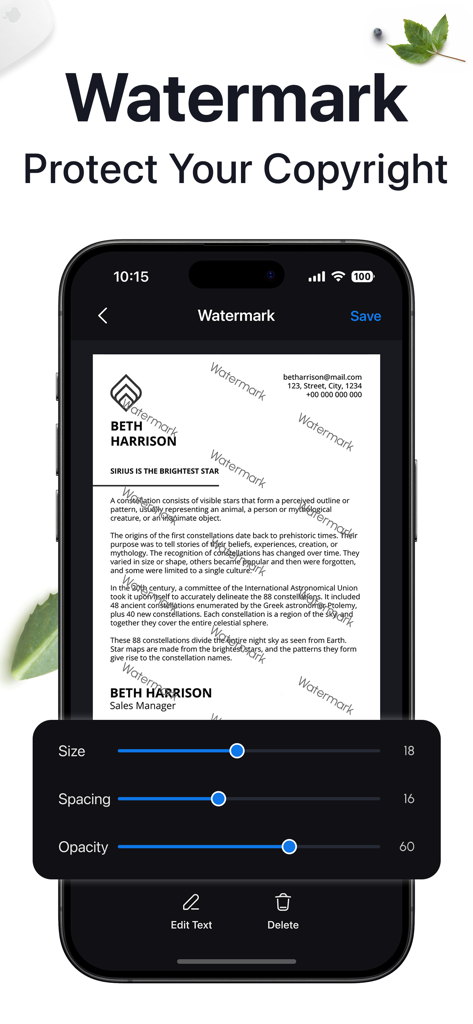
プロフェッショナルなファイルを保護するために、サイズ、間隔、不透明度のコントロールを備えたドキュメント透かしツールを表示するモバイルアプリインターフェイス。

プロフェッショナルなファイルを保護するために、サイズ、間隔、不透明度のコントロールを備えたドキュメント透かしツールを表示するモバイルアプリインターフェイス。

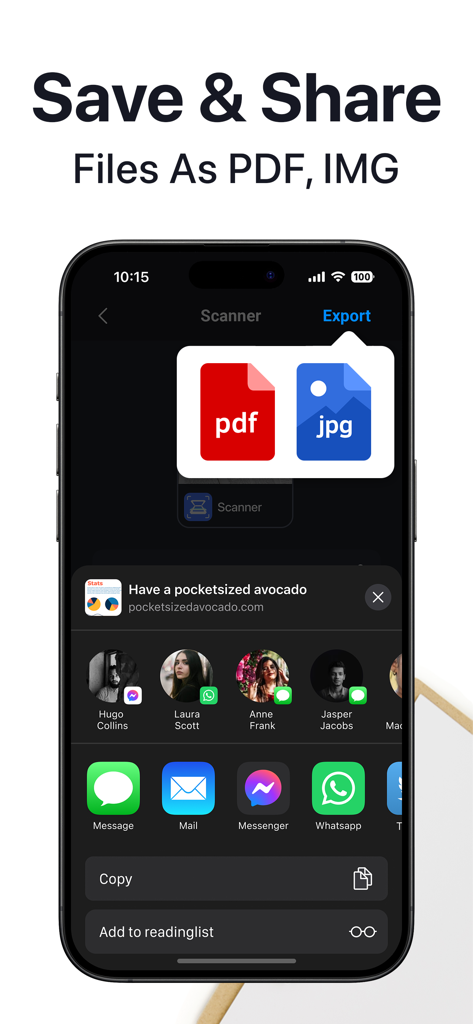
ドキュメントをPDFまたはJPGファイルとして保存および共有するためのオプションを表示するEasy Scanアプリ画面。

ドキュメントをPDFまたはJPGファイルとして保存および共有するためのオプションを表示するEasy Scanアプリ画面。

どこでもワークフローを効率化

このアプリを際立たせるツール、 135K+ 人のユーザーが選択.

🖋️

プリンターなしで署名・編集

デバイスから直接、プロフェッショナルな署名を適用し、デジタルフォームに記入し、機密情報を編集できます。

🛡️

安全なID・パスポート保管

高画質なスキャンで最も機密性の高い身分証明書をデジタル化し、PINロック付きフォルダーで安全に保管します。

高速マルチページスキャン

インテリントな境界線検出と自動ノイズ除去により、複雑なドキュメントを数秒でキャプチャし、プロフェッショナルな仕上がりを実現します。

アプリについて

について知っておくべきこと Easy Scan - PDF Scanner.

説明

In search of an advanced and dependable scanning solution? Look no further! iScanner stands as the ultimate scanning and document management tool, simplifying the creation of professional documents on the go. Whether you're a remote worker, student, educator, accountant, realtor, manager, or lawyer, iScanner is a must-have. Work and study from anywhere, even without access to a laptop or scanning/printing machine. ID & PASSPORT SCAN Efficiently scan and store identification documents including driver's licenses, national IDs, and passports in high quality for secure storage and sharing. Easily extract and manage personal data from ID scans for quick access and record-keeping needs, saving precious time. DOCUMENT SCANNER Our intelligent scanner is indispensable for remote work, on-the-go professionals, students, educators, and small business enthusiasts, allowing you to save time and increase productivity. FULL-FEATURED PDF EDITOR & FILE MANAGER Edit scans with color correction and noise removal features for quick refinement. Manually sign your scans or add a signature from an image to expedite document approval. Mark up documents, cover or blur text as needed in seconds to maintain confidentiality. Add text over forms or autofill documents using custom templates, reducing data entry time. Utilize the file manager with folders and drag & drop functionality for easy organization and swift access. Protect confidential scans by locking folders and files with a PIN for peace of mind in moments. Merge documents or split files by pages with a few taps to streamline your document processing. Number document pages, insert footers, and add watermarks effortlessly to enhance professional appearance. VARIOUS SCANNING MODES DOCUMENTS: Scan multipage documents on the go in just a few minutes. QR CODE: Read any QR code with your device camera instantly. You can choose a one-time payment or a weekly subscription (with a 3-day free trial). – Payment will be charged to the iTunes Account at confirmation of purchase (After a free trial period if offered). – Subscription automatically renews unless auto-renew is turned off at least 24 hours before the end of the current period. – Account will be charged for renewal within 24 hours prior to the end of the current period, and identify the cost of the renewal. – The user and auto-renewal may manage subscriptions may be turned off by going to the user’s Account Settings after purchase. – Any unused portion of a free trial period, if offered, will be forfeited when the user purchases a subscription to that publication, where applicable. Privacy Policy: https://smart.southpolemob.com/policy.html Terms of Use: https://smart.southpolemob.com/terms.html

最新バージョン

3.0.4

サイズ

194.5 MB

リリース日

2023年12月21日

今日のモバイル生産性を変革しましょう

外出先での安全で高品質なドキュメント管理にEasy Scanを信頼する135,000人以上のプロフェッショナルや学生に加わりましょう。今すぐ無料トライアルを開始してください。

ダウンロード: App Store

App information, icons, screenshots, and descriptions displayed on this page are sourced from the Apple App Store and are the property of their respective developers. Download estimates and rankings are based on MWM's proprietary models and may not reflect actual figures. This page is provided for informational and analytical purposes only.

Believe this page infringes your intellectual property? File a dispute