Epsom Printer

Epsom Printer

ダウンロード: App Store
ロゴ: Epsom Printer

Epsom Printer: iPhoneからあらゆるものを印刷する最もスマートな方法

1,200以上のプリンターモデルに即座に接続。PDF、写真、クラウドファイルを、技術的な手間なくプロフェッショナルな精度で印刷します。

開発元

Petr Polasek

カテゴリ

Business

ダウンロード

86K+

ユーザー評価

4.5/5

評価数

1K+

対応言語

1

効率をアクションで見る

このインターフェースを利用する 86K+ 人のユーザー.

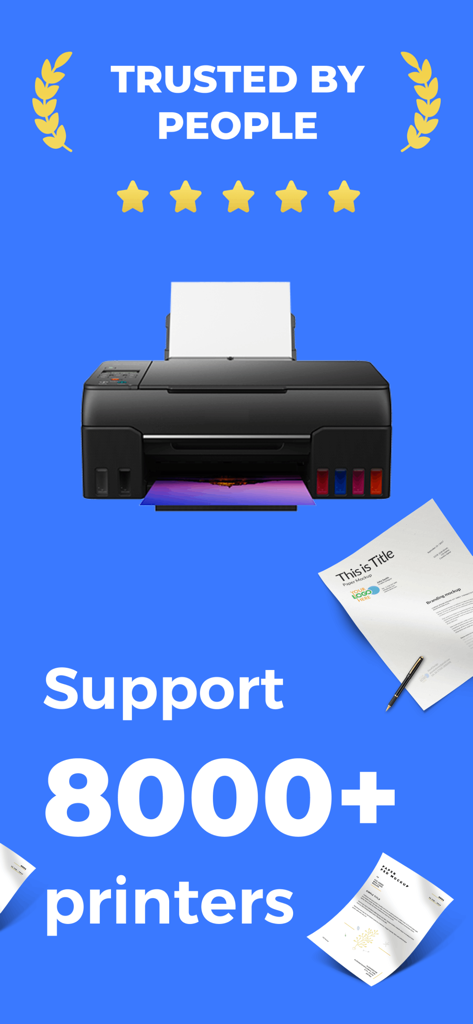
Epsom Printerアプリのスクリーンショット。8,000以上のプリンターモデルへの対応と、5つ星評価による高いユーザー信頼性を示しています。

Epsom Printerアプリのスクリーンショット。8,000以上のプリンターモデルへの対応と、5つ星評価による高いユーザー信頼性を示しています。

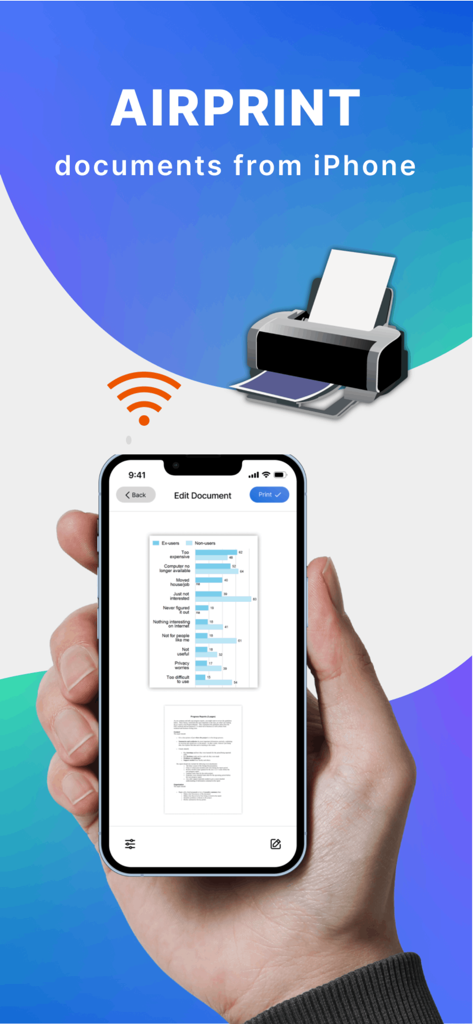
AirPrint経由でドキュメントをワイヤレスで印刷するために、Epsom Printerアプリを使用しているiPhoneを持つ手。

AirPrint経由でドキュメントをワイヤレスで印刷するために、Epsom Printerアプリを使用しているiPhoneを持つ手。

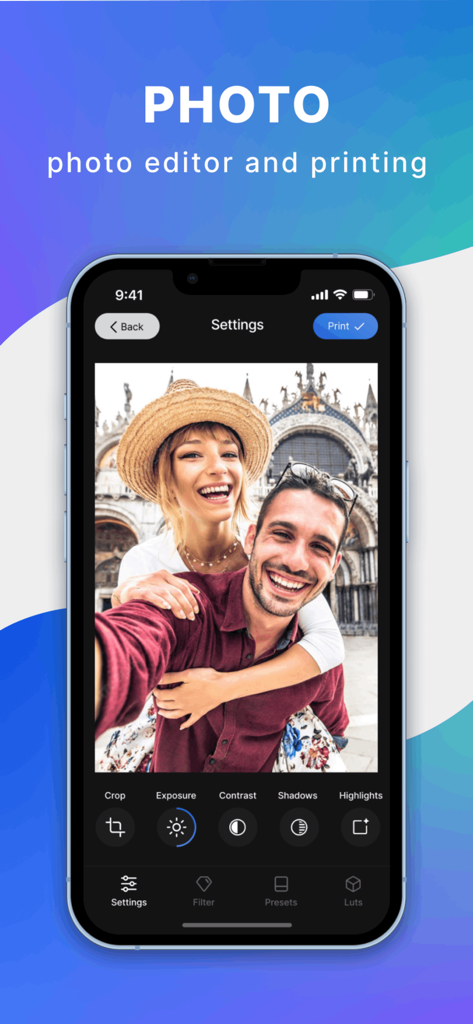
Epsom Printerアプリのインターフェース。iPhone上で写真編集ツールと印刷ボタンが表示されています。

Epsom Printerアプリのインターフェース。iPhone上で写真編集ツールと印刷ボタンが表示されています。

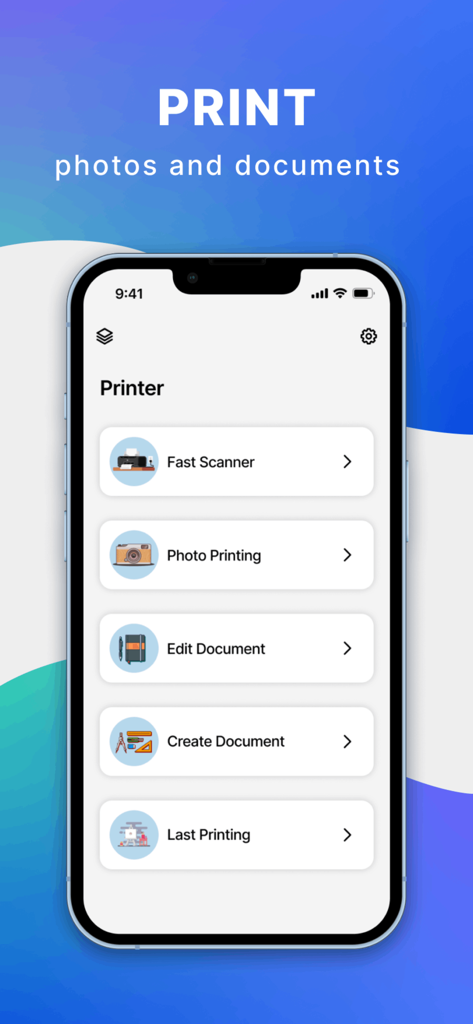
iPhone上のEpsom Printerアプリのメインメニュー。高速スキャナー、写真印刷、ドキュメント編集のオプションが表示されています。

iPhone上のEpsom Printerアプリのメインメニュー。高速スキャナー、写真印刷、ドキュメント編集のオプションが表示されています。

ポケットから簡単に印刷

このアプリを際立たせるツール、 86K+ 人のユーザーが選択.

🔄

ユニバーサル接続

セットアップのフラストレーションをスキップ。このアプリは1,200以上のプリンターモデルのユニバーサルブリッジとして機能し、iPhoneと家庭またはオフィスのハードウェアが完璧に連携するようにします。

📂

直接クラウドアクセス

ファイルを最初にダウンロードする必要はありません。数回のタップで、iCloud、Google Drive、またはDropboxから直接PDF、スプレッドシート、写真を印刷できます。

プロレベルのカスタマイズ

出力の全制御を握りましょう。両面印刷の切り替え、用紙サイズの調整、またはインク節約のためのグレースケールへの切り替えを、すべてモバイル画面から簡単に行えます。

アプリについて

について知っておくべきこと Epsom Printer.

説明

Smart Printer makes printing documents and photos super simple and convenient. Just select a document, customize the print settings, and print your document in a matter of seconds! With Printer app, you only need an iPhone/iPad and printer! Smart Printer, you can print: - Any photos from your Camera Roll. - Any web pages, emails, and attachments. - Any information from your Clipboard. - Specific contacts or full Contact List. - Over 30 file types supported, including: PDF, DOC, XLS, and PPT. Smart Print Features: - Over 1,200 printer models supported. - iCloud, Google Drive, and Dropbox support. - Convert any high-quality, multi-page PDF documents. Extended printing settings: - Paper size - Paper type - Page orientation - Printing range - Number of copies - One- and two-sided printing - With and without borders - Color and grayscale documents - And many more customizable options! Printer app supports over 1,200 printer models, including Canon, Dell, Epson, Xerox, HP, Kyocera, Lenovo, Lexmark, Oki, Ricoh, Samsung, Sharp, Brother and other printer models that support AirPrint technology. And we add new printer models with each app update! Use the test print option on install to determine whether your printer model is supported. Printer app is free to use with limited functions. Unlimited access to all functions of the application is available with a subscription. Premium version provides unlimited access to all app’s features and offers regular reviews, news, and useful printing tech tips. Payment will be charged to iTunes Account at confirmation of purchase. Subscription automatically renews unless auto-renew is turned off at least 24-hours before the end of the current period. Account will be charged for renewal within 24-hours prior to the end of the current period, and identify the cost of the renewal. Subscriptions may be managed by the user and auto-renewal may be turned off by going to the user's Account Settings after purchase. Any unused portion of a free trial period, if offered, will be forfeited when the user purchases a subscription to that publication. Terms of service: https://www.code4flutter.in/com/terms-printer/ Privacy policy: https://www.code4flutter.in/privacy-printer/

最新バージョン

1.0.15

サイズ

48.5 MB

リリース日

2022年7月23日

数秒でスマートな印刷を開始

仕事や生活の管理を簡素化する86,000人以上のユーザーに加わりましょう。1,200以上のプリンターモデルに接続し、iCloud、Google Drive、またはカメラロールから即座に印刷できます。

ダウンロード: App Store

App information, icons, screenshots, and descriptions displayed on this page are sourced from the Apple App Store and are the property of their respective developers. Download estimates and rankings are based on MWM's proprietary models and may not reflect actual figures. This page is provided for informational and analytical purposes only.

Believe this page infringes your intellectual property? File a dispute