eScan: PDF Scanner App

eScan: PDF Scanner App

ダウンロード: App Store
ロゴ: eScan: PDF Scanner App

eScan: スキャン&署名のためのプロフェッショナルなポータブルオフィス

iPhoneを高速生産性ハブに変えましょう。OCRでドキュメントをスキャン、署名し、完全なプライバシーを確保できます—すべての機密ファイルはデバイス上に安全に保管されます。

開発元

eBash Groupe FZE LLC

カテゴリ

Business

ダウンロード

134K+

ユーザー評価

4.6/5

評価数

3K+

対応言語

18

ポケットの中の精度

このインターフェースを利用する 134K+ 人のユーザー.

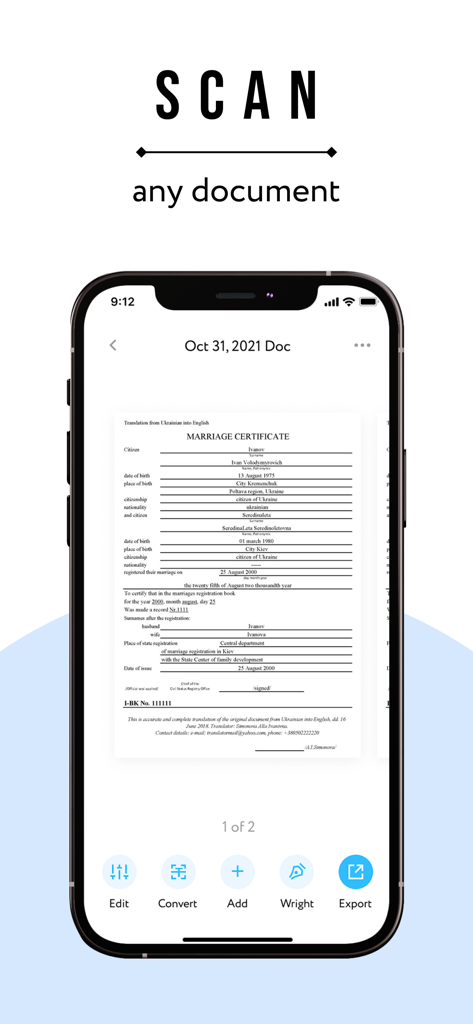
eScanアプリのiPhoneインターフェースで、スキャンされたドキュメントが表示され、編集、変換、エクスポートのオプションがあります。

eScanアプリのiPhoneインターフェースで、スキャンされたドキュメントが表示され、編集、変換、エクスポートのオプションがあります。

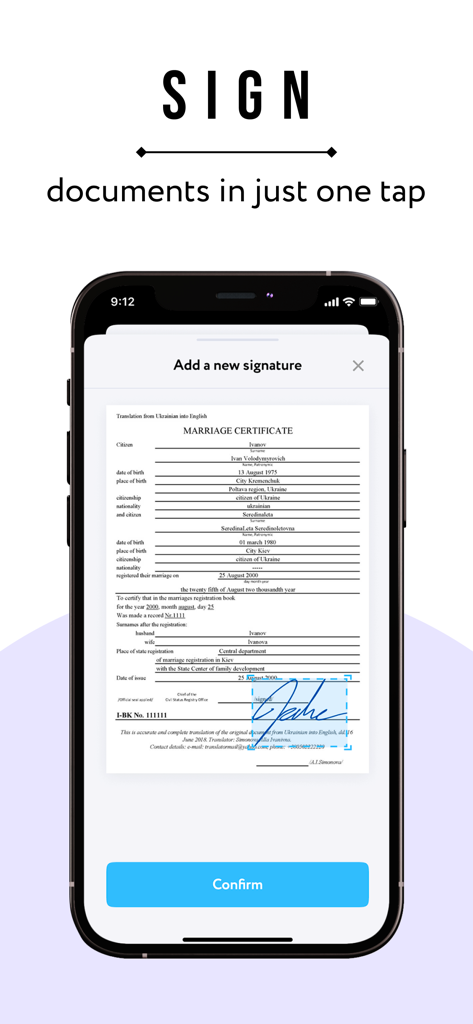
iPhone上のeScan PDFスキャナーアプリのデジタル署名機能。

iPhone上のeScan PDFスキャナーアプリのデジタル署名機能。

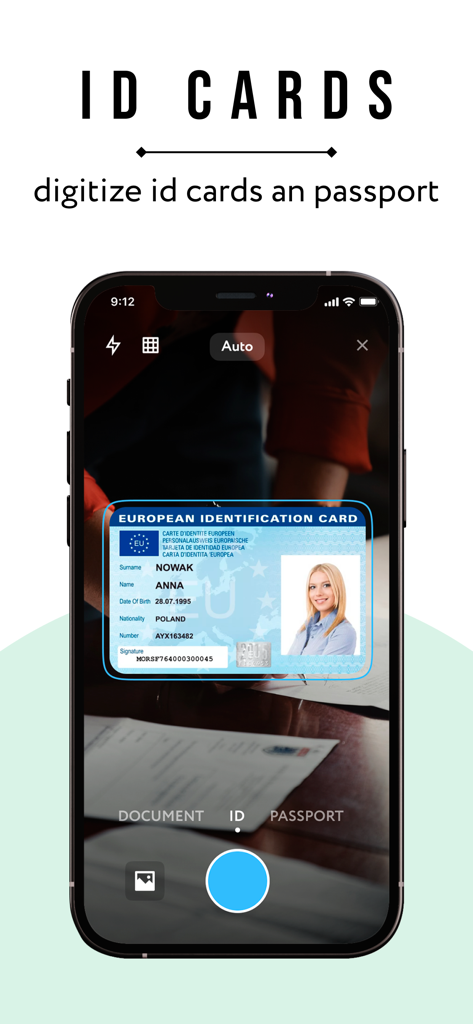
eScanアプリを使用してヨーロッパのIDカードをデジタル化しているiPhone画面。

eScanアプリを使用してヨーロッパのIDカードをデジタル化しているiPhone画面。

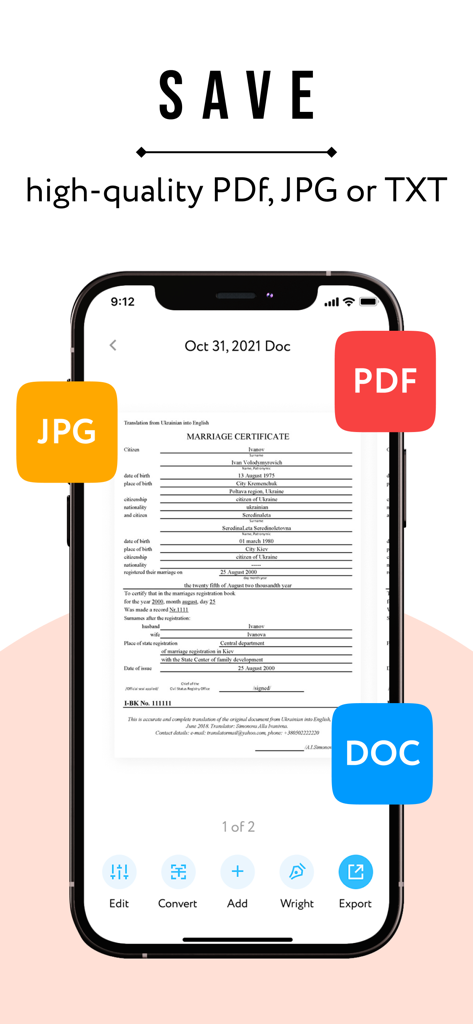
eScanアプリが表示され、スキャンされたドキュメントをPDF、JPG、DOCとして保存するオプションがあるiPhone画面。

eScanアプリが表示され、スキャンされたドキュメントをPDF、JPG、DOCとして保存するオプションがあるiPhone画面。

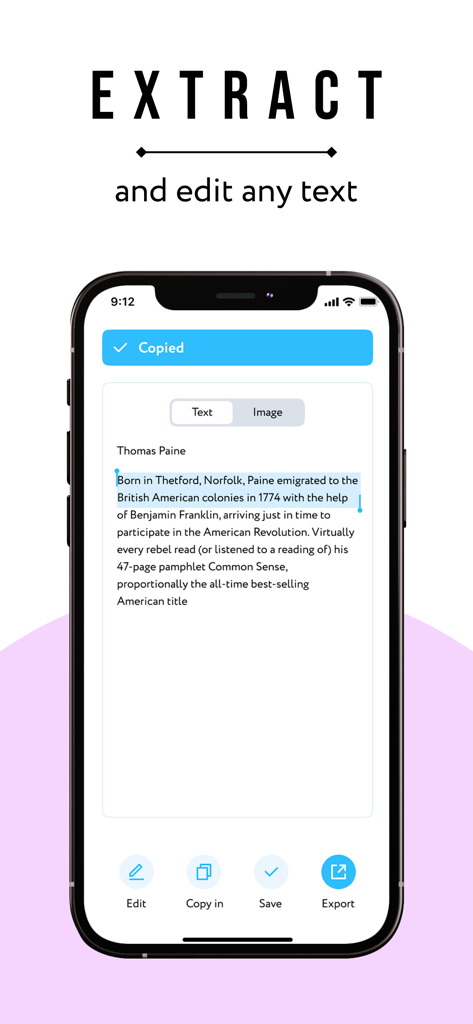
OCRを使用してスキャンされたドキュメントからテキストを抽出し編集しているeScanアプリが表示されたiPhone画面。

OCRを使用してスキャンされたドキュメントからテキストを抽出し編集しているeScanアプリが表示されたiPhone画面。

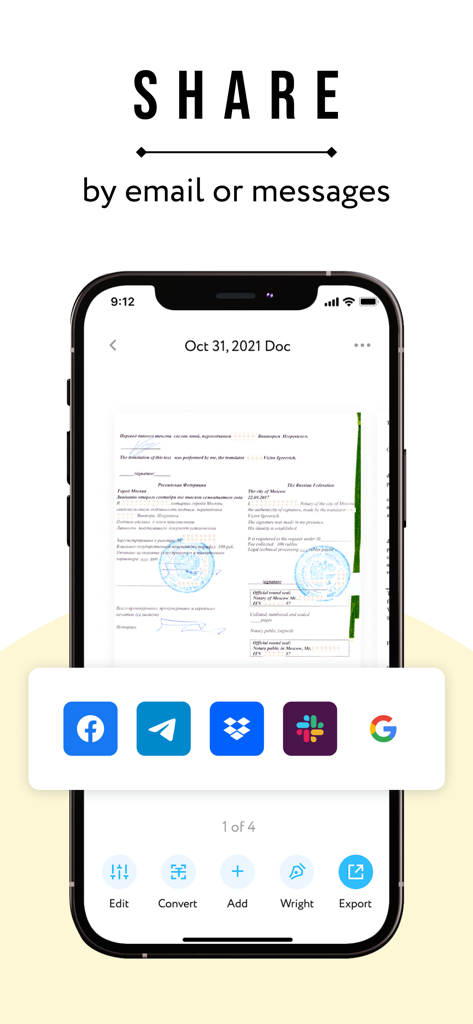
スマートフォンのeScan PDFスキャナーアプリのインターフェースで、メールやメッセージングアプリでのドキュメント共有オプションが表示されています。

スマートフォンのeScan PDFスキャナーアプリのインターフェースで、メールやメッセージングアプリでのドキュメント共有オプションが表示されています。

あなたの完全なモバイルオフィス

このアプリを際立たせるツール、 134K+ 人のユーザーが選択.

📄

スマートスキャン&OCR

高度な文字認識により、あらゆる紙のドキュメントを高品質PDFまたは編集可能なテキストに即座に変換します。

✍️

あらゆる場所でドキュメントに署名

プリンターやペンは不要—統合されたデジタル署名で、契約や合意に数秒で署名できます。

🔒

プライバシーファーストのストレージ

あなたの機密ファイルはデバイス上に安全に保管されます。私たちはあなたのドキュメントにアクセスしないため、完全なビジネス機密性を確保します。

アプリについて

について知っておくべきこと eScan: PDF Scanner App.

説明

eScan will turn your iPhone into a portable scanner. Scan, edit, sign and share any documents in PDF, JPEG or DOC. A few simple steps and your scan is ready. You can scan anything you need: IDs, business documents, agreements, letters, invoices, order sheets, receipts, paper notes, sketches etc. All scanned documents save on your device and are inaccessible to us or any third-party. The main features of eScan: SCAN & EDIT ANY DOCUMENT. You can edit your scanned docs and save in PDF, JPEG or DOC. CONVERT IMAGE INTO TEXT. We use technology of text recognition (OCR). Extract text from any scanned image or page, edit it, and save. SIGN DOCUMENTS. Easily scan and sign all documents you need. SHARE. Share documents with others via social media, messengers or email attachment. Increase your productivity, use eScan. Information about auto-renewal of subscription: - Subscription automatically renews unless auto-renew is turned off at least 24-hours before the end of the current period. - Subscriptions can be managed by the user and auto-renewal can be turned off by going to the user’s Account Settings after purchase. - Please note: any unused portion of a free trial period will be forfeited when the user purchases a subscription. - Payment will be charged to iTunes Account at confirmation of purchase. - An account will be charged for renewal within 24 hours prior to the end of the current period. The amount charged will depend on the selected plan. For app support please contact us at: escan@ebash.pw Terms of Services: https://escanpdf.com/terms-of-use.html Privacy Policy: https://escanpdf.com/privacy.html Terms of Subscription: https://escanpdf.com/terms-of-subscription.html

最新バージョン

1.2.9

サイズ

66.0 MB

リリース日

2022年7月15日

ペーパーレス化とセキュリティの準備はできましたか?

eScanをインスタントスキャン、署名、OCRに信頼している134,000人以上のプロフェッショナルに加わりましょう。あなたのデータは、まさにそこにあるべきデバイス上にプライベートに保管されます。

ダウンロード: App Store

App information, icons, screenshots, and descriptions displayed on this page are sourced from the Apple App Store and are the property of their respective developers. Download estimates and rankings are based on MWM's proprietary models and may not reflect actual figures. This page is provided for informational and analytical purposes only.

Believe this page infringes your intellectual property? File a dispute