FaxFlow – The Premier App to Send & Receive Faxes Securely on iPhone & iPad
Discover the simplicity and reliability of mobile faxing with FaxFlow, the ultimate fax app that transforms your iPhone and iPad into a complete, secure pocket fax machine. Perfect for professionals, freelancers, and anyone needing a fast, convenient way to handle documents on the go, FaxFlow is the leading mobile solution for sending and receiving faxes that is fast, secure, and incredibly easy to use.
Why Choose FaxFlow for Your Faxing Needs?
FaxFlow allows you to manage all your faxing needs from your iPhone or iPad, anywhere and anytime—no fax machine required! With its advanced security, intuitive design, and high-quality document scanning, FaxFlow is the top-rated app for users who need reliable and private faxing capabilities. Say goodbye to bulky machines and costly landlines, and enjoy hassle-free efax on iPad or iPhone with just a few taps.
Key Features and Advantages of FaxFlow
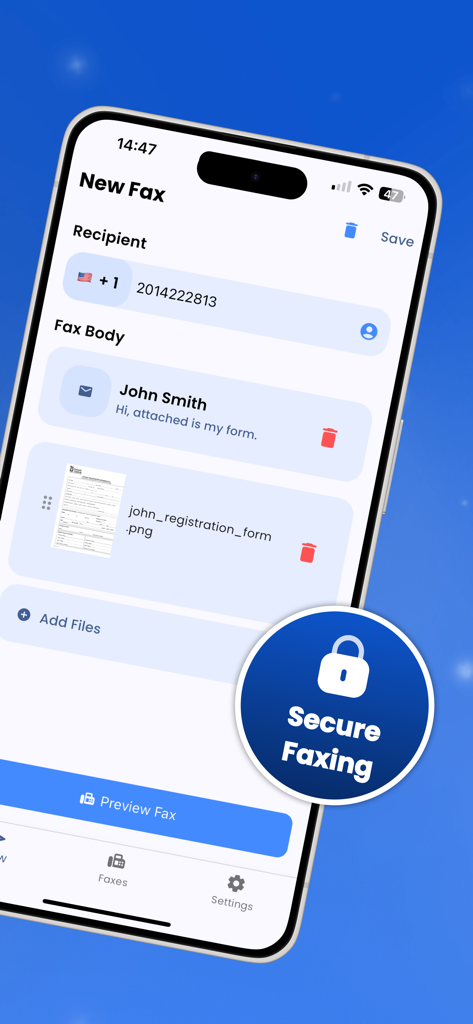
Send Faxes from iPhone & iPad • FaxFlow enables you to send faxes directly from your iPhone or iPad anytime, anywhere. With an easy setup and streamlined process, sending a fax has never been more convenient.
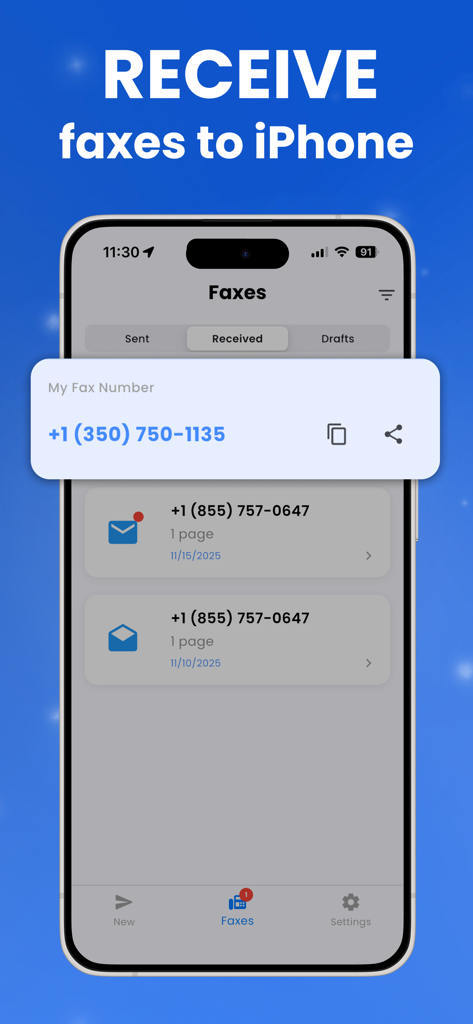
Receive Faxes with a Dedicated Number • Get your own dedicated fax number to receive documents directly to your iPhone or iPad. Whether it's contracts, medical records, or invoices, incoming faxes appear instantly in the app, ready for you to view, save, or share. Never miss an important document again.
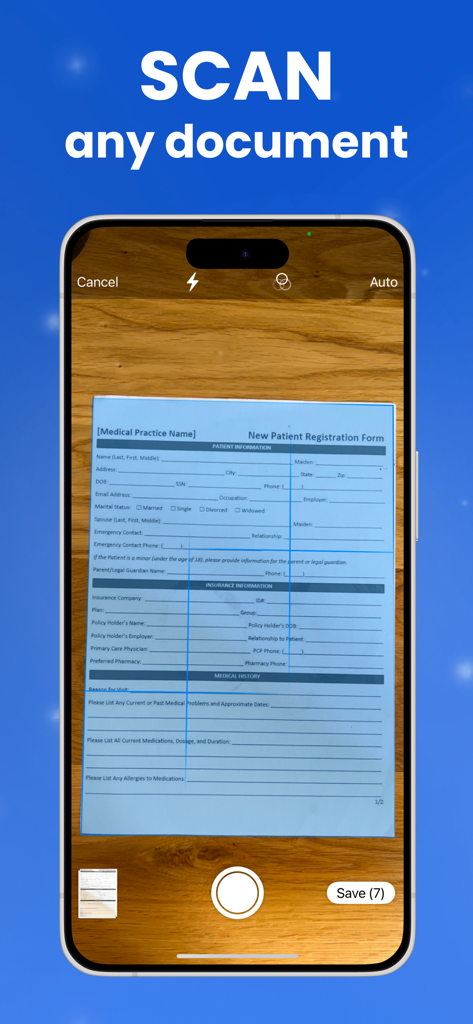
High-Quality Document Scanning • Use your iPhone or iPad camera to scan documents in crystal-clear quality. FaxFlow’s smart scanning technology features automatic detection, border cropping, and perspective correction, turning physical documents into fax-ready digital files with just a tap.
Secure and Encrypted Faxing • Every fax sent or received via FaxFlow is protected by advanced encryption, ensuring your sensitive documents remain private and secure. Perfect for professionals in fields like healthcare, legal, finance, and business who need peace of mind with every transmission.
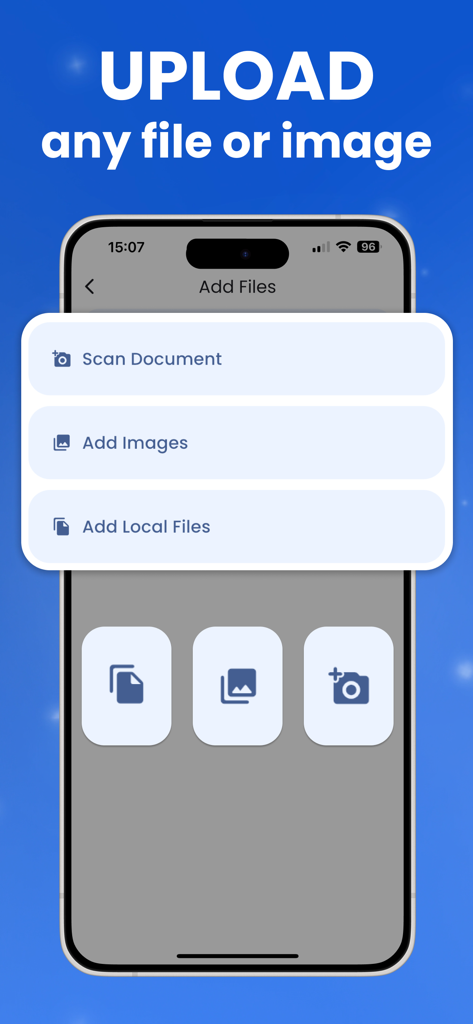
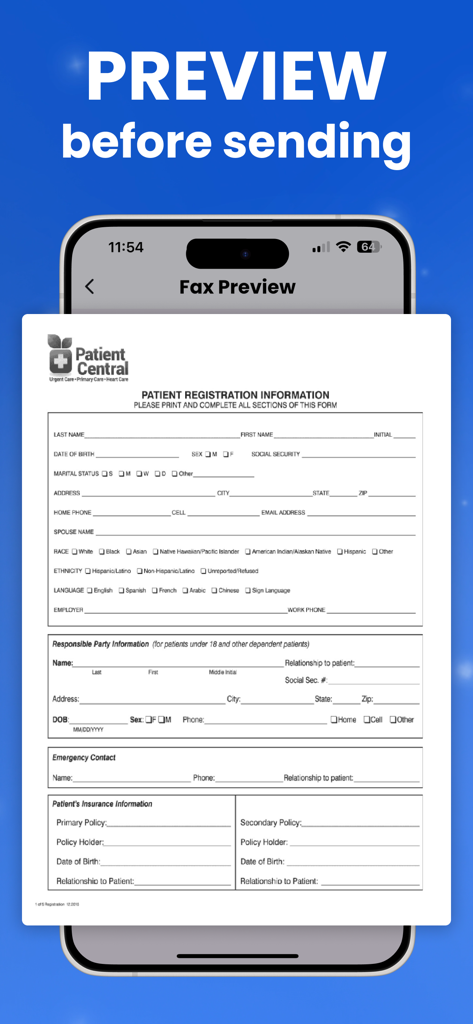
Supports Multiple File Formats • FaxFlow supports a wide variety of formats, including PDF, JPG, and PNG, making it easy to fax contracts, forms, photos, receipts, and more—directly from iPhone or iPad.
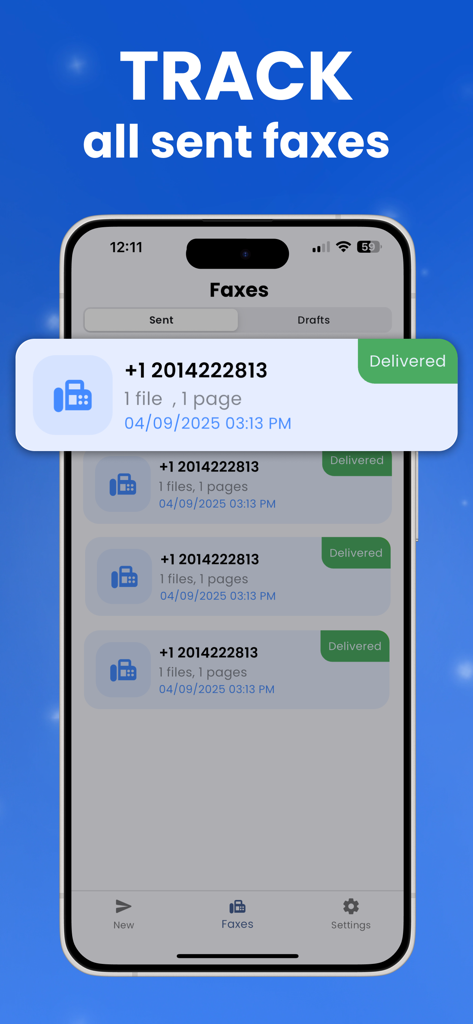
Real-Time Status Notifications • Stay informed with real-time notifications for every fax you send or receive. FaxFlow alerts you immediately upon successful delivery or when a new fax arrives in your inbox.
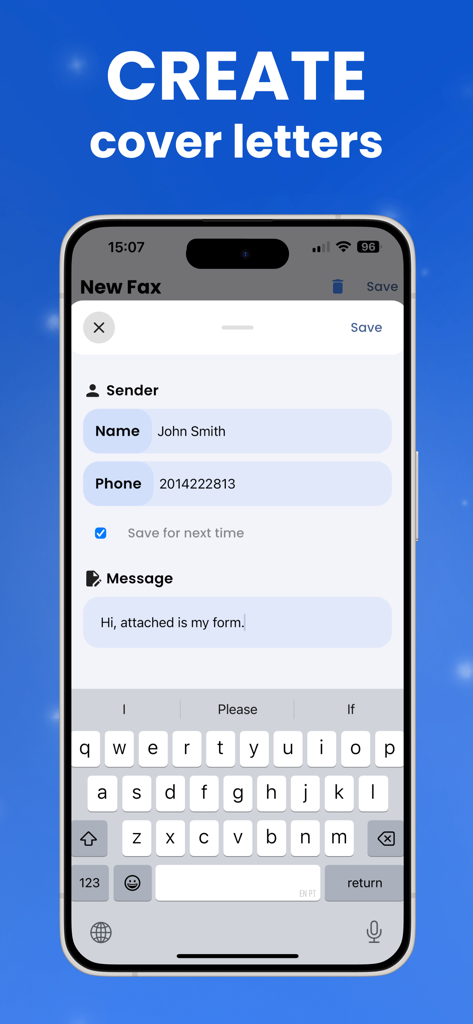
Customizable Cover Pages • Personalize each outbound fax with a custom cover sheet, giving your communications a professional touch. Add your name, contact details, and a brief message to enhance the recipient’s experience.
Global Faxing Coverage • With FaxFlow, you can communicate worldwide. Whether you’re faxing locally or internationally, FaxFlow’s extensive network ensures your documents reach their destination promptly.
FaxFlow Pricing and Plans
• Unlimited access to all features, including sending and receiving, with flexible weekly, monthly, or annual subscriptions. • Payment charged to your iTunes Account at confirmation of purchase. • Auto-renewal can be managed or turned off anytime in Account Settings.
Why FaxFlow Is the Leading Mobile Fax App for iPhone & iPad
• Complete Solution: Send and receive faxes from a single app. • Convenience: Manage documents from anywhere, anytime. • Security: Advanced encryption for complete privacy and peace of mind. • Reliability: Thousands of satisfied users rely on FaxFlow for professional and personal faxing needs. • Ease of Use: Simple setup and intuitive interface make faxing from iPhone or iPad easy.
Join thousands of users who have chosen FaxFlow as their preferred iPhone and iPad efax app. Download now and experience the next level of mobile faxing—secure, fast, and reliable.
Privacy Policy: https://fax-flow.com/privacy-policy Terms of Use: https://fax-flow.com/terms-of-use