
このページはアプリまたはその開発者の公式ページではなく、情報提供および論評を目的として作成された独立した編集出版物です。明示的に別段の記載がない限り、アプリおよびその開発者は、MWM、Apple、Google Play、アプリのパブリッシャー、またはアプリの開発者と提携、承認、後援、認可、またはその他の公式的な関係はなく、このページのいかなる内容も、アプリがMWMのサービスを使用して開発されたことを意味するものではありません。すべての商標、ロゴ、スクリーンショット、その他のコンテンツはそれぞれの所有者の財産です。


Feed Preview: Ig Grid Layout
クリエイターやブランドのための究極のグリッドプランナー。ドラッグ&ドロップで夢のInstagramフィードをキュレーションし、ログインは一切不要です。
ダウンロード
5M+ユーザー評価
評価数
51K+開発元
カテゴリ
Photo & Video対応言語
20最新バージョン
3.12.3サイズ
187.1 MBリリース日
2019年3月2日完璧な美的感覚をデザインする
直感的なビジュアルプランナーで、Instagramフィードを計画、プレビュー、完璧にしましょう。ログイン不要で、デジタルポートフォリオを純粋にクリエイティブにコントロールできます。
安全な「ログイン不要」アクセス
パスワードを共有せずに、公開されているプロフィールをプレビューできます。計画中は、アカウントを禁止やハッキングから100%安全に保ちましょう。
シームレスなドラッグ&ドロップ
投稿を簡単に並べ替えて、完璧なビジュアルフローを見つけましょう。投稿する前にレイアウトやモザイクを試すことができます。
よくある質問
について知っておくべきこと Feed Preview: Ig Grid Layout
Instagramフィードの計画にフィードプレビューはどのように役立ちますか?
フィードプレビュー:Igグリッドレイアウトは、写真や動画を追加、削除、並べ替えることで、Instagramフィードを視覚的に計画します。プロフィールがどのように見えるかを正確に示し、完璧な美的感覚を作り出すのに役立ちます。
フィードプレビュー:IgグリッドレイアウトはInstagramログインが必要ですか?
いいえ、フィードプレビュー:Igグリッドレイアウトでは、ユーザーはInstagramアカウントにログインすることなくInstagramフィードを視覚的に計画できるため、プライバシーと使いやすさが保証されます。
フィードプレビューで複数のInstagramアカウントを管理できますか?
はい、フィードプレビュー:Igグリッドレイアウトを使用すると、ユーザーは複数のInstagramアカウントを簡単に管理できます。この機能は、さまざまなプロファイルにわたるコンテンツ計画プロセスを合理化します。
フィードプレビュー:Igグリッドレイアウトで利用できる編集機能は何ですか?
フィードプレビュー:Igグリッドレイアウトは、スタイリッシュなフィルターと境界線で写真編集を提供します。ユーザーは、アプリ内で画像の明るさ、コントラスト、彩度、明瞭度を調整することもできます。
フィードプレビュー:Igグリッドレイアウトを使用して投稿をスケジュールできますか?
はい、フィードプレビュー:Igグリッドレイアウトでは、ユーザーはInstagramの投稿を事前に作成およびスケジュールできます。これにより、将来の公開コンテンツを整理し、一貫性を維持するのに役立ちます。
フィードプレビューはInstagramカルーセルの計画をサポートしていますか?
はい、フィードプレビュー:Igグリッドレイアウトは、Instagramカルーセルの作成と計画をサポートしています。ユーザーは複数の画像を追加して、フィード用の包括的な複数画像投稿をデザインできます。
フィードプレビューは、計画されたInstagram投稿をどのように保存しますか?
フィードプレビュー:Igグリッドレイアウトのフィードプレビューに追加された画像は、デバイスにローカルに自動的に保存されます。選択したときにInstagramに投稿する準備ができています。
フィードプレビュー:Igグリッドレイアウトで任意のInstagramフィードをプレビューできますか?
はい、フィードプレビュー:Igグリッドレイアウトでは、ユーザーは任意のInstagramフィードをプレビューできます。この機能は、さまざまなプロファイルの外観を視覚化し、計画戦略を洗練するのに役立ちます。
フィードプレビューはInstagramのグリッドテンプレートを提供していますか?
はい、フィードプレビュー:Igグリッドレイアウトは、Instagramフィードをカスタマイズするためのグリッドテンプレートを提供します。これにより、ユーザーはユニークなビジュアルレイアウトのために写真のデザインと配置を行うことができます。
フィードプレビュー:Igグリッドレイアウトでフィードプレビューをリセットできますか?
はい、フィードプレビュー:Igグリッドレイアウトでは、ユーザーはプレビューをリセットして現在のInstagramフィードに一致させることができます。この機能は、リアルタイムの変更を反映するようにアプリのレイアウトを即座に更新します。
以下のスクリーンショットと説明は、アプリの公式ストアリスティングから直接取得されたものであり、アプリ開発者の所有物です。
アプリストア
スクリーンショット
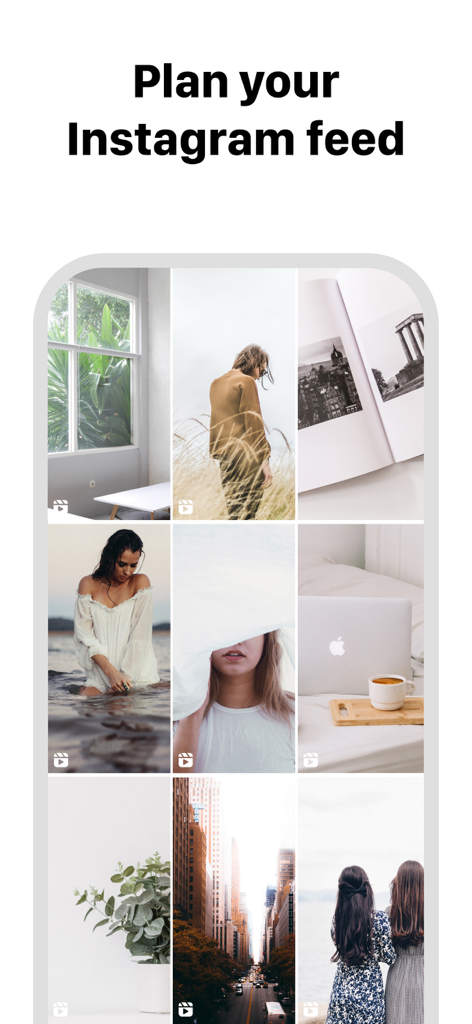
フィード計画のためにキュレーションされたInstagramグリッドレイアウトを示すモバイルインターフェイス
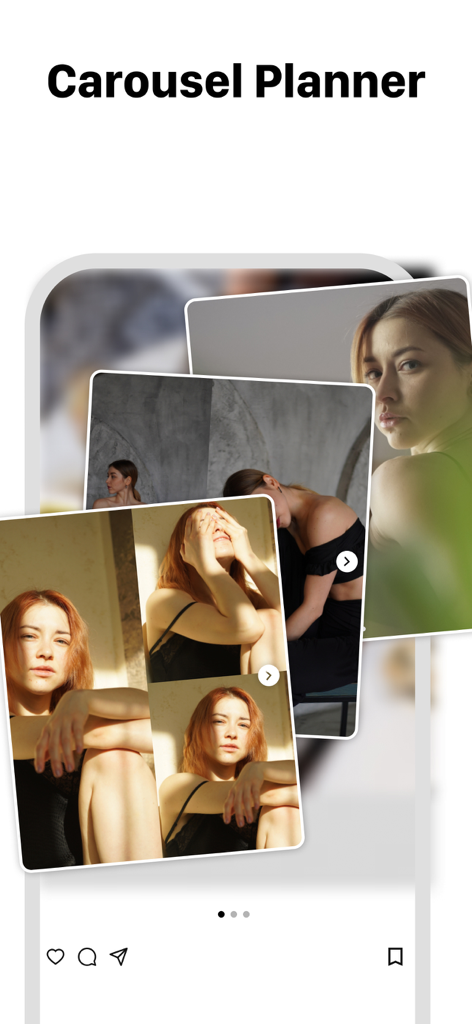
複数の重なり合った写真でInstagramのカルーセル投稿プランナーを示すモバイルアプリインターフェイス。
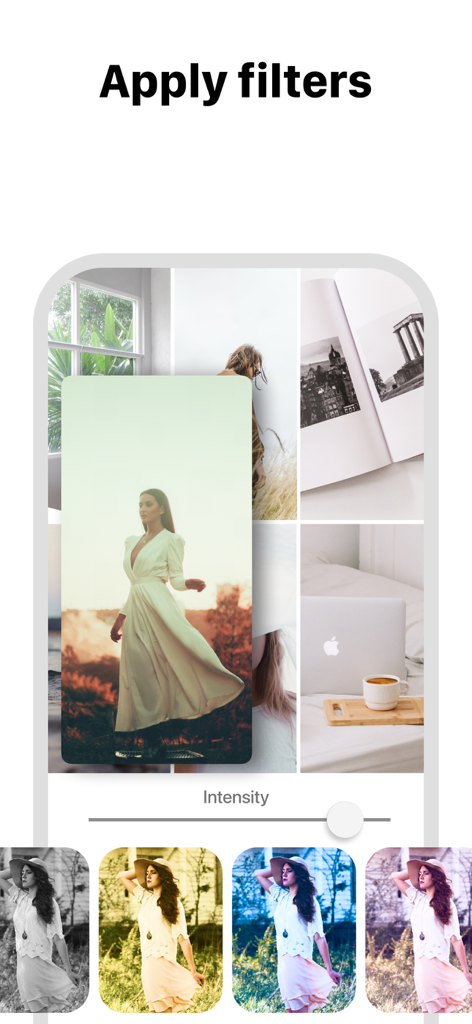
Instagramグリッドレイアウトプレビューに写真フィルターを適用する様子。
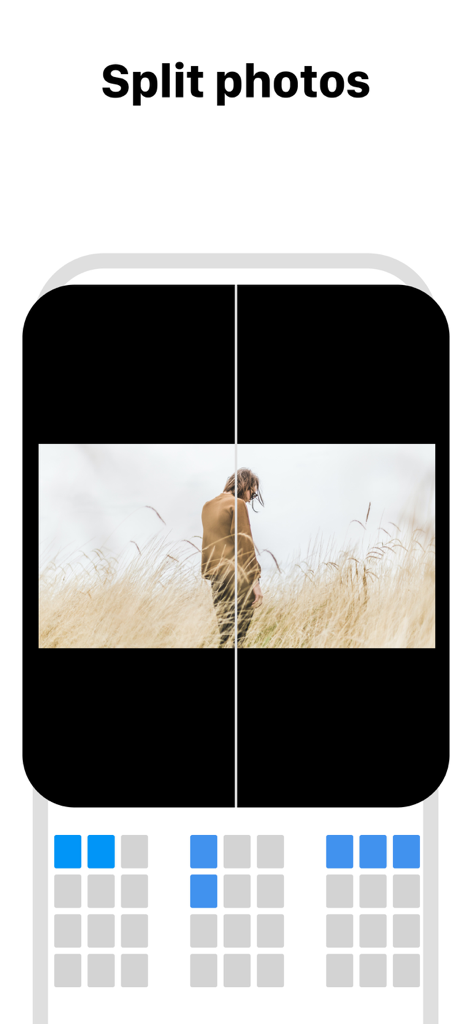
モザイクInstagramグリッドレイアウトのために写真を複数のタイルに分割する方法を示すインターフェイス
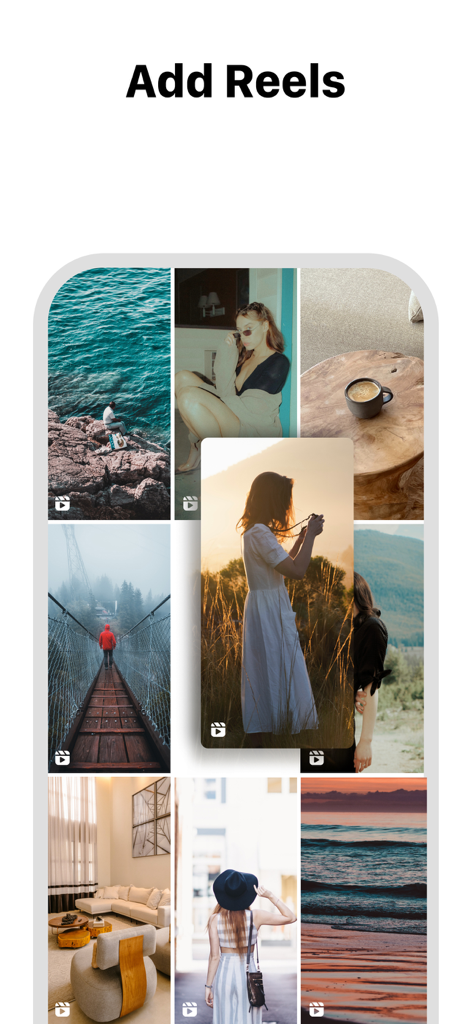
Instagramグリッドレイアウトにリールを追加する方法を示すFeed Previewアプリのインターフェイス。
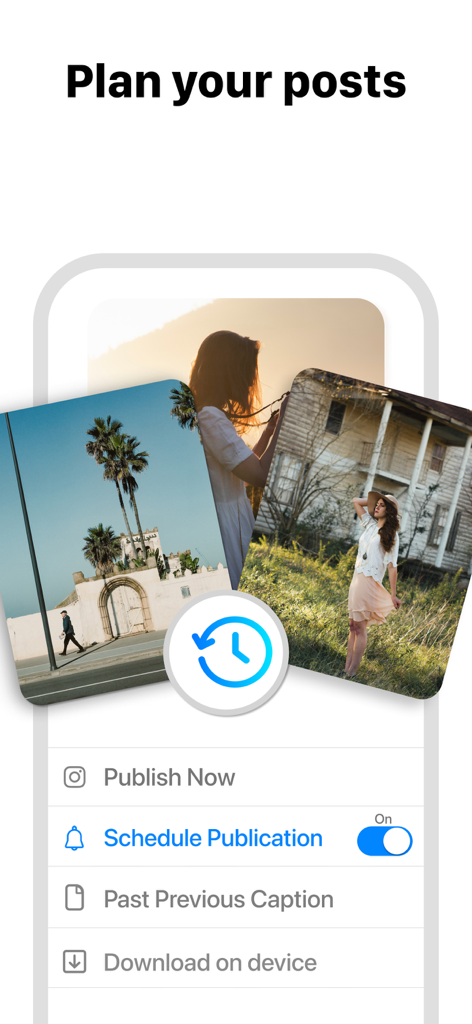
Instagramの投稿計画とスケジュールオプションを示すFeed Previewアプリのインターフェイス。
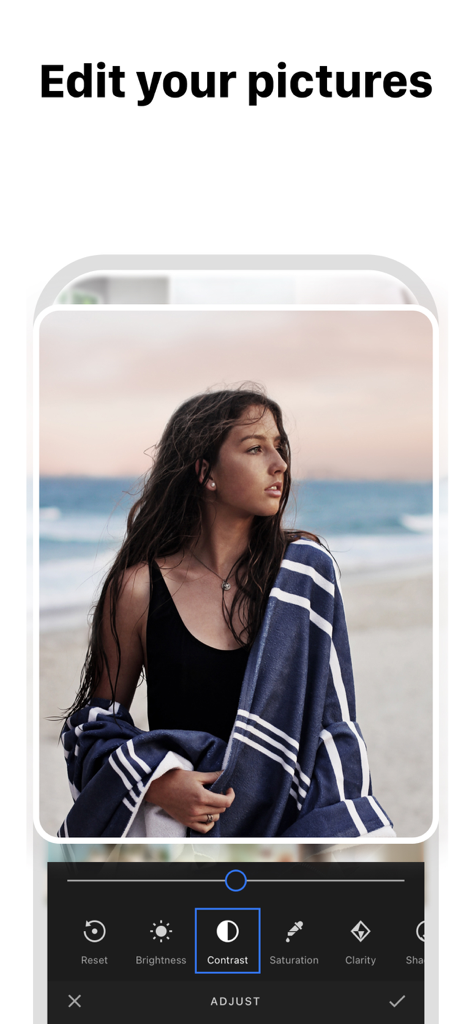
コントラスト、明るさ、彩度などのオプションを示す写真編集インターフェイスを表示するFeed Previewアプリのスクリーンショット
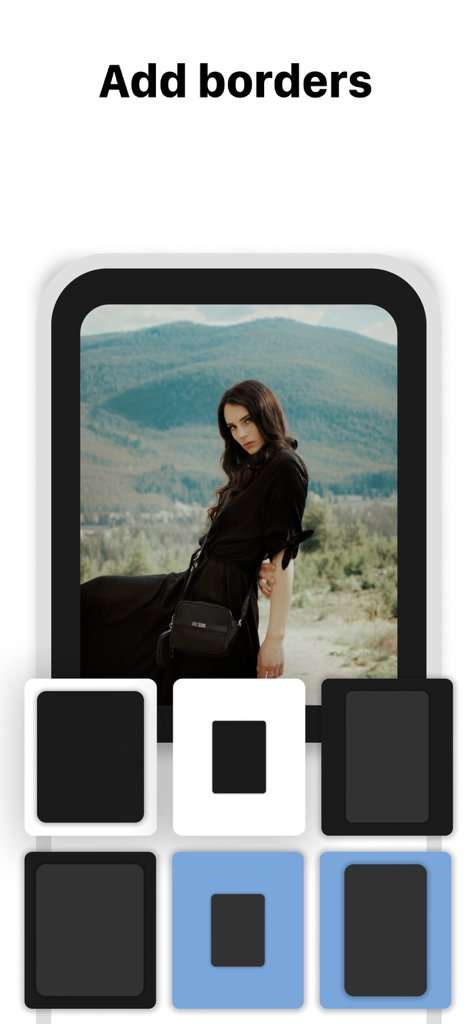
Instagramフィード計画アプリでポートレート写真のさまざまな境界線オプションを示すスマートフォンインターフェイス
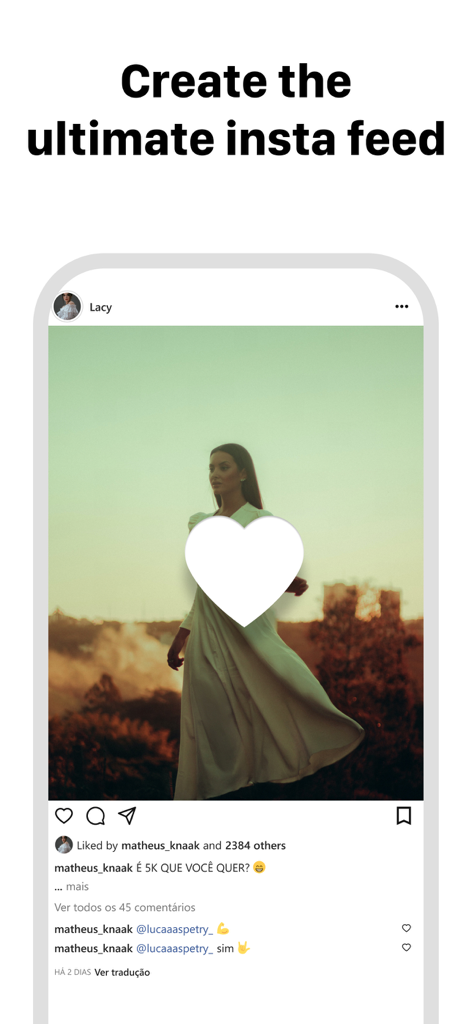
見出し「究極のインスタフィードを作成する」が付いた魅力的なInstagram投稿モックアップを示すスマートフォンのディスプレイ
説明
Download
類似アプリ
似た機能とユーザー体験を持つアプリ

Crsel: Carousel & Story Maker
Georgy Romelashvili

Layout for Instagram・Inpreview
Onelight Apps CY Ltd

Carousel Layout Maker・SwipeMix
Onelight Apps CY Ltd

PanoCut: Panorama Scroll Maker
Hashone Tech LLP

PhotoSplit for Instagram
Tech Positive Inc.

Setty: Photo Filters & Presets
A Color Story LLC

Preview Feed for Insta・Layout
Appslead Ltd

Feed Preview Planner IG・InPlan
Cubetix Ltd.

Feeds: Post & Template Maker
WNDR11 LTD
このページはアプリまたはその開発者の公式ページではなく、情報提供および論評を目的として作成された独立した編集出版物です。明示的に別段の記載がない限り、アプリおよびその開発者は、MWM、Apple、Google Play、アプリのパブリッシャー、またはアプリの開発者と提携、承認、後援、認可、またはその他の公式的な関係はなく、このページのいかなる内容も、アプリがMWMのサービスを使用して開発されたことを意味するものではありません。すべての商標、ロゴ、スクリーンショット、その他のコンテンツはそれぞれの所有者の財産です。