Flip Sampler
Flip Sampler
ダウンロード: App Store

このページはアプリまたはその開発者の公式ページではなく、情報提供および論評を目的として作成された独立した編集出版物です。明示的に別段の記載がない限り、アプリおよびその開発者は、MWM、Apple、Google Play、アプリのパブリッシャー、またはアプリの開発者と提携、承認、後援、認可、またはその他の公式的な関係はなく、このページのいかなる内容も、アプリがMWMのサービスを使用して開発されたことを意味するものではありません。すべての商標、ロゴ、スクリーンショット、その他のコンテンツはそれぞれの所有者の財産です。


ロゴ: Flip Sampler
ダウンロード: App Store

Flip Sampler

スピードのために設計された、摩擦のないワークフローでどんな音でも曲に変えましょう。手のひらからプロ仕様のステムを録音、シーケンス、エクスポートできます。

主要数値

ダウンロード

215K+

ユーザー評価

4.2/5

評価数

700

開発元

Suture Sound Inc.

カテゴリ

Music

対応言語

1

最新バージョン

1.4.2

サイズ

184.4 MB

リリース日

2020年12月1日
機能

ポケットの中のプロレベルプロダクション

サンプリング、シーケンス、アレンジの最も直感的な方法。インスピレーションが湧いた瞬間に捉え、携帯電話から離れることなく、生のサウンドを完成したトラックに変えましょう。

無限のサンプリングポテンシャル

デバイスのマイクから直接録音するか、AirDrop経由でサウンドをインポートして、数秒でカスタムドラムパッドや演奏可能なキーボードを作成できます。

ダイナミックなオートメーションとカオス

ノブの動きを録音したり、独立したオートメーションレーンを使用して進化するポリメトリックなテクスチャやハッピーアクシデントを作成することで、ビートに命を吹き込みましょう。

以下のスクリーンショットと説明は、アプリの公式ストアリスティングから直接取得されたものであり、アプリ開発者の所有物です。

アプリストア

スクリーンショット
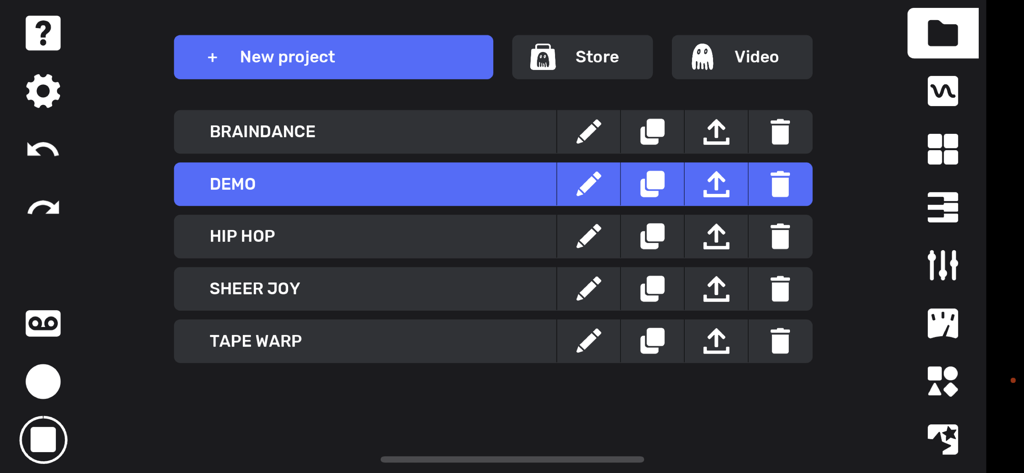
Flip Sampler - Flip Samplerのプロジェクト管理画面。音楽トラックとクリエイティブツールアイコンのリストを表示。
Flip Samplerのプロジェクト管理画面。音楽トラックとクリエイティブツールアイコンのリストを表示。

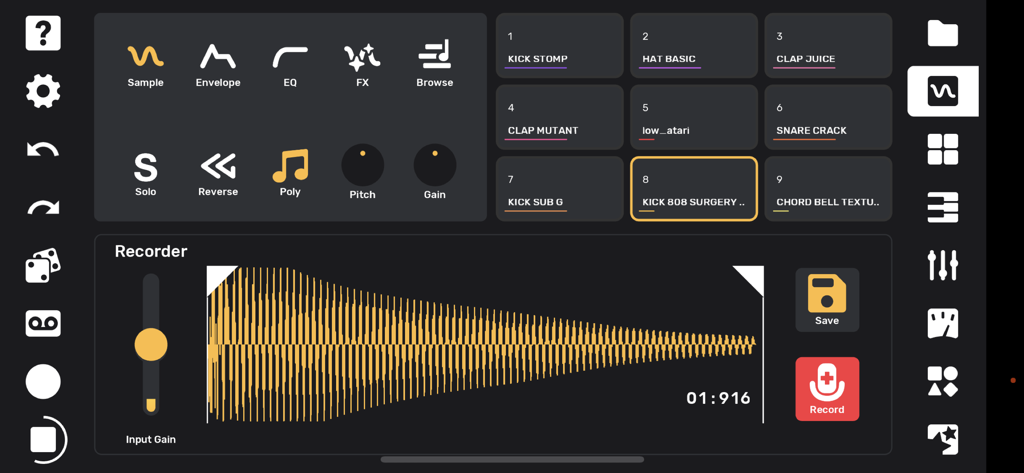
Flip Sampler - Flip Samplerアプリのインターフェース。波形表示と音楽制作のためのドラムパッドを備えたレコーダー画面を表示。
Flip Samplerアプリのインターフェース。波形表示と音楽制作のためのドラムパッドを備えたレコーダー画面を表示。

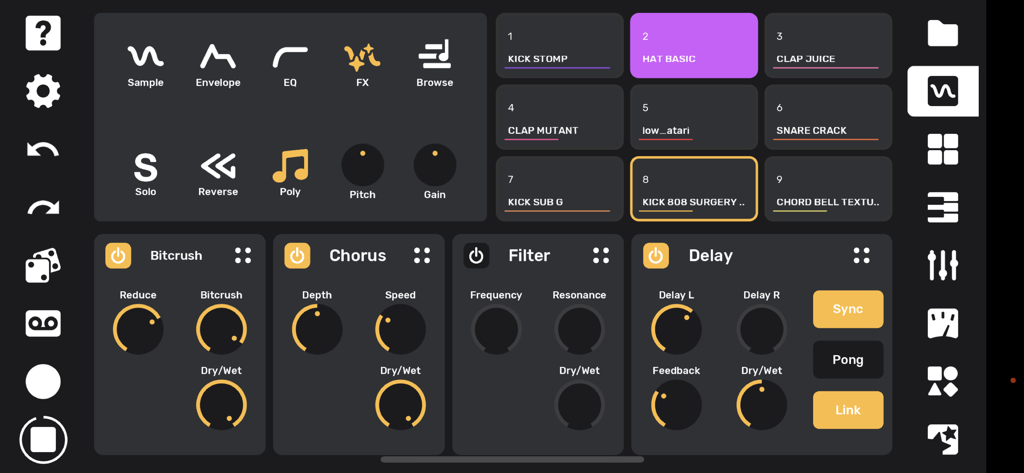
Flip Sampler - Flip Samplerのインターフェース。9つのドラムパッドと、ビットクラッシャー、コーラス、フィルター、ディレイなどのオーディオエフェクトパネルを表示。
Flip Samplerのインターフェース。9つのドラムパッドと、ビットクラッシャー、コーラス、フィルター、ディレイなどのオーディオエフェクトパネルを表示。

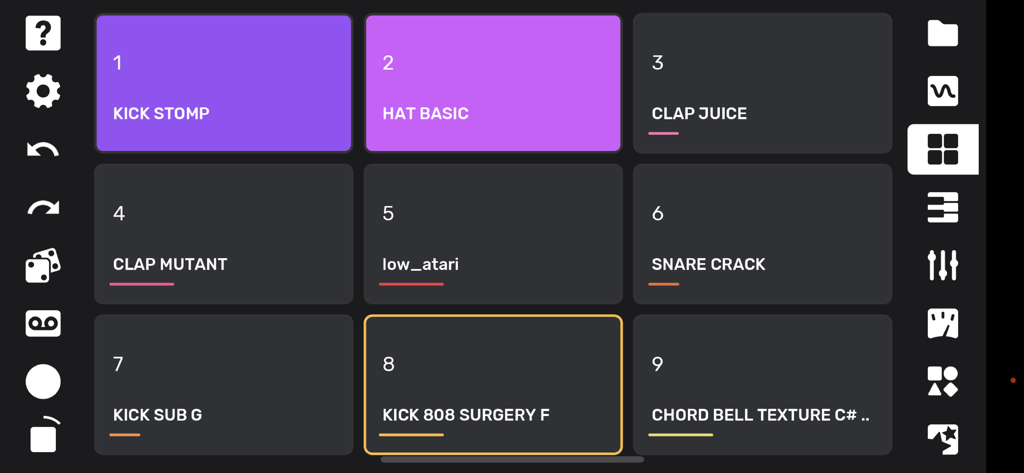
Flip Sampler - Flip Samplerアプリのドラムパッドインターフェース。ラベル付きのサウンドサンプルを表示。
Flip Samplerアプリのドラムパッドインターフェース。ラベル付きのサウンドサンプルを表示。

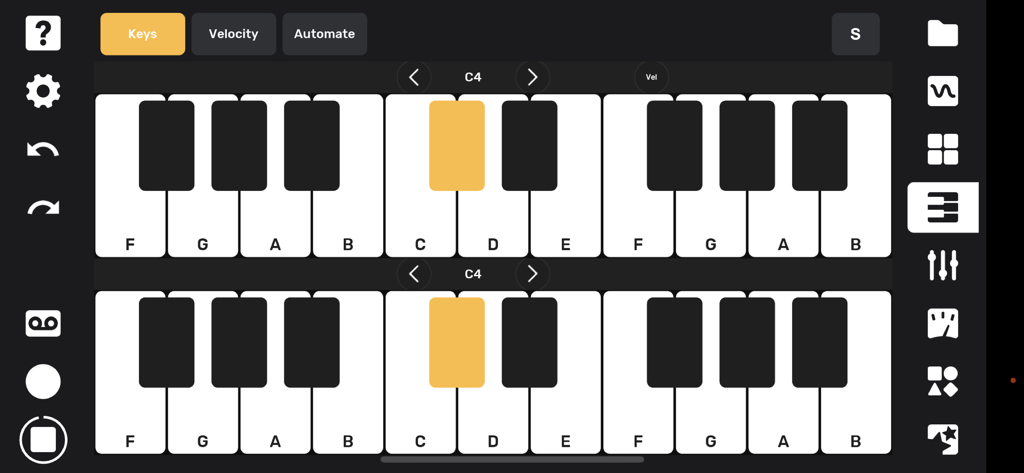
Flip Sampler - Flip Samplerのデュアルピアノキーボードインターフェース。メロディックなサウンドの演奏と録音用。
Flip Samplerのデュアルピアノキーボードインターフェース。メロディックなサウンドの演奏と録音用。

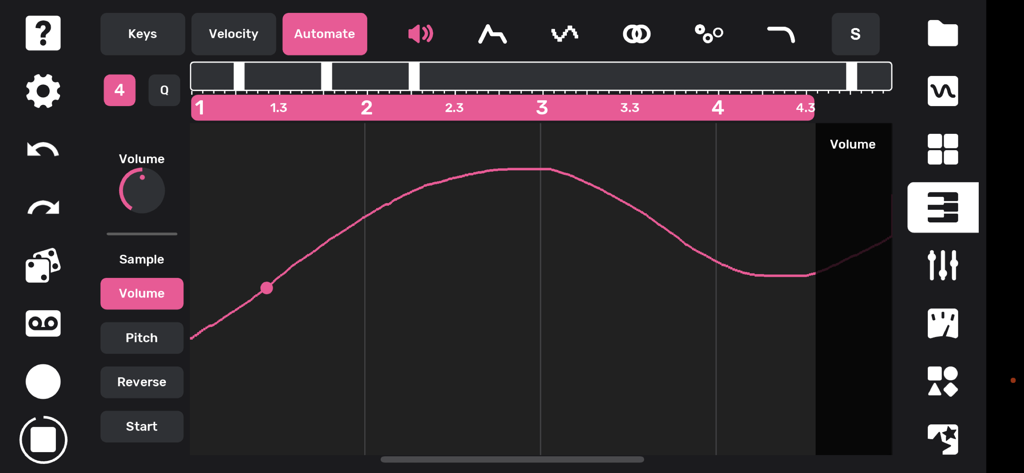
Flip Sampler - Flip Samplerアプリのインターフェース。音楽制作のためのピンクのボリュームオートメーションカーブを表示。
Flip Samplerアプリのインターフェース。音楽制作のためのピンクのボリュームオートメーションカーブを表示。

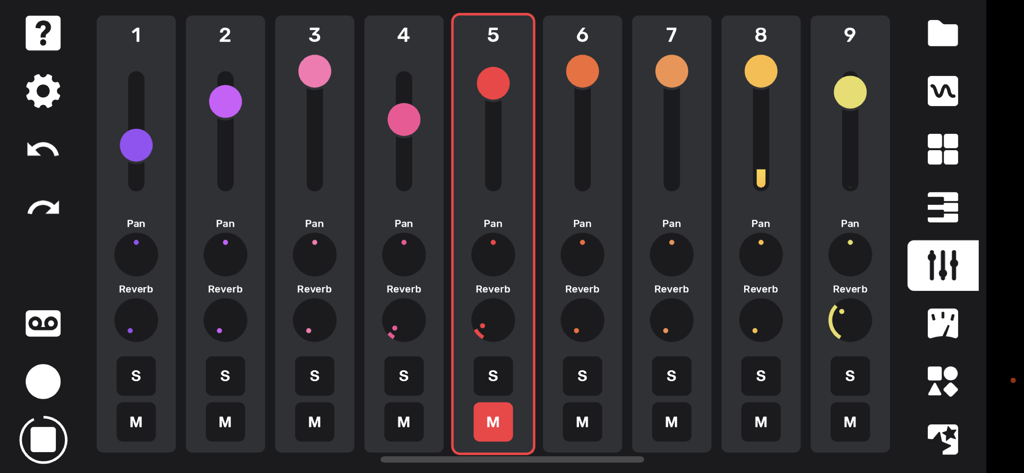
Flip Sampler - 9トラックミキサーインターフェース。ボリュームフェーダーと、パンとリバーブコントロール用のノブを表示。
9トラックミキサーインターフェース。ボリュームフェーダーと、パンとリバーブコントロール用のノブを表示。

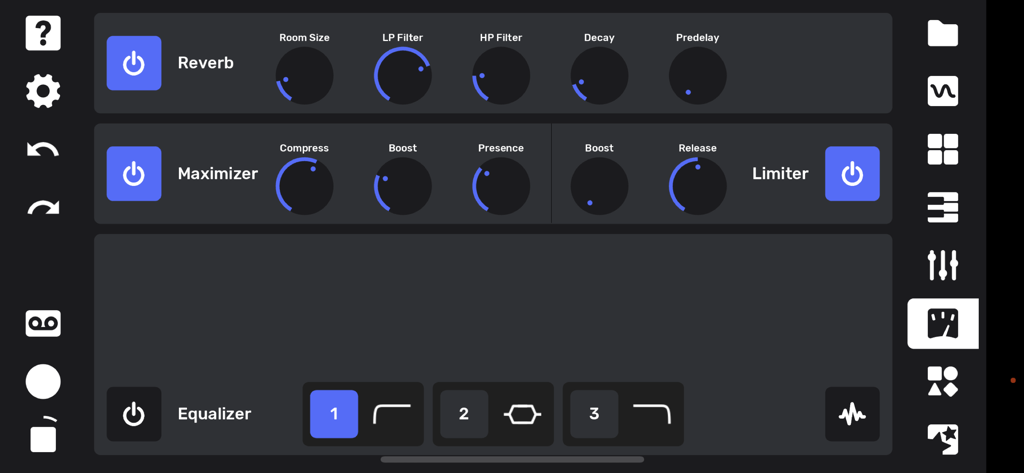
Flip Sampler - Flip Samplerアプリのインターフェース。リバーブ、マキシマイザー、イコライザーの設定を表示。
Flip Samplerアプリのインターフェース。リバーブ、マキシマイザー、イコライザーの設定を表示。

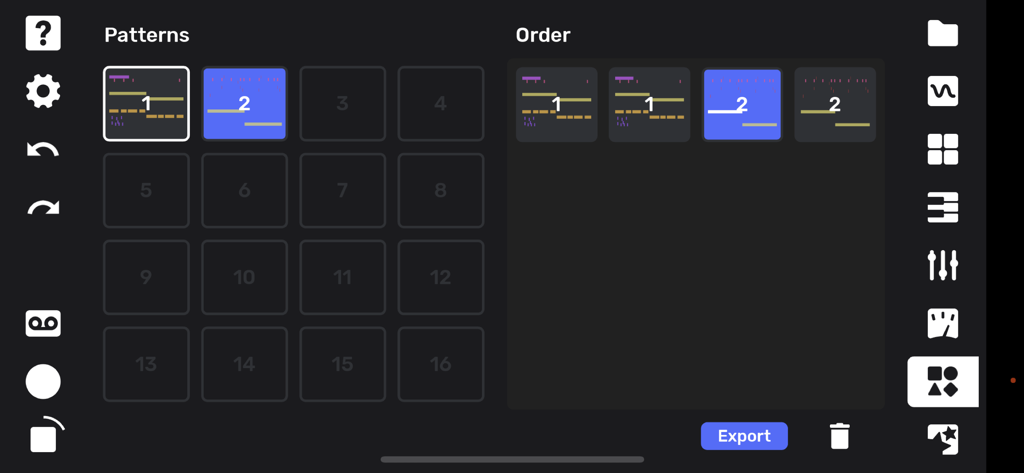
Flip Sampler - Flip Samplerアプリの曲アレンジおよびパターンシーケンス画面。

Flip Samplerアプリの曲アレンジおよびパターンシーケンス画面。
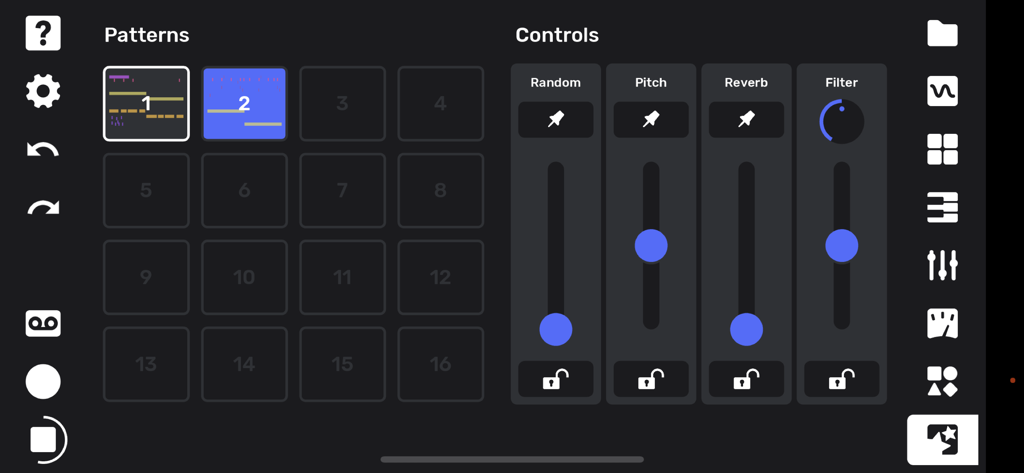
Flip Sampler - Flip Samplerアプリのパフォーマンス画面。パターングリッドと、ピッチやリバーブなどのオーディオエフェクトのスライディングコントロールを表示。

Flip Samplerアプリのパフォーマンス画面。パターングリッドと、ピッチやリバーブなどのオーディオエフェクトのスライディングコントロールを表示。

説明

Flip is a sample-based mobile music studio that was designed for a fast and intuitive work flow. Import your own sounds via AirDrop or the Files app, or record sounds directly with your device's microphone or a connected iOS interface. As soon as you record a sound it’s available to be played on drum pads as well as being mapped across a keyboard. Sounds can be subtly shaped or entirely transformed using the built-in effects and easy-to-use editing tools. You can record a quantized or unquantized performance on the pads or keyboard. There is also a full piano roll where you can enter and edit notes and velocities. Record knob movements or draw automation by hand to bring even more life to your sounds. Every automation lane can also have its own independent length, for polymetric and generative music possibilities. Create up to 16 different sections for your song and drag and drop them into any order to create your arrangement. Mixing and mastering tools allow you to finish a full track without ever leaving your phone. You can export your full track, or hit the tape icon and record the live output of the app while you tweak anything on the fly. Both options allow you to capture individual track stems as well! A performance page lets you trigger your patterns live while controlling a global filter, assignable pitch bends and reverb sends, and a random fill generator. Artist packs are available in-app at $3.99 or less, which include original sounds and projects from Andrew Huang, Cuckoo, Chuck Sutton, Kilamanzego, Pusher, and more on the way all the time. Features: - 9 track sampler - 4 effects per track: Delay, Filter, Chorus, Bitcrush - Graphic EQ per track - Monophonic or up to 16-note polyphonic playback per sample - Adjustable pitch, volume, playback direction, sample start and stop points - Looping Envelope with forward, backward, both (ping pong) direction - 19 automatable parameters per track - Independent lengths for each automation lane - Automation can be recorded via knob movements or drawn by hand - Drum pad and keyboard input - Full piano roll with 10 octaves, note velocity, editing tools - Randomization over sample selection for quick inspiration - Randomization over note position to create surprising variations - Drag-and-drop song arrangement page - Global reverb with individual track sends - Mixing and mastering tools - Powerful performance features for creating instant fills, pitch shifts, reverb sends, and global low or high pass filtering - Export full track and stems - Live recording of performances - Metronome with tap tempo and swing/shuffle - Ableton Link integration for easy syncing with other devices over WiFi - Share projects and sounds via AirDrop, email, etc. - Undo and redo

Download

ダウンロード: App Store

このページはアプリまたはその開発者の公式ページではなく、情報提供および論評を目的として作成された独立した編集出版物です。明示的に別段の記載がない限り、アプリおよびその開発者は、MWM、Apple、Google Play、アプリのパブリッシャー、またはアプリの開発者と提携、承認、後援、認可、またはその他の公式的な関係はなく、このページのいかなる内容も、アプリがMWMのサービスを使用して開発されたことを意味するものではありません。すべての商標、ロゴ、スクリーンショット、その他のコンテンツはそれぞれの所有者の財産です。







