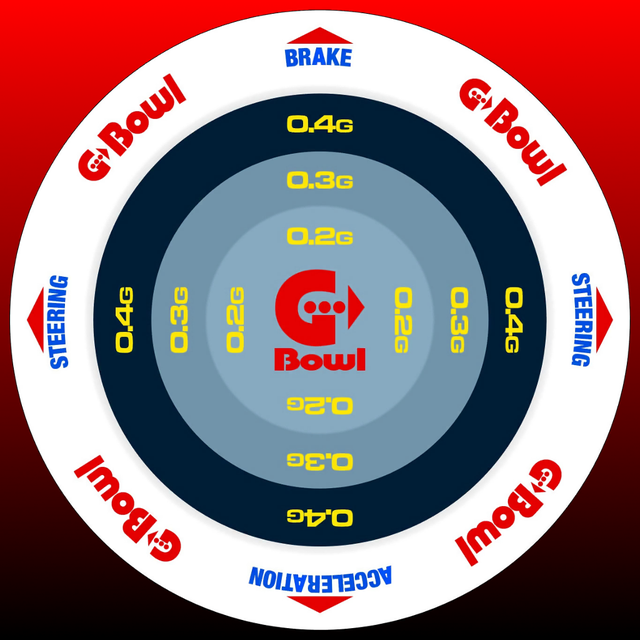
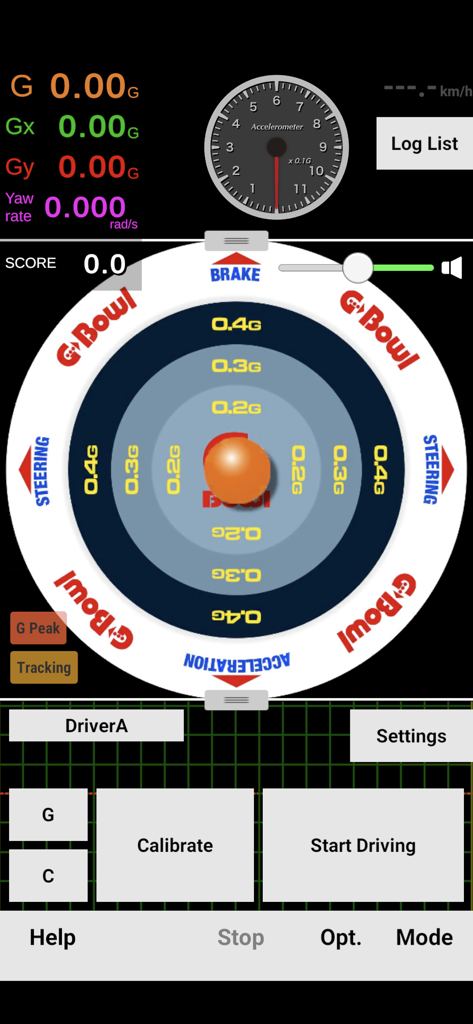
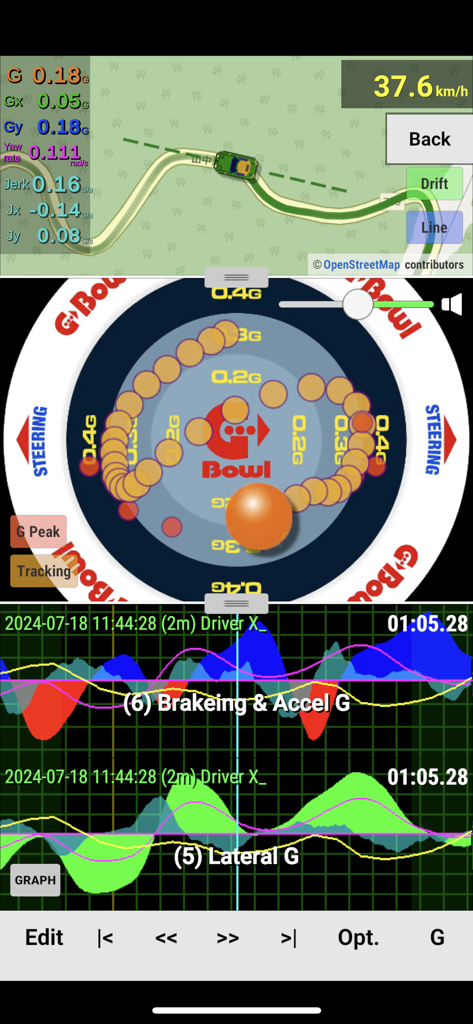
G-Bowl is a training and analysis tool designed to improve driving skills, whether for comfortable driving, circuit racing, or drift driving.
With features that provide audio cues and warning sounds based on G-force intensity, it is also highly effective for professional driver training, including skills testing for bus and taxi drivers.
In addition to recording G-forces experienced during driving, G-Bowl also logs GPS location data, speed, yaw rate, and jerk, making it a powerful data logger for driving analysis.
Furthermore, the app offers various features such as diagnostic and warning functions, driving data editing, and data sharing options (email, Excel export, etc.).
For more detailed product information, please visit the official webs: https://en.ifulsoft.com/
MAIN FUCTIONS
- Data logger function with G-force measurement and GPS information for circuit use
- Display of G-force trajectory, G-meter, and real-time graph
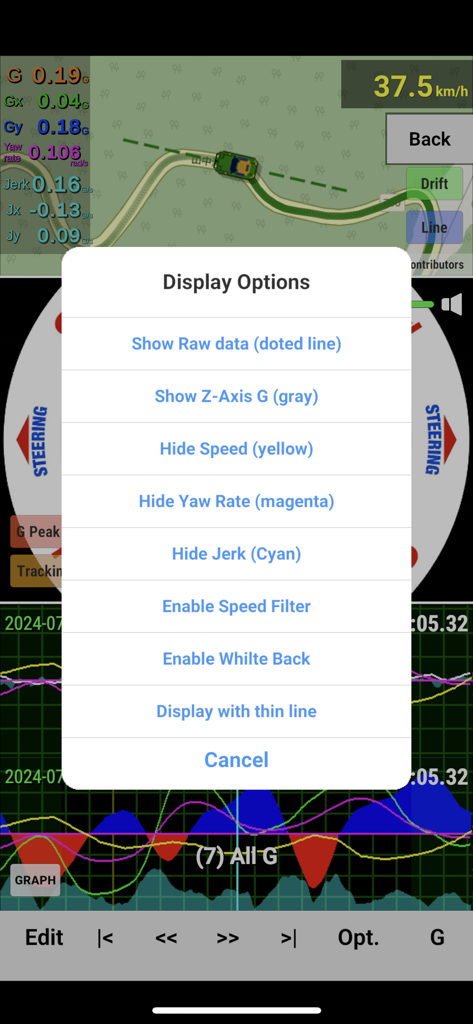
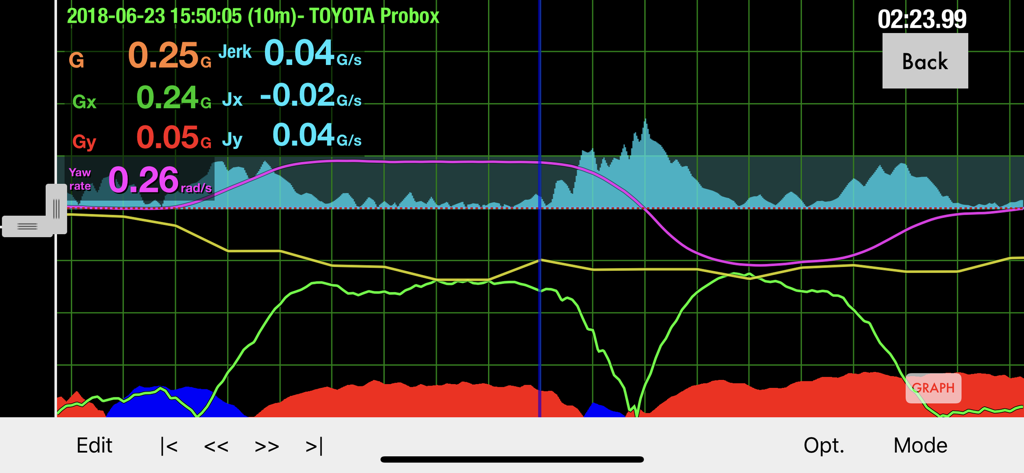
- Overlay display of speed, yaw rate, jerk, and raw G-force data
- Easy mode available for anyone to use with a single button
- G-force strength indicated by sound pitch (know the G-force without looking at the screen while driving!)
- Warning sound when G-force or jerk exceeds the limit
- Cornering G-force scoring function
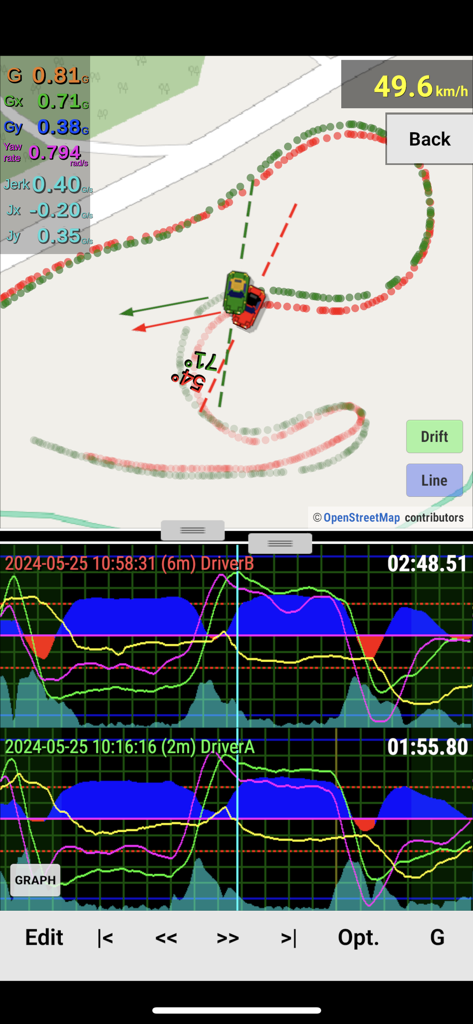
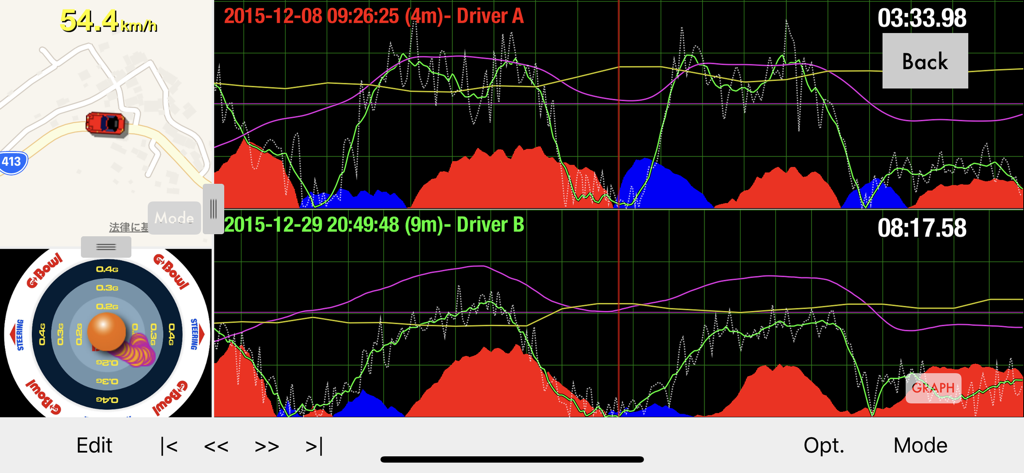
- Record, playback, analyze, cut-edit, and compare two driving logs
- Auto-pause (automatically pauses and resumes log recording at traffic lights)
- GPS map display, driving line, drift angle, and ghost car display
- Share driving logs (via AirDrop, email, cloud, etc.)
- Export in CSV format compatible with PC (Excel, etc.)
- Supports Bluetooth external GPS units
USER SUPPORT
Please contact us via the Help button or the "Support" on the official website.
We also welcome inquiries before purchase.
EASY MODE USAGE INSTRUCTION
This is a simple warning mode that can be used with one button.
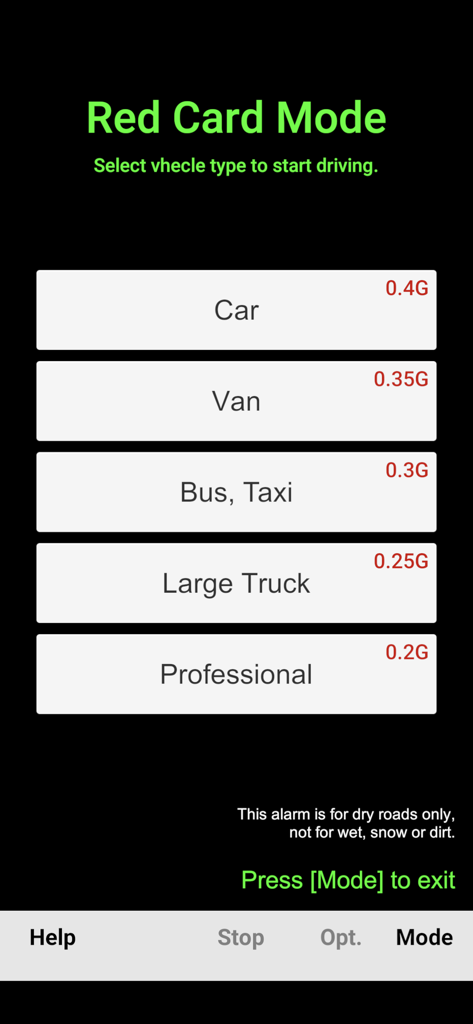
Press the [MODE] button at the bottom right of the screen to switch to "Red Card Mode."
Then, just set your smartphone in the holder and press the button to select your car model.
Drive while listening to the G-force strength and try to avoid triggering the warning sound.
This mode is recommended for those who are not good with machines or who want a quick way to train for the second type of certification.
HOW TO USE NORMAL MODE
1.Preparation
Place your smartphone in the direction of the car's movement (it can be upright for better visibility).
The most important thing is to choose a location with minimal vibration.
It is recommended to place it on a stable surface like the floor or center console.
(The dashboard or smartphone stand is not recommended due to high vibration.)
2.Level Set
Park the car on a level surface and press the [Calibrate] button to record the level position.
3.Driving & Recording
Once preparation and level set are complete, press the [Start Driving] button to begin driving.
After finishing the drive, press the [Stop] button to save the data.
4.Log List
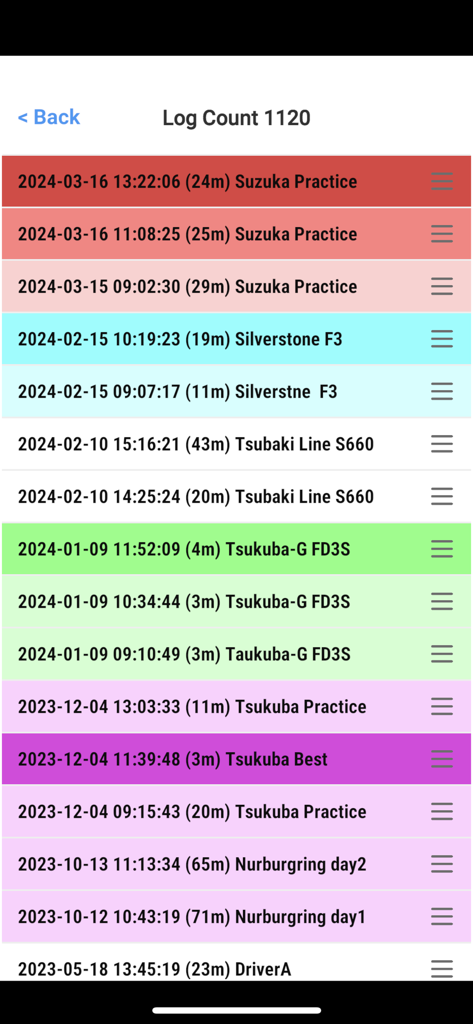
Press the [Log List] button at the top right of the screen to display a list of saved driving logs.
You can touch a log to play, share, or delete it.
5.Log Playback
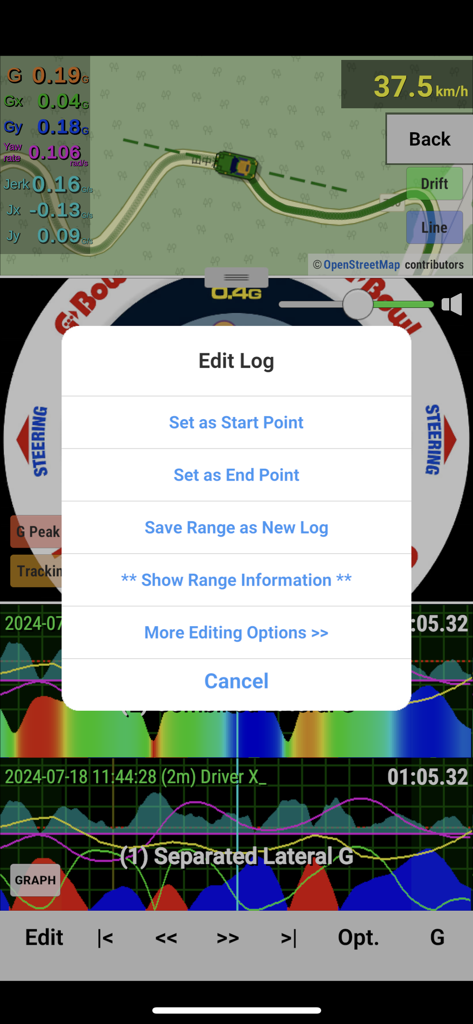
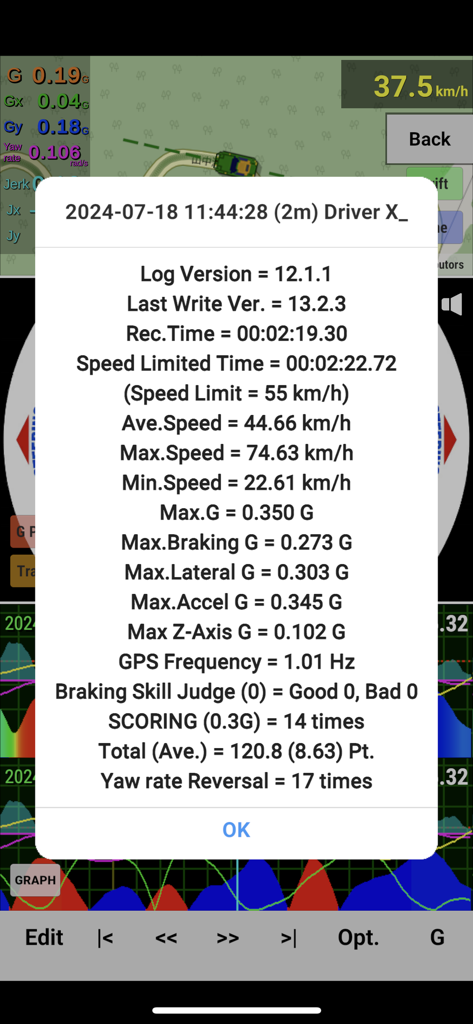
In the log playback screen, you have options for playback, comparing two data sets, editing, and display options.
You can touch the graph to play/pause, and pinch/drag to change the scale.
Important: If the graph appears jagged even when driving on a smooth paved road, it means your smartphone is picking up vibrations from the car. Please place your smartphone in a stable location to capture a clean graph.
(You can also adjust the "Noise Filter Level" from the [Settings].)
SETTINGS
Press the [Settings] button in the App to open the settings screen. There are over 50 settings available.
For more details, please refer to the [Help] button or visit the official website .
https://en.ifulsoft.com/