GPX Viewer-Converter-Tracking

GPX Viewer-Converter-Tracking

ダウンロード: App Store
ロゴ: GPX Viewer-Converter-Tracking

GPXビューワー・コンバーター・トラッキング:プロフェッショナルなオフラインナビゲーションとデータ管理

アウトドアデータを完全にコントロール。正確なマッピング、ウェイポイント管理、そして最も遠い冒険のための完全なオフラインサポートにより、GPSトラックのインポート、変換、記録をシームレスに行えます。

ダウンロード: App Store

開発元

m sagar

カテゴリ

Navigation

ダウンロード

57K+

ユーザー評価

1.0/5

評価数

0

対応言語

1

すべてのピクセルに精度を

このインターフェースを利用する 57K+ 人のユーザー.

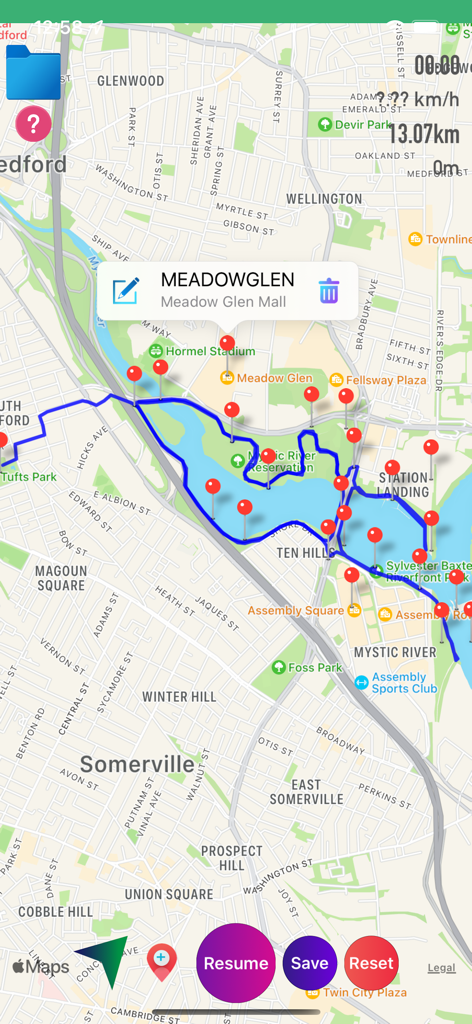
青いトラッキング線と赤いウェイポイントマーカーを表示したGPXビューワーアプリのマップビュー
青いトラッキング線と赤いウェイポイントマーカーを表示したGPXビューワーアプリのマップビュー

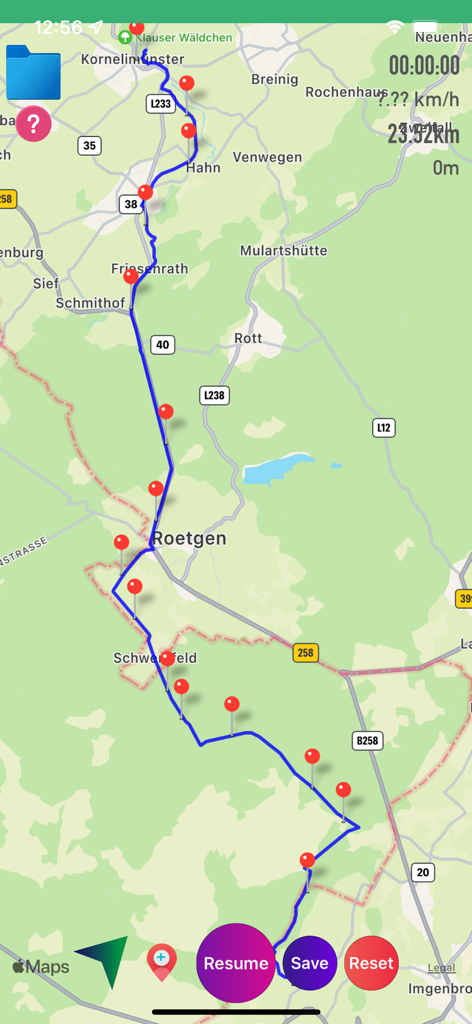
青いパス、赤いウェイポイント、トリップ統計を表示するGPS追跡マップ
青いパス、赤いウェイポイント、トリップ統計を表示するGPS追跡マップ

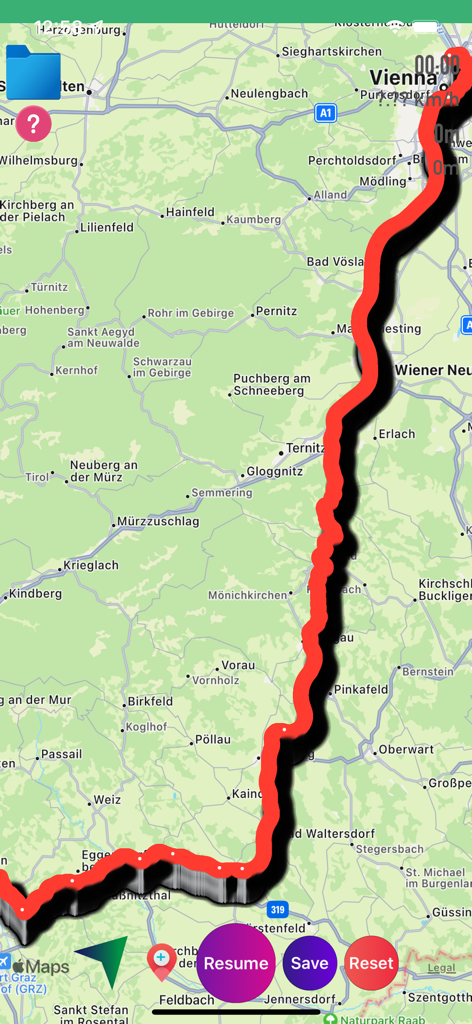
コントロールボタンと共にマップ上に赤い追跡ルートを表示するGPXビューワーアプリのインターフェース
コントロールボタンと共にマップ上に赤い追跡ルートを表示するGPXビューワーアプリのインターフェース

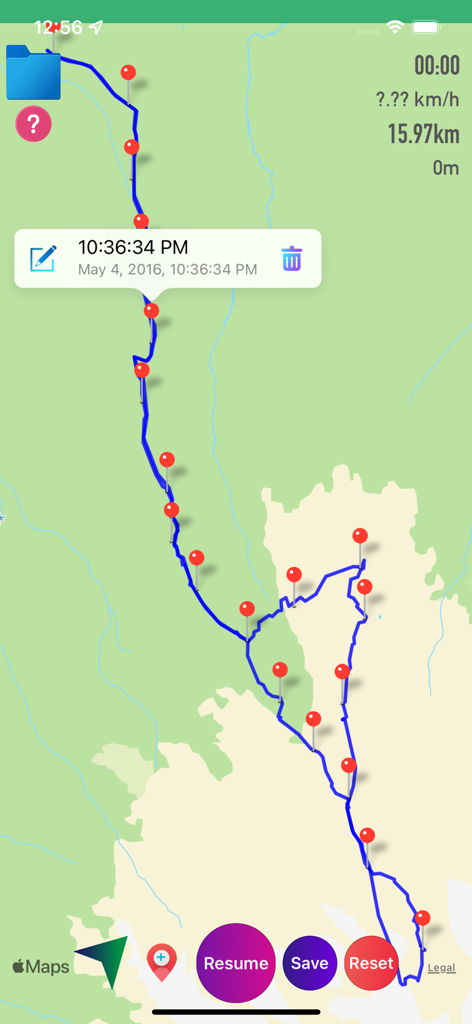
マーカーと統計を表示した、追跡されたルートを表示するGPXビューワーアプリのマップ
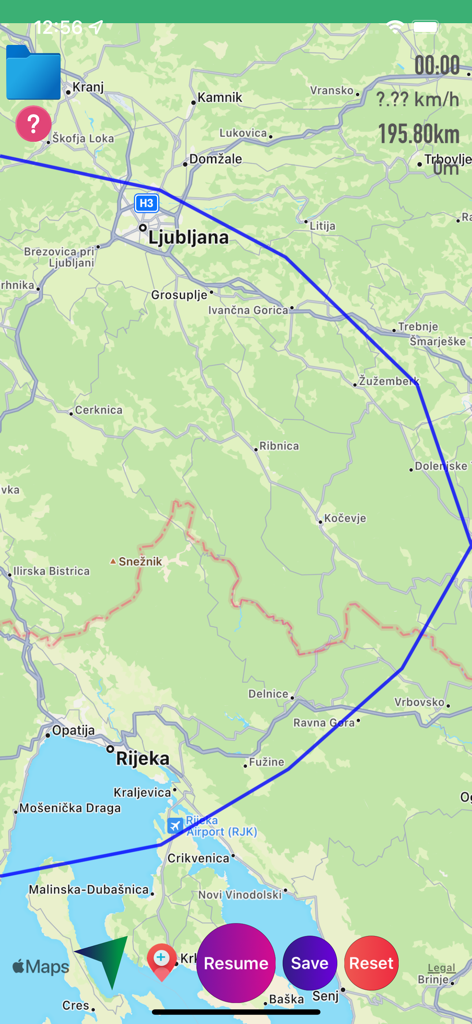
マーカーと統計を表示した、追跡されたルートを表示するGPXビューワーアプリのマップ

距離と速度の統計と共に、マップ上に青いルートトラックを表示するGPXビューワーアプリのインターフェース
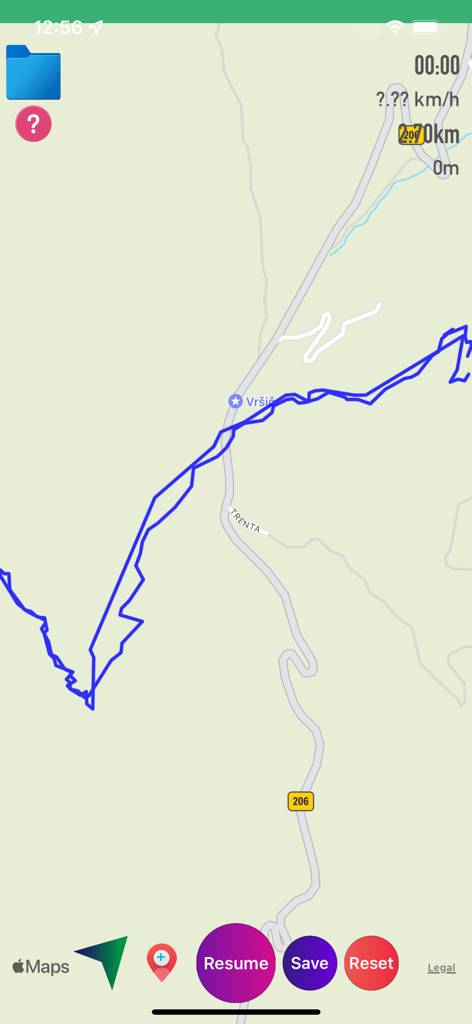
距離と速度の統計と共に、マップ上に青いルートトラックを表示するGPXビューワーアプリのインターフェース

再開と保存のトラッキングコントロールを備えた、青いGPSトラック線を表示するマップインターフェース
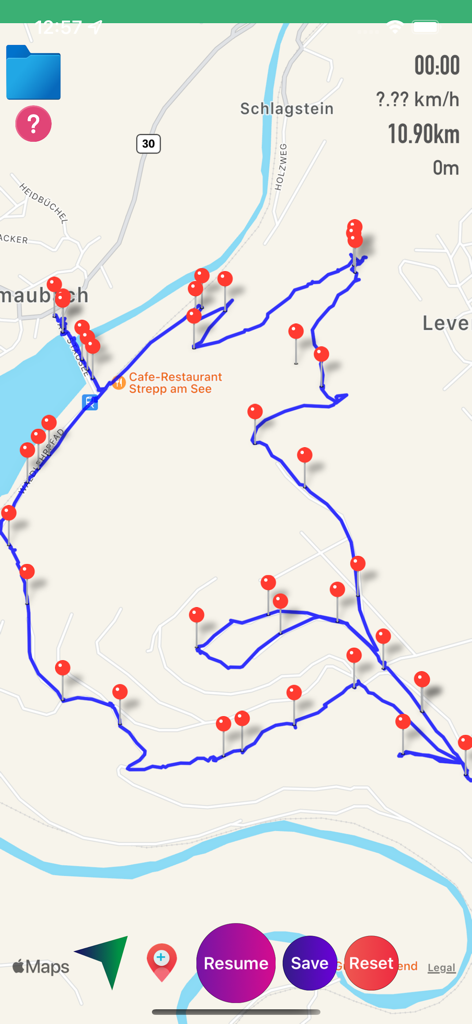
再開と保存のトラッキングコントロールを備えた、青いGPSトラック線を表示するマップインターフェース

複数の赤いピンマーカーとルート統計と共に、青いGPSトラックを表示するGPXビューワーアプリのマップ画面
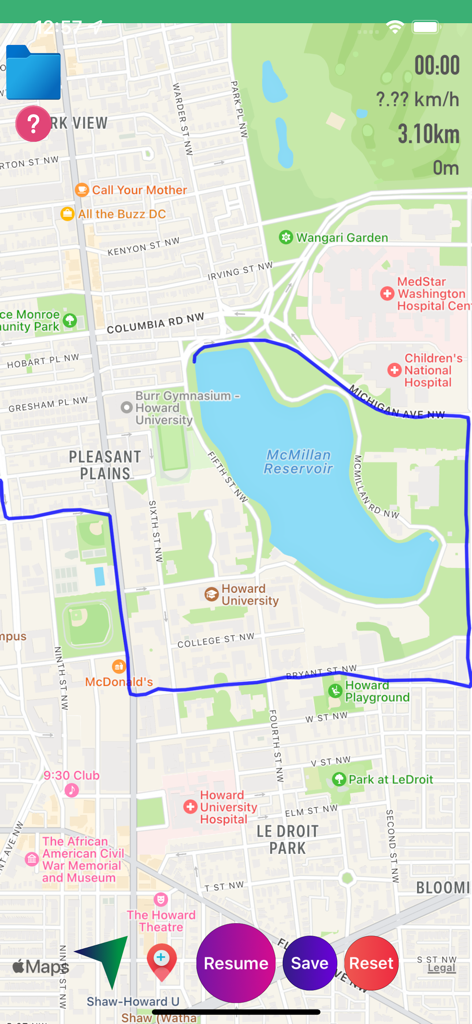
複数の赤いピンマーカーとルート統計と共に、青いGPSトラックを表示するGPXビューワーアプリのマップ画面

リアルタイムの統計とナビゲーションボタンと共に、マクミラン貯水池周辺の追跡ルートを表示するGPXビューワーアプリのマップ画面
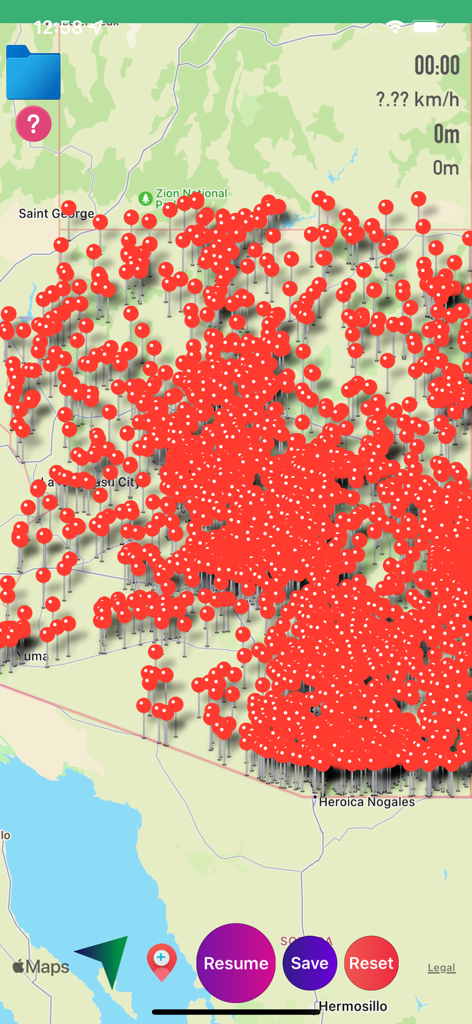
リアルタイムの統計とナビゲーションボタンと共に、マクミラン貯水池周辺の追跡ルートを表示するGPXビューワーアプリのマップ画面

ナビゲーションとルート追跡のために、赤いピンのウェイポイントで密集したGPXビューワーアプリのマップインターフェース
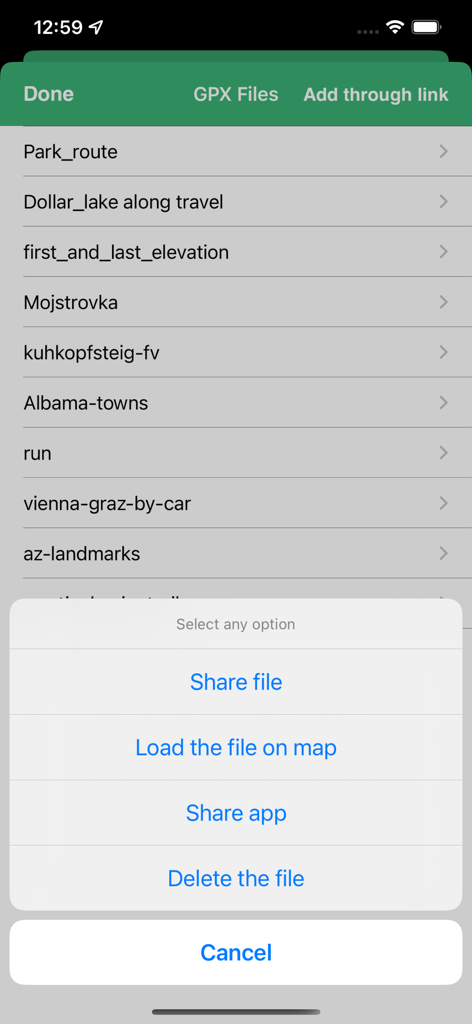
ナビゲーションとルート追跡のために、赤いピンのウェイポイントで密集したGPXビューワーアプリのマップインターフェース

トラックの共有、読み込み、削除のためのメニューを備えたGPXファイル管理画面

トラックの共有、読み込み、削除のためのメニューを備えたGPXファイル管理画面

あらゆる冒険のためのプログレードGPSツール

このアプリを際立たせるツール、 57K+ 人のユーザーが選択.

🛰️

高精度ライブトラッキング

速度、時間、距離のリアルタイム指標ですべての動きを記録します。オフライン時でも完璧に機能する高精度の青い線で、あなたの通った道を追跡します。

📥

シームレスなファイル管理

メール、ウェブリンク、またはiTunes経由で.gpxファイルをインポートおよびエクスポート。独自のソーシャルエコシステムやサブスクリプションプラットフォームに縛られることなく、完全なデータの主権を維持します。

📍

カスタムウェイポイントマッピング

ドラッグ&ドロップのマーカーで重要な場所を特定。ウェイポイントの追加、編集、名前付けを行って、ルートを計画したり、カスタムトレイルマップ上の重要なランドマークをハイライトしたりできます。

アプリについて

について知っておくべきこと GPX Viewer-Converter-Tracking.

説明

GPX Viewer-Converter-Tracking is an application provides you to load the gpx files, convert gpx files and create gpx track over the map. This app works for offline and online. GPX all in one app is a simple to use but powerful tool that helps you to load .gpx files, track your way and convert files. App features: How to add or view .gpx files into the Application You can view, add or import or export .gpx files into the application in multiple ways 1)Keep the .gpx files to the mail or any places in mobile, then long press on gpx file that shows the application icon.click to import the file over the map. 2)Click on folder icon on map.Then “Add through link” enter .gpx files link to add the files in to the application. 3)Connect your iPhone or iPad to System then iTunes will automatically opens an window.Click phone symbol on top left—>Apps.Here you can scroll down to see the Gpx viewer app then click on app icon to add .gpx files. 4)Tap on the file to share or export to the other Applications How to create Gpx Tarck 1)first ON Gps to create Gpx track, This will draw a blue coloured line when you move from one location to another location. 2)Once the tracking is started you can see “Time”, “Speed”, “Distance” values will changes.When you move one location to another location, you can see lots of data is tracking.You feel an Live experience. 3)Pause / Resume tracking. 4)You can add waypoints or Markers along the way. 5)Long press on map to add waypoints or markers. 6)Click Marker red icon on map to add waypoint along the Gpx track. 7)Edit waypoint name. 8)Drag & Drop waypoint Marker or pin. 9)You can Remove waypoints. 10)Load on map a saved Track and waypoints and continue with tracking. 11)If you drive a car, riding on bike or walking along path or hiking tour, GPX tracking will be tracing your geo data. How to convert Gpx file 1)After successfully loading file over the map, you can convert the file. 2)you can Share or send your favourite tracking and waypoints to your friends Through mail. This app is universal app compatible with all iOS devices with GPS. This app requires a GPS-enabled device to be really useful.Without GPS on your device, you will be able to view GPX files and convert GPX files, but you will not able to use the GPS tracking. "Continued use of GPS running in the background can dramatically decrease battery life."

最新バージョン

1.7.8

サイズ

13.5 MB

リリース日

2016年9月15日

旅のすべての道のりをマスターする

正確なオフライン追跡とシームレスなデータ管理のためにGPXビューワーを信頼する、何千人ものアウトドア愛好家の仲間入りをしましょう。今すぐダウンロードして、トラックを完全にコントロールしてください。

ダウンロード: App Store

App information, icons, screenshots, and descriptions displayed on this page are sourced from the Apple App Store and are the property of their respective developers. Download estimates and rankings are based on MWM's proprietary models and may not reflect actual figures. This page is provided for informational and analytical purposes only.

Believe this page infringes your intellectual property? File a dispute