What our users already say about GR-2:
"This is the workflow Akai, Logic Pro, and all the others in my opinion are missing!" - App Store review
"The sound engine is grand, the ease of use is great. At first glance it’s ticking all the boxes :)" - App Store review
"The new standard of groovebox. Easy, quick, powerful, fun" - App Store review
"Thanks for this great release! GR-16 was great. This is many magnitudes even greater!" - App Store review
"Groove Rider 2 is a monster of an app. It’s all here.. so good… so slick… so musical… so fun" - App Store review
-------
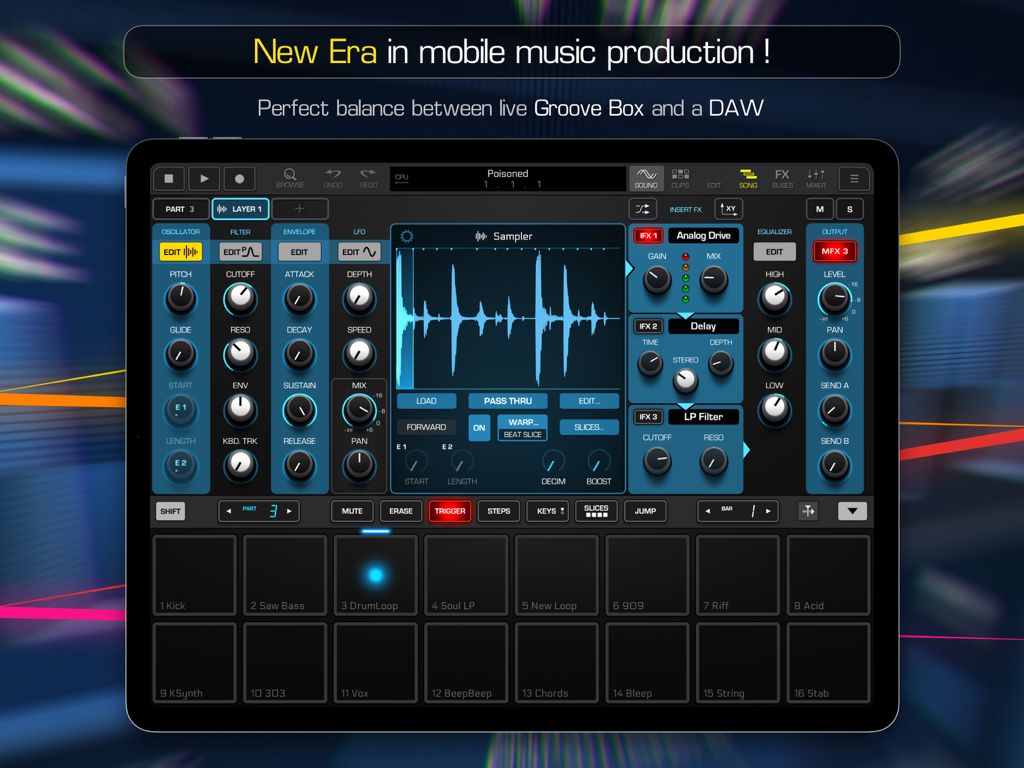
Groove Rider 2 takes you to the next level of mobile music production with a brand new workflow! Being perfectly balanced between a groove box and a DAW, GR-2 can boost your creative musical inspiration in a way you couldn't even imagine!
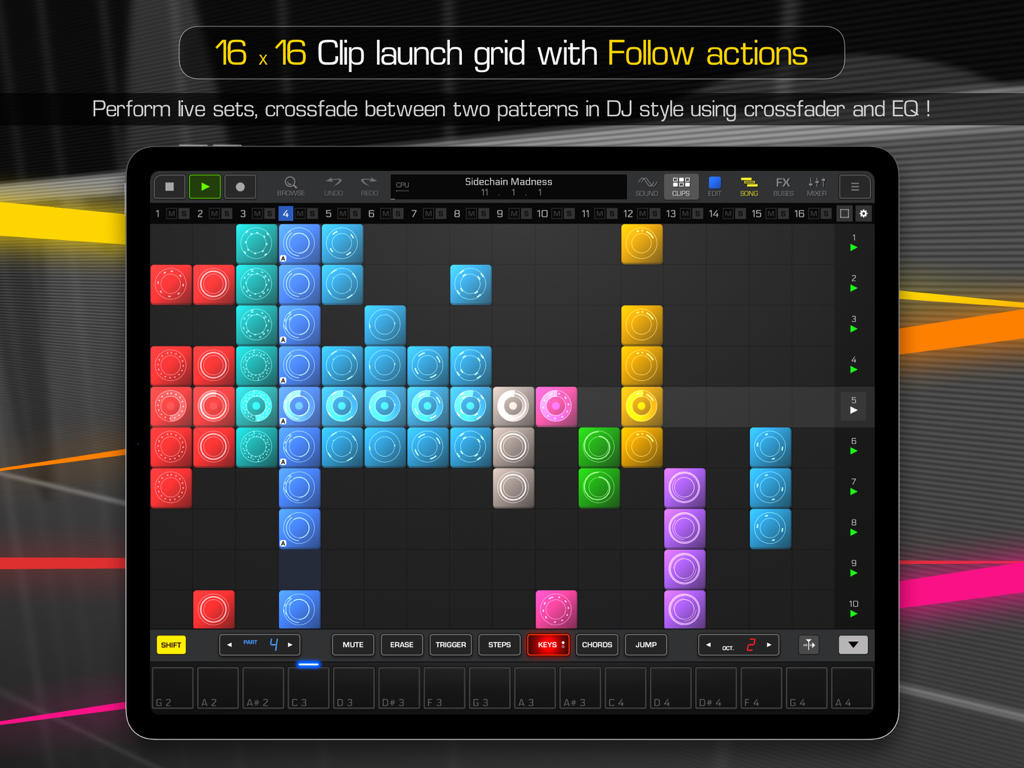
• PERFORM LIVE SETS
Use 16 x 16 clip launch grid and Ableton Link feature to synchronize GR-2 with other music apps and gear. Connect your midi controllers to control GR-2 parameters via midi. Crossfade between your patterns in a DJ style with onscreen crossfader and EQ controls!
• CREATE FULL LENGTH TRACKS
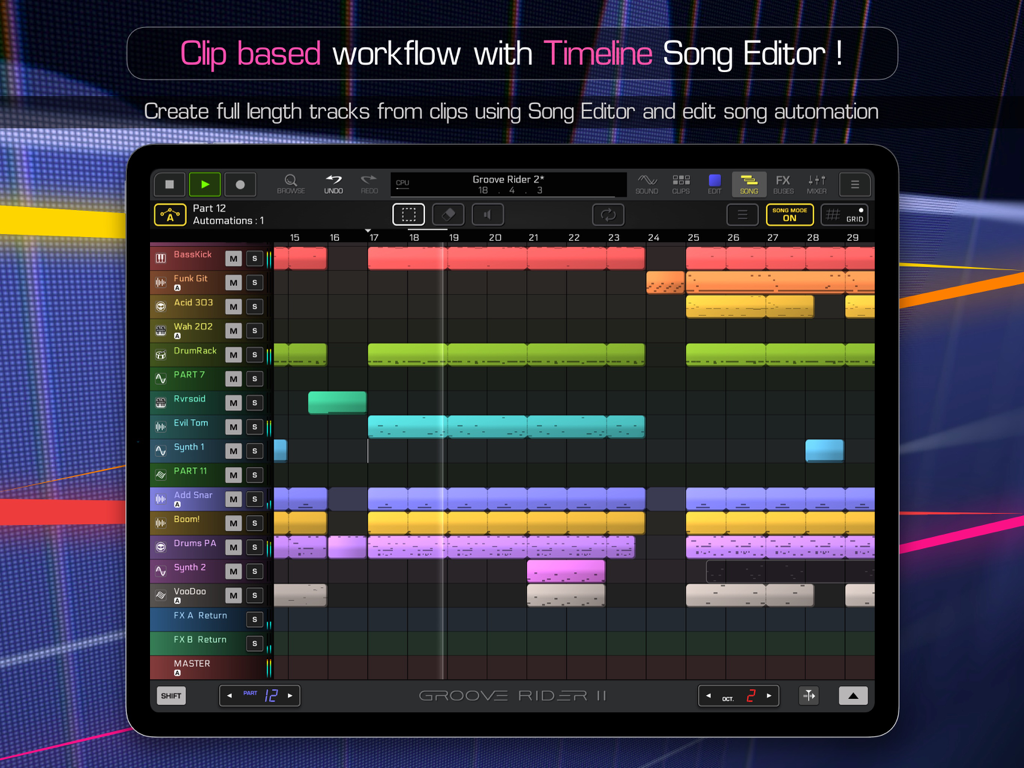
Timeline-based song mode editor allows you to arrange and edit midi clips in a professional DAW manner. Record and edit parameters automation. Copy, paste, duplicate clips as well as entire time ranges. Export & share your compositions as a master audio file or as separated stems.
• SKETCH YOUR MUSICAL IDEAS
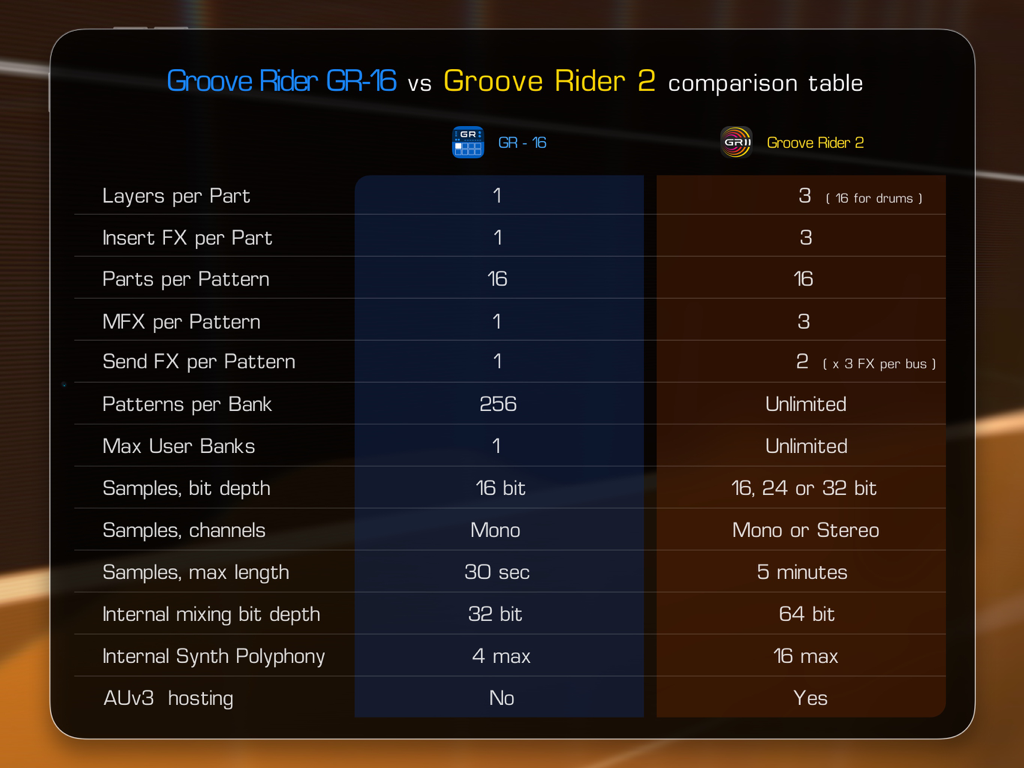
- use layering for instruments (up to 3 layers per part)
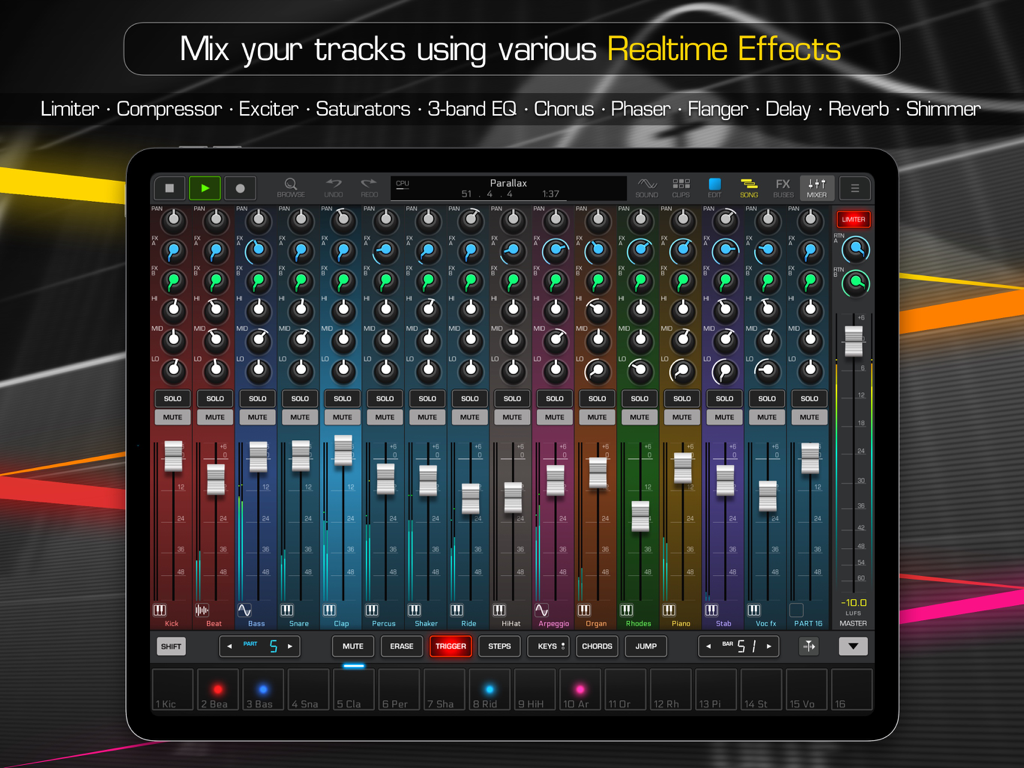
- process with built-in realtime insert effects (3 IFX per part)
- tweak sound with 3-band EQ with visual controls
- improvise with MFX (master effects) using onscreen XY controls (3 MFX per pattern)
- add depth, using 2 Send / Return FX busses with up to 3 effect slots in each bus
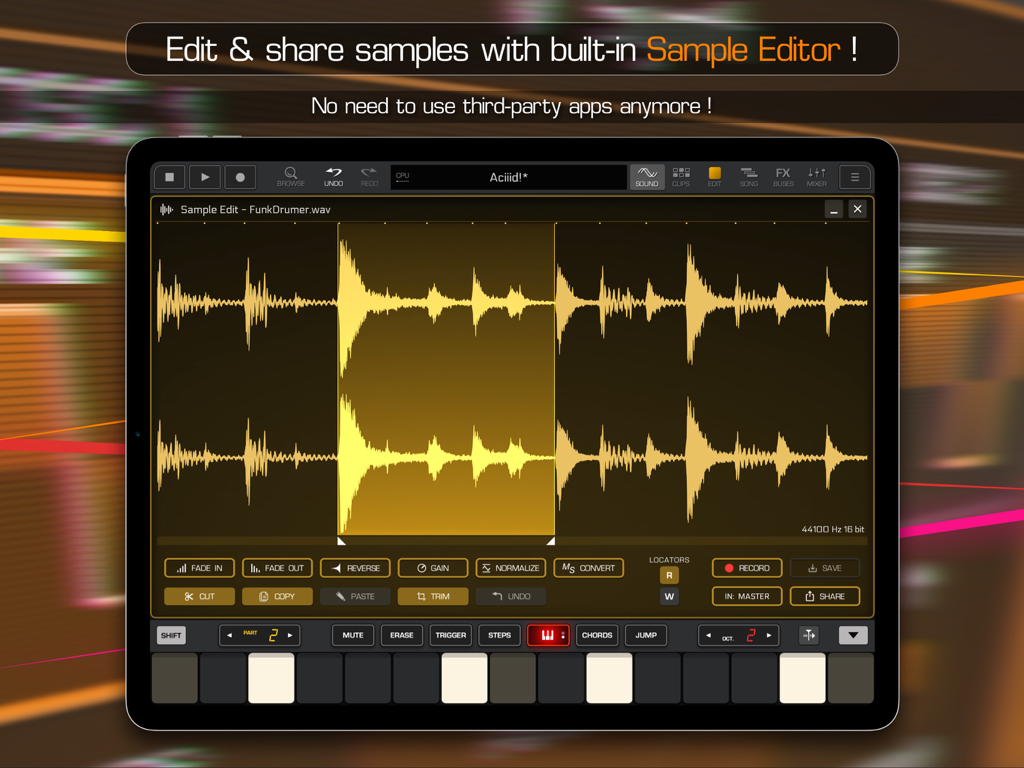
- resample what you hear and edit right in place with the built-in Sample Editor
- save your own presets and drum sets with audio previews for further use in other compositions
• USE BUILT-IN INSTRUMENTS
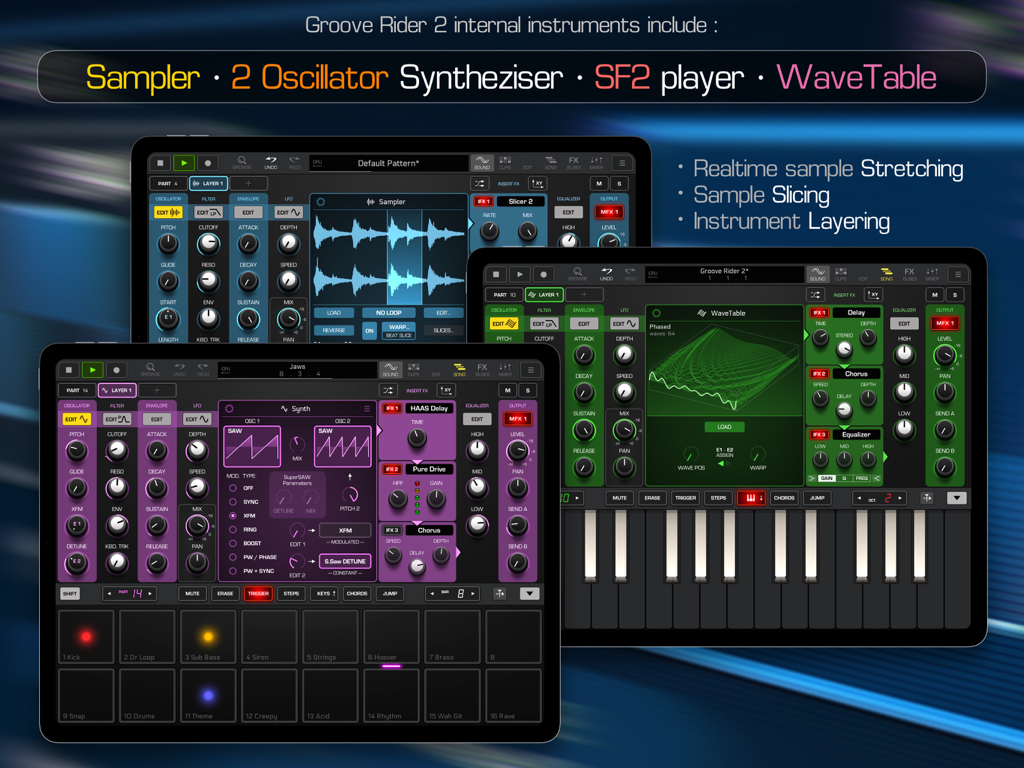
Internal instruments include:
- Sampler with realtime beat time stretching (Warp) and Slicing options, supports stereo samples of 16, 24 or 32 bit depth, up to 5 minutes long
- 2-oscillator Synthesizer with over 280 oscillator preset programs, with Filter, ADSR and LFO modules
- Sound Font 2 (sf2) sample bank player with ability to use imported sf2 banks
- WaveTable synthesizer with ability to import user wavetables (Serum .wav format supported)
- seamless integration with the JimAudio Poison-202 and Pure Acid apps (sold separately) allows to use their integrated modules in GR-2 without actually loading them as AUv3 audio units, which saves system resources and speeds up pattern loading process!
- all internal synths allow customizing their micro scale tunings.
FEATURES:
• supports Ableton Link, AUv3 units hosting, AudioBus, Inter-App Audio, Core Midi In/Out, Virtual Midi In/Out, Bluetooth Midi, Relative Midi knobs
• built-in Sample Editor with record audio function
• convenient sample and preset browser with instant previewing
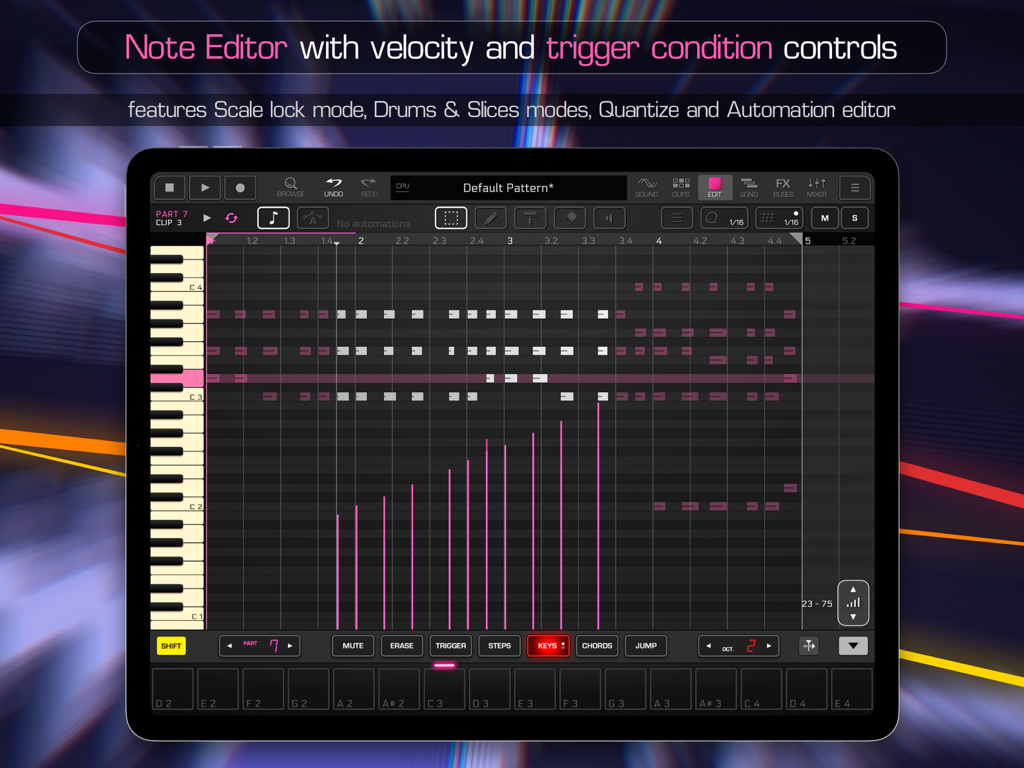
• timeline-based song mode editor
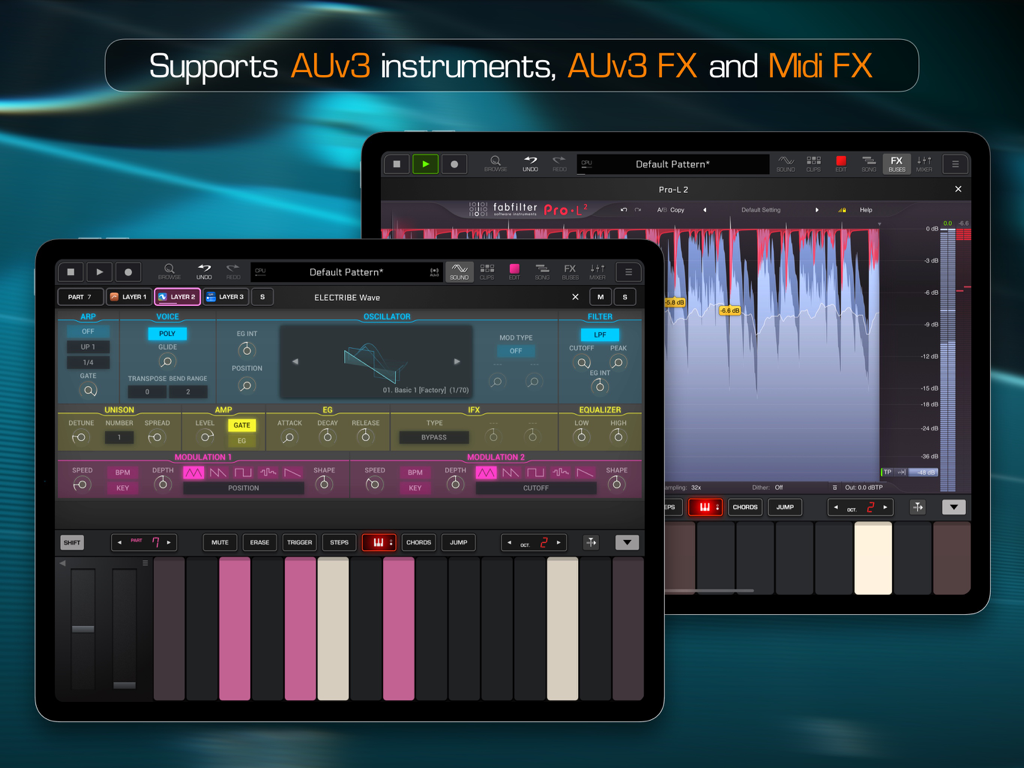
• can host AUv3 Audio Unit instruments, Effects and Midi FX
• includes internal library of Factory samples, presets and patterns to start from
• supports importing of patterns, created in Groove Rider GR-16
• supports import & export of Midi files
• master or stems wav export
• big variety of built-in effects include Delay, Chorus, Reverb, Shimmer, Pitch Shifter, Flangers, Phasers, Distortion & saturators, EQ, Filters, Slicers, Sidechain Compressor & Gate, Limiter, Maximizer and more!
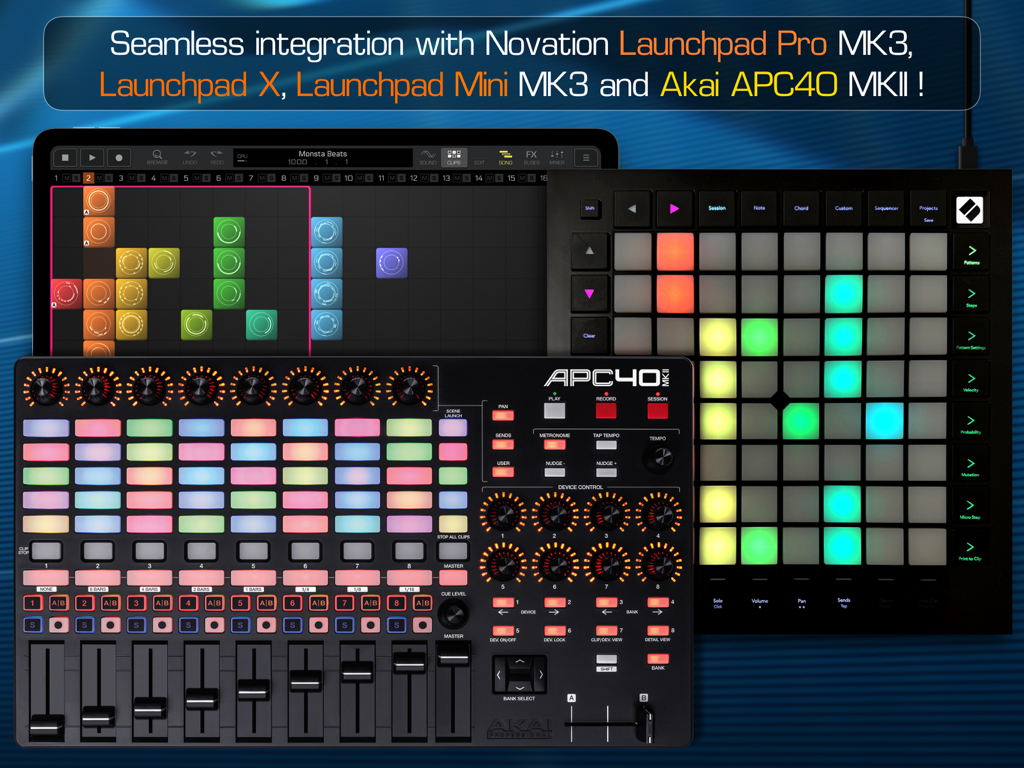
• supports Akai APC40 mkII, Novation Launchpad X, Launchpad Pro MK3 and Launchpad Mini MK3 controllers with full access to the session clip grid and various modes of GR-2!
iPadOS 16+ is required
iPad Pro 2nd generation and newer is recommended for best experience
Manual guide is available for download at
https://www.jimaudio.pro