
このページはアプリまたはその開発者の公式ページではなく、情報提供および論評を目的として作成された独立した編集出版物です。明示的に別段の記載がない限り、アプリおよびその開発者は、MWM、Apple、Google Play、アプリのパブリッシャー、またはアプリの開発者と提携、承認、後援、認可、またはその他の公式的な関係はなく、このページのいかなる内容も、アプリがMWMのサービスを使用して開発されたことを意味するものではありません。すべての商標、ロゴ、スクリーンショット、その他のコンテンツはそれぞれの所有者の財産です。

HandyRecorder
リニアPCMの精度でスタジオグレードのサウンドをキャプチャします。プロレベルのEQ、マスタリングエフェクト、シームレスなクラウド統合を備えた強力なフィールドレコーダーにiOSデバイスを変換します。
ダウンロード
161K+ユーザー評価
評価数
500開発元
カテゴリ
Music対応言語
6最新バージョン
5.6.0サイズ
25.2 MBリリース日
2013年9月25日プロフェッショナルなフィールドレコーディングをシンプルに
iPhoneまたはiPadを高忠実度のプロダクションスイートに変え、プログレードのオーディオフォーマット、リアルタイムエフェクト、シームレスなクラウド統合を活用しましょう。
スタジオグレードの忠実度
標準的なモバイルボイスメモの品質をはるかに超える、非圧縮リニアPCMおよび高品質AACフォーマットですべてのディテールをキャプチャします。
統合マスタリングスイート
6バンドEQ、プロフェッショナルリバーブ、Maximizeなどのマスタリングツールを使用して、外出先でもオーディオを磨き、トラックをすぐにラジオ対応に仕上げます。
よくある質問
について知っておくべきこと HandyRecorder
HandyRecorderアプリとは何ですか?
HandyRecorderアプリは、iOSデバイスで高品質な録音を可能にします。リニアPCMとAACフォーマットをサポートし、編集、エフェクト、クラウドサービスへの直接アップロード機能を提供します。
HandyRecorderは録音にどのオーディオフォーマットをサポートしていますか?
HandyRecorderアプリは、録音に高品質なリニアPCMとAACフォーマットをサポートしています。AACビットレートは64、128、または160 kbpsです。
HandyRecorderは録音を自動で開始・停止できますか?
はい、HandyRecorderアプリにはAUTO REC機能が搭載されています。この機能は、入力信号レベルに基づいて録音を自動的に開始および停止します。
HandyRecorderアプリで利用できるオーディオエフェクトは何ですか?
HandyRecorderアプリは、6 BAND EQ、様々なルームタイプ(ROOM、JAZZ CLUB)を備えたREVERB、およびMASTERINGエフェクト(MAXIMIZE、ULTRA MAXIMIZE)を提供します。処理された録音は別ファイルとして保存されます。
HandyRecorderから直接クラウドサービスに録音をアップロードできますか?
はい、HandyRecorderではiCloudとSoundCloudへの直接アップロードが可能です。また、iCloudの「Auto Sync」もサポートしており、録音完了後に自動的にアップロードされます。
HandyRecorderにはオーディオファイルの編集機能がありますか?
はい、HandyRecorderアプリにはファイル編集機能が含まれています。ユーザーは録音を削除したり、指定したポイントでファイルを分割するdivide機能を使用したりできます。
HandyRecorderはZOOM iQシリーズマイクに最適化されていますか?
はい、HandyRecorderはZOOM iQシリーズマイクに最適化されています。MS録音モードでのステレオ幅の調整や、iQ5用の特定のAUTO GAIN設定が可能です。
HandyRecorderとiQシリーズマイクを使用して、レイテンシーなしでオーディオ入力をモニターできますか?
はい、HandyRecorderアプリのDIRECT MONITOR機能を使用すると、iQシリーズマイク使用時にヘッドフォンジャック経由でレイテンシーなしで入力信号をモニターできます。
HandyRecorderのnormalize機能の目的は何ですか?
HandyRecorderのnormalize機能は、録音されたオーディオファイルの音量を最適化します。これにより、録音の一貫性と適切なラウドネスレベルが保証されます。
HandyRecorderはムービーファイルからのオーディオインポートをサポートしていますか?
いいえ、ムービーファイルからオーディオトラックを読み込み、処理されたオーディオを書き戻す機能は、HandyRecorder PROバージョンでのみ利用可能です。
以下のスクリーンショットと説明は、アプリの公式ストアリスティングから直接取得されたものであり、アプリ開発者の所有物です。
アプリストア
スクリーンショット
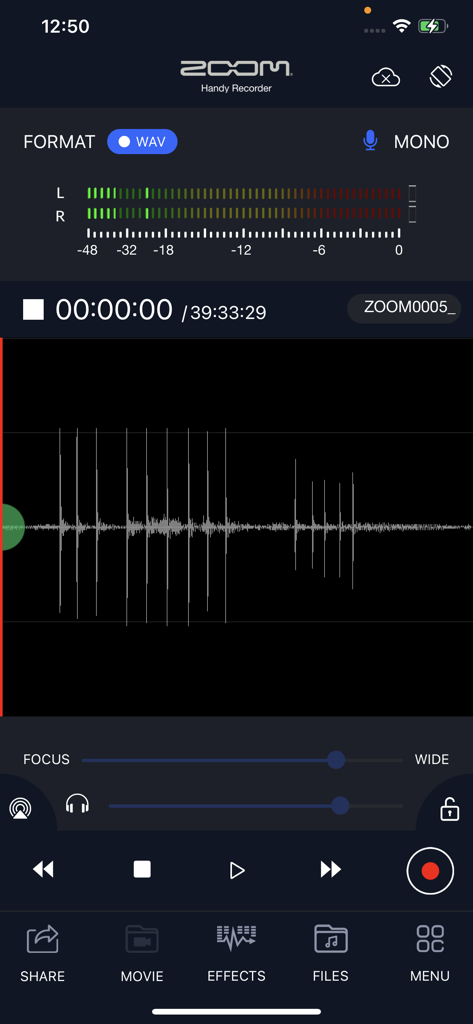
Zoom HandyRecorderアプリの録音画面。オーディオ波形とレベルメーターが表示されています
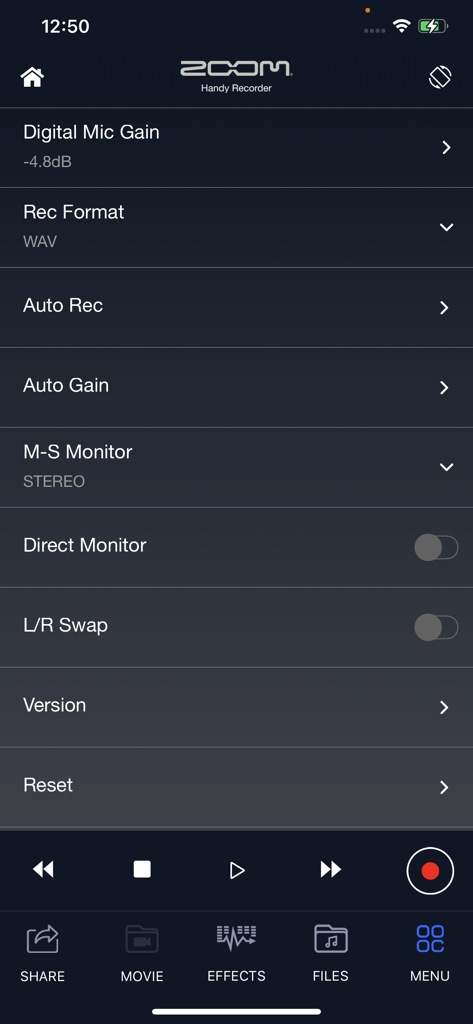
HandyRecorderアプリの設定メニュー。デジタルマイクゲイン、録音フォーマット、自動ゲインなどの高度なオーディオコントロールが表示されています
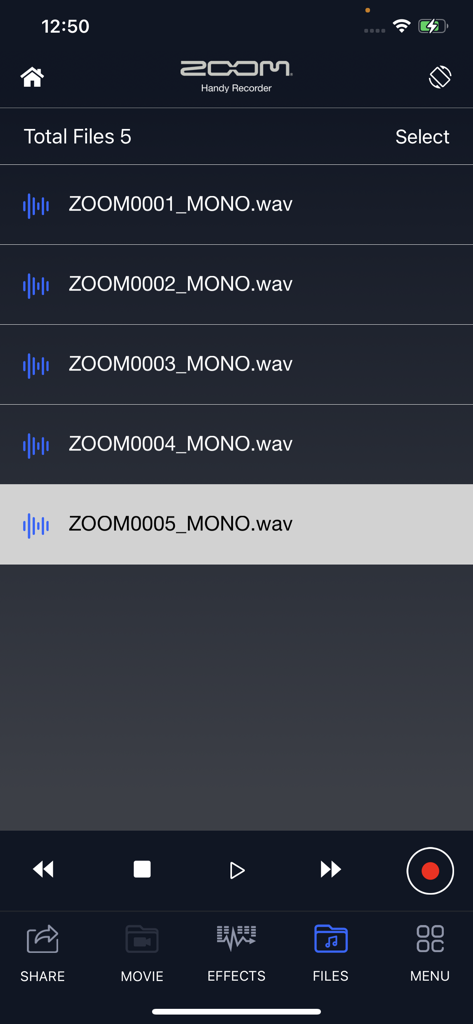
HandyRecorderアプリのインターフェース。録音されたオーディオファイルのリストと再生コントロールが表示されています
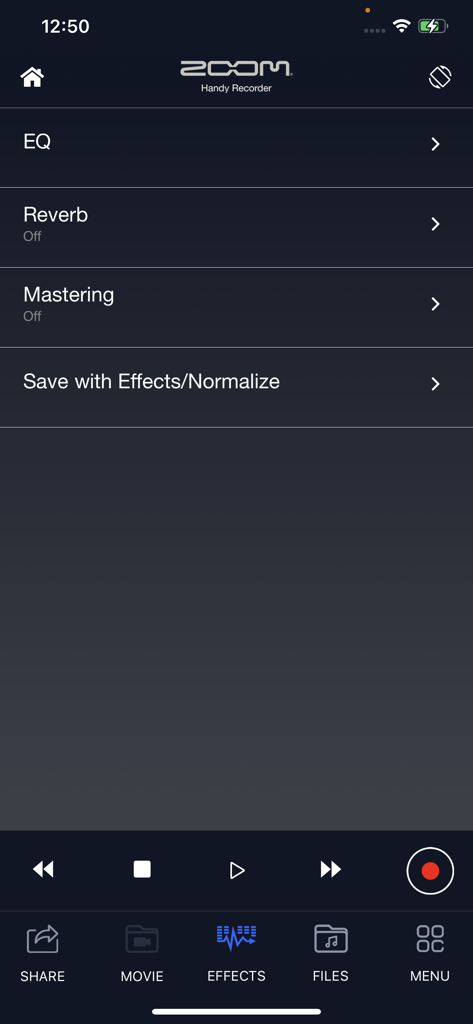
HandyRecorderアプリのエフェクト画面。EQ、リバーブ、マスタリングのオプションが表示されています
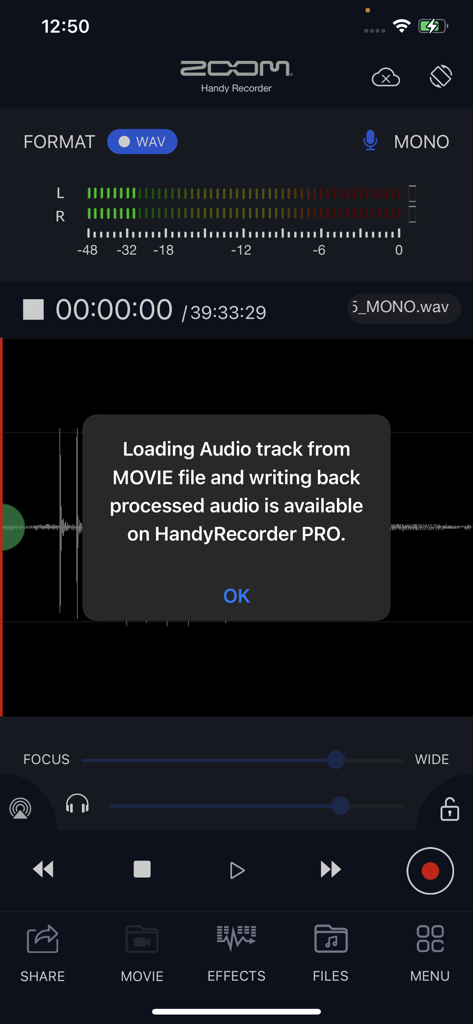
HandyRecorderアプリのスクリーンショット。プロバージョンで利用可能なムービーオーディオ処理機能に関するポップアップが表示されています
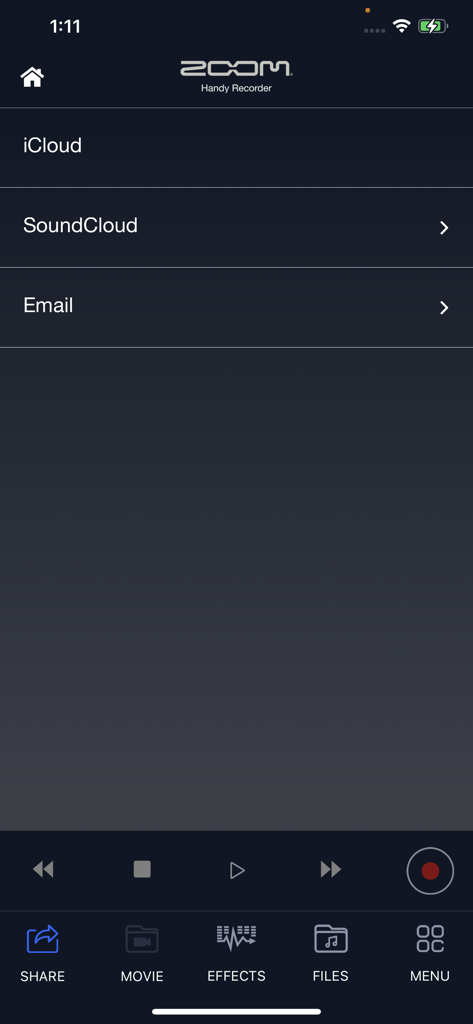
Zoom HandyRecorderアプリの共有メニュー。iCloudとSoundCloudのオプションが表示されています
説明
Download
類似アプリ
同じカテゴリのトップランクアプリ

Spotify: Music and Podcasts
Spotify

YouTube Music
Google LLC

Shazam: Find Music & Concerts
Apple Inc.

SoundCloud: The Music You Love
SoundCloud Global Limited & Co KG

Suno - AI Songs & Music
Suno Inc.

QQ音乐 - 听我想听
Tencent Technology (Shenzhen) Company Limited

Audiomack - Play Music Offline
Audiomack, Inc.

GuitarTuna: Tune & Play Guitar
Yousician Ltd

BandLab – Music Maker & Beats
BandLab Singapore Pte Ltd
このページはアプリまたはその開発者の公式ページではなく、情報提供および論評を目的として作成された独立した編集出版物です。明示的に別段の記載がない限り、アプリおよびその開発者は、MWM、Apple、Google Play、アプリのパブリッシャー、またはアプリの開発者と提携、承認、後援、認可、またはその他の公式的な関係はなく、このページのいかなる内容も、アプリがMWMのサービスを使用して開発されたことを意味するものではありません。すべての商標、ロゴ、スクリーンショット、その他のコンテンツはそれぞれの所有者の財産です。