Heavy Brass delivers the most flexible and innovative approach to modern brass sounds ever provided by a virtual MIDI instrument!¹ With this ultimate brass app your productions and live performances will gain such powerful and amazing tone you previously were only able to retrieve from a real brass section!
This app contains the following instruments: Trumpet, Trombone and Saxophone sampled in four different brass sections.
Watch and listen to the demo video on our product website!
Minimum requirement: at least iPad 3 / iPad Air 1 / iPad mini 2.
This app supports Audio Unit v3, Inter-App Audio and Audiobus, so you can directly use it with other apps as well! External MIDI keyboards and controllers are supported as well of course, both via Lightning/USB cable connection, as well as wireless via Bluetooth LE MIDI.¹
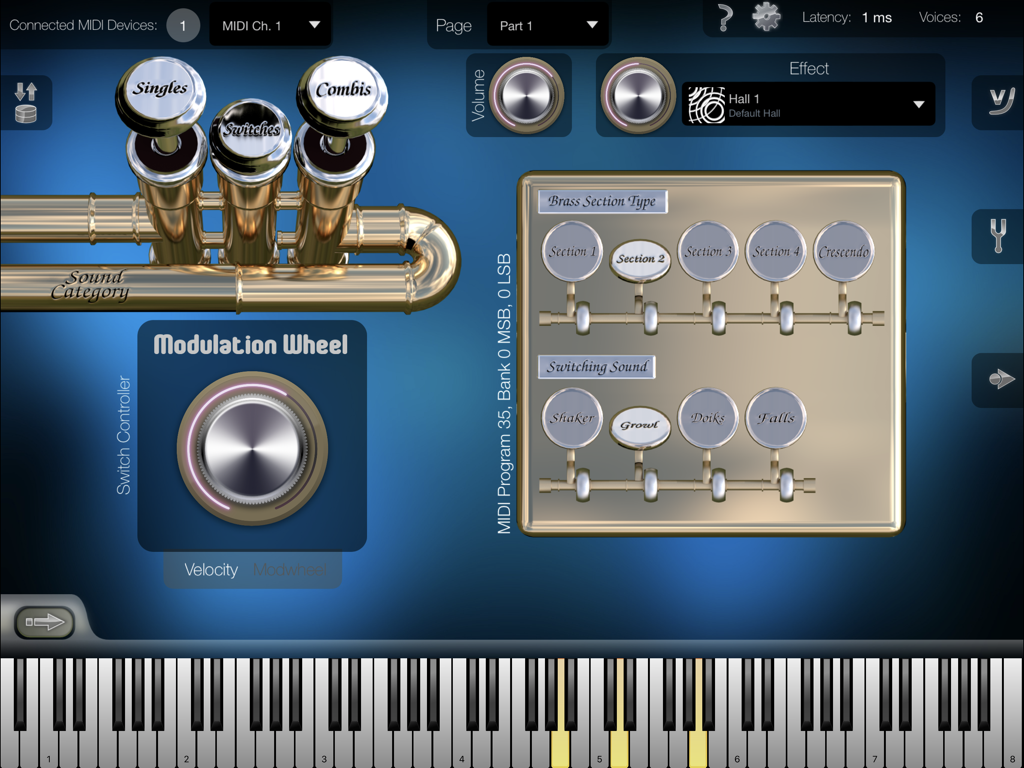
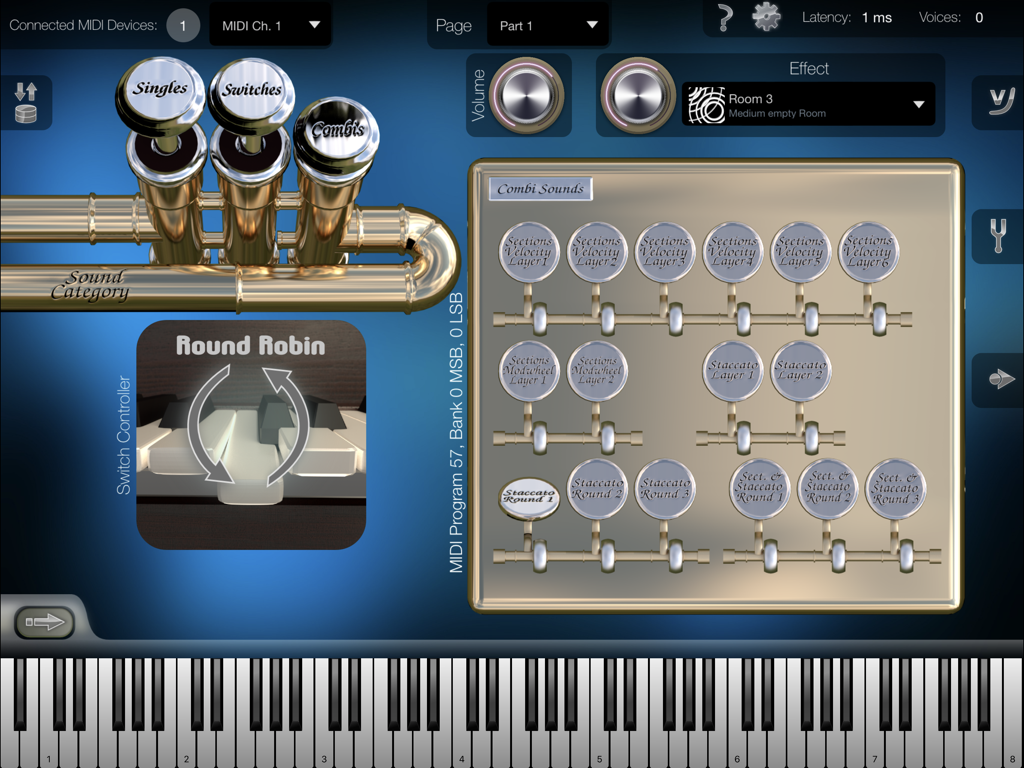
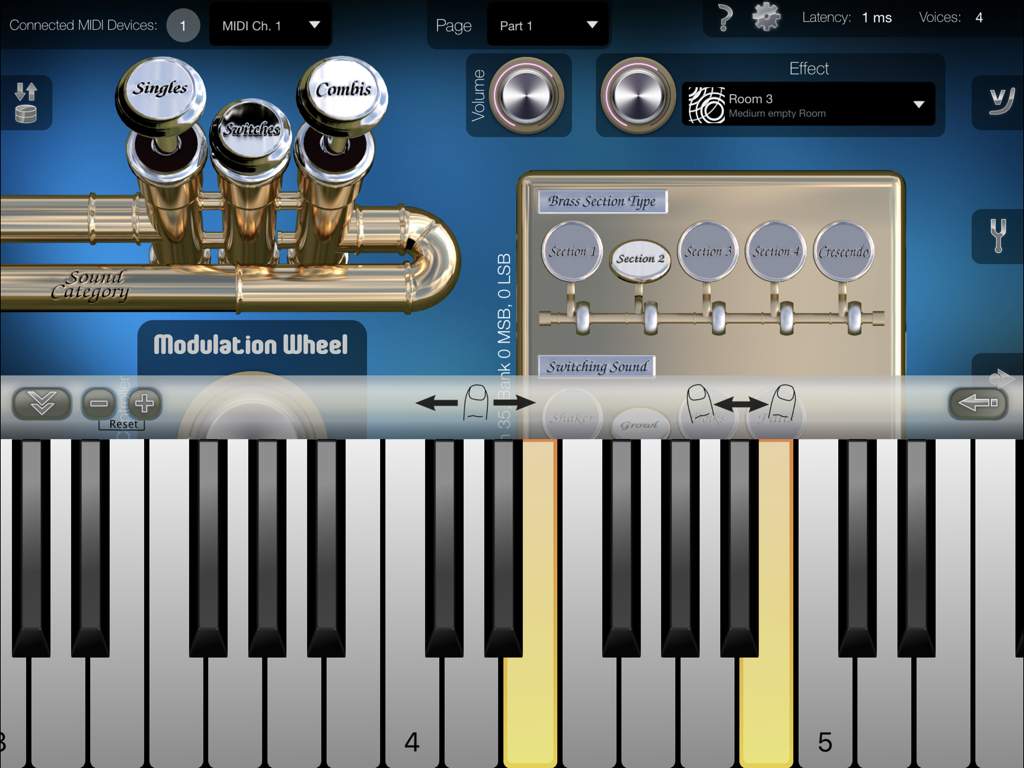
There are 3 fundamental sound categories: „Singles“, „Switches“ and „Combis“, where „Switch Sounds“ allow you to either switch or crossfade between configurable articulations. Some „Combi Sounds“ allow you to switch or crossfade between predefined articulations as well.
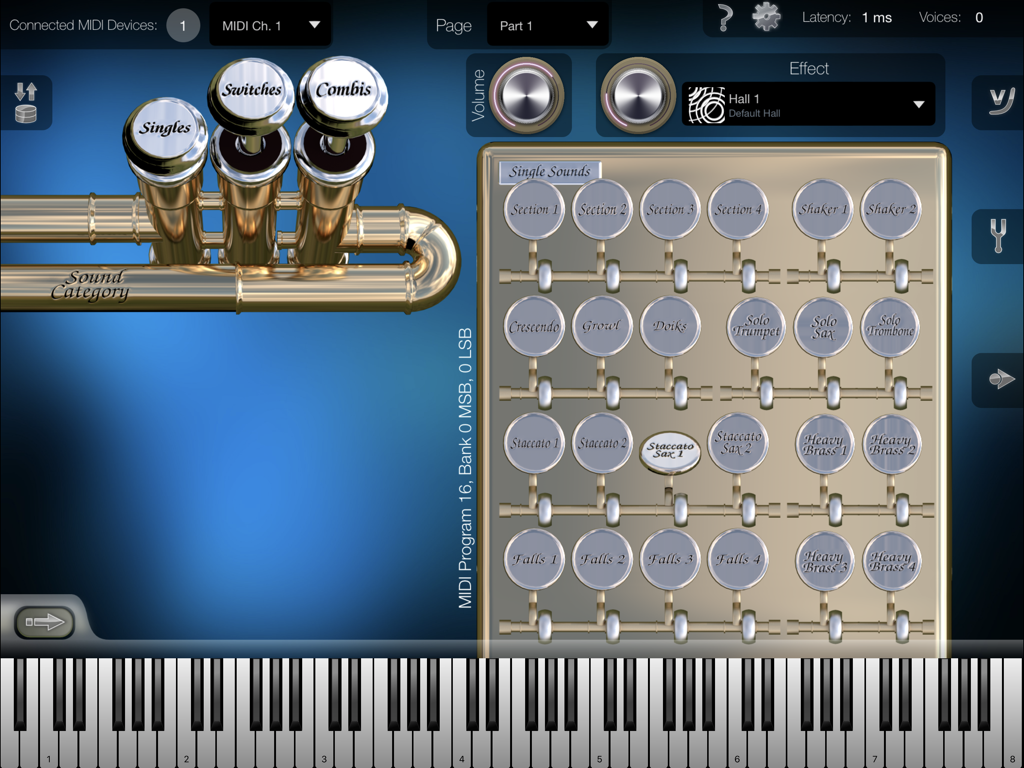
24 Single Sounds:
Solo Trumpet, Solo Sax, Solo Trombone, Heavy Brass 1-4, Section 1, Section 2, Section 3, Section 4, Crescendo, Growl, Doiks, Shaker 1, Shaker 2, Staccato 1, Staccato 2, Staccato Sax 1, Staccato Sax 2, Falls 1, Falls 2, Falls 3, Falls 4.
Switch Sounds:
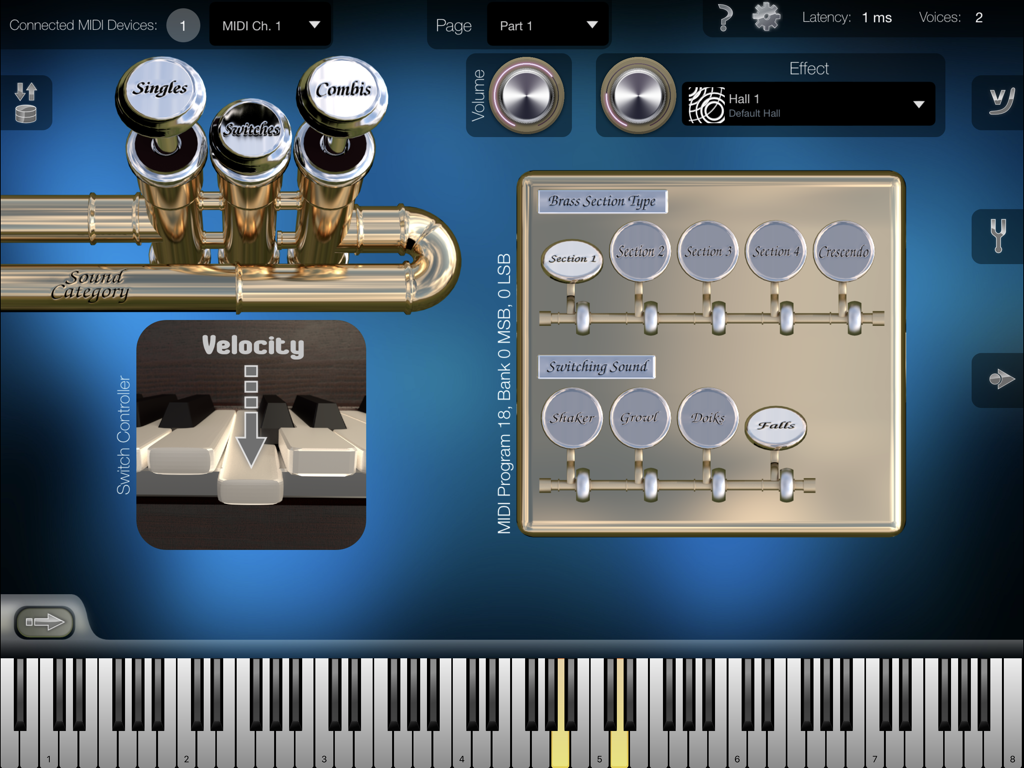
Five base sounds: Section 1, Section 2, Section 3, Section 4 and Crescendo, which are switchable or crossfadeable to four alternative articulations: Shaker, Growl, Doiks or Falls.
16 Combi Sounds:
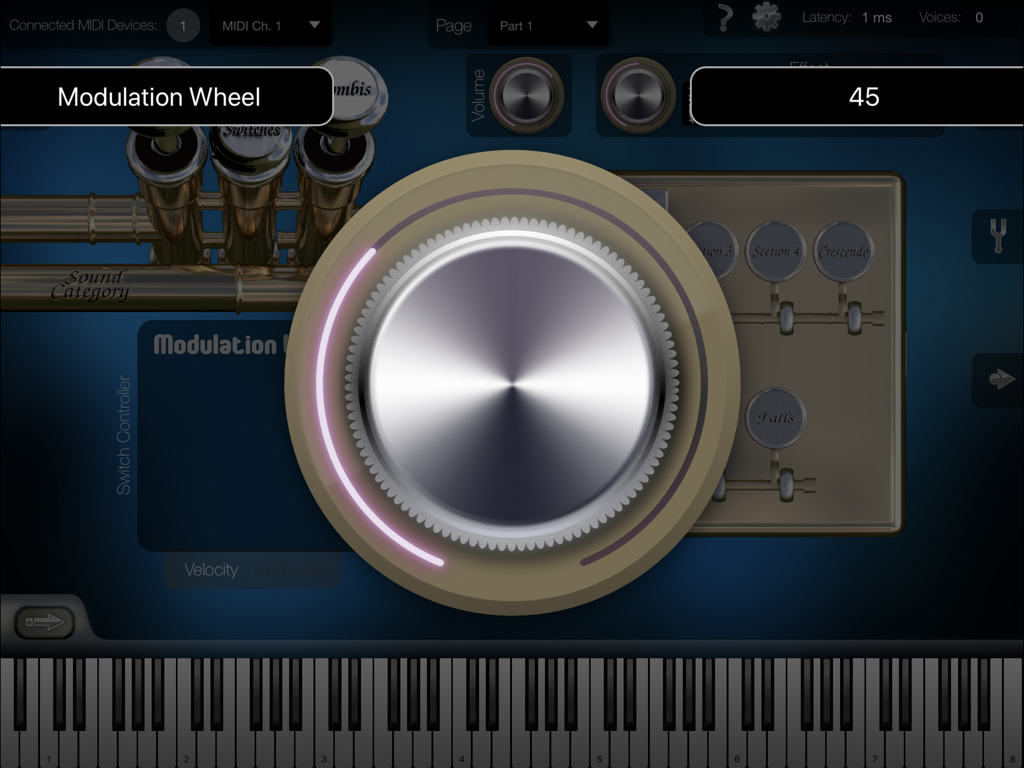
Sections Velocity Layer 1, Sections Velocity Layer 2, Sections Velocity Layer 3, Sections Velocity Layer 4, Sections Velocity Layer 5, Sections Velocity Layer 6, Sections Modwheel Layer 1, Sections Modwheel Layer 2, Staccato Layer 1, Staccato Layer 2, Staccato Round Robin 1, Staccato Round Robin 2, Staccato Round Robin 3, Sections & Staccato Round Robin 1, Sections & Staccato Round Robin 2, Sections & Staccato Round Robin 3.
General Features:
• Low latency disk streaming.
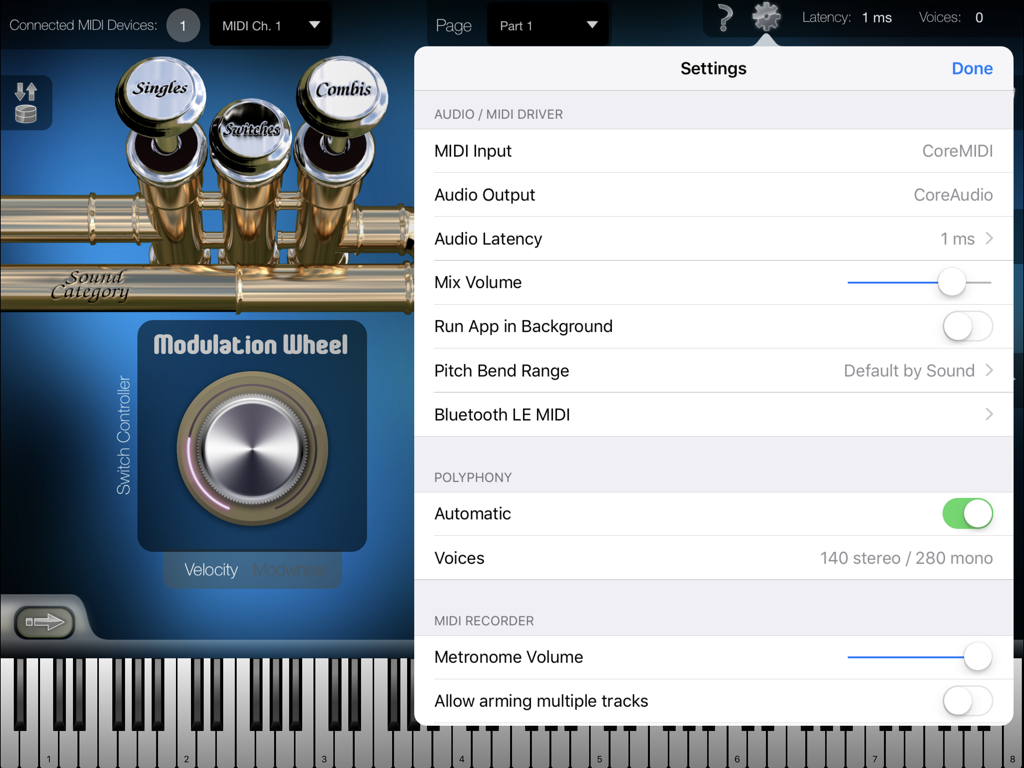
• Polyphony up to several hundred stereo voices.²
• Configurable audio latency down to 1 ms.
• Integrated effects with 18 presets.
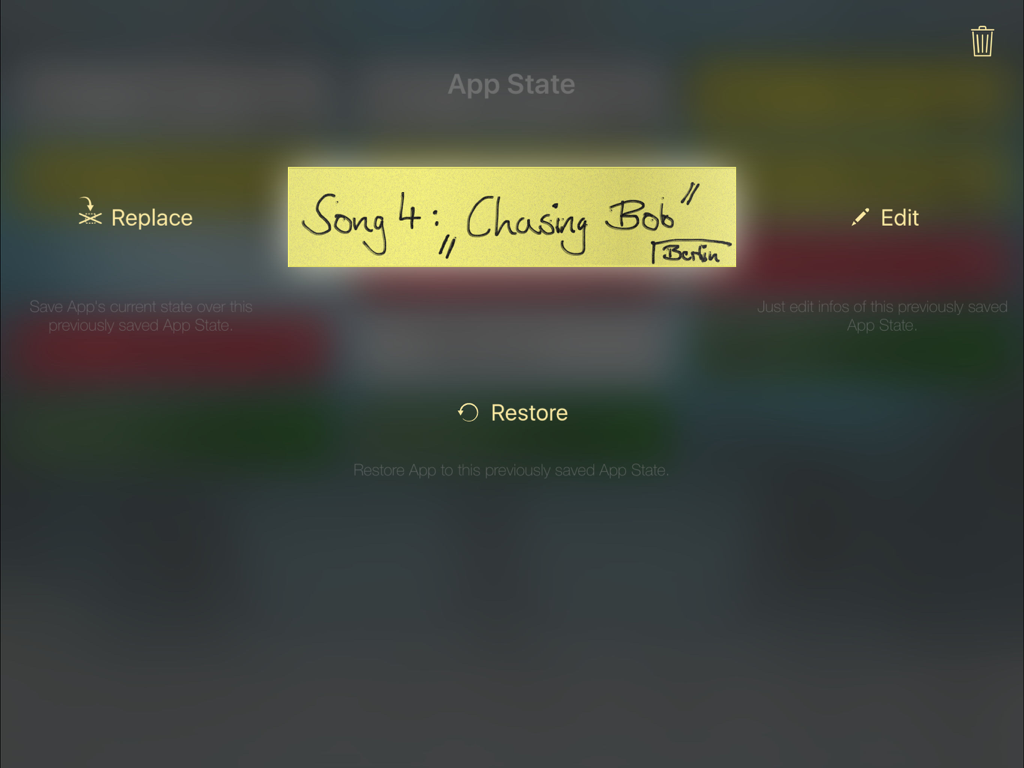
• App States: Save app's entire state as user presets.
• 16 parts.
• Provides Audio Unit v3 plugin version of this app, which allows it to be used as virtual instrument directly within third-party multi-track DAW apps.
• Support for Apple's "Inter-App Audio" system.
• Audiobus support.
• MIDI velocity response curve editor.
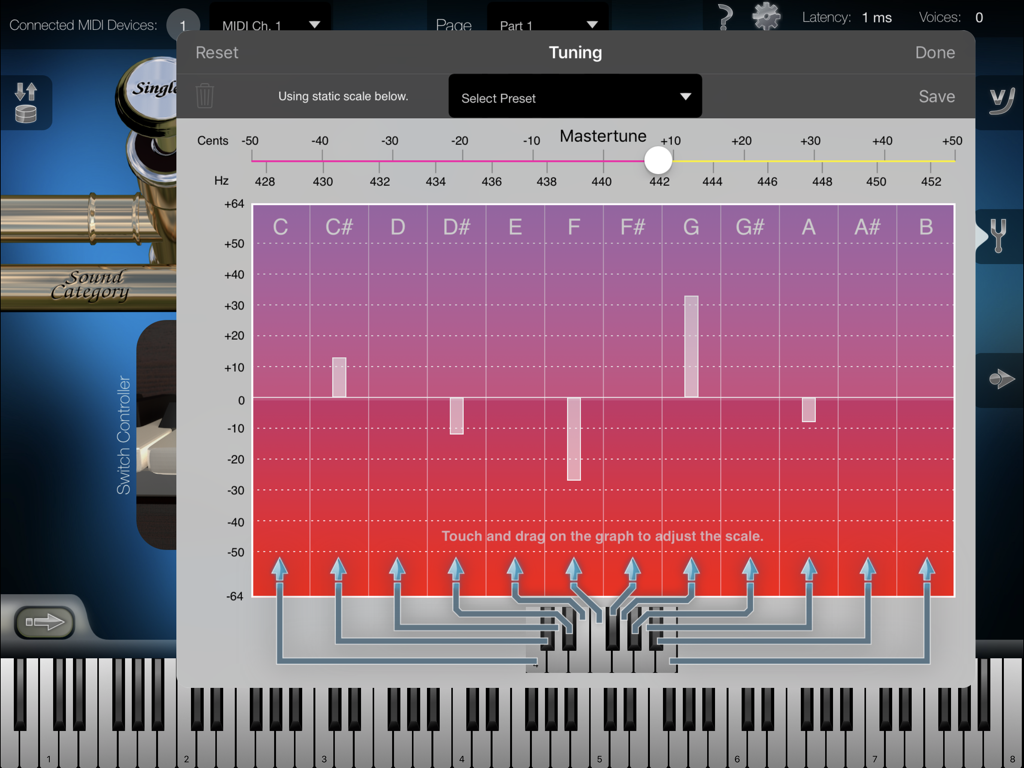
• Master Tune & Scale Tuning.
• App can keep running in the background, so you can play on your keyboard while e.g. using Safari or another app to display scores or surfing the Internet.
• Virtual on-screen piano keyboard with velocity support, scalable & scrollable.
MIDI Player / Recorder:
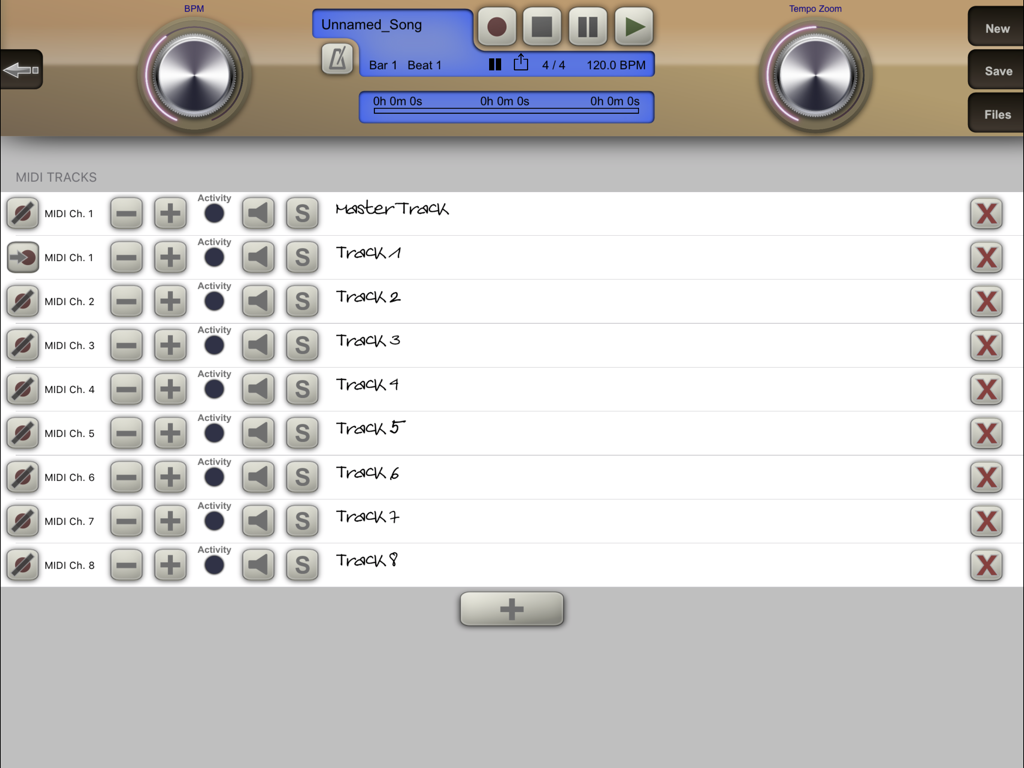
• Record, save and load your songs in standard MIDI file format.
• Share your songs easily as audio file.
• Unlimited amount of tracks.
• Configurable target MIDI channel per track.
• Unlimited recording and playback length.
• Open MIDI (.mid) files directly from other apps (i.e. from Safari, Mail).
• Download or upload MIDI files with iTunes.
• Load your favorite songs as MIDI files from the Internet, and watch at the virtual keyboard how to play it.
• Metronome.
• Use the "Tempo Zoom" dial knob to i.e. slow down playback at any time and learn your favorite songs more easily.
¹ For more information about adapters and connecting external MIDI keyboards: https://doc.crudebyte.com/iOS/External_MIDI_devices/
² Various sounds are using several voices per note. Polyphony depends on the exact device model being used. You find a polyphony table on our product website.
Anti-Spy Commitment: We take your privacy very seriously. None of our apps contain so called „spy” behaviors and we committed ourself to a very high privacy standard. For more information read our „Privacy Policy for Mobile Apps”.