HiFier: Make High-Quality Music More Accessible to the World!
All features are available to free users; you can get unlimited usage by watching ads.
• HiFier’s Custom-Built Player: Pure, Unaltered Sound
Built by audiophiles, for audiophiles, HiFier’s player is designed to preserve the purity of HiFi music. It eliminates unnecessary processing, such as resampling or volume adjustments, ensuring every note remains true to the original. Experience music in its purest and most authentic form—no compromises.
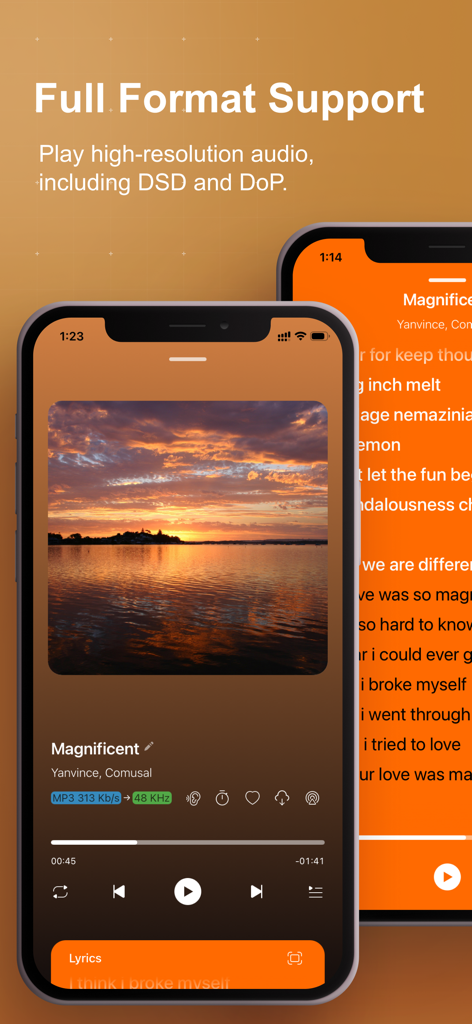
• Universal Audio Formats Support: DSD and DoP Ready
Supports a wide range of audio formats, including high-end DSD. Whether you’re a fan of traditional PCM or want to experience the purity of DSD, HiFier’s player delivers full DoP (DSD over PCM) support, allowing seamless playback of DSD files on standard PCM audio systems without compromising sound quality.
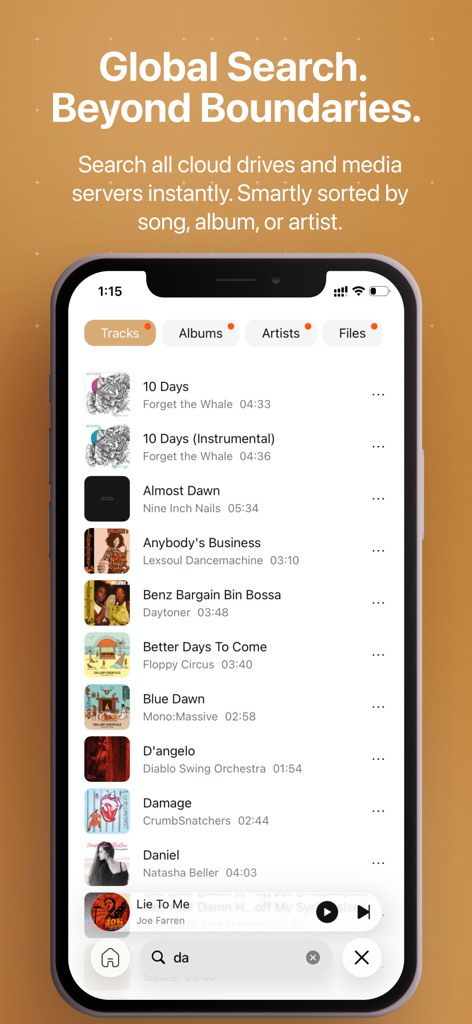
• Universal Global Search:
Powerful way to search across all your connected media servers (songs, artists, albums) and cloud drives (files) from a single interface.
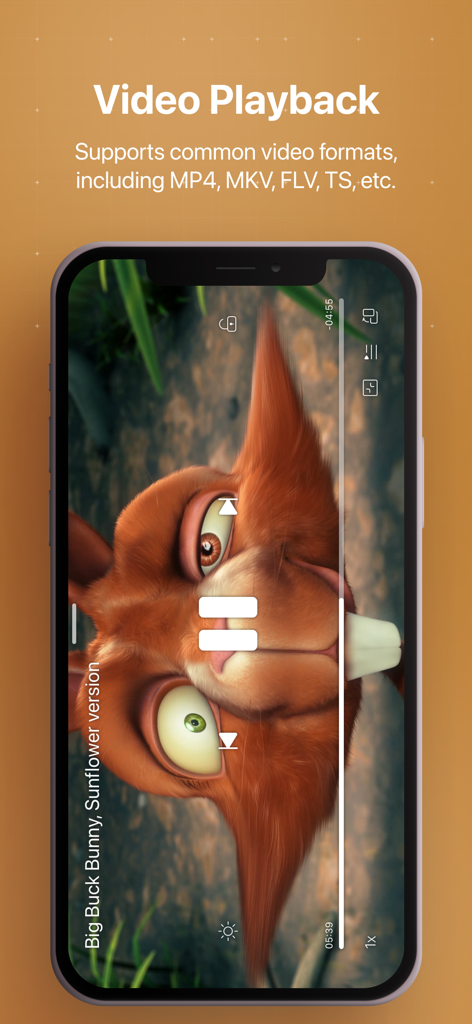
• Common Video Formats Support: HDR and Dolby Vision Ready
HiFier also supports common video formats, including MP4, MKV, FLV, TS, etc., HDR and Dolby Vision. Hardware video decoding.
• Maximize Your Free Storage with Unlimited Cloud Accounts
HiFier supports multiple cloud services with no account limits. Take full advantage of free storage across different accounts and expand your music library effortlessly.
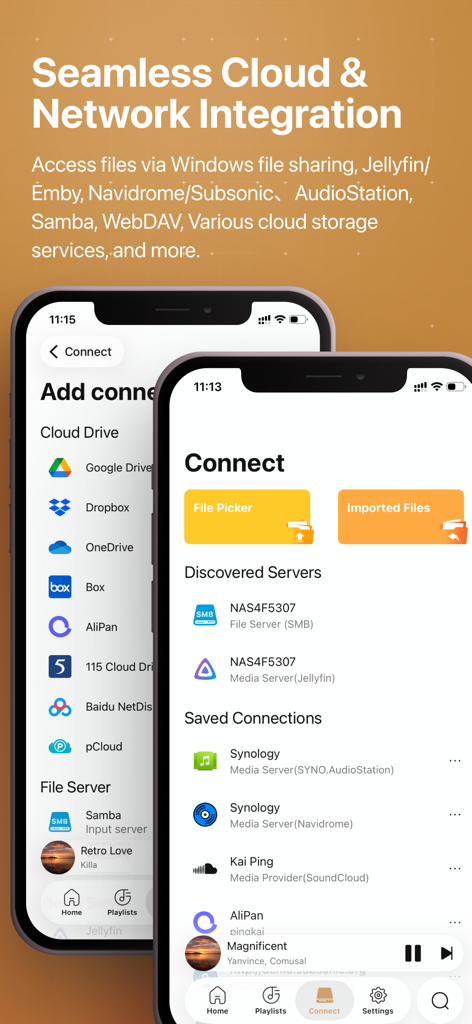
• Blazing-Fast Local Streaming with Local servers, Samba(Requires access to the local network), Media Servers and WebDAV
HiFier supports Samba and MediaServers, enabling ultra-fast music streaming directly from your NAS or local network storage—no cloud uploads, no delays. Perfect for high-bitrate audio playback. Plus, it automatically discovers servers and supports NAS, Mac, and Windows shared network protocols for seamless access.
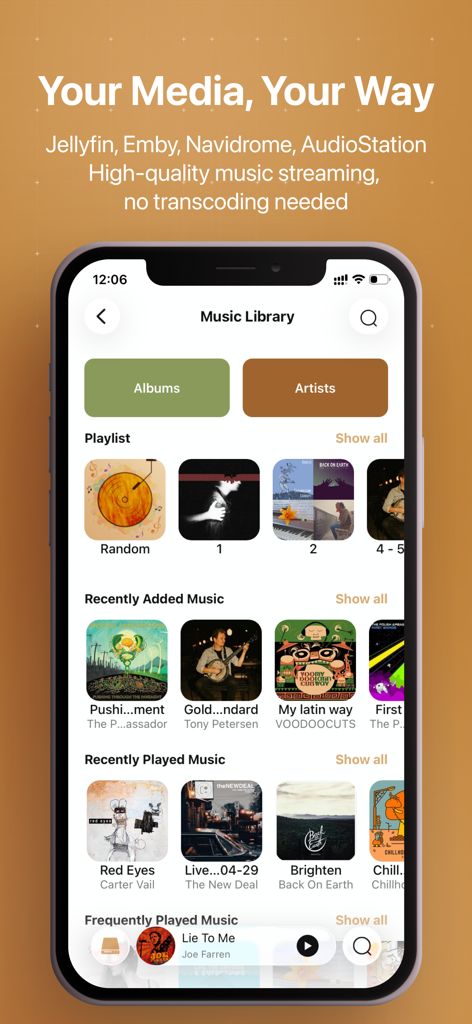
• Advanced Listening experience when connecting to Media Servers
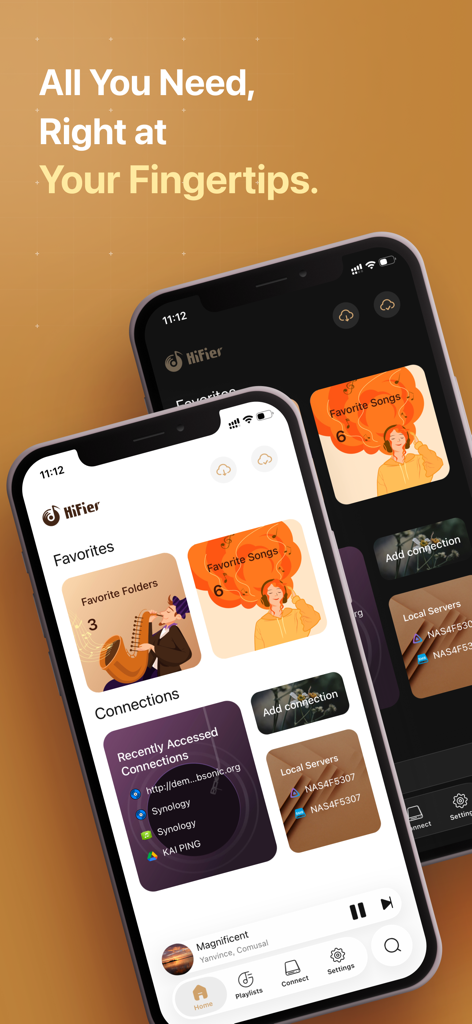
HiFier supports Jellyfin, Emby, Subsonic, Navidrome and AudioStation Media Servers. You can explore and search for your favourite artists, albums, and songs on colourful screens.
• Maximize your file sources with WebDAV
You can connect almost all your cloud drives to HiFier via WebDAV, including the Alist Server.
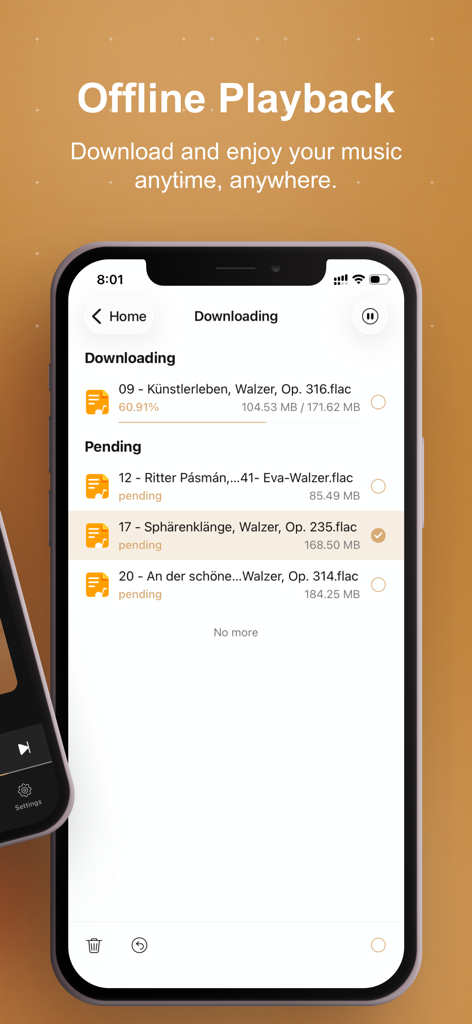
• Download your files for offline playback easily.
You can download files from all your connections (cloud drives, media servers, and SoundCloud) for offline playback. And you can import files directly from your PC &Mac. No WiFi, no data needed.
• Smart Auto-Caching for Seamless Playback and Data Savings
HiFier’s exclusive auto-caching feature optimizes playback by automatically saving data as you listen. HiFier ensures minimal data usage on repeats. No manual downloads are required—your favourite tracks are cached intelligently. When space runs out, the least-listened-to content is removed, and even unfinished songs are cached for future enjoyment.
Features:
1. Supports almost all audio formats, including Hi-res audio, DSD, FLAC, etc.
2. Supports common video formats, including MP4, MKV, FLV, TS, etc. HDR and Dolby Vision Ready.
3. Supports DSD passthrough via a DAC (DoP).
4. Smart caching while playing, saving data for future playback.
5. Download files to your phone’s local storage for offline playback.
6. Supports online lyrics and artwork.
7. Manages your favourite songs and playlists.
8. It supports various cloud drives, Samba, WebDAV(which supports Alist server), Jellyfin, Emby, Subsonic, Audio Station and Navidrome media servers.
9. Supports import files from pc & Mac.
10. Supports picking files from your Files app.
11. Supports CarPlay.
12. Support Music Recognition.
13. In audiobook mode, it supports playback speed control and resuming from listening history.
14. Universal Global Search.