
このページはアプリまたはその開発者の公式ページではなく、情報提供および論評を目的として作成された独立した編集出版物です。明示的に別段の記載がない限り、アプリおよびその開発者は、MWM、Apple、Google Play、アプリのパブリッシャー、またはアプリの開発者と提携、承認、後援、認可、またはその他の公式的な関係はなく、このページのいかなる内容も、アプリがMWMのサービスを使用して開発されたことを意味するものではありません。すべての商標、ロゴ、スクリーンショット、その他のコンテンツはそれぞれの所有者の財産です。


Home Security Camera App
Ring、Nest、Arloのフィードを1つのHDダッシュボードに統合し、外出先でも自宅でも、高度なBluetoothスキャンでプライバシーを保護します。
ダウンロード
1M+ユーザー評価
評価数
45K+開発元
カテゴリ
Utilities対応言語
33最新バージョン
3.3サイズ
89.5 MBリリース日
2020年11月18日ホームセキュリティのためのオールインワンハブ
強力なネットワークスキャンとBluetooth検出で、スマートカメラを簡単に統合し、プライバシーを保護します。
ユニバーサルカメラ接続
複数のアプリを切り替えることなく、Ring、Arlo、Nestなど、多くのブランドのリアルタイムHDビデオをストリーミングします。
隠しデバイス検出器
許可されていないBluetooth信号や隠しネットワークカメラをスキャンして、賃貸物件やホテルで安全を確保します。
よくある質問
について知っておくべきこと Home Security Camera App
Home Security Camera App とは何ですか?
Home Security Camera App は、ホームセキュリティカメラの監視、接続、管理のための堅牢なプラットフォームを提供します。リアルタイムのHDビデオ再生により、ご自宅が常に安全で安心であることを保証します。
Home Security Camera App はどのカメラブランドをサポートしていますか?
Home Security Camera App は、Blink、Arlo、Wyze、Lorex、Eufy、Nest、Ring、YI、hugolog、MUBVIEW、Swann、tp-linkなど、さまざまなブランドのカメラ接続をサポートしています。
Home Security Camera App の主な機能は何ですか?
Home Security Camera App の主な機能には、インテリジェントなカメラ接続、リアルタイムHDビデオ再生、Bluetoothデバイススキャン、プライバシー保護ガイダンス、MACアドレスによるネットワークデバイスの識別が含まれます。
Home Security Camera App はどのようにカメラに接続しますか?
Home Security Camera App は、ローカルネットワーク上のカメラをインテリジェントにスキャンして接続します。これにより、ネットワーク上で検出された信頼できるデバイスからのHDビデオのリアルタイム再生が可能になります。
Home Security Camera App はBluetoothデバイスをスキャンできますか?
はい、Home Security Camera App にはBluetoothデバイススキャン機能が含まれています。近くにあるBluetoothデバイスを検索し、詳細ページに信号強度と概算距離を表示します。
Home Security Camera App はBluetoothスキャンでどのデバイスを見つけられますか?
Home Security Camera App のBluetoothスキャン機能は、近くにあるBluetoothヘッドフォン、Bluetoothマウス、Bluetoothキーボード、およびBluetooth信号を発するあらゆるデバイスを見つけることができます。
Home Security Camera App はプライバシー保護ガイダンスを提供していますか?
はい、Home Security Camera App はプライバシー保護に関する情報とガイダンスを提供します。これは、ユーザーがデジタル時代にプライバシーを保護する方法を理解するのに役立ちます。
Home Security Camera App は、私のネットワークに接続されているデバイスをどのように識別しますか?
Home Security Camera App は、ローカルネットワークを一意のMACアドレスでスキャンして接続デバイスを識別します。次に、それらをクラウドベースのデータベースと比較して、デバイス名、タイプ、製造元を提供します。
Home Security Camera App のサポートはどのように受けられますか?
Home Security Camera App のサポートについては、「ヘルプ」セクションを参照してください。問題が解決しない場合は、アプリ内の「設定」-「お問い合わせ」オプションからサポートにご連絡ください。
Home Security Camera App のサブスクリプションはどのように管理されますか?
Home Security Camera App のサブスクリプションはiTunesアカウントに請求され、自動的に更新されます。現在の期間が終了する少なくとも24時間前に、アカウント設定で自動更新を管理またはオフにすることができます。
Home Security Camera App のサブスクリプションは自動更新されますか?
はい、Home Security Camera App のサブスクリプションは自動的に更新されます。現在の期間が終了する少なくとも24時間前に、ユーザーのアカウント設定で自動更新を無効にすることができます。
Home Security Camera App のプライバシーポリシーはどこで見られますか?
Home Security Camera App のプライバシーポリシーは、https://www.ultraspeedapp.com/pp/detection でアクセスできます。このリンクは、アプリのプライバシー慣行に関する包括的な詳細を提供します。
Home Security Camera App の「ガイド」セクションにはどのような情報が含まれていますか?
Home Security Camera App の「ガイド」セクションには、ピンホールカメラ、赤外線カメラ、ワイヤレスカメラ、有線カメラ、スリープカメラなどのさまざまなカメラタイプに関する情報と、検出履歴が提供されます。
Home Security Camera App でライブカメラ映像を視聴できますか?
はい、Home Security Camera App では、接続されているカメラからのライブ映像を視聴できます。アプリのインターフェースは、さまざまな部屋とその対応するRTSPストリームを表示し、リアルタイム監視を可能にします。
以下のスクリーンショットと説明は、アプリの公式ストアリスティングから直接取得されたものであり、アプリ開発者の所有物です。
アプリストア
スクリーンショット
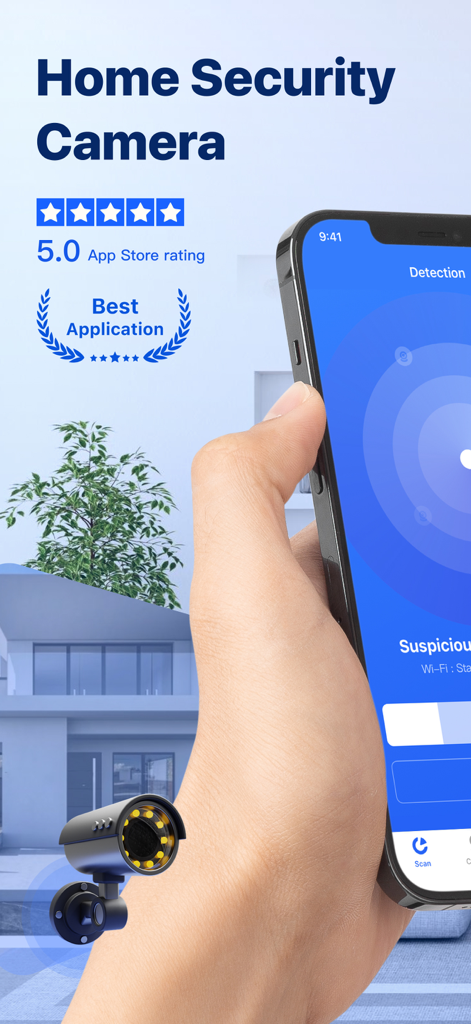
手のひらに、Home Security Camera Appの検出インターフェイスを表示したスマートフォンを持ち、5.0つ星評価を示しています
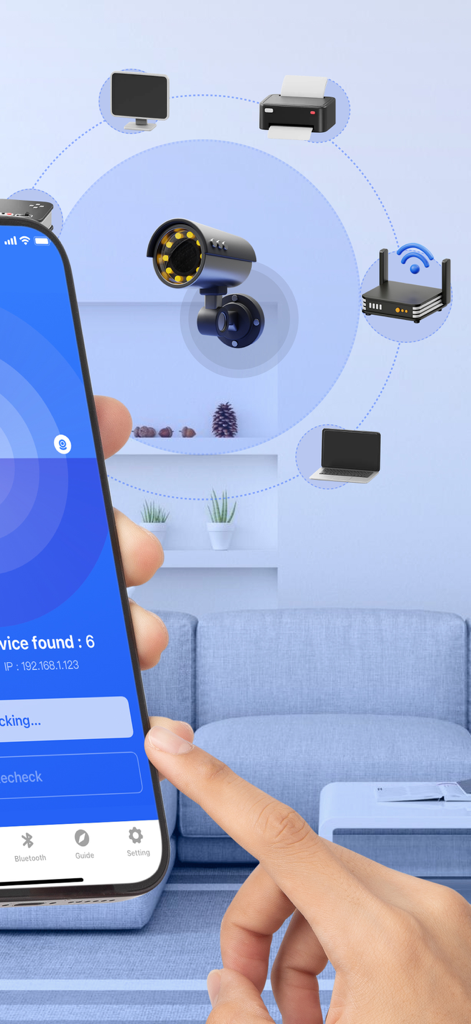
セキュリティカメラとスマートデバイスのネットワークスキャンを示すアプリ画面
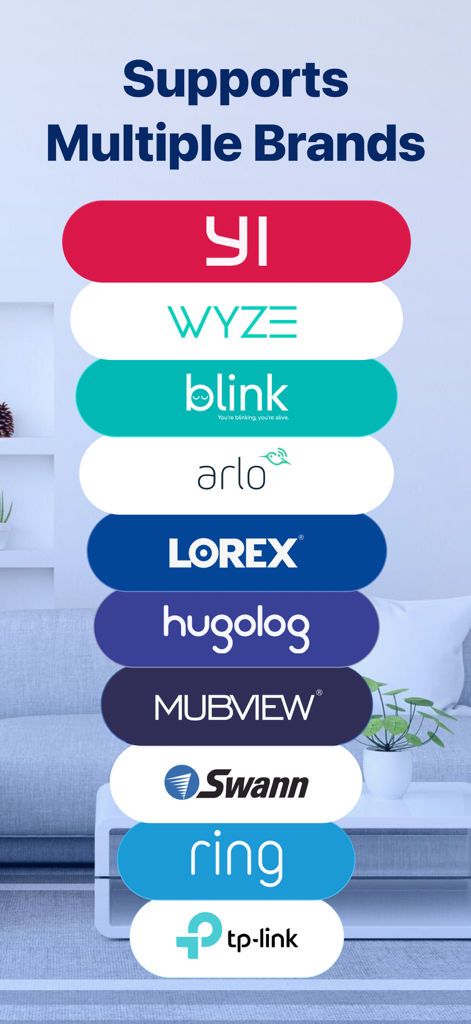
Home Security Camera AppでサポートされているWyze BlinkやRingなどの互換性のあるカメラブランドのリスト
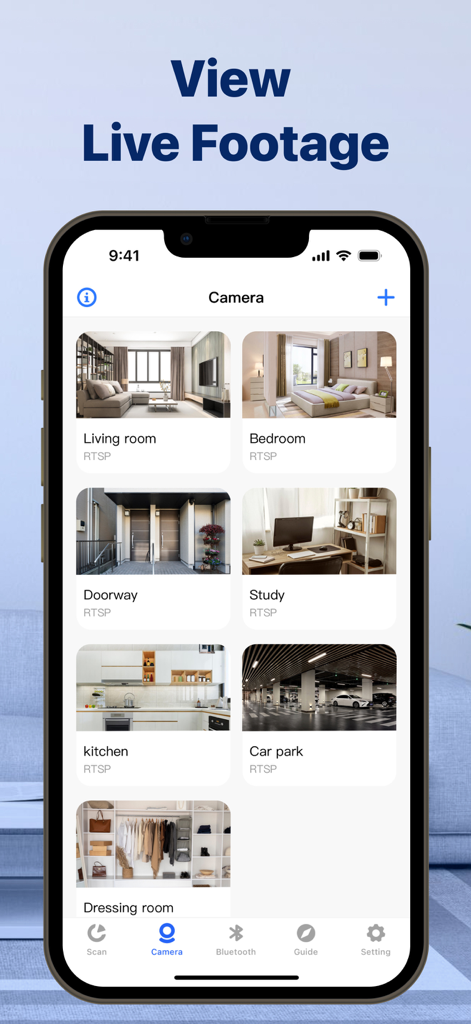
リビングルーム、寝室、キッチンなどのさまざまな部屋からのライブビデオフィードのグリッドを表示するHome Security Camera Appのスマートフォン画面
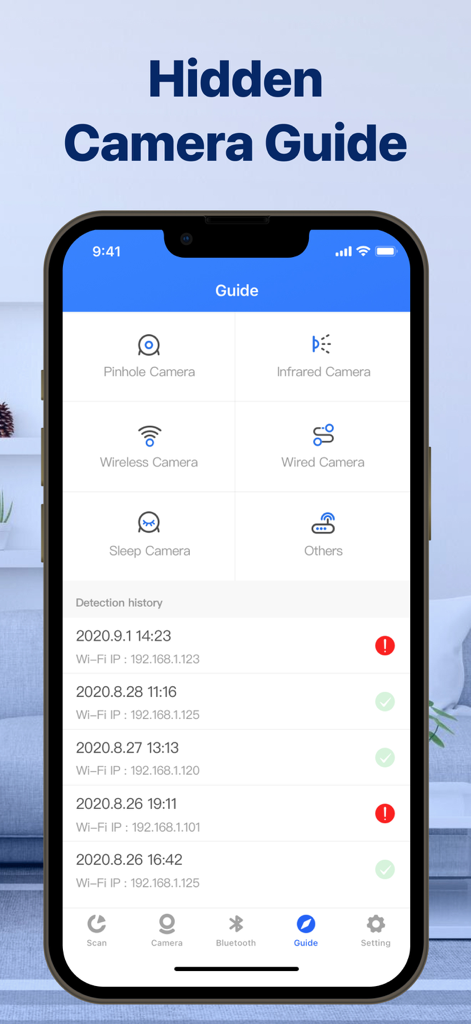
ピンホールカメラと赤外線カメラのカテゴリと検出履歴ログを表示する隠しカメラガイドインターフェイスを表示するスマートフォン
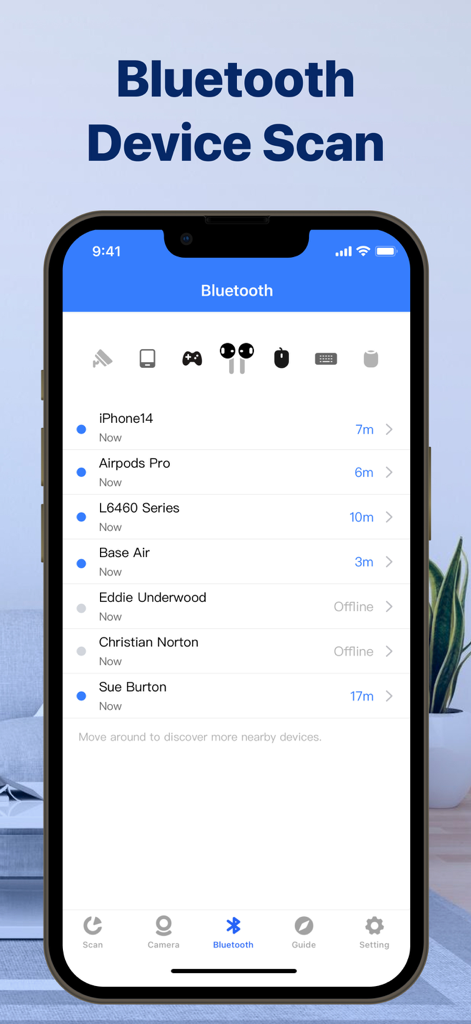
距離と接続ステータスとともに、スキャンされた近くのBluetoothデバイスのリストを表示するモバイルアプリインターフェイス
説明
Download
類似アプリ
似た機能とユーザー体験を持つアプリ

DMSS
Hangzhou Dong Bin Information Technology Co., Ltd.

Joolink
Shenzhen Jooan Technology Company

VicoHome: Smart Home Camera
PHOTON SAIL TECHNOLOGIES PTE. LTD.

Ubox
洪波 王

SimpliSafe Home Security App
SimpliSafe, Inc.

Active Mobile V4
JFL Equipamentos Eletronicos Industria e Comercio Ltda.

Dzees Home
Shenzhen Weixi Technology Co., Ltd

Ring - Always Home
Bot Home Automation, INC

Hik-Connect - for End user
Hangzhou Hikvision Digital Technology Co., Ltd.
このページはアプリまたはその開発者の公式ページではなく、情報提供および論評を目的として作成された独立した編集出版物です。明示的に別段の記載がない限り、アプリおよびその開発者は、MWM、Apple、Google Play、アプリのパブリッシャー、またはアプリの開発者と提携、承認、後援、認可、またはその他の公式的な関係はなく、このページのいかなる内容も、アプリがMWMのサービスを使用して開発されたことを意味するものではありません。すべての商標、ロゴ、スクリーンショット、その他のコンテンツはそれぞれの所有者の財産です。