iCathedral Organ
iCathedral Organ
ダウンロード: App Store

このページはアプリまたはその開発者の公式ページではなく、情報提供および論評を目的として作成された独立した編集出版物です。明示的に別段の記載がない限り、アプリおよびその開発者は、MWM、Apple、Google Play、アプリのパブリッシャー、またはアプリの開発者と提携、承認、後援、認可、またはその他の公式的な関係はなく、このページのいかなる内容も、アプリがMWMのサービスを使用して開発されたことを意味するものではありません。すべての商標、ロゴ、スクリーンショット、その他のコンテンツはそれぞれの所有者の財産です。

ロゴ: iCathedral Organ
ダウンロード: App Store

iCathedral Organ

細部までこだわって収録された28ストップによる、本物の高ポリフォニー演奏を体験してください。ゼロレイテンシー、プライバシー、サブスクリプション不要を求めるプロのミュージシャンのために、受賞歴のあるサウンドデザイナー、カート・アーダーが設計しました。

主要数値

ダウンロード

2K+

ユーザー評価

3.8/5

評価数

0

開発元

Christian Schoenebeck d/b/a Crudebyte

カテゴリ

Music

対応言語

1

最新バージョン

2.4

サイズ

1.0 GB

リリース日

2014年12月20日
機能

手のひらに収まるプロフェッショナルな大聖堂サウンド

教会のオルガニストやプロのミュージシャンのために設計されたiCathedral Organは、高性能なバーチャルインストゥルメントを通じて、本物のパイプオルガンのパワフルなサウンドを提供します。

28種の本格的なオルガンストップ

受賞歴のあるデザイナー、カート・アーダーが、本物の大聖堂パイプオルガンの豊かで色彩豊かな音色を再現するために、細部までこだわって収録しました。

ライブ演奏に適したパフォーマンス

1msのレイテンシーと大規模なポリフォニーによる遅延のない演奏を体験してください。外部MIDIキーボードやプロのライブサービスに最適化されています。

以下のスクリーンショットと説明は、アプリの公式ストアリスティングから直接取得されたものであり、アプリ開発者の所有物です。

アプリストア

スクリーンショット
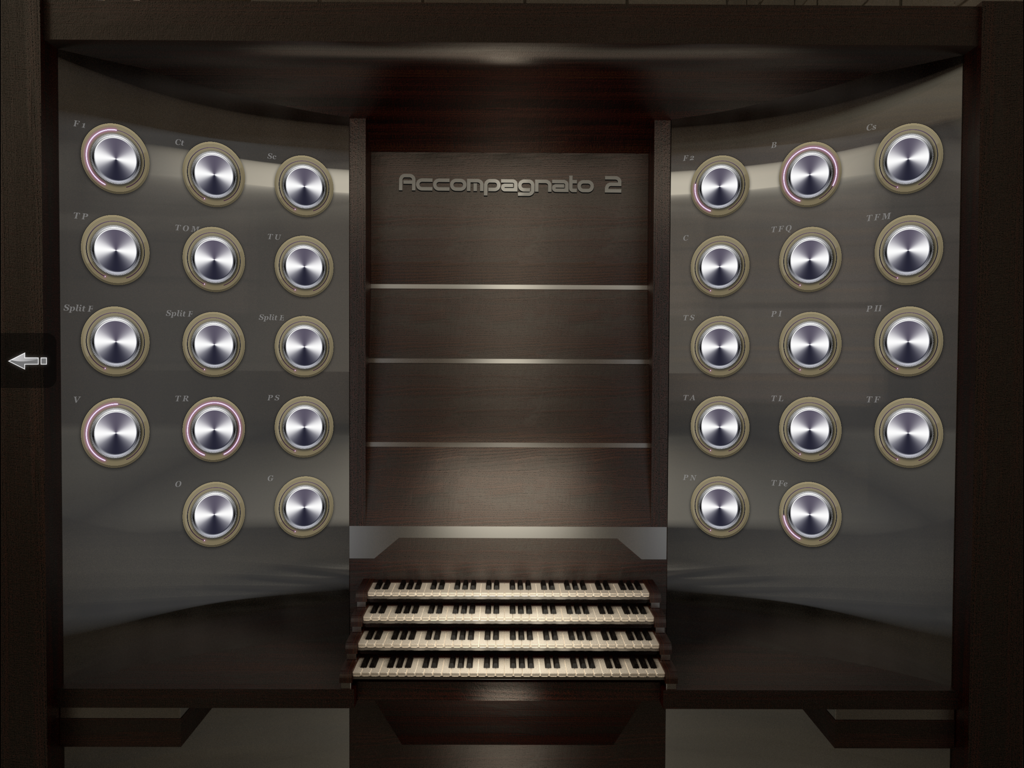
iCathedral Organ - 3つの鍵盤と複数の調整可能なストップノブを備えたプロフェッショナルなバーチャルパイプオルガンコンソールインターフェース。
3つの鍵盤と複数の調整可能なストップノブを備えたプロフェッショナルなバーチャルパイプオルガンコンソールインターフェース。

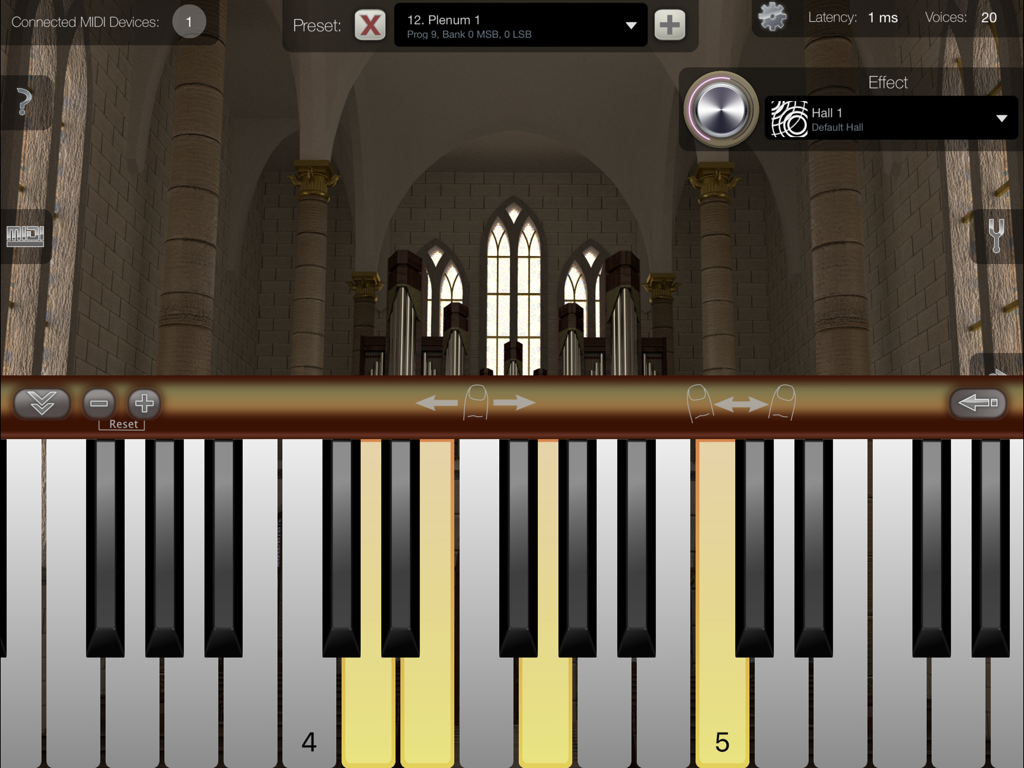
iCathedral Organ - バーチャルピアノ鍵盤と大聖堂の内部背景を表示する、iCathedral OrganのiPadインターフェース。
バーチャルピアノ鍵盤と大聖堂の内部背景を表示する、iCathedral OrganのiPadインターフェース。

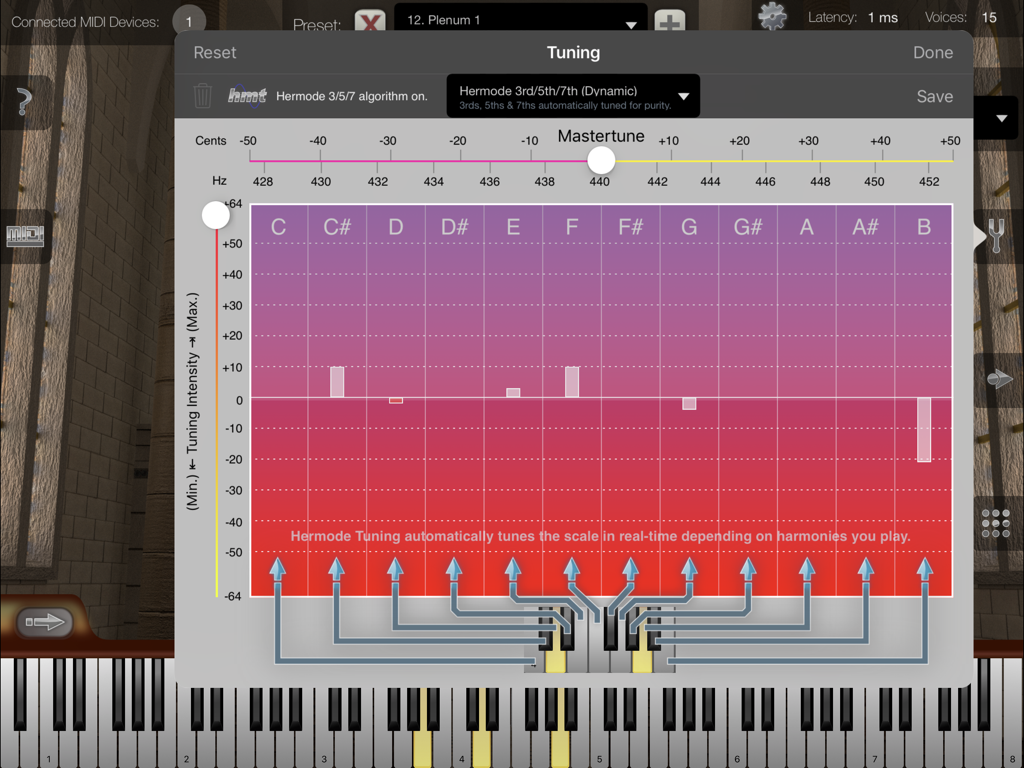
iCathedral Organ - マスターチューンとHermodeチューニングオプションを示す、iCathedral Organアプリのチューニング設定ウィンドウ。
マスターチューンとHermodeチューニングオプションを示す、iCathedral Organアプリのチューニング設定ウィンドウ。

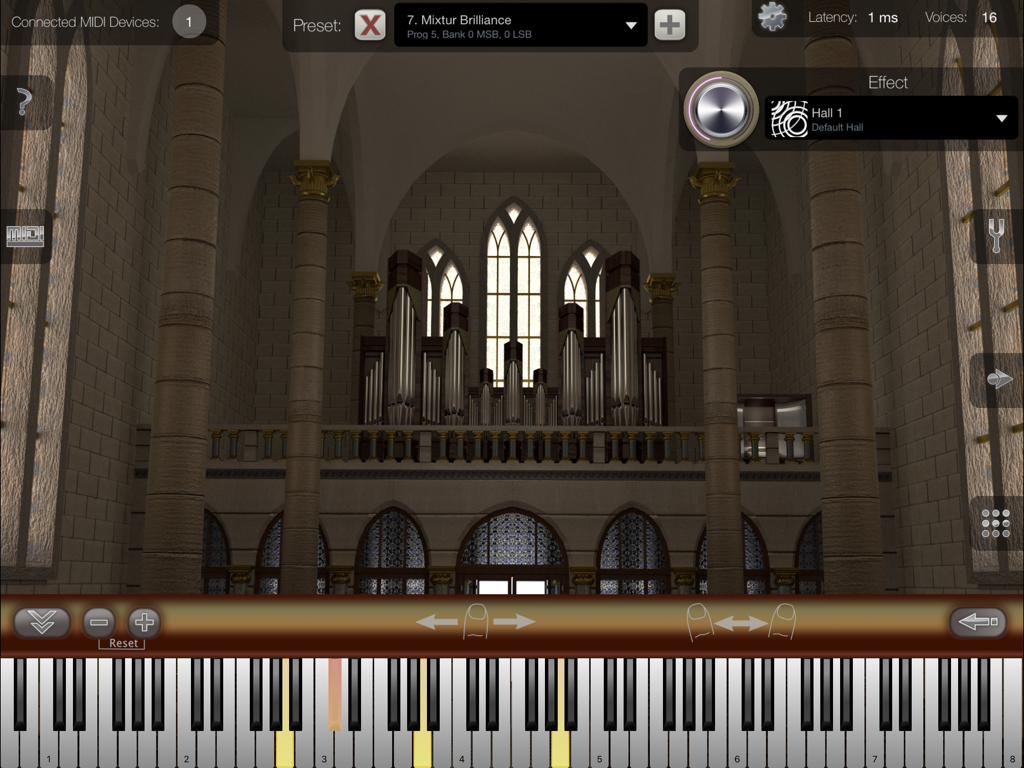
iCathedral Organ - バーチャル鍵盤と大聖堂の背景を持つ、iCathedral Organアプリのインターフェース
バーチャル鍵盤と大聖堂の背景を持つ、iCathedral Organアプリのインターフェース

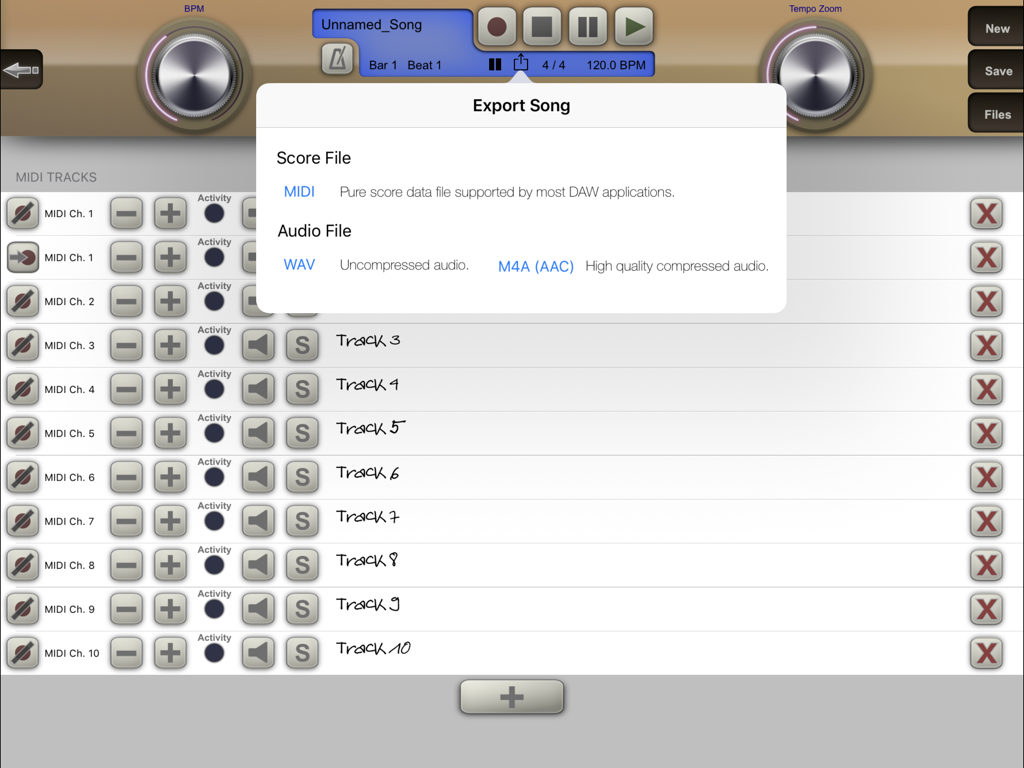
iCathedral Organ - マルチトラック録音インターフェースの上にMIDIおよびオーディオファイルオプションが表示される、iCathedral Organアプリのエクスポートソングメニュー。
マルチトラック録音インターフェースの上にMIDIおよびオーディオファイルオプションが表示される、iCathedral Organアプリのエクスポートソングメニュー。

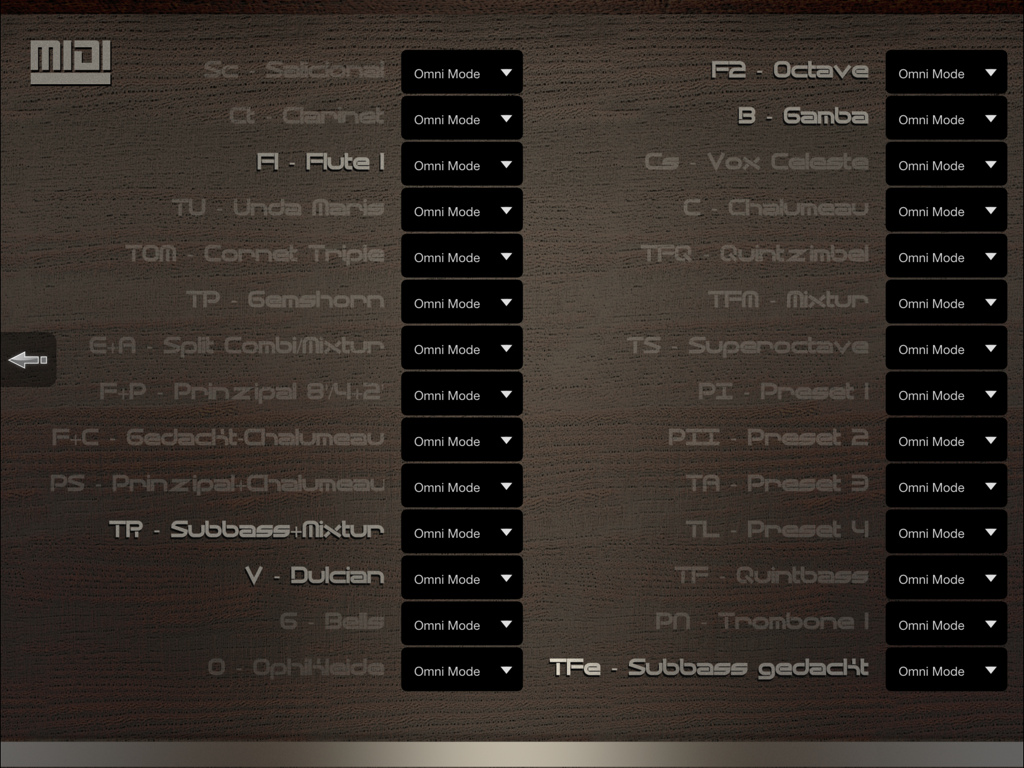
iCathedral Organ - さまざまなオルガンストップとオムニモード設定が表示される、iCathedral OrganアプリのMIDI設定画面
さまざまなオルガンストップとオムニモード設定が表示される、iCathedral OrganアプリのMIDI設定画面

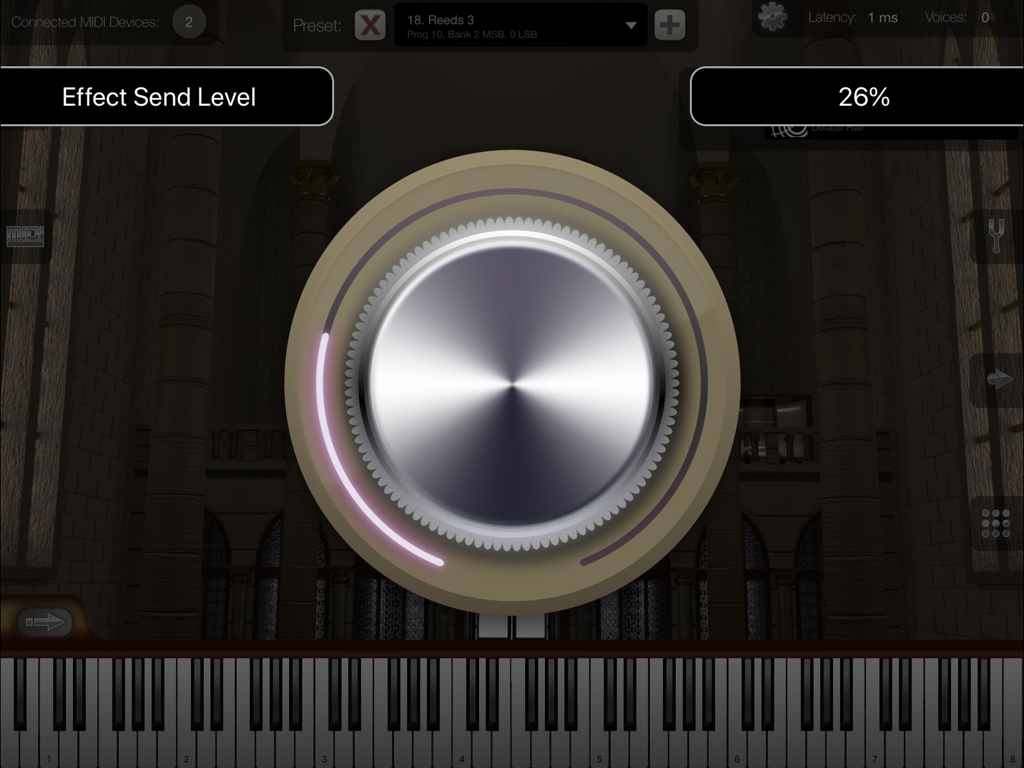
iCathedral Organ - 大聖堂の内部背景を持つエフェクトセンドレベルを調整するための大きなダイヤルを備えた、iCathedral Organアプリのインターフェース。
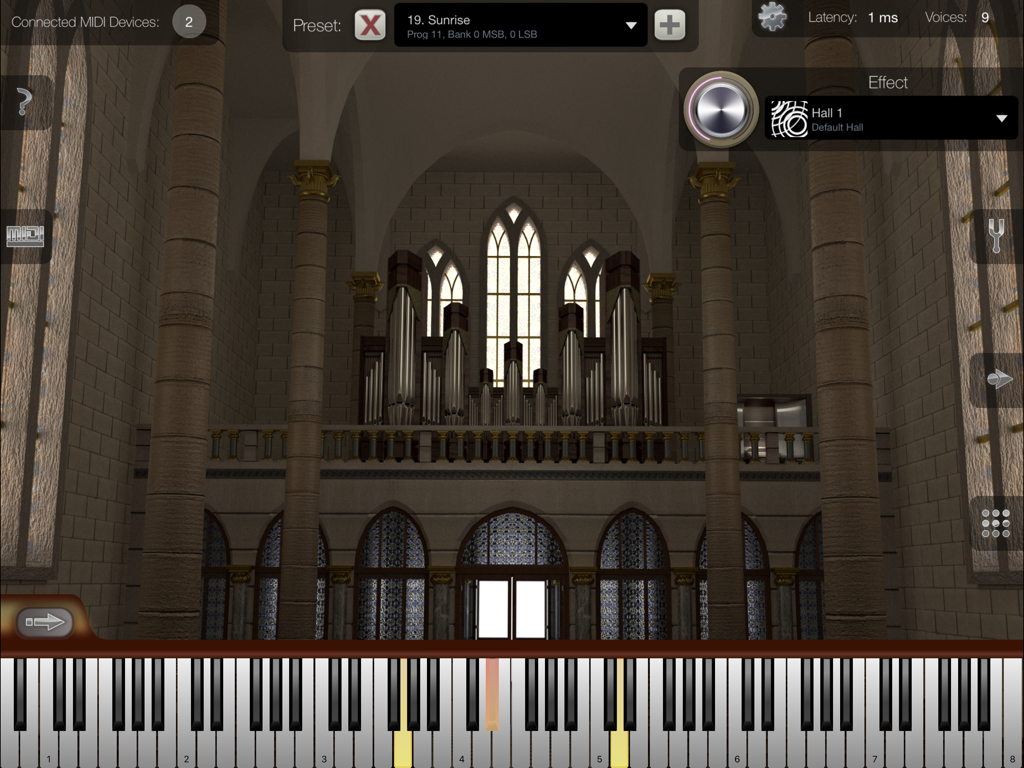
大聖堂の内部背景を持つエフェクトセンドレベルを調整するための大きなダイヤルを備えた、iCathedral Organアプリのインターフェース。

iCathedral Organ - バーチャル鍵盤と大聖堂の背景を持つ、iCathedral Organアプリのインターフェース
バーチャル鍵盤と大聖堂の背景を持つ、iCathedral Organアプリのインターフェース

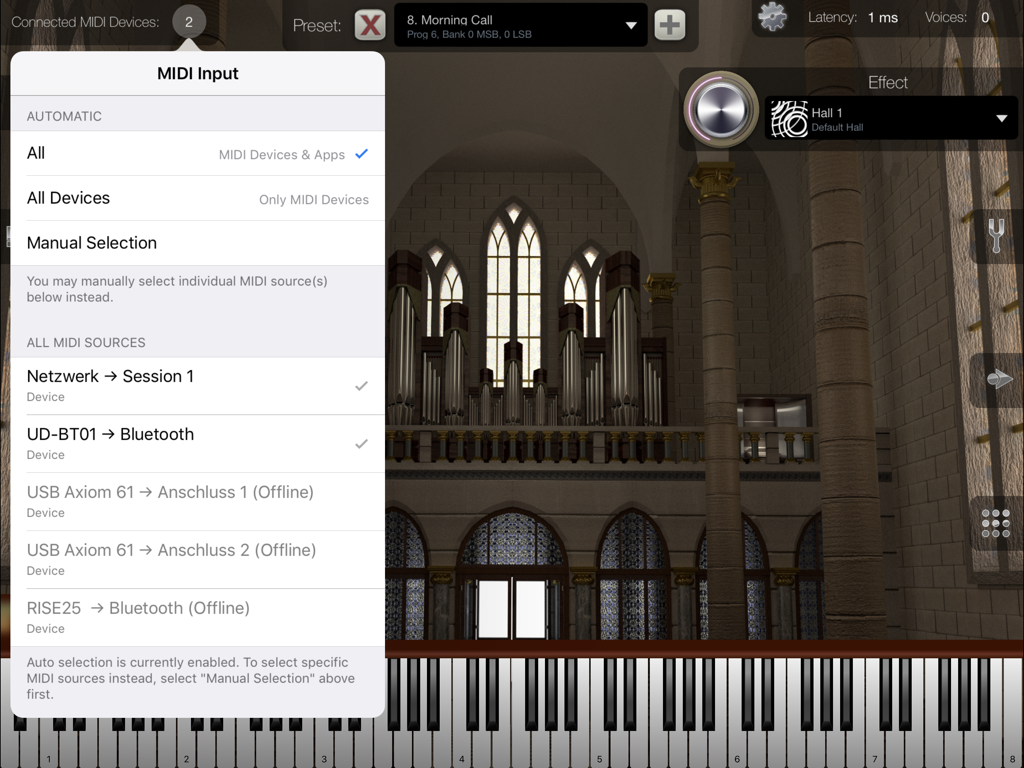
iCathedral Organ - 接続されたデバイスと大聖堂の内部背景が表示される、iCathedral OrganアプリのMIDI入力選択メニュー。
接続されたデバイスと大聖堂の内部背景が表示される、iCathedral OrganアプリのMIDI入力選択メニュー。

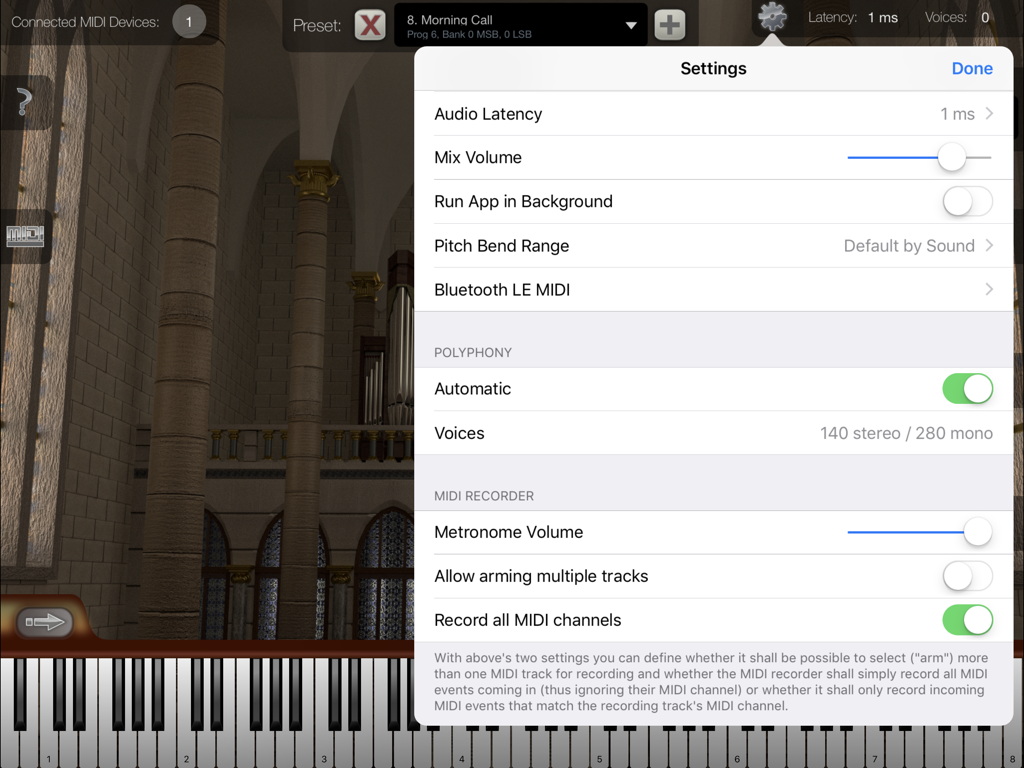
iCathedral Organ - 大聖堂の背景の上にオーディオレイテンシーとポリフォニー設定オプションが表示される、iCathedral Organアプリの設定メニュー。

大聖堂の背景の上にオーディオレイテンシーとポリフォニー設定オプションが表示される、iCathedral Organアプリの設定メニュー。

説明

Play with the sound of an entire cathedral organ, created by award-winning sound designer Kurt Ader! This app is designed as professional sound module for your iPad by connecting external MIDI keyboard(s) using Bluetooth MIDI, or using the Apple USB adapter or another adapter supported by Apple.¹ Watch and listen to the demo video on our product website! This app supports Audio Unit v3, Audiobus and Inter-App Audio for audio & MIDI connections from/to other audio apps, as well as Bluetooth LE MIDI ! iCathedral Organ generates the sound of a lovely and color rich pipe organ of a real cathedral. All individual organ stops of such a pipe organ were recorded to resemble this sound as realistic as possible. You can fully adjust all individual organ stops to create your own sounds and save them as your personal sound presets. Or simply select one of the factory presets to play impressive organ sounds right from the start. The sounds of this app were created by Kurt Ader, winner of the NAMM 2015 "Best Sound Designer of the Year" award. General Features: • 28 individual organ stops, each one controllable simultaniously in real-time. • Polyphony up to several hundred stereo voices.² • Configurable audio latency down to 1 ms. • Low latency disk streaming. • Integrated cathedral reverb effect. • App can keep running in the background, so you can play on your keyboard while e.g. using Safari or another app to display scores or surfing the Internet. • Master Tune, Scale Tuning & Hermode Tuning. • Provides Audio Unit v3 plugin version of this app, which allows it to be used as virtual instrument directly within third-party multi-track DAW apps (requires iOS 9.3 or higher). • Audiobus support. • Supports Apple's "IAA" system for audio & MIDI streaming between other apps. • Virtual on-screen piano keyboard, scalable & scrollable. MIDI Player / Recorder: • Record, save and load your songs in standard MIDI file format. • Share your songs easily as audio file. • Unlimited amount of tracks. • Unlimited recording and playback length. • Open MIDI (.mid) files directly from other apps (i.e. from Safari, Mail). • Download or upload MIDI files with iTunes. • Load your favorite songs as MIDI files from the Internet, and watch at the virtual keyboard how to play it. • Metronome. • Use the "Tempo Zoom" dial knob to i.e. slow down playback at any time and learn your favorite songs more easily. There is no in-app purchase in this app. So all sounds and all app features are immediately available to you as one buy. ¹ For more information about adapters and connecting external MIDI keyboards: https://doc.crudebyte.com/iOS/External_MIDI_devices/ ² Some sound presets are using several voices per note. Polyphony depends on the exact device model being used. You find a polyphony table on our product website. Anti-Spy Commitment: We take your privacy very seriously. None of our apps contain so called „spy” behaviors and we committed ourself to a very high privacy standard. For more information about our privacy commitment, read our „Privacy Policy for Mobile Apps”.

Download

ダウンロード: App Store

このページはアプリまたはその開発者の公式ページではなく、情報提供および論評を目的として作成された独立した編集出版物です。明示的に別段の記載がない限り、アプリおよびその開発者は、MWM、Apple、Google Play、アプリのパブリッシャー、またはアプリの開発者と提携、承認、後援、認可、またはその他の公式的な関係はなく、このページのいかなる内容も、アプリがMWMのサービスを使用して開発されたことを意味するものではありません。すべての商標、ロゴ、スクリーンショット、その他のコンテンツはそれぞれの所有者の財産です。







