Image to Base64 Plus
ダウンロード: App Store

このページはアプリまたはその開発者の公式ページではなく、情報提供および論評を目的として作成された独立した編集出版物です。明示的に別段の記載がない限り、アプリおよびその開発者は、MWM、Apple、Google Play、アプリのパブリッシャー、またはアプリの開発者と提携、承認、後援、認可、またはその他の公式的な関係はなく、このページのいかなる内容も、アプリがMWMのサービスを使用して開発されたことを意味するものではありません。すべての商標、ロゴ、スクリーンショット、その他のコンテンツはそれぞれの所有者の財産です。

ロゴ: Image to Base64 Plus
ダウンロード: App Store

Image to Base64 Plus

デバイス上でBase64エンコードを行い、Webワークフローを最適化。データをサーバーにアップロードすることなく、アイコンやアセット用の本番環境対応HTMLおよびCSSスニペットを生成します。

主要数値

ダウンロード

4K+

ユーザー評価

1.0/5

評価数

0

開発元

Heng Jia Liang

カテゴリ

Developer Tools

対応言語

1

最新バージョン

1.1

サイズ

1.4 MB

リリース日

2021年12月31日
機能

開発ワークフローを効率化

Base64アセットを処理する最も安全で効率的な方法。画像をデバイス上で直接、本番環境対応のコードスニペットに変換して、Webプロジェクトを最適化します。

プライバシー最優先のローカル処理

あなたのデータはデバイスから離れません。すべての変換はローカルで実行されるため、機密性の高いアセットや会社のロゴは100%プライベートかつ安全に保たれます。

本番環境対応コードスニペット

生の文字列にとどまりません。スタイルシートやメール署名に直接貼り付けられる、フォーマット済みのHTMLおよびCSSコードブロックを自動生成します。

以下のスクリーンショットと説明は、アプリの公式ストアリスティングから直接取得されたものであり、アプリ開発者の所有物です。

アプリストア

スクリーンショット
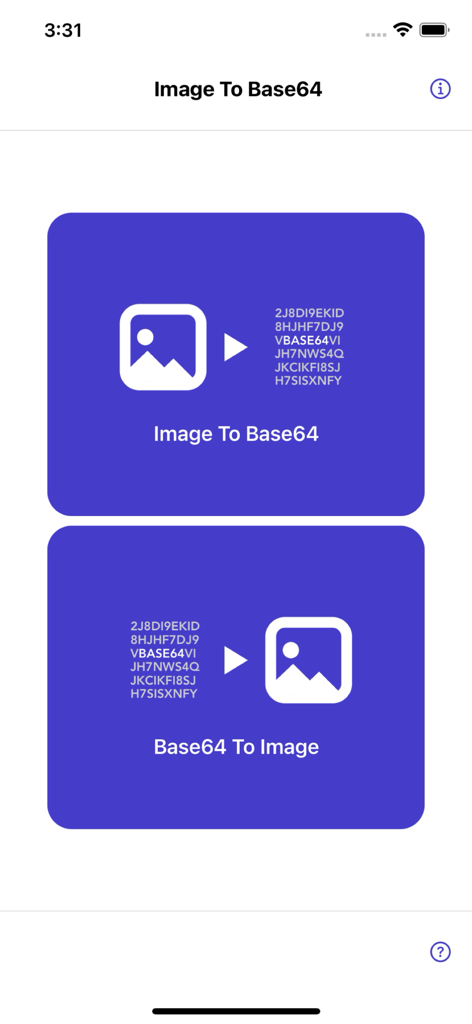
Image to Base64 Plus - 画像を文字列に変換し、文字列を画像に戻すオプションが表示されたImage to Base64 Plusアプリのメイン画面。
画像を文字列に変換し、文字列を画像に戻すオプションが表示されたImage to Base64 Plusアプリのメイン画面。

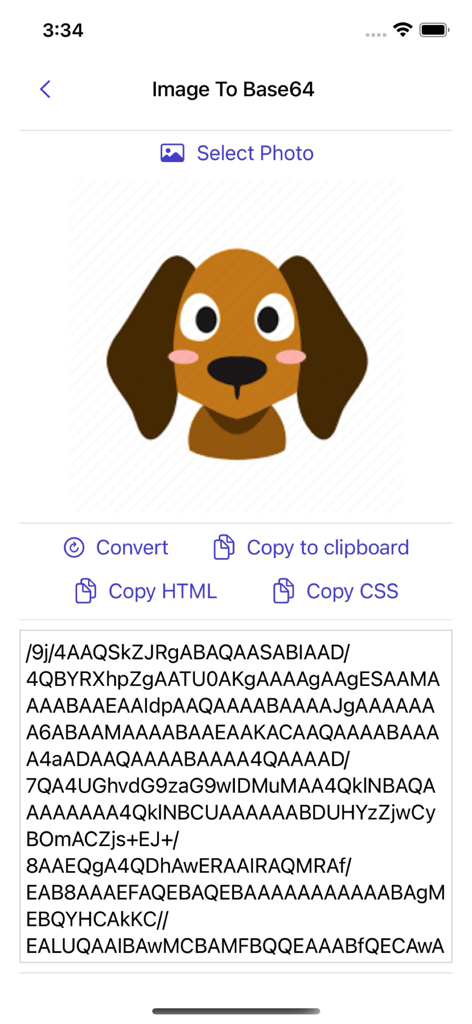
Image to Base64 Plus - 犬の画像がBase64テキスト文字列に変換され、コピーオプションが表示されたImage to Base64 Plusアプリのインターフェース。
犬の画像がBase64テキスト文字列に変換され、コピーオプションが表示されたImage to Base64 Plusアプリのインターフェース。

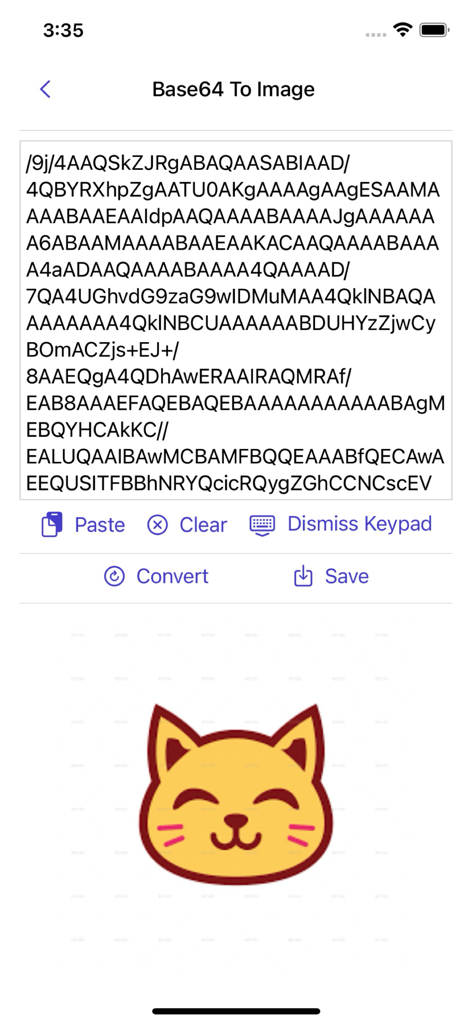
Image to Base64 Plus - Base64文字列が黄色い猫のイラストにデコードされた画面

Base64文字列が黄色い猫のイラストにデコードされた画面

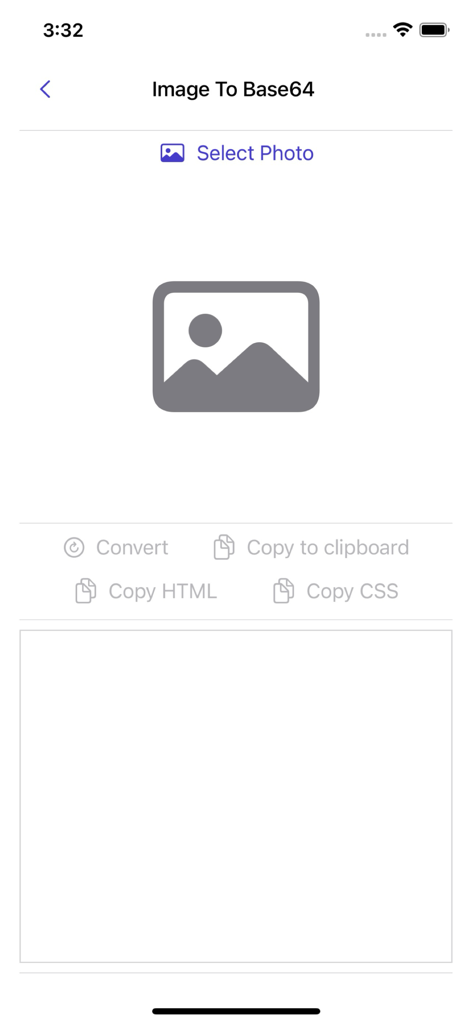
Image to Base64 Plus - 写真の選択とコード変換画面を表示するImage to Base64 Plusアプリのユーザーインターフェース。
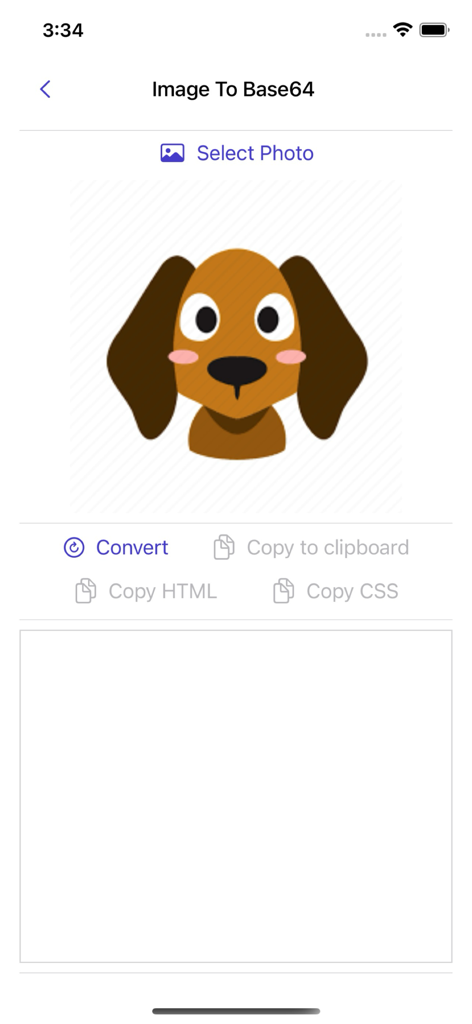
写真の選択とコード変換画面を表示するImage to Base64 Plusアプリのユーザーインターフェース。

Image to Base64 Plus - 漫画の犬の画像がBase64、HTML、またはCSSコードに変換される準備ができたモバイルアプリのインターフェース
漫画の犬の画像がBase64、HTML、またはCSSコードに変換される準備ができたモバイルアプリのインターフェース

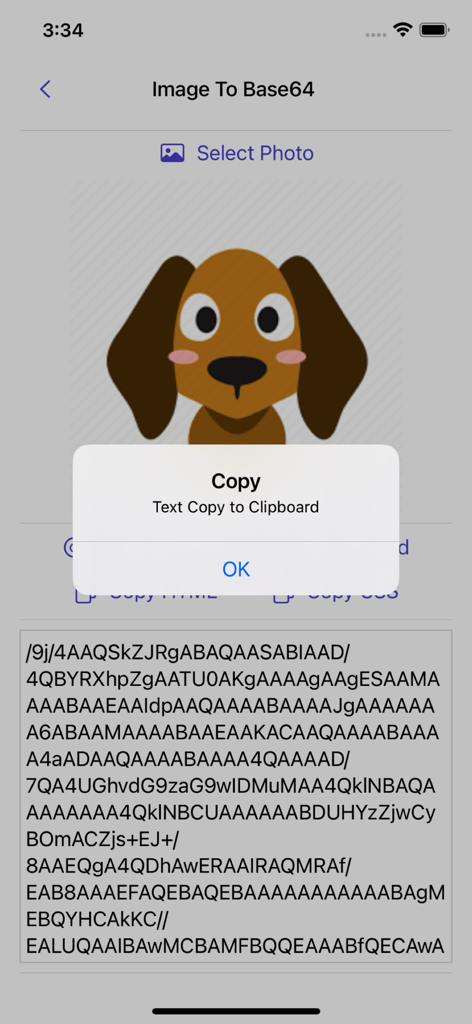
Image to Base64 Plus - 犬の画像がBase64文字列に変換され、コピー確認ポップアップが表示されたアプリのインターフェース。
犬の画像がBase64文字列に変換され、コピー確認ポップアップが表示されたアプリのインターフェース。

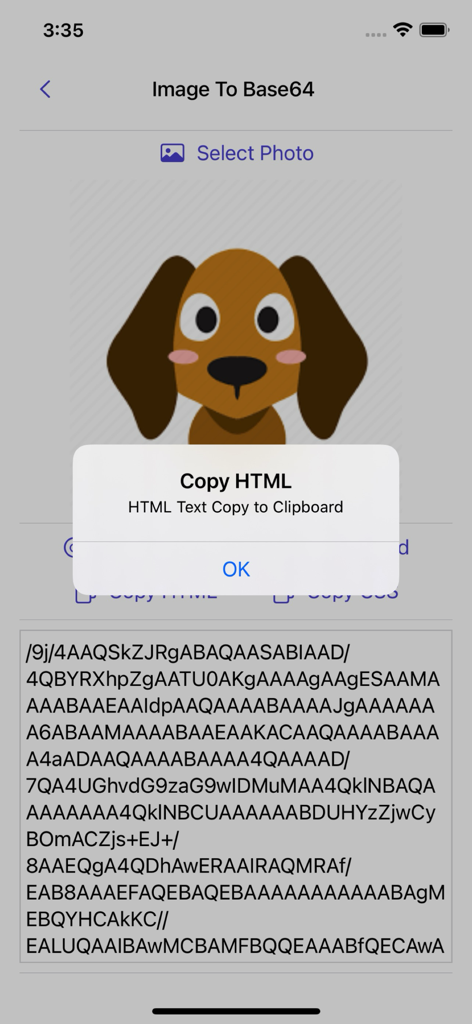
Image to Base64 Plus - 犬のアイコンがコードに変換され、HTMLをクリップボードにコピーする確認アラートが表示されたImage to Base64アプリ
犬のアイコンがコードに変換され、HTMLをクリップボードにコピーする確認アラートが表示されたImage to Base64アプリ

Image to Base64 Plus - Image to Base64 Plusアプリ内でBase64文字列を画像に戻して変換するためのインターフェース。
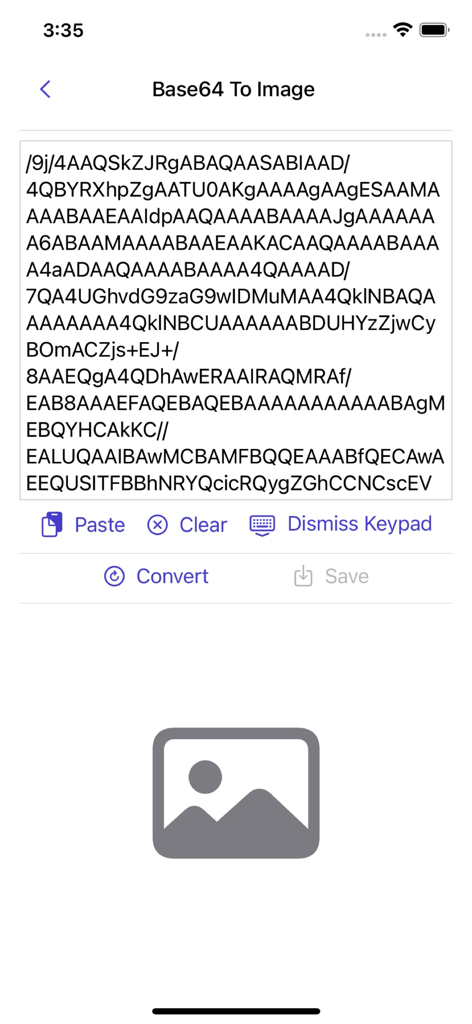
Image to Base64 Plusアプリ内でBase64文字列を画像に戻して変換するためのインターフェース。

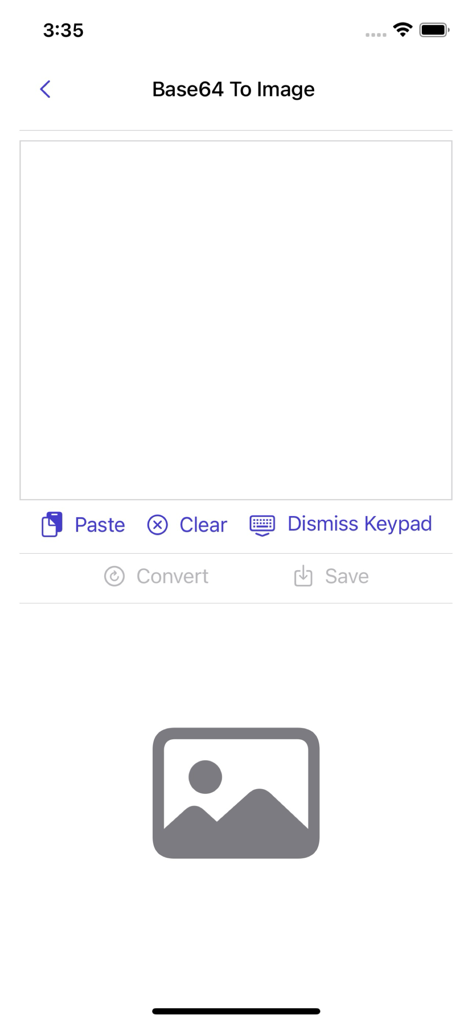
Image to Base64 Plus - テキスト文字列の入力フィールドがあるBase64から画像へのデコード画面。
テキスト文字列の入力フィールドがあるBase64から画像へのデコード画面。

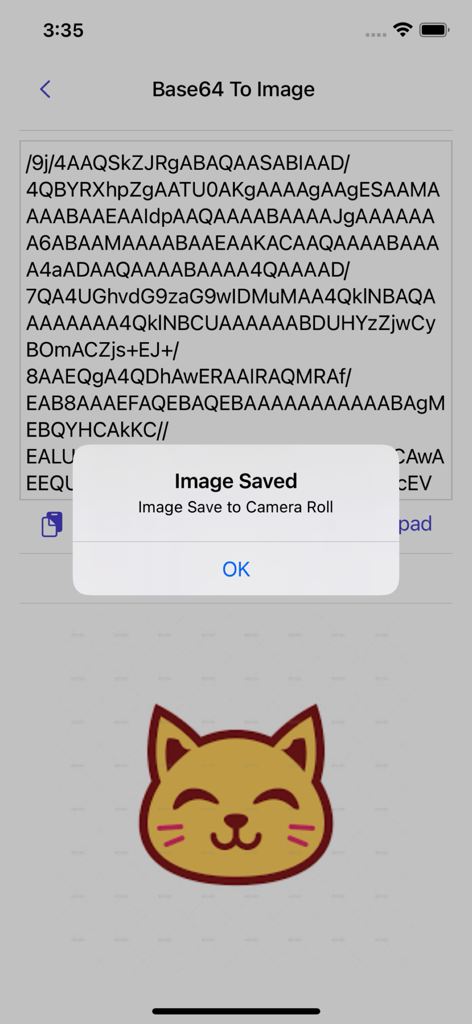
Image to Base64 Plus - Base64文字列から猫のアイコンへの正常な変換と確認アラートが表示されたモバイルアプリのスクリーンショット

Base64文字列から猫のアイコンへの正常な変換と確認アラートが表示されたモバイルアプリのスクリーンショット

説明

Image to Base64 is a flexible and easy-to-use Base64 image encoder. It allows you to convert an image to Base64 or decode a Base64 string back into an image effortlessly. Features: ∙ Convert images to Base64 with ease. ∙ Copy the Base64-encoded string for use in other applications. ∙ Convert Base64 strings back into images effortlessly. ∙ Save the converted image directly to your camera roll. About Base64 Base64 encoding is used to embed image data in formats such as HTML, CSS, and JSON. Since the image is included directly in the content, the browser does not need to make a separate request to fetch the file. However, Base64-encoded images are larger than standalone image files, and for large images, the encoded string can be quite long. It is recommended to use Base64 primarily for small images and compare the performance of embedded vs. external images. Base64 encoding generates characters from a set that includes Latin letters, numerals, plus, and slash. It is widely used in Multipurpose Internet Mail Extensions (MIME) for email transport encoding. Why Use Base64 Encoding? Base64-encoded images can be embedded in img tags or CSS, reducing load times for small images by eliminating additional HTTP requests. This technique is useful for: Creating single-file mockups or demo HTML pages. Embedding images in HTML email signatures to avoid "display images" warnings. How to Convert an Image to Base64: 1. Tap Image to Base64. 2. Select the photo you want to convert. 3. Tap the Convert button. 4. The Base64 string is generated instantly. 5. Copy the Base64/HTML/CSS code by pressing the copy button. How to Convert Base64 to an Image: 1. Tap Base64 to Image. 2. Paste the Base64 code into the text field. 3. Tap the Convert button. 4. If the code is valid, an image preview will appear. 5. Save the image to your camera roll. The Base64 string is generated directly on your device using the Base64 algorithm—no data is sent to a server for conversion. Thank you for your support! Visit nitrio.com for more apps for your iOS devices.

Download

ダウンロード: App Store

このページはアプリまたはその開発者の公式ページではなく、情報提供および論評を目的として作成された独立した編集出版物です。明示的に別段の記載がない限り、アプリおよびその開発者は、MWM、Apple、Google Play、アプリのパブリッシャー、またはアプリの開発者と提携、承認、後援、認可、またはその他の公式的な関係はなく、このページのいかなる内容も、アプリがMWMのサービスを使用して開発されたことを意味するものではありません。すべての商標、ロゴ、スクリーンショット、その他のコンテンツはそれぞれの所有者の財産です。