IPTV Player Live: M3U & Xtream
ダウンロード: App Store

このページはアプリまたはその開発者の公式ページではなく、情報提供および論評を目的として作成された独立した編集出版物です。明示的に別段の記載がない限り、アプリおよびその開発者は、MWM、Apple、Google Play、アプリのパブリッシャー、またはアプリの開発者と提携、承認、後援、認可、またはその他の公式的な関係はなく、このページのいかなる内容も、アプリがMWMのサービスを使用して開発されたことを意味するものではありません。すべての商標、ロゴ、スクリーンショット、その他のコンテンツはそれぞれの所有者の財産です。


ロゴ: IPTV Player Live: M3U & Xtream
ダウンロード: App Store

IPTV Player Live: M3U & Xtream

ぎこちないインターフェースに甘んじるのはやめましょう。モダンな配線不要ユーザーのために設計された、洗練された高性能メディアマネージャーを体験してください。iCloud統合、AirPlay、ピクチャ・イン・ピクチャなどの高度な機能で、iPhone、iPad、Apple TV間でプレイリストをシームレスに同期できます。

主要数値

ダウンロード

113K+

ユーザー評価

4.9/5

評価数

6K+

開発元

Ibrahim Hanna Zananiri

カテゴリ

Entertainment

対応言語

6

最新バージョン

8.7

サイズ

51.2 MB

リリース日

2023年1月6日
機能

Appleデバイス向けの究極のIPTV体験

ぎこちないインターフェースに甘んじるのはやめましょう。モダンな配線不要ユーザーおよびAppleパワーユーザーのために特別に設計された、洗練されたパワフルで安全なプレーヤーをお楽しみください。

シームレスなiCloudエコシステム同期

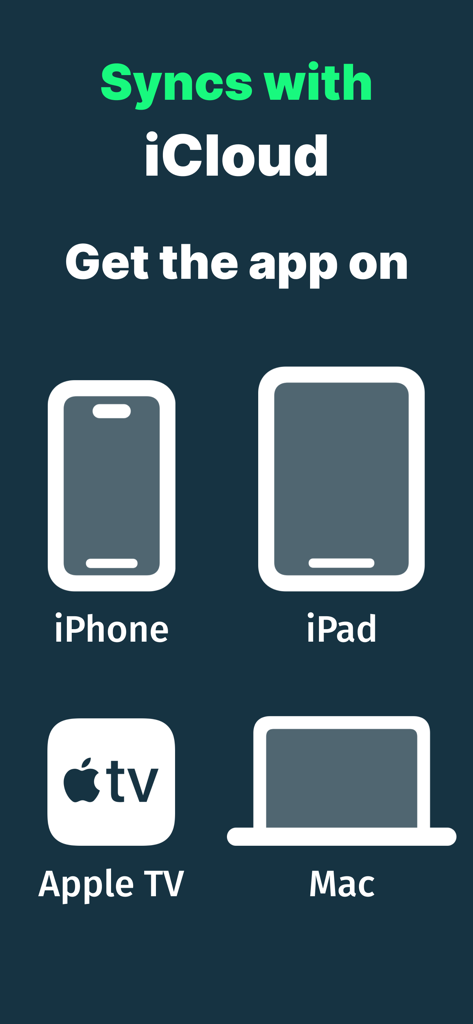
通勤中に視聴を開始し、ソファで視聴を終了できます。M3Uプレイリスト、履歴、お気に入りは、iPhone、iPad、Apple TV間で完全に同期されたままになります。

プロのマルチタスク&キャスト

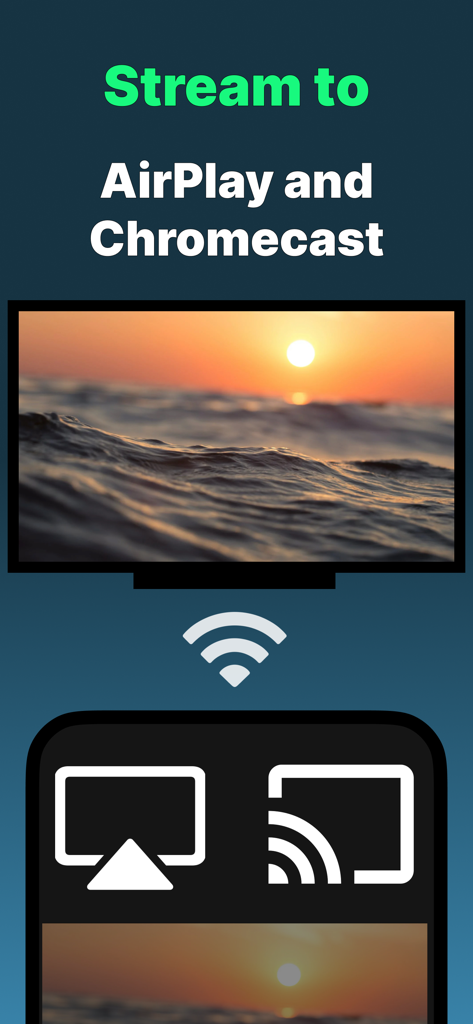
ピクチャ・イン・ピクチャ対応でプレイを見逃すことはありません。AirPlayとChromecastを使用してストリームを大画面に移動させ、映画のような体験をお楽しみください。

以下のスクリーンショットと説明は、アプリの公式ストアリスティングから直接取得されたものであり、アプリ開発者の所有物です。

アプリストア

スクリーンショット
IPTV Player Live: M3U & Xtream -

IPTV Player Live: M3U & Xtream -

IPTV Player Live: M3U & Xtream -

IPTV Player Live: M3U & Xtream -

IPTV Player Live: M3U & Xtream -

説明

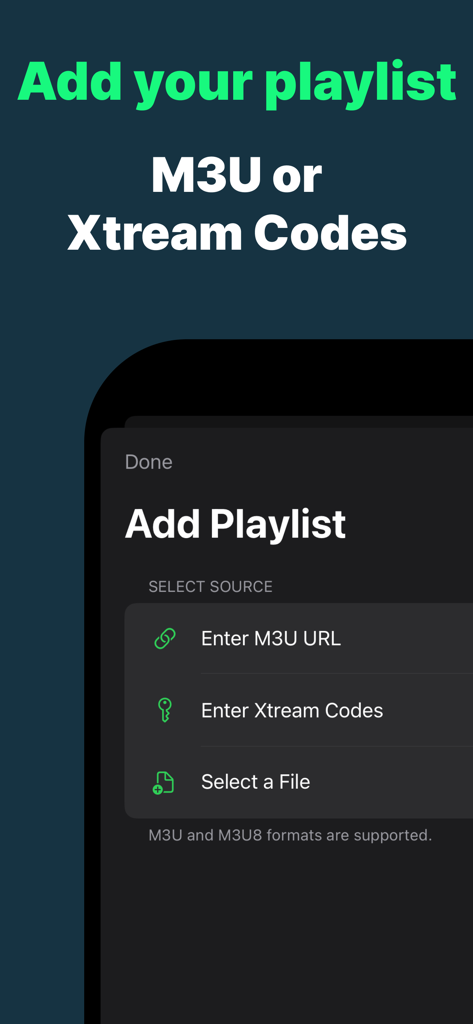
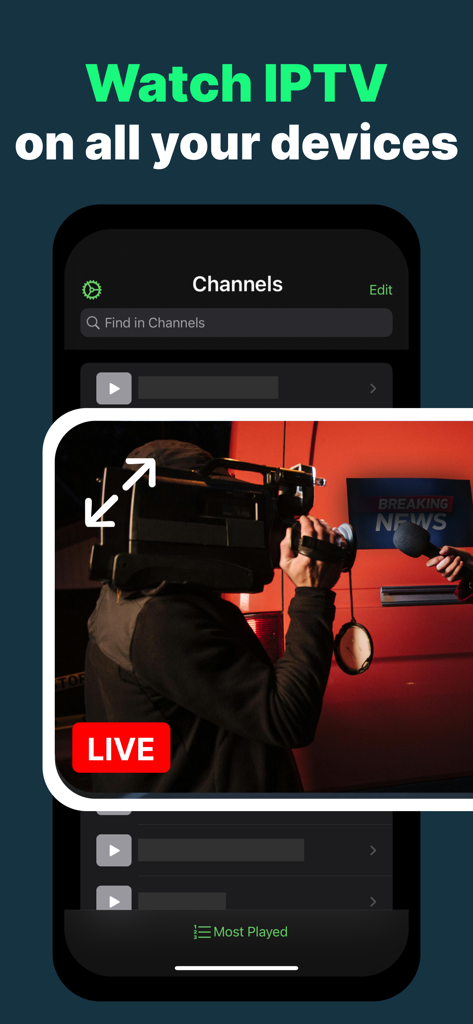
We know your pain. Most IPTV player apps out there aren't great. You deserve a better IPTV experience. This app is not only superior, it is also free. Getting started is easy: 1. Add your IPTV playlist - these are usually M3U files 2. Explore and search in your channels 3. Start watching a live stream with one tap! You can watch anywhere, on your iPhone or iPad, go full screen, Picture-in-Picture to multi-task, or use AirPlay to watch on Apple TV or any AirPlay-enabled audio/video device. You can also download our tvOS app for a beautiful experience adapted to Apple TV. == Add your playlists ==== • Import your IPTV playlist from a web URL, a local file, iCloud, or using your Xtream Codes credentials. • Supports M3U and M3U8 formats • Automatically synchronizes your playlist data, history, and favorites across your devices with iCloud. == Watch anywhere ==== • Supports streaming live TV channels, VoD (Video-on-Demand), Shows, etc. • Supports AirPlay and Chromecast: Play and cast your content for a larger screen experience in the living room or with family and friends. • Organize and browse your channels by channel category, playlist, region, and language. == Make it yours ==== • Add channels to Favorites for quicker access. • Instant access to your favorite and previously watched channels using Spotlight Search. • Sort channels by most recently watched, alphabetically, and more. • Select multiple channels to manage them easily in one go. • Unlock the app using Face ID or Touch ID. (Option in Settings) == Choose a superior app ==== • Works across different device forms, with excellent iPad experience, taking advantage of your screen real estate for immersive browsing and playback. • App also available for your Apple TV and Mac. This app is a media manager and player and does not come pre-loaded with any content. It is designed to help you enjoy your own content, better than what you may have tried already. Notice: It is your responsibility to verify your content to make sure it is fair and legal. This is a Chromecast-enabled app which lets stream to Chromecast products including Google Chromecast and TVs with Chromecast built-in. Chromecast is a trademark of Google LLC. - EULA: https://www.apple.com/legal/internet-services/itunes/dev/stdeula/

Download

ダウンロード: App Store

このページはアプリまたはその開発者の公式ページではなく、情報提供および論評を目的として作成された独立した編集出版物です。明示的に別段の記載がない限り、アプリおよびその開発者は、MWM、Apple、Google Play、アプリのパブリッシャー、またはアプリの開発者と提携、承認、後援、認可、またはその他の公式的な関係はなく、このページのいかなる内容も、アプリがMWMのサービスを使用して開発されたことを意味するものではありません。すべての商標、ロゴ、スクリーンショット、その他のコンテンツはそれぞれの所有者の財産です。