IPTV Smart Player, Live Stream
ダウンロード: App Store

このページはアプリまたはその開発者の公式ページではなく、情報提供および論評を目的として作成された独立した編集出版物です。明示的に別段の記載がない限り、アプリおよびその開発者は、MWM、Apple、Google Play、アプリのパブリッシャー、またはアプリの開発者と提携、承認、後援、認可、またはその他の公式的な関係はなく、このページのいかなる内容も、アプリがMWMのサービスを使用して開発されたことを意味するものではありません。すべての商標、ロゴ、スクリーンショット、その他のコンテンツはそれぞれの所有者の財産です。


ロゴ: IPTV Smart Player, Live Stream
ダウンロード: App Store

IPTV Smart Player, Live Stream

視聴体験を完全にコントロールしましょう。プログレードの機能(マルチスクリーンサポート、Chromecast、最新のコードカッター向けに設計された洗練されたEPGなど)で、M3UおよびXtreamプレイリストを簡単に管理できます。

主要数値

ダウンロード

800

ユーザー評価

1.0/5

評価数

0

開発元

Muhammad Uzair Ajmal

カテゴリ

Entertainment

対応言語

18

最新バージョン

1.2

サイズ

50.6 MB

リリース日

2025年3月5日
機能

コードを切る、質は切らない

iPadとiPhoneを高性能エンターテイメントハブに変えましょう。お気に入りのプレイリストをインポートし、最新のストリーマー向けに設計されたプレミアムでパーソナライズされた視聴体験をお楽しみください。

プロレベルのマルチスクリーンキャスティング

アクションの瞬間を逃すことはありません。一度に複数のスポーツストリームを視聴したり、Chromecastのフルサポートで、お気に入りのチャンネルを大画面に直接キャストしたりできます。

究極のプレイリスト統合

メディアを完全にコントロールしましょう。Xtream Codes APIまたはM3U URLを簡単に同期して、すべてのグローバルコンテンツを1つの洗練された直感的なインターフェースに整理しましょう。

以下のスクリーンショットと説明は、アプリの公式ストアリスティングから直接取得されたものであり、アプリ開発者の所有物です。

アプリストア

スクリーンショット
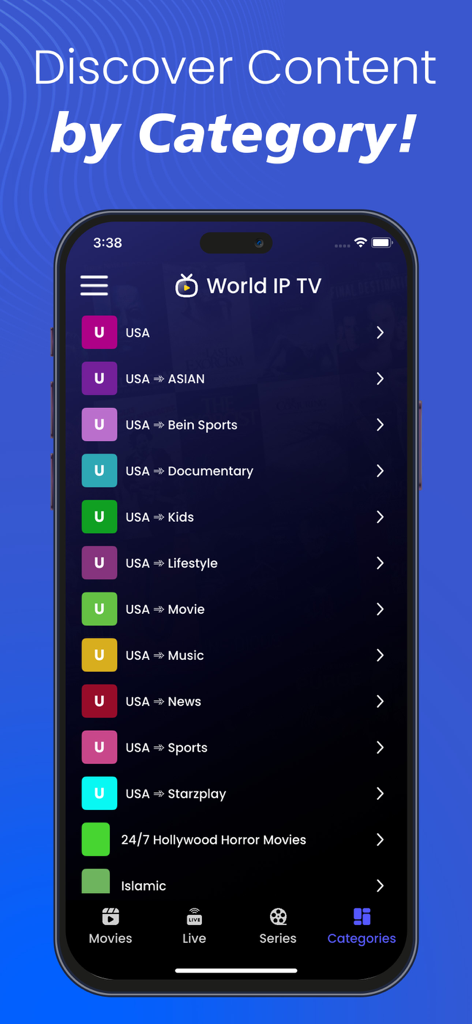
IPTV Smart Player, Live Stream - IPTV Smart Playerアプリのインターフェース。スマートフォンの画面にコンテンツカテゴリが表示されています。
IPTV Smart Playerアプリのインターフェース。スマートフォンの画面にコンテンツカテゴリが表示されています。

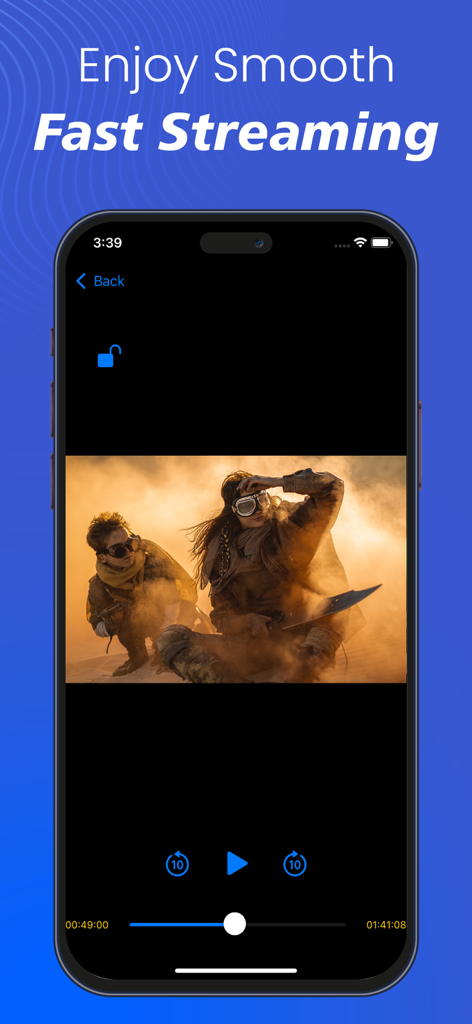
IPTV Smart Player, Live Stream - IPTV Smart Playerのモバイルインターフェース。再生コントロールが表示された映画ストリームが表示されています。
IPTV Smart Playerのモバイルインターフェース。再生コントロールが表示された映画ストリームが表示されています。

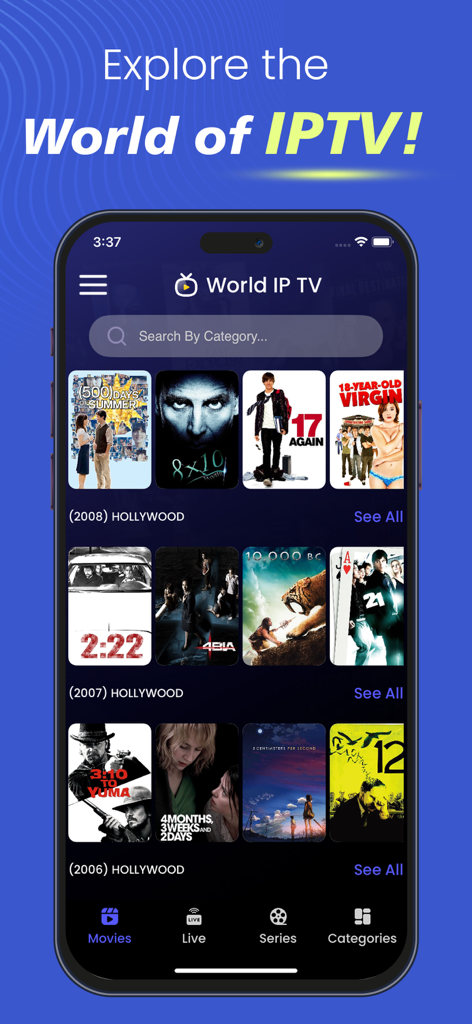
IPTV Smart Player, Live Stream - IPTV Smart Playerアプリのインターフェース。ハリウッド映画のコレクションが表示されています。
IPTV Smart Playerアプリのインターフェース。ハリウッド映画のコレクションが表示されています。

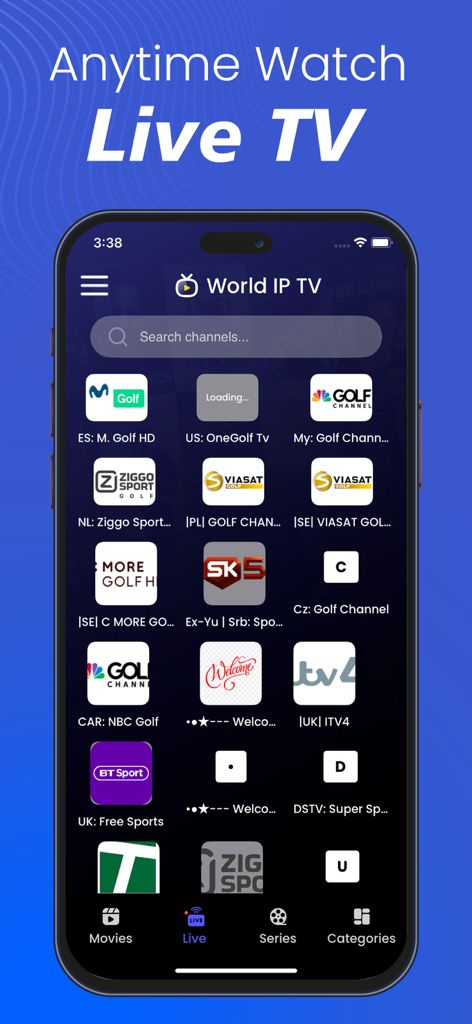
IPTV Smart Player, Live Stream - IPTV Smart Playerアプリのインターフェース。ライブスポーツと国際テレビチャンネルが表示されています。
IPTV Smart Playerアプリのインターフェース。ライブスポーツと国際テレビチャンネルが表示されています。

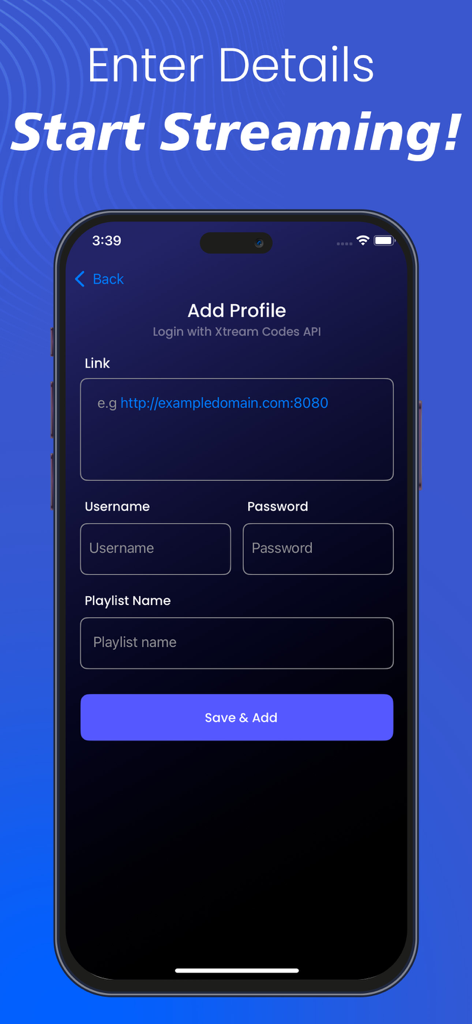
IPTV Smart Player, Live Stream - Xtream Codes APIログイン情報(リンク、ユーザー名、パスワードを含む)でIPTVプロファイルを追加するためのユーザーインターフェース

Xtream Codes APIログイン情報(リンク、ユーザー名、パスワードを含む)でIPTVプロファイルを追加するためのユーザーインターフェース

説明

IPTV Smart Player, Live Stream: Revolutionizing Your Entertainment Experience Introducing the IPTV Smart Player, Live Stream—your ultimate gateway to an enhanced entertainment experience. Designed for sophistication and convenience, this smart IPTV player elevates your viewing experience like never before. With IPTV Player, you can effortlessly stream video content directly from the internet using Streaming URLs and the Xtream Codes API provided by your IPTV service provider. This application displays only the content added by the user, ensuring a personalized viewing experience. Additionally, the Xtream IPTV local media player allows users to play media files stored on their devices, making it a versatile entertainment hub for IPTV users. Key Features of IPTV Smart Player, Live Stream 1. Chromecast Support Stream your favorite content directly to your TV using Chromecast integration. 2. Multi-Screen Support Watch multiple programs or channels simultaneously, perfect for multitasking entertainment. 3. Xtream Codes API Integration Seamlessly connect with the Xtream Codes API to stream your content without hassle. 4. M3U URL Support Import and manage IPTV playlists effortlessly with M3U playlist compatibility. 5. Parental Control Restrict access to certain content, ensuring a safe viewing experience for families. 6. Customizable Content List Order Arrange content lists according to your preferences for an optimized user experience. 7. Refresh EPG (Electronic Program Guide) Manually refresh EPG data to update program listings instantly. 8. Multi-User Support Create multiple user profiles within the same application for a personalized experience. 9. Favorites Management Mark and quickly access your favorite shows and movies. 10. Search Functionality Find your preferred content easily with the built-in search feature. 11. Manual Data Refresh Refresh content manually to ensure you always have access to the latest media. 12. Sorting Options Various sorting options, including A-Z, Z-A, and more, for seamless navigation. 13. Subtitle Support Enjoy enhanced understanding with integrated subtitle support. 14. User-Friendly Interface A sleek, intuitive UI design ensures a seamless and engaging user experience. 15. Extensive Customization Options Personalize your IPTV interface with advanced customization settings. 16. Movie Information & Ratings Access details like director, cast, release year, and ratings for a well-informed viewing choice. Important Notes: • All images used in Xtream IPTV Player store listing screenshots are licensed under the common creative zero (CCO). • Xtream IPTV player has no built-in media content. The app is a video media player like any other video player. • Content Responsibility: Remember, the app is a platform for users to add and play their own content. Ensure that you have the necessary rights or permissions to access and stream the content you add. • Compliance: Respect copyright laws and guidelines. Avoid streaming or sharing copyrighted material without proper authorization. Disclaimer: We do not promote or offer copyrighted material, IPTV subscriptions, or streams. Users are responsible for adding their streaming URLs or content. This application only displays the content added by the user and plays the user's content in this application.

Download

ダウンロード: App Store

このページはアプリまたはその開発者の公式ページではなく、情報提供および論評を目的として作成された独立した編集出版物です。明示的に別段の記載がない限り、アプリおよびその開発者は、MWM、Apple、Google Play、アプリのパブリッシャー、またはアプリの開発者と提携、承認、後援、認可、またはその他の公式的な関係はなく、このページのいかなる内容も、アプリがMWMのサービスを使用して開発されたことを意味するものではありません。すべての商標、ロゴ、スクリーンショット、その他のコンテンツはそれぞれの所有者の財産です。








