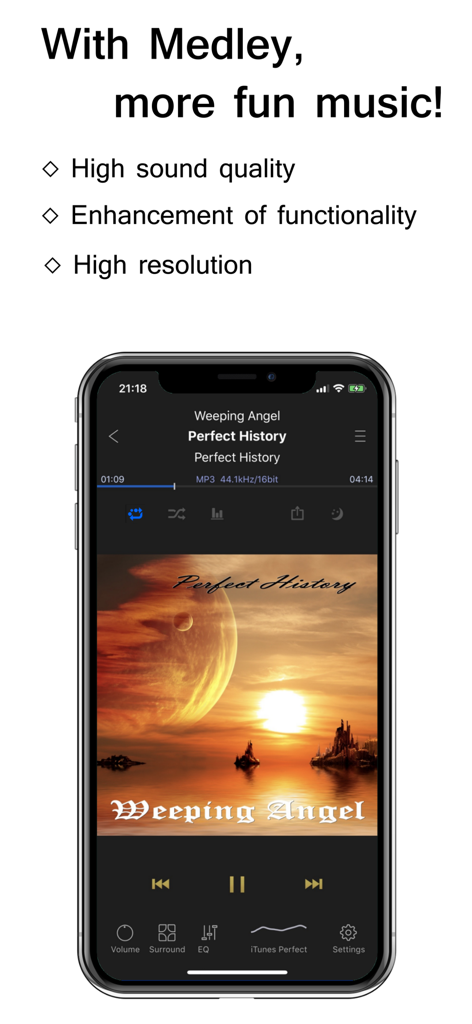
With Medley, more fun music!
KaiserTone Medley is a medley specialized player who can experience fun music time. This player is considerated for high function and high sound quality, to ordinary CD sound source and also high resolution sound source.
1. Listen as a medley of songs.
This player plays the selected songs as a medley.
At this time, the previous song/the next song will play comfortably with crossfade.
- playing time of one song: 30 to 120 seconds
- Cross fade time: 1 to 20 seconds
- With "Sometimes Full chorus" mode, fresh for even a long time (On/Off)
*Cross fading occurs only when the sample frequency, and channel number of consecutive songs are the same, and fade out when it is different.
2. Equipped with a sound engine that also supports high resolution sound source.
This Sound Engine (with Equalizer) has been focused mainly on developed its sound quality. The engine is very fast to pursue a high-quality sound with the frequency of more than 64000.
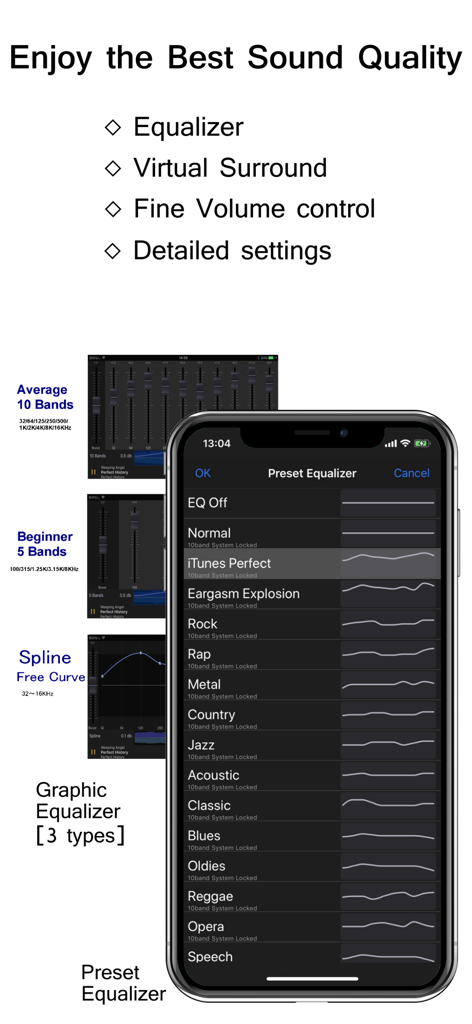
This engine performs equalizer, virtual surround, cross fader, gapless, and reproduces your favorite songs with your favorite high-quality sound.
- sound source: maximum 768kHz/32bit, 12MHz/1bit for DSD format.
- output: The high resolution sound source is downsampled to a maximum of 96kHz/32 bits or less.
- The full performance at Dual Core or more CPU.
- Furthermore, 64-bit high-precision arithmetic processing is carried out in iOS models equipped with 64 bit-CPU.
3. Enjoy good design of operability.
KaiserTone Medley has a cool design and good operability.
- Design theme (24 Colors)
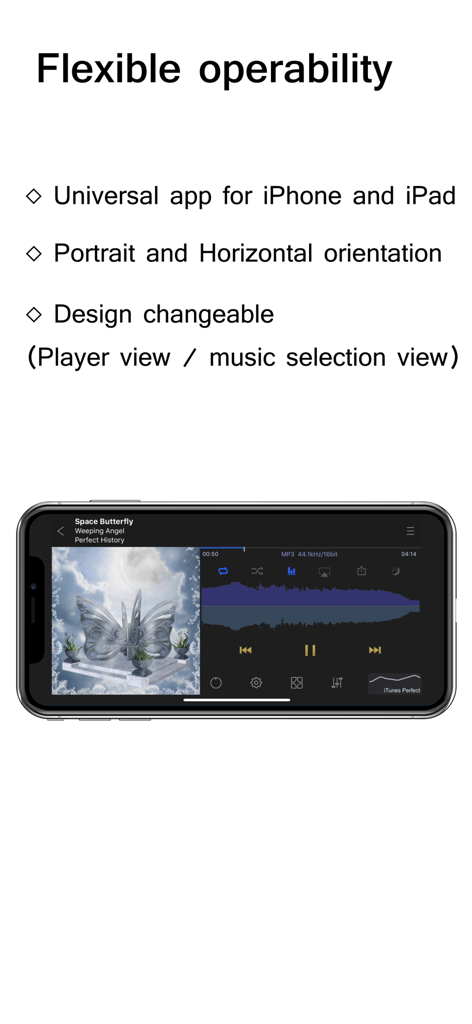
- Orientation of the player screen (Automatic, fixed vertical and fixed horizontal)
- Universal compatible
4. Enjoy the many features.
KaiserTone Medley has many features.
It has various functions such as adjustment of sound quality, volume, selection of music selection, screen setting.
5. As a trial version of KaiserTone (paid version).
KaiserTone Medley can be confirmed as a trial version of KaiserTone (paid version).
Therefore, some functions will display "This function works only for paid version" message. These functions are limited only to functions as more regular players.
+ Compatible models:
iPhone (5 or later), iPad (Pro, Air2, Air), iPod touch (7,6)
+ Supported audio format
iPod Library(iTunes): audio format used by Music App of Apple (default player in iPhone)
Hires DB: DSD(2.8MHz~12MHz/1bit, .dsf, .dff), FLAC(8k~384kHz/8~32bit), WAV(8k~768kHz/8~64bit), Apple Lossless(8k~384kHz), AIFF(8k~768kHz/8~32bit), AAC(8~320 Kbps), MP3(8~320 Kbps), MP4(as Sound), M4V(as Sound)
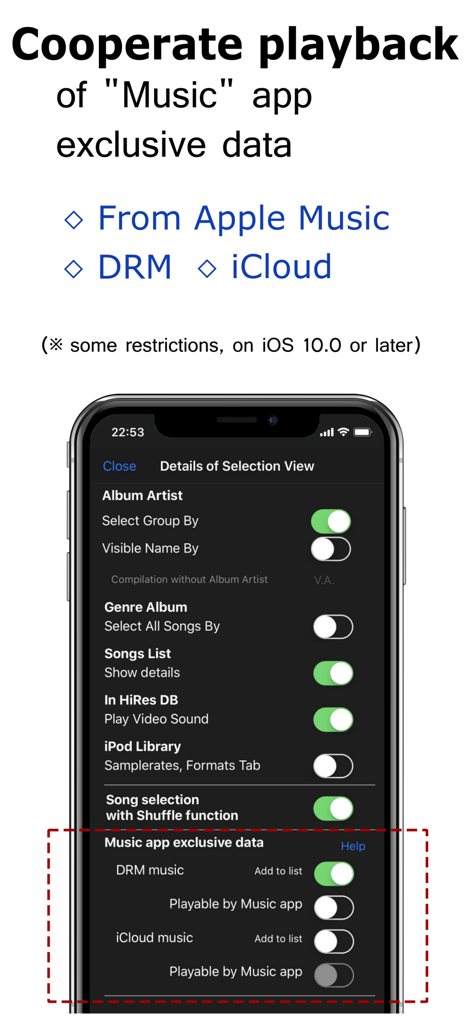
* On iOS 10 or later, Music app exclusive data (Apple Music, DRM, iCloud) can be cooperative played back with the restriction function by Music app.
+ Playback options
- Shuffle On/Off
- Spectrum Analyzer (include Stereo-Mode, size, form, snow)
- Twitter NowPlaying (Auto/Manual)
- Sleep Timer (10 min. Until 8 hour)
+ Volume and sound quality
- Fine volume, left/right volume, gain adjustment, stereo/monaural control
- Preset EQ: Normal, Perfect, Rock, Rap, Metal, Country, Jazz, …
- Graphic Equalizer (5 Bands/10 Bands/Spline)
- Virtual Surround (Reverb)
- Digital Output Max(Max 96kHz/32bit)
- Up-sampling ON/Off
+ Selection list
- for iPod Library, for high resolution DB
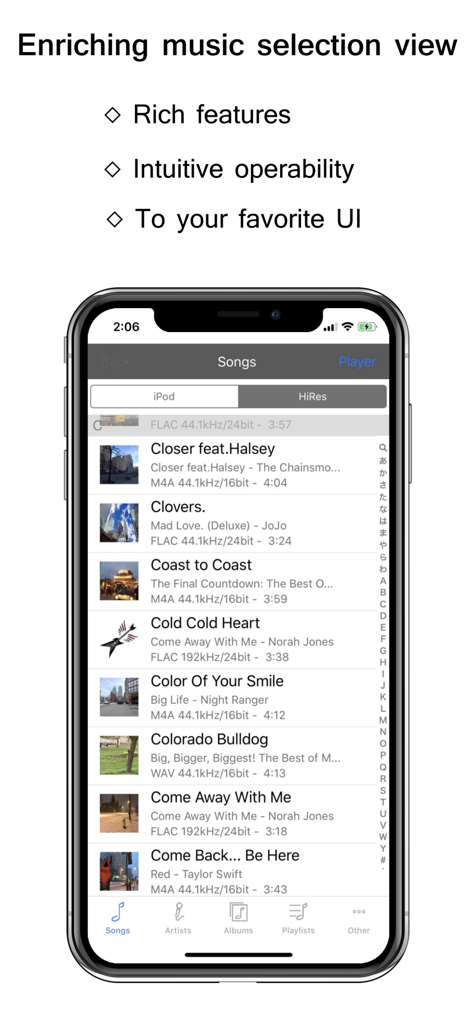
- Artists, Albums, Songs, Genres, Playlists(Create / Delete), Compilations, Composers, Sample Rates, Formats
- Shuffle, All songs, Search
- Album Artist Option
+ Other
- Hires DB (import a file, folder, pkg, or zip by iTunes or AirDrop)
- Headphone, Bluetooth controller operable
- AirPlay output
- Show Album Art
- Pause Fadeout at interruption and "next song" (0 to 1.0 seconds)
- Automatic pause/playback then ringing/Headset Plug out
- Background Playback
- Resume for the time of the previous start-up
- URL scheme support (kaisertonemedley://)
- Show Lyrics (If there is a lyrics in the song file)
Notes :
* It cannot play a track with compression dff file.