Kiosk Pro Enterprise

Kiosk Pro Enterprise


ダウンロード: App Store
ロゴ: Kiosk Pro Enterprise

Kiosk Pro Enterprise: 安全なiPadキオスクディスプレイのためのプロフェッショナルスタンダード

iPadを強力でロックダウンされたインタラクティブキオスクに変えましょう。フリートをリモートで管理し、プロフェッショナルな周辺機器を統合し、小売、美術館、展示会向けにシームレスでブランド化されたエクスペリエンスを提供します。

開発元

Kiosk Group, Inc.

カテゴリ

Business

ダウンロード

68K+

ユーザー評価

1.0/5

評価数

0

対応言語

30

エンタープライズコントロールを一目で確認

このインターフェースを利用する 68K+ 人のユーザー.

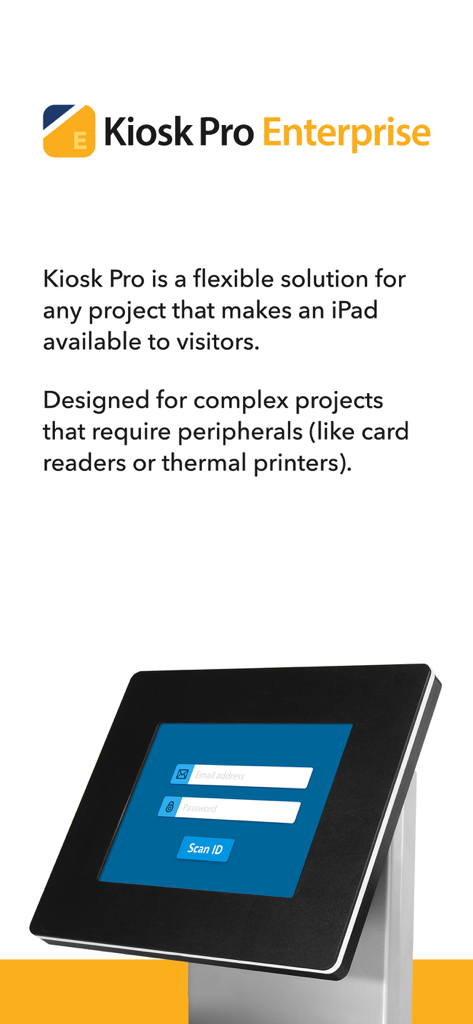
ログインインターフェースを備えた黒いセキュアエンクロージャーのiPadを示す、Kiosk Pro Enterpriseの紹介画面

ログインインターフェースを備えた黒いセキュアエンクロージャーのiPadを示す、Kiosk Pro Enterpriseの紹介画面

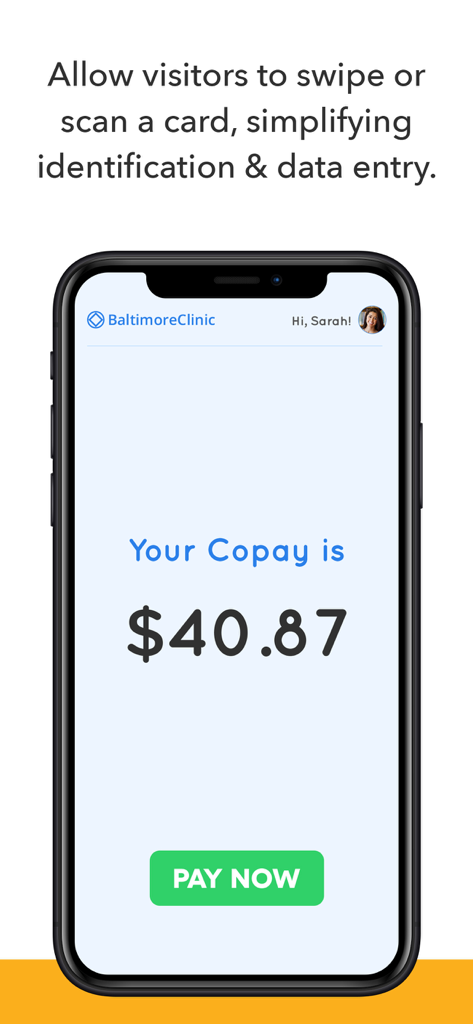
スマートフォンの医療クリニックキオスクインターフェース。自己負担額と今すぐ支払うボタンが表示されています。

スマートフォンの医療クリニックキオスクインターフェース。自己負担額と今すぐ支払うボタンが表示されています。

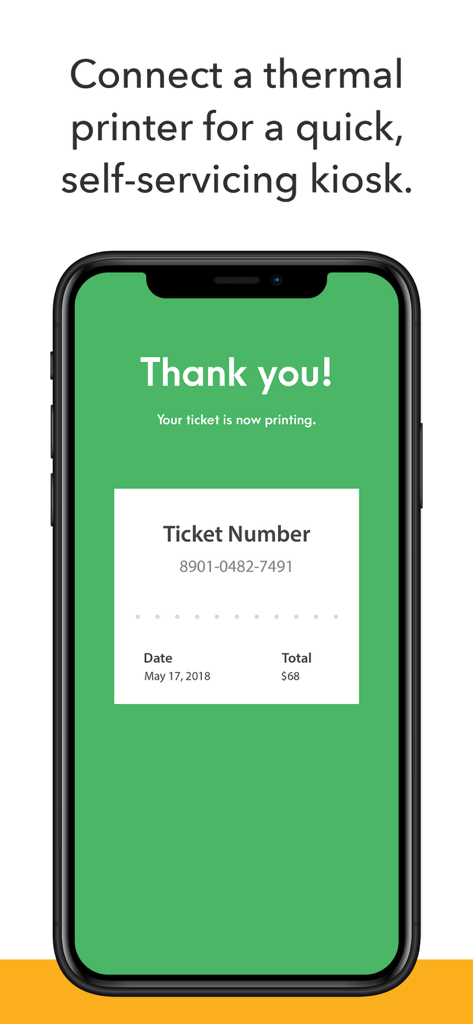
セルフサービスキオスクのチケット印刷確認を示すスマートフォン画面

セルフサービスキオスクのチケット印刷確認を示すスマートフォン画面

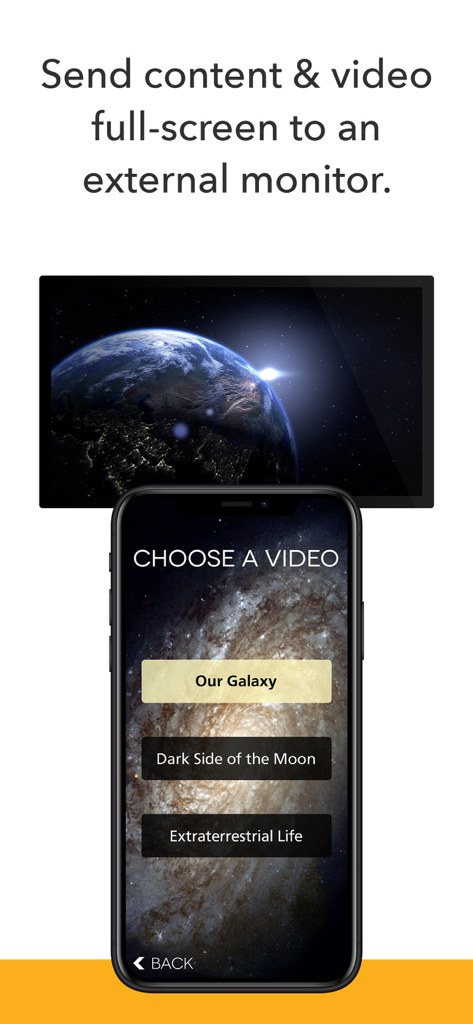
外部モニターで全画面ビデオコンテンツを制御するスマートフォンインターフェース

外部モニターで全画面ビデオコンテンツを制御するスマートフォンインターフェース

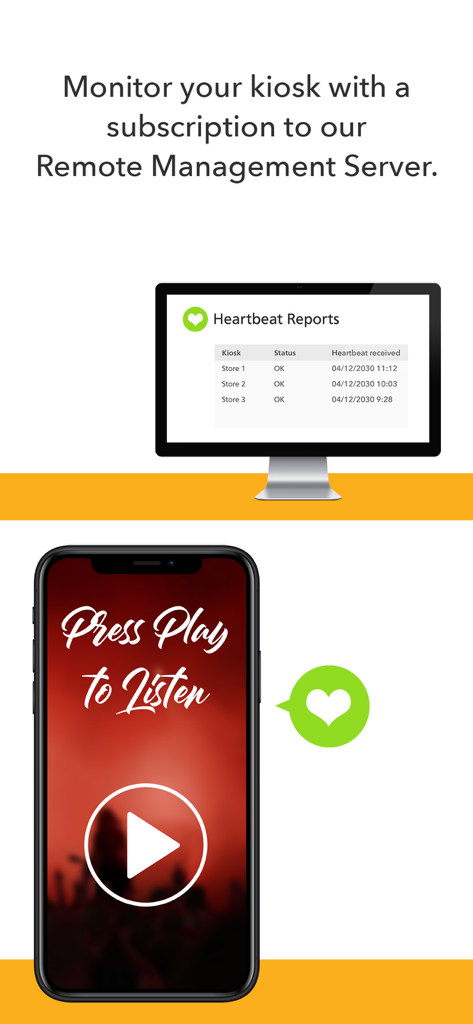
デスクトップおよびモバイルデバイス上の複数のリモートキオスクのハートビートレポートとステータス監視を示すダッシュボード。

デスクトップおよびモバイルデバイス上の複数のリモートキオスクのハートビートレポートとステータス監視を示すダッシュボード。

iPadをプロフェッショナルキオスクに変える

このアプリを際立たせるツール、 68K+ 人のユーザーが選択.

🔒

完全なロックダウンセキュリティ

制限されたブラウジング、制限されたドメインリスト、およびセッションごとの自動データクリアにより、ユーザーの改ざんリスクを排除します。

🌐

集中型フリート管理

クラウドサーバーまたはDropbox経由で、何百ものデバイスの設定とコンテンツをリモートで更新し、ITチームの手作業による労力を大幅に削減します。

🖨️

高度なハードウェア統合

JavaScript APIを介して、サーマルプリンター、バーコードスキャナー、磁気ストライプリーダーを接続することで、高性能なチェックインまたはPOSステーションを構築します。

アプリについて

について知っておくべきこと Kiosk Pro Enterprise.

説明

Kiosk Pro is a flexible solution for any project that makes an iPad available to visitors. As a specialized web browser, Kiosk Pro can display web pages, documents or audio & video files. Show content that’s hosted online or stored locally on the device. Kiosk Pro Enterprise builds on the functionality included in our Plus version, adding our JavaScript API to access common kiosk peripherals like thermal printers and magnetic stripe card readers, to scan QR and barcodes using the iPad’s cameras, and to send full-screen content to an external display. ATTRACT VISITORS • Define a homepage as the starting place for the presentation. • Set an idle timer so that when a visitor walks away, the next person will have a fresh experience, starting right at the beginning. • Increase visitor turnover at your kiosk by setting a browsing time limit. • Clear the cache and/or cookies to secure personal information. • Display a screensaver loop using local images and/or videos. LIMIT NAVIGATION • Specify what’s off limits on the web by creating lists of allowed & restricted domains. • Block access to other apps, including the native email or phone, that could otherwise be opened through links. • Disable touch interaction when used for digital signage. • Autofill username & password for specific URLs. CONTROL THE DISPLAY • Hide status, address, and/or navigation bars to make your content look like a native app. • Allow windows to open in multiple tabs. • Customize the navigation with your own bookmarked links and custom interface. • Works in any language - add your own translated text for on-screen alerts and navigation. • Lock your content to a specific orientation. WORKS OFFLINE • Store content locally for offline viewing. • Shift between online and offline content automatically if your device drops its Internet connection. REMOTE MANAGEMENT • Update your app settings or content files by uploading them onto your own servers or by syncing with your Dropbox account. • Set up email alerts for power loss, remote updates, or motion detection. • Have your kiosks check in with regular heartbeats and monitor all your kiosks from a single location through our cloud-based Remote Management Server. MANAGE AVAILABILITY & POWER USE • Create a schedule to control when the kiosk is available for use. • Control the screen brightness from inside the app settings or dim to minimum brightness while idle. USE ADVANCED FUNCTIONS WITH OUR JAVASCRIPT API • Access the iPad’s camera for photos, videos, and UPC/QR code scanning. • Save visitor form data locally on the device and collect signatures. • Connect to magnetic-stripe card readers, thermal kiosk printers, external monitors and more. Support is built right into our apps with documentation of every feature and direct access to our extensive Knowledge Base. Kiosk Pro Enterprise is compatible with most web content, including HTML web pages, PDFs, and multimedia (including .mp4 video). While certain Powerpoint, Keynote, and Word files are also supported, they are displayed as static documents. Kiosk Pro Enterprise cannot display pop-ups, other apps, or Flash-based content. To prevent visitors from exiting Kiosk Pro Enterprise, you must enable Guided Access in the iPad settings or use Apple’s Configurator app to supervise the iPad into Single App Mode. Our professional kiosk enclosures secure your iPad from theft or damage. See KioskGroup.com for more details!

最新バージョン

11.3.1

サイズ

56.6 MB

リリース日

2015年3月26日

プロフェッショナルキオスクフリートを展開する準備はできましたか?

何千もの企業がパブリックディスプレイを安全に利用しています。Kiosk Pro Enterprise を入手して、完全なリモートコントロール、周辺機器サポート、完全にブランド化された訪問者エクスペリエンスを実現しましょう。

ダウンロード: App Store

App information, icons, screenshots, and descriptions displayed on this page are sourced from the Apple App Store and are the property of their respective developers. Download estimates and rankings are based on MWM's proprietary models and may not reflect actual figures. This page is provided for informational and analytical purposes only.

Believe this page infringes your intellectual property? File a dispute