Kml Viewer-Kml Converter app
ダウンロード: App Store

このページはアプリまたはその開発者の公式ページではなく、情報提供および論評を目的として作成された独立した編集出版物です。明示的に別段の記載がない限り、アプリおよびその開発者は、MWM、Apple、Google Play、アプリのパブリッシャー、またはアプリの開発者と提携、承認、後援、認可、またはその他の公式的な関係はなく、このページのいかなる内容も、アプリがMWMのサービスを使用して開発されたことを意味するものではありません。すべての商標、ロゴ、スクリーンショット、その他のコンテンツはそれぞれの所有者の財産です。

ロゴ: Kml Viewer-Kml Converter app
ダウンロード: App Store

Kml Viewer-Kml Converter app

外出先でKMLファイルを表示、変換、作成できるオールインワンツール。デスクトップGISデータとモバイルワークフローを、オンラインでもオフラインでも、どこでもシームレスに橋渡しします。

主要数値

ダウンロード

116K+

ユーザー評価

1.0/5

評価数

0

開発元

p swagath

カテゴリ

Navigation

対応言語

1

最新バージョン

2.0.3

サイズ

2.0 MB

リリース日

2016年6月10日
機能

現場で空間データをマスター

デスクトップGISソフトウェアとモバイル運用の間のプロフェッショナルな架け橋。KMLデータを精密に表示、作成、管理します。

シームレスなワークフロー統合

メール、WhatsApp、iCloud DriveからKMLファイルを即座に開くことができます。iTunesのファイル共有を介して、複雑なフィールドプロジェクトの大規模なデータセットを簡単に同期できます。

現場でのデータ収集

地理ポイントをリアルタイムでキャプチャ。長押しでマーカーを配置し、カスタム名を追加して、オフィスに送り返すための新しいKMLファイルを生成します。

以下のスクリーンショットと説明は、アプリの公式ストアリスティングから直接取得されたものであり、アプリ開発者の所有物です。

アプリストア

スクリーンショット
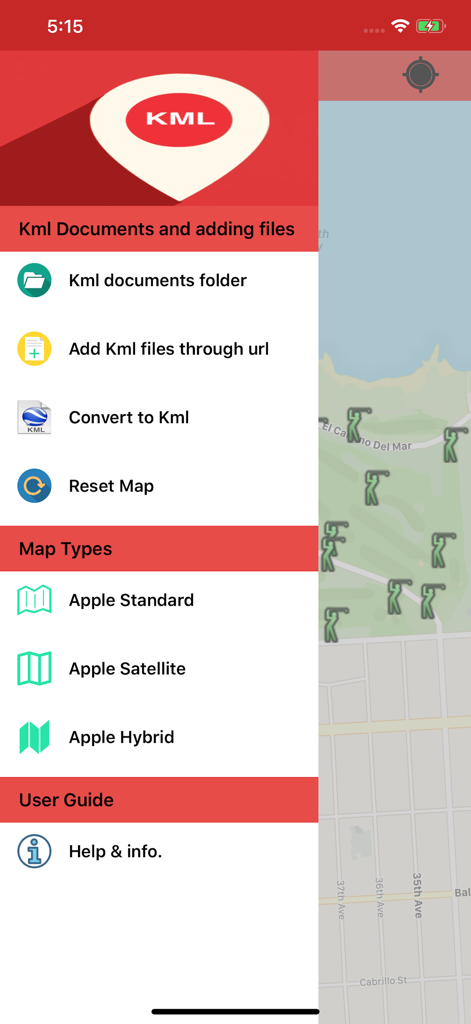
Kml Viewer-Kml Converter app - マップインターフェース上に、ファイル管理とマップタイプのオプションを表示するKML Viewer-Kml Converterアプリのサイドバーメニュー。
マップインターフェース上に、ファイル管理とマップタイプのオプションを表示するKML Viewer-Kml Converterアプリのサイドバーメニュー。

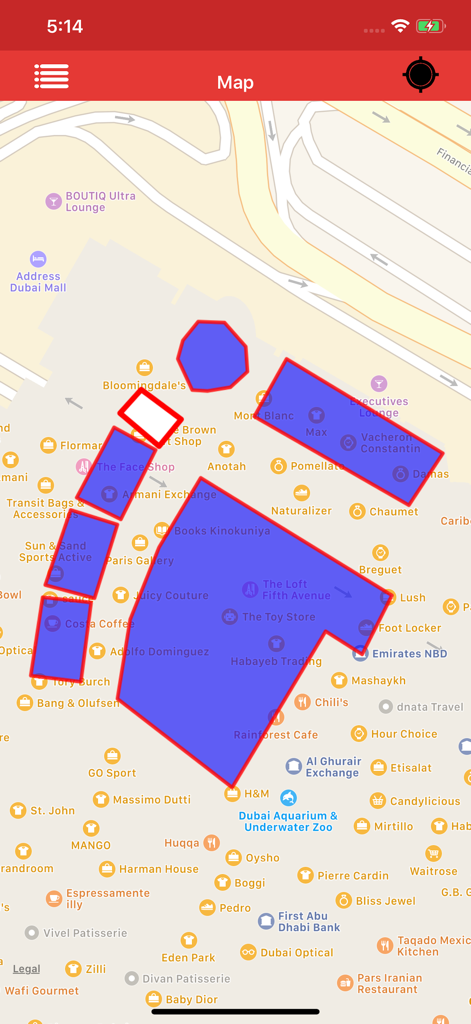
Kml Viewer-Kml Converter app - マップ上に青いポリゴンオーバーレイを表示しているKML Viewerアプリのインターフェース。
マップ上に青いポリゴンオーバーレイを表示しているKML Viewerアプリのインターフェース。

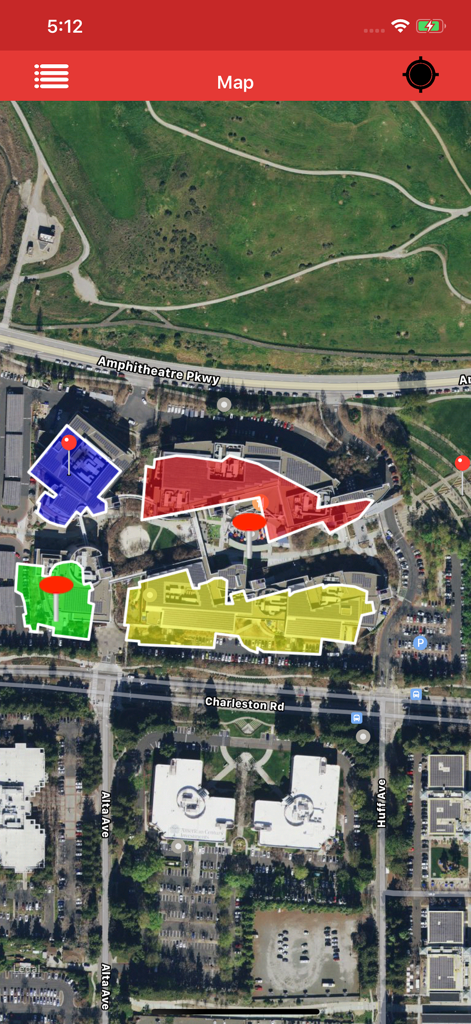
Kml Viewer-Kml Converter app - 建物の形状を概説する色付きのKMLポリゴンとマーカーが表示された衛星地図ビュー。
建物の形状を概説する色付きのKMLポリゴンとマーカーが表示された衛星地図ビュー。

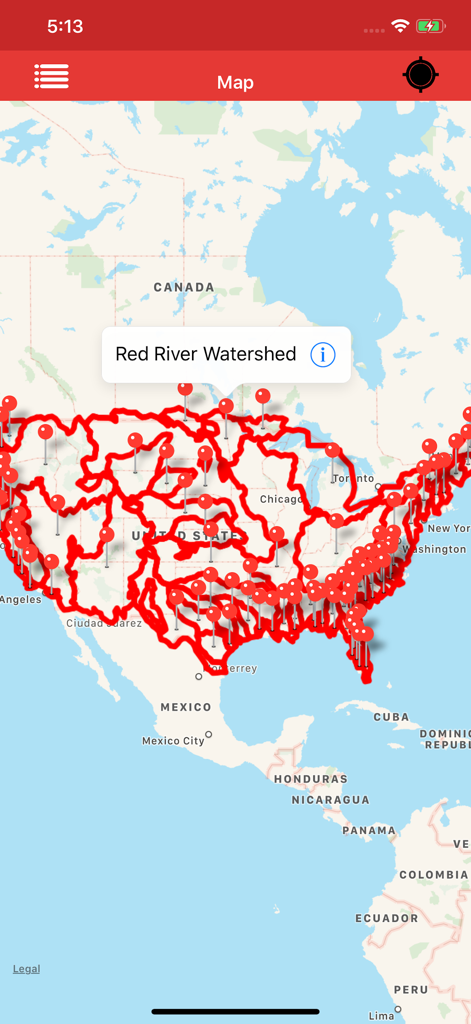
Kml Viewer-Kml Converter app - 全米のレッド川流域の詳細な赤いマップオーバーレイとマーカーを表示しているKml Viewerアプリ。
全米のレッド川流域の詳細な赤いマップオーバーレイとマーカーを表示しているKml Viewerアプリ。

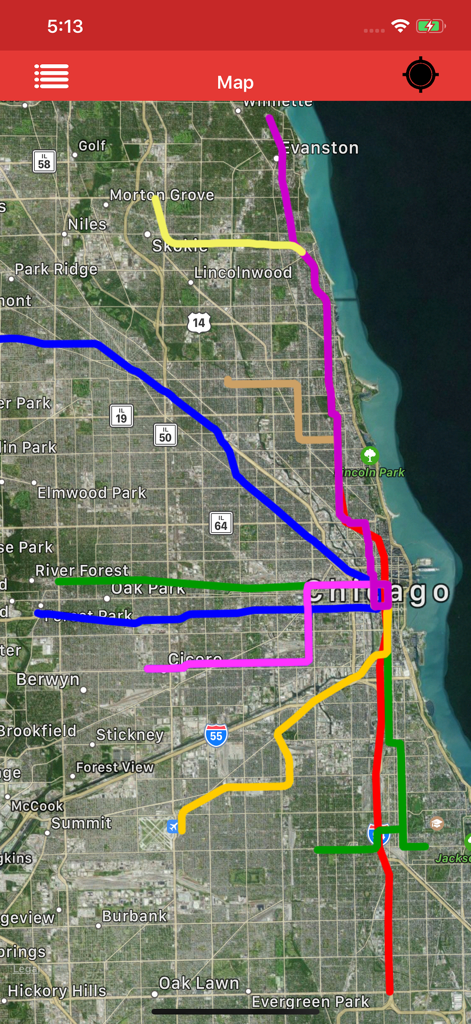
Kml Viewer-Kml Converter app - 都市部のデータを表す複数の色付きKMLパスオーバーレイが表示された衛星地図ビュー。
都市部のデータを表す複数の色付きKMLパスオーバーレイが表示された衛星地図ビュー。

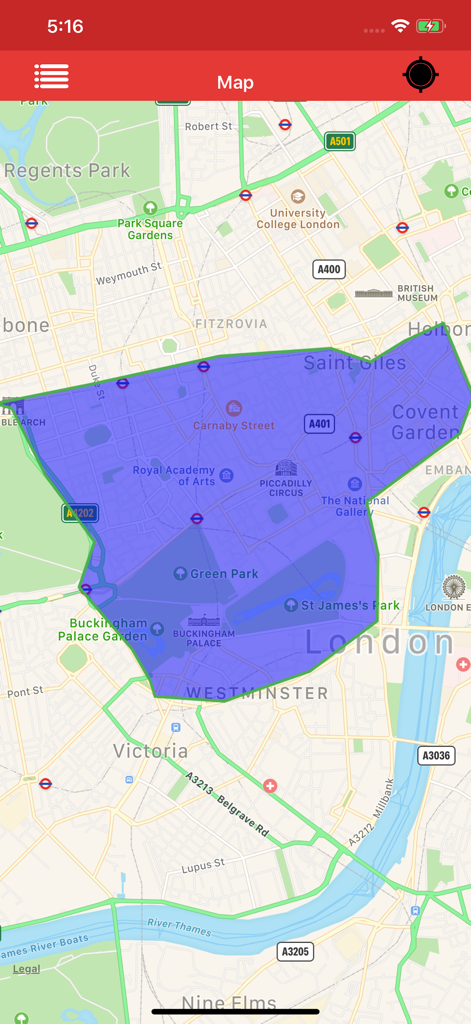
Kml Viewer-Kml Converter app - ロンドン中心部のマップ上に大きな青いポリゴンオーバーレイを表示しているKml Viewerアプリのスクリーンショット。
ロンドン中心部のマップ上に大きな青いポリゴンオーバーレイを表示しているKml Viewerアプリのスクリーンショット。

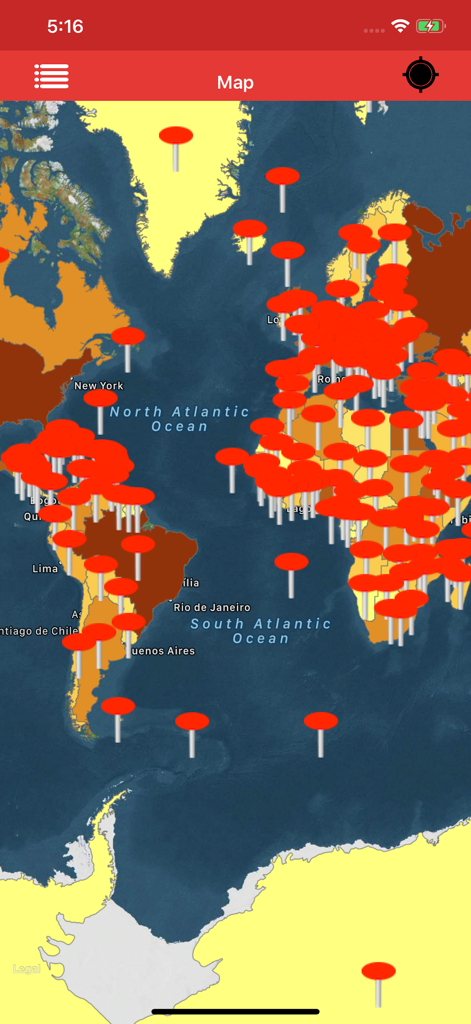
Kml Viewer-Kml Converter app - Kml Viewerアプリで複数の赤い位置マーカーが表示されている世界地図インターフェース。
Kml Viewerアプリで複数の赤い位置マーカーが表示されている世界地図インターフェース。

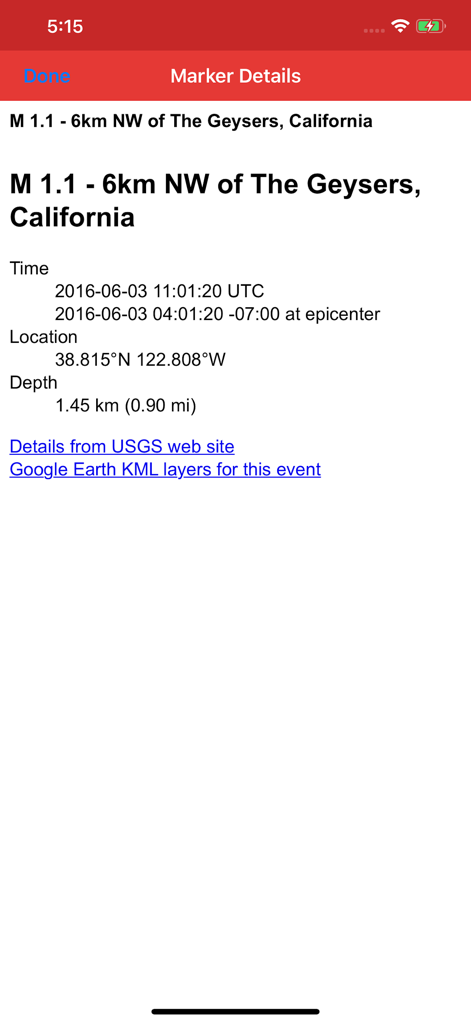
Kml Viewer-Kml Converter app - 地理座標と位置情報を表示しているKML Viewerアプリの詳細なマーカービュー。
地理座標と位置情報を表示しているKML Viewerアプリの詳細なマーカービュー。

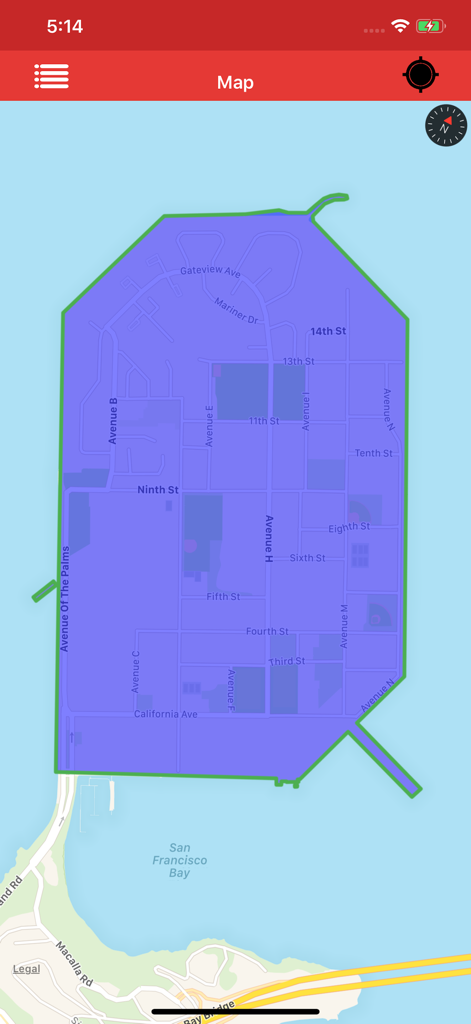
Kml Viewer-Kml Converter app - サンフランシスコのトレジャーアイランドのマップ上に青いポリゴンオーバーレイを表示しているKml Viewerアプリ。
サンフランシスコのトレジャーアイランドのマップ上に青いポリゴンオーバーレイを表示しているKml Viewerアプリ。

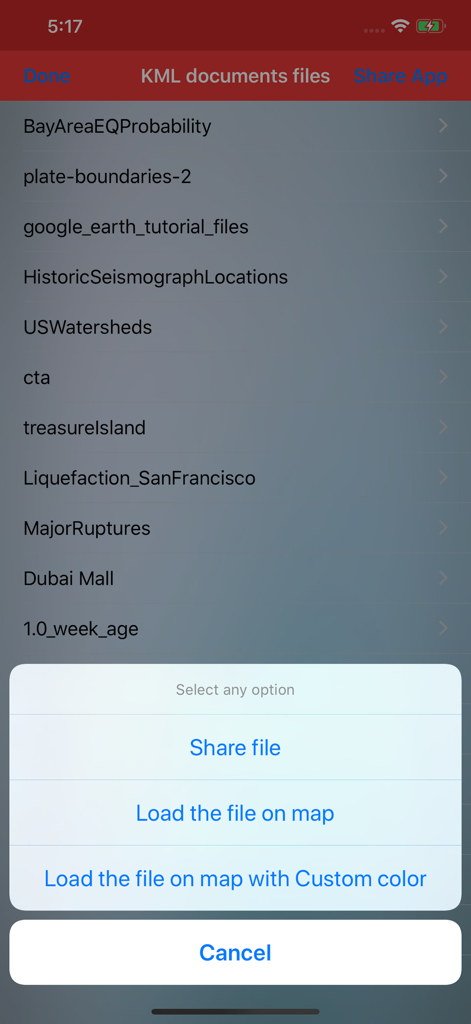
Kml Viewer-Kml Converter app - ドキュメントのリストと、マップ上でファイルを共有または読み込むオプションを含むポップアップメニューを表示しているKML Viewerアプリのインターフェース。

ドキュメントのリストと、マップ上でファイルを共有または読み込むオプションを含むポップアップメニューを表示しているKML Viewerアプリのインターフェース。

説明

Kml Viewer-Kml Converter(Two in one) is an application provides you to load the kml files, convert kml files over the map. KML is a file extension for a placemark file used by Google Earth. The KML file specifies a set of features (placemarks, images, polygons, 3D models, textual descriptions, overlays, icons, etc.) for display in Here on Map. This app works for offline and online. 1)How to Export and Import .kml files into Application? You can view, add or import .kml files into the application in multiple ways —>Keep the .kml files to the mail, then long press on kml file from mail that shows the application icon.click to import the file over the map. —>Share files from other apps which will be similarly supported files like Email,WhatsApp,Notes, iCloud Drive,Save to files and other apps. —>Click on “Add through link” Icon on Menu bar enter .kml files link to add the files into the application. —>Connect your iPhone or iPad to System then iTunes will automatically opens an window.Click phone symbol on top left—>File Sharing and you can see the KML Viewer app then click on app icon to add .kml files.. —>Now you can share kml files to multiple apps similarly supported files. —>Tap on the file in Document folder to Share or export the kml files to another application —>Easily Export kml files to Another application. —>Easily Import kml files from Another application. 2)How to create Kml Markers? —>Long press on map to add markers. —>You can Convert the Kml with userDefined Names. —>After successfully saving the file will be stored in list. —>You can again load the saved Kml file over the map. —>You can send the Kml file through mail. 3)How to delete the Kml file? —>In the list section, swipe left to delete file.The file will be permanently deleted from the application. 4)How to See marker details? —>load kml file on map.If the file contains markers, then tap on the marker to see the detail description of marker like Description,email id, url links,phone numbers,Images,Web site page. —>Connect to Internet to open the url links,web pages,Images. Note: 1)This app contains Rich UserInterface. 2)This app contains less labels on map, and more on Menu bar.This helps user easy interaction on Map. "Continued use of GPS running in the background can dramatically decrease battery life."

Download

ダウンロード: App Store

このページはアプリまたはその開発者の公式ページではなく、情報提供および論評を目的として作成された独立した編集出版物です。明示的に別段の記載がない限り、アプリおよびその開発者は、MWM、Apple、Google Play、アプリのパブリッシャー、またはアプリの開発者と提携、承認、後援、認可、またはその他の公式的な関係はなく、このページのいかなる内容も、アプリがMWMのサービスを使用して開発されたことを意味するものではありません。すべての商標、ロゴ、スクリーンショット、その他のコンテンツはそれぞれの所有者の財産です。








