
このページはアプリまたはその開発者の公式ページではなく、情報提供および論評を目的として作成された独立した編集出版物です。明示的に別段の記載がない限り、アプリおよびその開発者は、MWM、Apple、Google Play、アプリのパブリッシャー、またはアプリの開発者と提携、承認、後援、認可、またはその他の公式的な関係はなく、このページのいかなる内容も、アプリがMWMのサービスを使用して開発されたことを意味するものではありません。すべての商標、ロゴ、スクリーンショット、その他のコンテンツはそれぞれの所有者の財産です。

Lens pdf scanner: jpg to pdf
ドキュメント、レシート、ID を瞬時に高品質 PDF または Word ファイルに変換。透かしなしの超高速スキャンと完全オフラインプライバシーを体験してください。
ダウンロード
500ユーザー評価
評価数
0開発元
カテゴリ
Business対応言語
11最新バージョン
1.13サイズ
60.3 MBリリース日
2025年7月3日ポケットサイズの生産性スイート
モバイルファーストのワークフローのために設計されたプロフェッショナルツールで、ドキュメントを楽にデジタル化、編集、管理できます。
プロ品質のスキャンを数秒で
スマートな自動クロッピングとエンハンスメントで、鮮明で透かしのない PDF をキャプチャし、常に洗練されたプロフェッショナルな外観を実現します。
AI によるテキスト編集&抽出
写真を瞬時に編集可能な Word または PDF ファイルに変換します。スマート OCR を使用して、再入力なしでページからテキストを抽出できます。
以下のスクリーンショットと説明は、アプリの公式ストアリスティングから直接取得されたものであり、アプリ開発者の所有物です。
アプリストア
スクリーンショット
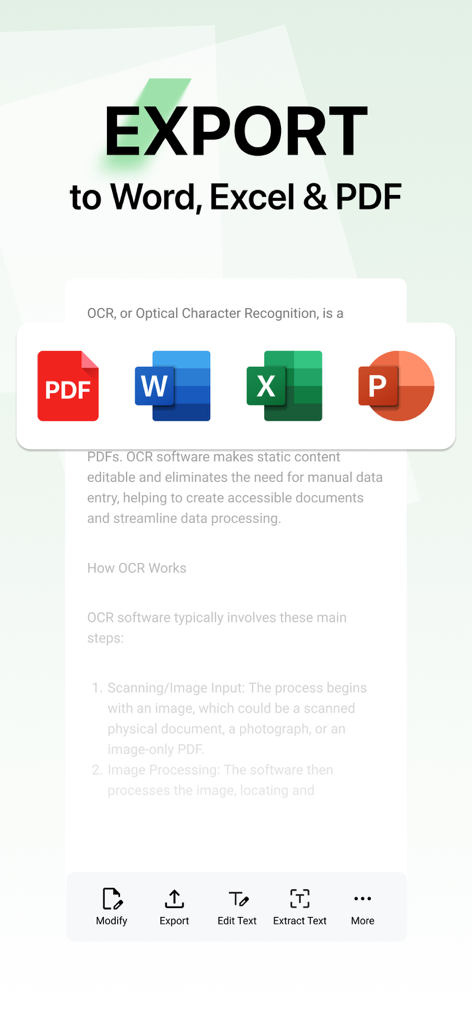
スキャンされたドキュメントを Word、Excel、PDF 形式にエクスポートするオプションを示すモバイルアプリ画面。
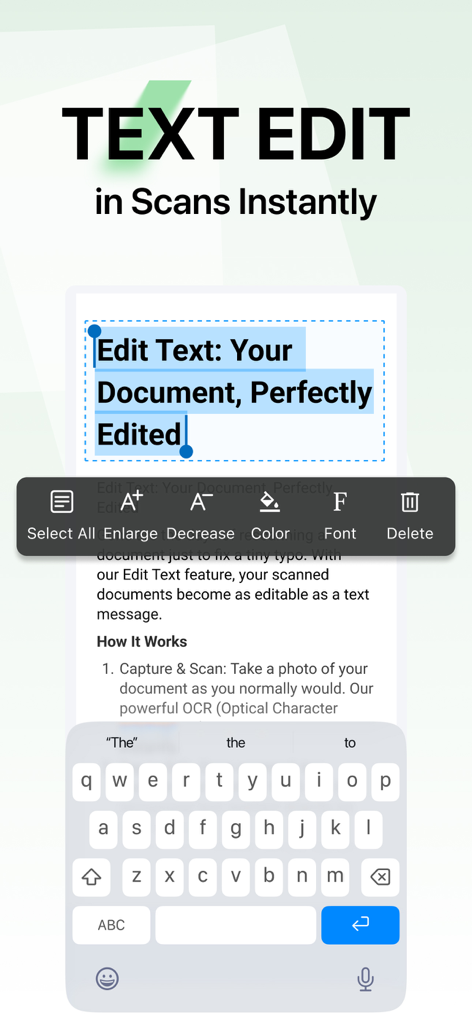
Lens PDF スキャナーでスキャンされたドキュメントのテキストを編集する
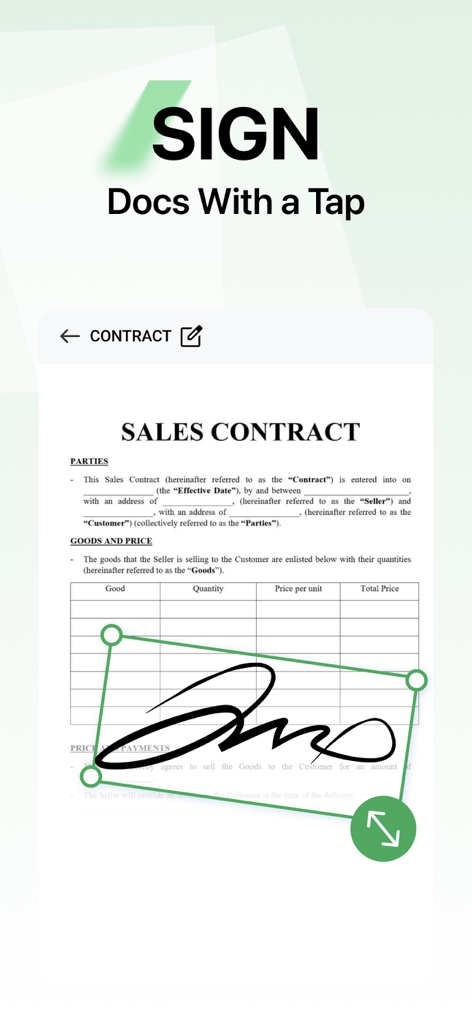
Lens PDF スキャナーモバイルアプリを使用して販売契約書にデジタル署名を追加する
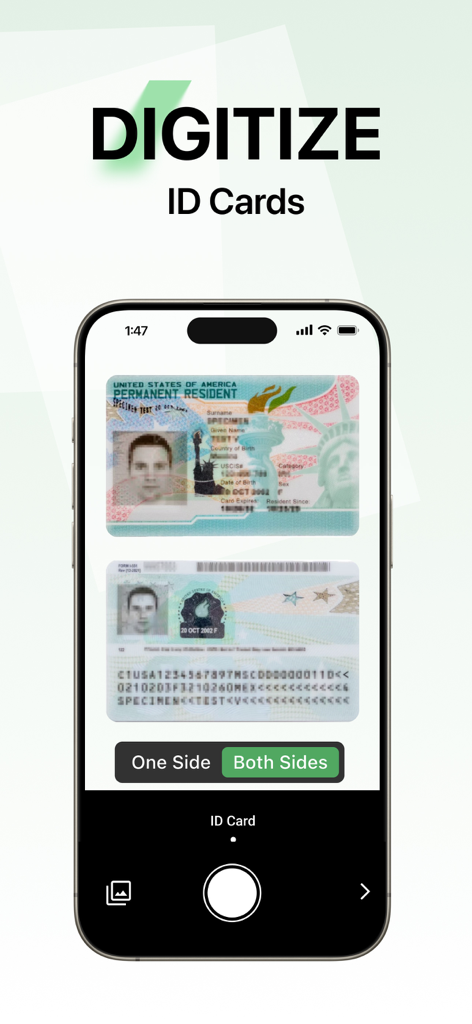
ID カードの両面をデジタル化するための Lens PDF スキャナーアプリインターフェイスを示す携帯電話画面。
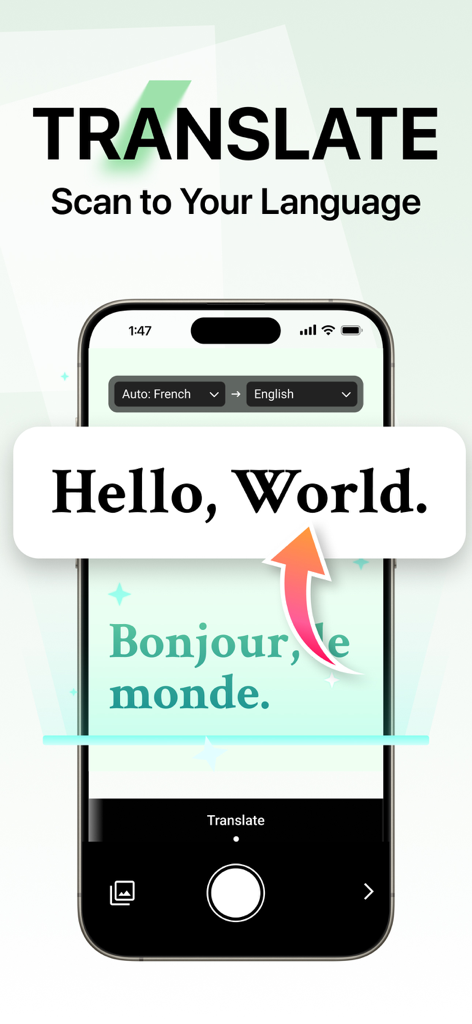
Lens PDF スキャナーの翻訳機能がフランス語のテキストを英語に変換しているスマートフォンのインターフェイス。
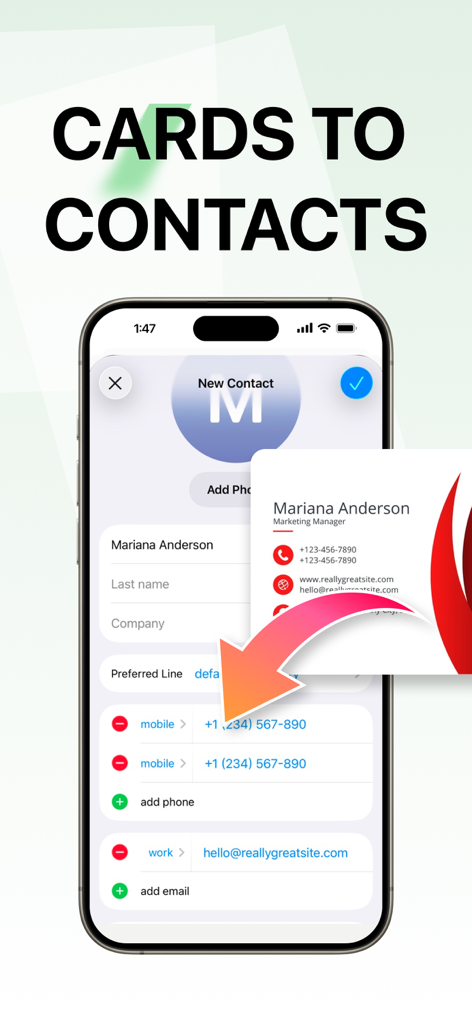
Lens PDF スキャナーアプリを使用して、物理的な名刺をデジタル連絡先に変換するインターフェイスを表示します
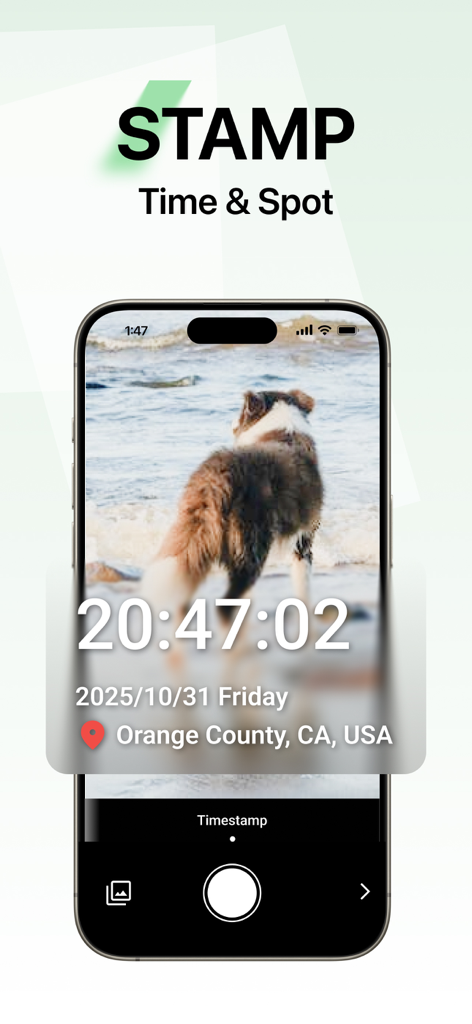
時間と場所のタイムスタンプ機能が犬の写真に適用されている Lens PDF スキャナーアプリのスクリーンショット
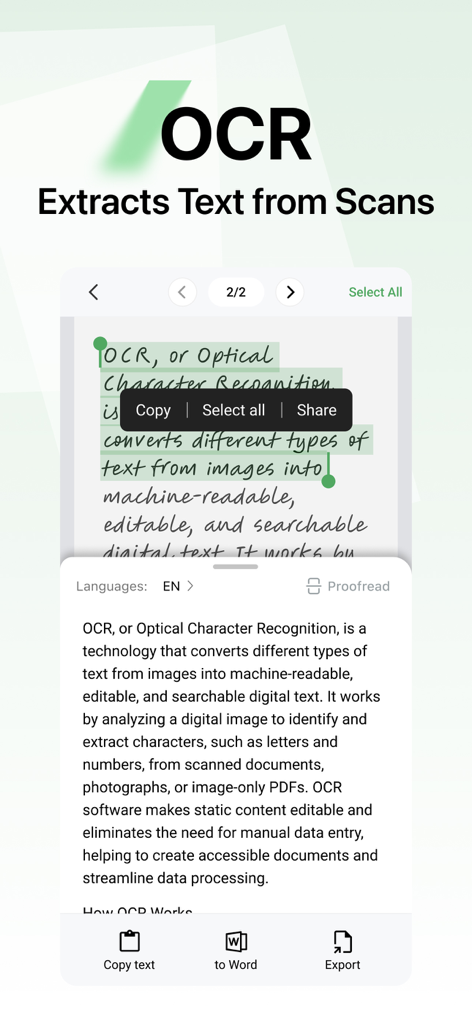
Lens PDF スキャナーアプリのインターフェイスで、OCR 機能がスキャンされたドキュメントからテキストを編集可能なデジタルテキストに抽出している様子を示す
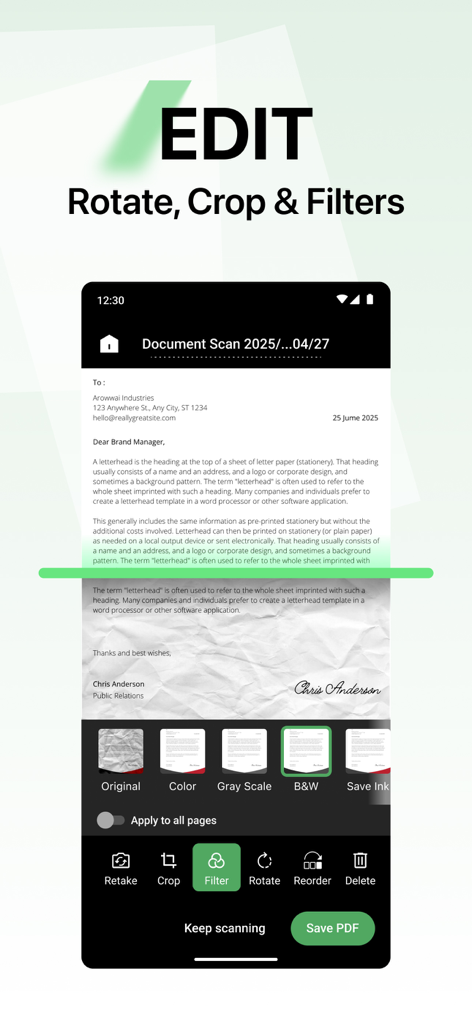
Lens PDF スキャナーアプリのインターフェイスで、フィルター、回転、クロップなどのドキュメント編集オプションを示す
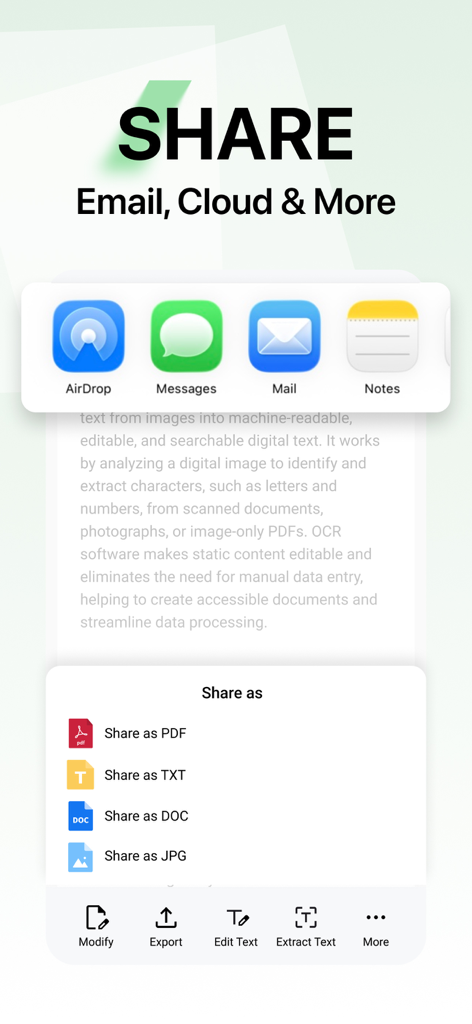
Lens PDF スキャナーアプリのインターフェイスで、PDF、TXT、DOC、JPG 形式を電子メール、クラウド、またはメッセージ経由で共有するオプションを示す
説明
Download
類似アプリ
同じカテゴリのトップランクアプリ

Microsoft Teams
Microsoft Corporation

Zoom Workplace
Zoom Communications, Inc.

WhatsApp Business
WhatsApp Inc.

Indeed Job Search
Indeed Inc.

LinkedIn: Network & Job Finder
LinkedIn Corporation

Adobe Acrobat Reader: Sign PDF
Adobe Inc.

DingDing - Redefine Work in AI
DingTalk Technology Co., Ltd.

WeCom-Work Communication&Tools
Tencent Technology (Shenzhen) Company Limited

BOSS直聘-招聘求职找工作神器
Beijing China Product Bo Farce Network Technology Co., Ltd.
このページはアプリまたはその開発者の公式ページではなく、情報提供および論評を目的として作成された独立した編集出版物です。明示的に別段の記載がない限り、アプリおよびその開発者は、MWM、Apple、Google Play、アプリのパブリッシャー、またはアプリの開発者と提携、承認、後援、認可、またはその他の公式的な関係はなく、このページのいかなる内容も、アプリがMWMのサービスを使用して開発されたことを意味するものではありません。すべての商標、ロゴ、スクリーンショット、その他のコンテンツはそれぞれの所有者の財産です。