
このページはアプリまたはその開発者の公式ページではなく、情報提供および論評を目的として作成された独立した編集出版物です。明示的に別段の記載がない限り、アプリおよびその開発者は、MWM、Apple、Google Play、アプリのパブリッシャー、またはアプリの開発者と提携、承認、後援、認可、またはその他の公式的な関係はなく、このページのいかなる内容も、アプリがMWMのサービスを使用して開発されたことを意味するものではありません。すべての商標、ロゴ、スクリーンショット、その他のコンテンツはそれぞれの所有者の財産です。


LM Home
インスタントデバイス検出と安全なリモートアクセスで、シームレスなビルディングオートメーションを体験してください。どこからでも、カスタムメイドのスマートホームを簡単に管理し、リアルタイム通知で接続を維持できます。
ダウンロード
200ユーザー評価
評価数
0開発元
カテゴリ
Entertainment対応言語
1最新バージョン
1.2サイズ
21.7 MBリリース日
2024年2月8日プロフェッショナルコントロールをシンプルに
ハイエンドホームオートメーションのために設計されたシームレスな接続性と直感的なモバイル管理で、LogicMachineエコシステムの全機能をご体験ください。
ゼロコンフィギュレーション接続
技術的な手間を省きます。アプリは、複雑なIP構成を必要とせずに、ネットワーク上のLogicMachineデバイスを自動的に検出します。
安全なグローバルアクセス
世界中のどこからでも物件をコマンドできます。モバイルデータまたはリモートWi-Fi経由でLogicMachine Cloudを介して安全に接続します。
以下のスクリーンショットと説明は、アプリの公式ストアリスティングから直接取得されたものであり、アプリ開発者の所有物です。
アプリストア
スクリーンショット
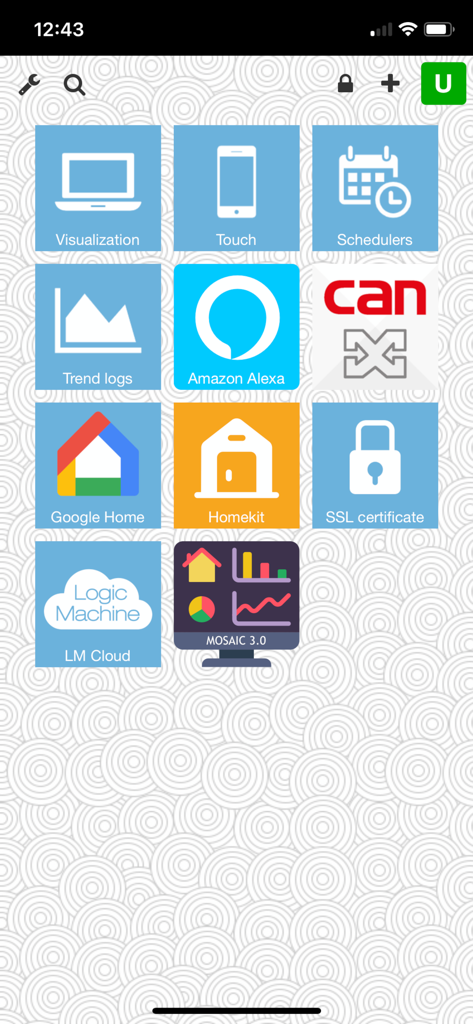
LM Homeアプリのダッシュボード。Alexa、Google Home、Homekitのスマートホーム統合タイルを表示
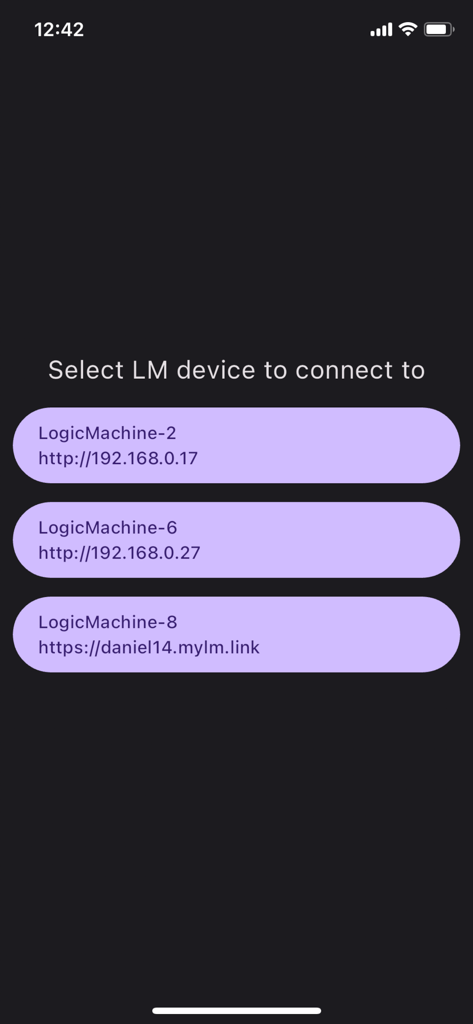
LM Homeアプリの画面。接続可能なLogicMachineデバイスのリストを表示
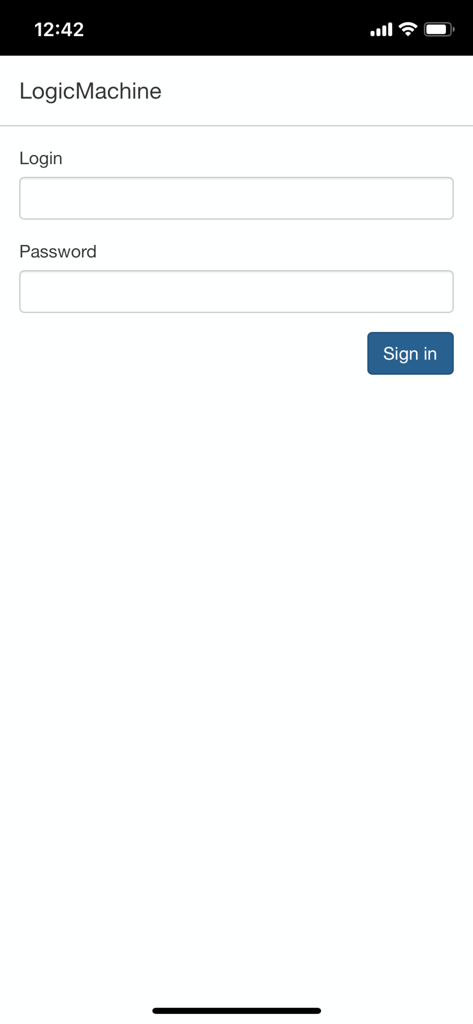
LM HomeアプリのLogicMachineオートメーション用ログイン画面
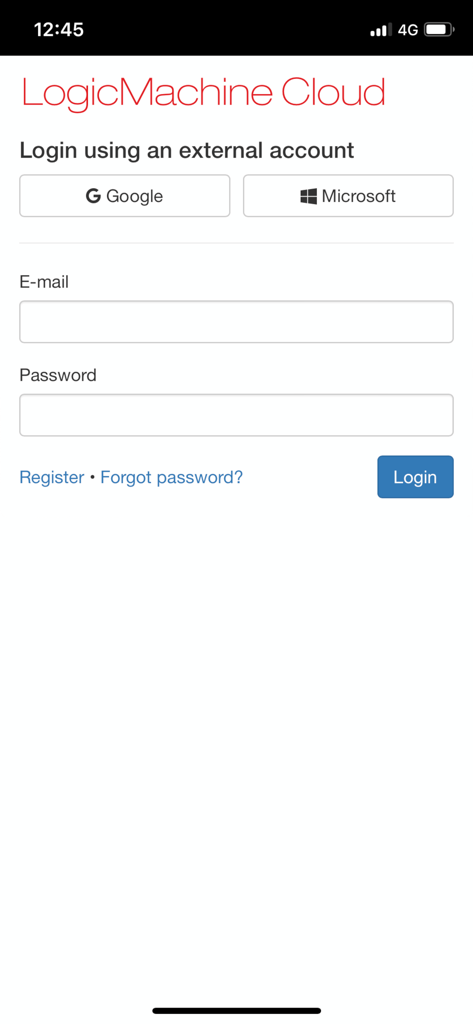
リモートホームオートメーション制御用のLogicMachine Cloudログインインターフェース
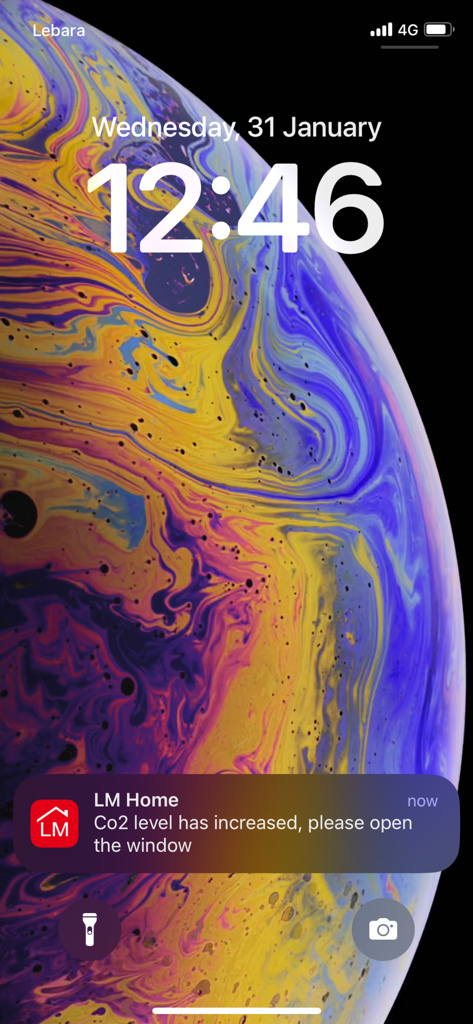
iPhoneロック画面。LM HomeアプリからのCO2高レベルに関するプッシュ通知を表示
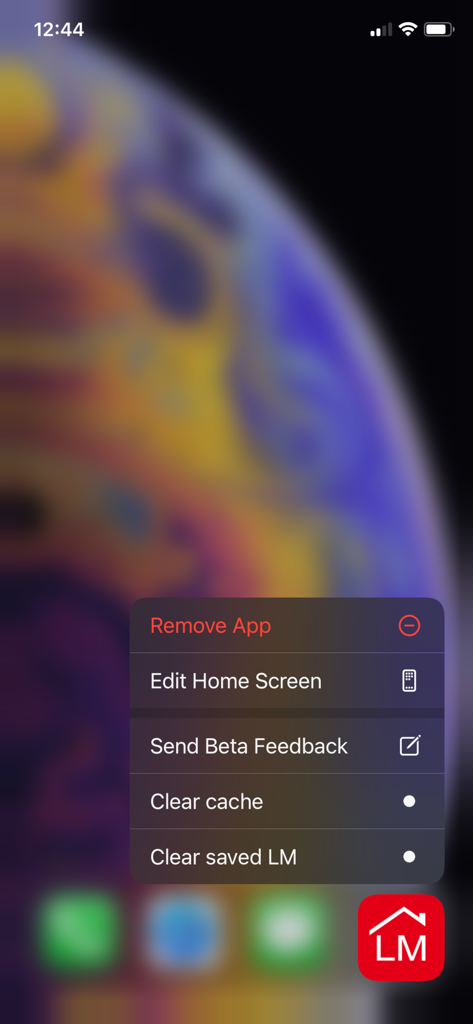
LM HomeアプリのiOSショートカットメニュー。キャッシュクリア、保存されたLMのクリアなどのメンテナンスオプションを表示
説明
Download
類似アプリ
同じカテゴリのトップランクアプリ

TikTok - Videos, Shop & LIVE
TIKTOK PTE. LTD.

Netflix
Netflix, Inc.

Freecash - Get Paid Real Money
256 REWARDS LTD

DramaBox - Stream Drama Shorts
STORYMATRIX PTE. LTD

HBO Max: Stream Movies & TV
WarnerMedia Global Digital Services, LLC

Amazon Prime Video
AMZN Mobile LLC

NetShort - Popular Dramas & TV
NETSTORY PTE. LTD.

ReelShort - Stream Drama & TV
New Leaf Publishing, Inc.

Disney+
Disney Electronic Content, Inc.
このページはアプリまたはその開発者の公式ページではなく、情報提供および論評を目的として作成された独立した編集出版物です。明示的に別段の記載がない限り、アプリおよびその開発者は、MWM、Apple、Google Play、アプリのパブリッシャー、またはアプリの開発者と提携、承認、後援、認可、またはその他の公式的な関係はなく、このページのいかなる内容も、アプリがMWMのサービスを使用して開発されたことを意味するものではありません。すべての商標、ロゴ、スクリーンショット、その他のコンテンツはそれぞれの所有者の財産です。