Mahjong!
Mahjong!
ダウンロード: App Store

このページはアプリまたはその開発者の公式ページではなく、情報提供および論評を目的として作成された独立した編集出版物です。明示的に別段の記載がない限り、アプリおよびその開発者は、MWM、Apple、Google Play、アプリのパブリッシャー、またはアプリの開発者と提携、承認、後援、認可、またはその他の公式的な関係はなく、このページのいかなる内容も、アプリがMWMのサービスを使用して開発されたことを意味するものではありません。すべての商標、ロゴ、スクリーンショット、その他のコンテンツはそれぞれの所有者の財産です。

ロゴ: Mahjong!
ダウンロード: App Store

Mahjong!

毎週のゲームナイトをオンラインに持ち込みましょう。リアルタイムボイスチャットで友達や家族とつながり、真にリアルな麻雀卓の戦略的な深みをお楽しみください。

主要数値

ダウンロード

260K+

ユーザー評価

2.9/5

評価数

500

開発元

Pok Wong

カテゴリ

Games

対応言語

3

最新バージョン

3.08

サイズ

5.1 MB

リリース日

2010年3月17日
機能

本格的な4人用体験

本物のプレイヤーのために設計された最もリアルな伝統的な麻雀アプリで、あなたの心を鋭く、ソーシャルサークルを近くに保ちましょう。

ソーシャルゲームナイト

内蔵ボイスチャットとグループメッセージングで毎週の伝統を再現し、プレイ中に友達や家族とつながりましょう。

伝統的なメカニズム

手動でのタイル並べとリアルなドラッグアンドドロッププレイで、本物のテーブルの触感を体験してください。ここでは単純化されたソリティアではありません。

以下のスクリーンショットと説明は、アプリの公式ストアリスティングから直接取得されたものであり、アプリ開発者の所有物です。

アプリストア

スクリーンショット
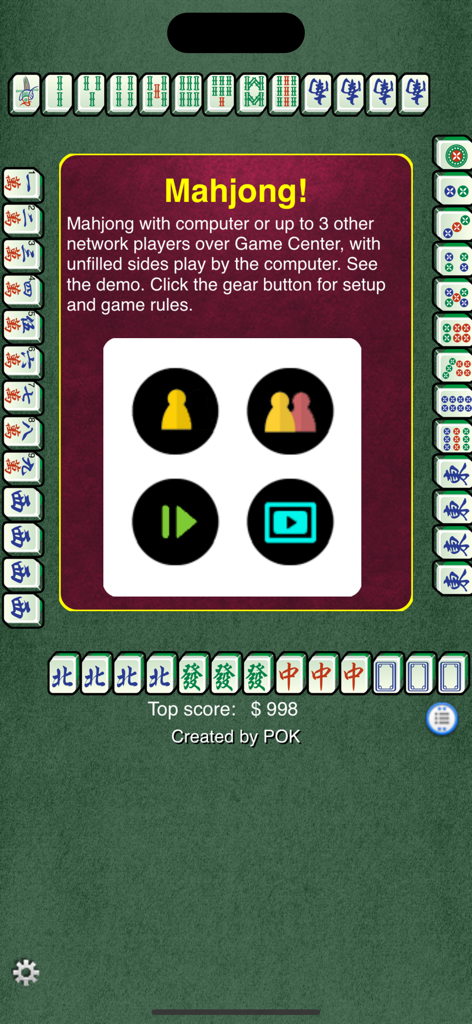
Mahjong! - 麻雀アプリのメインメニュー画面。伝統的なタイルに囲まれたシングルおよびマルチプレイヤーゲームオプションが表示されています
麻雀アプリのメインメニュー画面。伝統的なタイルに囲まれたシングルおよびマルチプレイヤーゲームオプションが表示されています

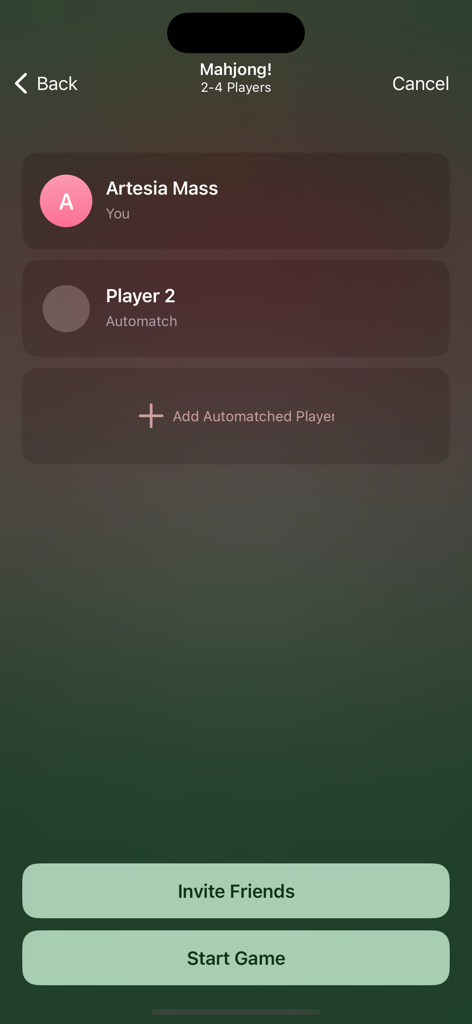
Mahjong! - 麻雀アプリのマルチプレイヤーロビー画面。友達の招待、自動マッチプレイヤーの追加、ゲーム開始のオプションが表示されています
麻雀アプリのマルチプレイヤーロビー画面。友達の招待、自動マッチプレイヤーの追加、ゲーム開始のオプションが表示されています

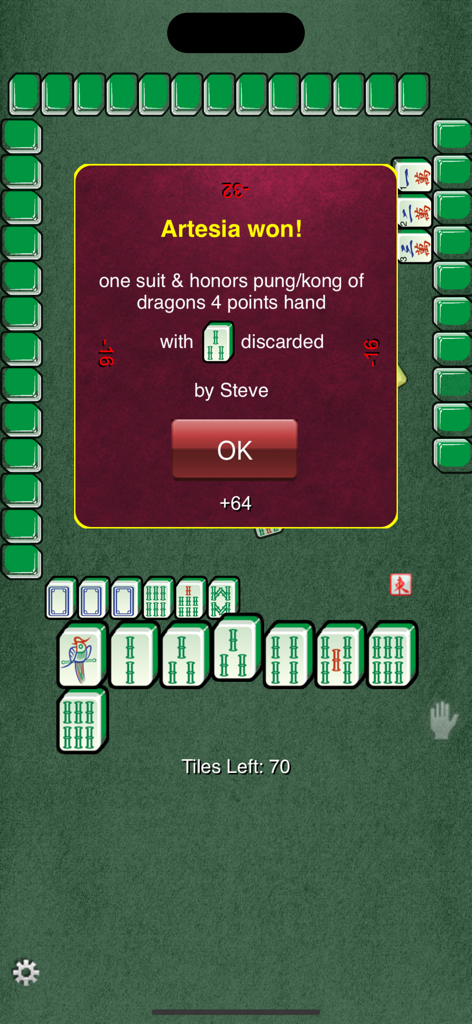
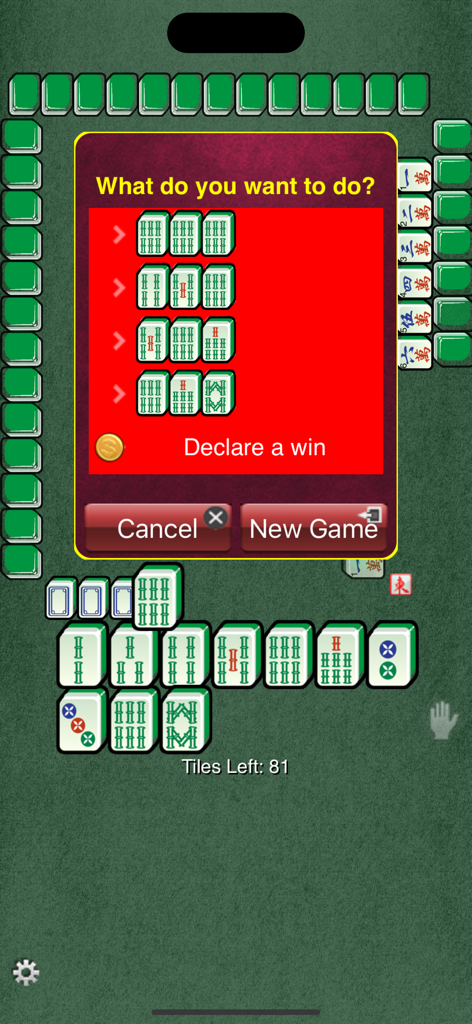
Mahjong! - 伝統的な麻雀モバイルゲームインターフェース。勝利宣言のプロンプトが表示されています
伝統的な麻雀モバイルゲームインターフェース。勝利宣言のプロンプトが表示されています

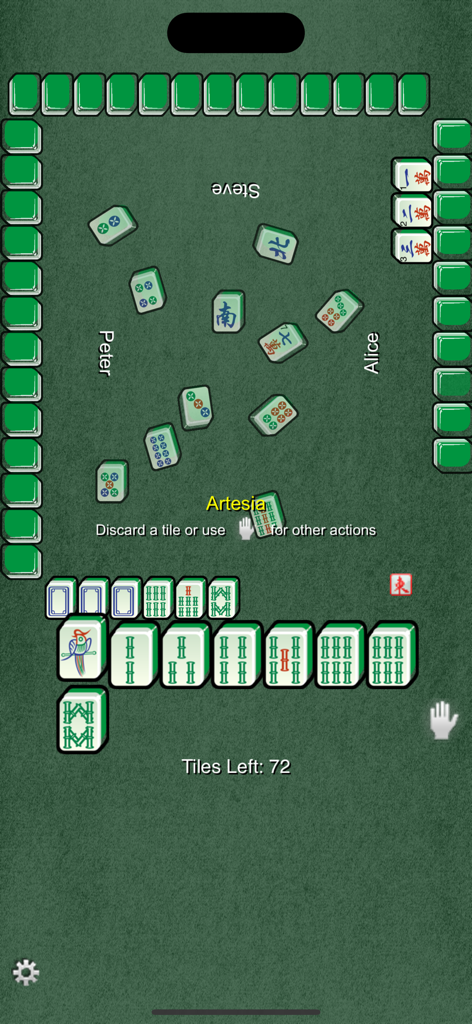
Mahjong! - 緑のテーブルインターフェースでの本格的な4人用伝統麻雀ゲームプレイ

緑のテーブルインターフェースでの本格的な4人用伝統麻雀ゲームプレイ

Mahjong! - 伝統的な4人用麻雀ゲームの勝利画面。プレイヤーArtesiaの勝利した手の発表が表示されています。
伝統的な4人用麻雀ゲームの勝利画面。プレイヤーArtesiaの勝利した手の発表が表示されています。

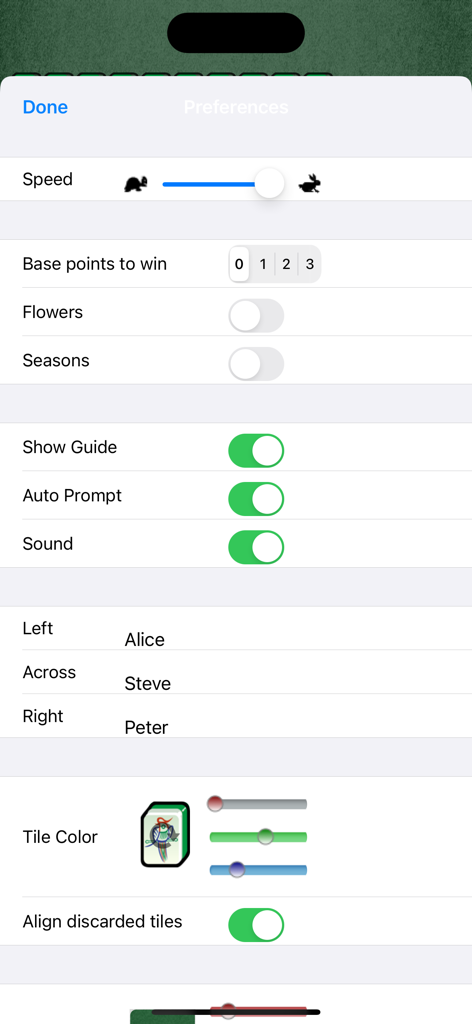
Mahjong! - 麻雀アプリの設定画面。ゲーム速度、基本ポイント、フラワータイル、プレイヤー名のカスタマイズ可能な設定が表示されています
麻雀アプリの設定画面。ゲーム速度、基本ポイント、フラワータイル、プレイヤー名のカスタマイズ可能な設定が表示されています

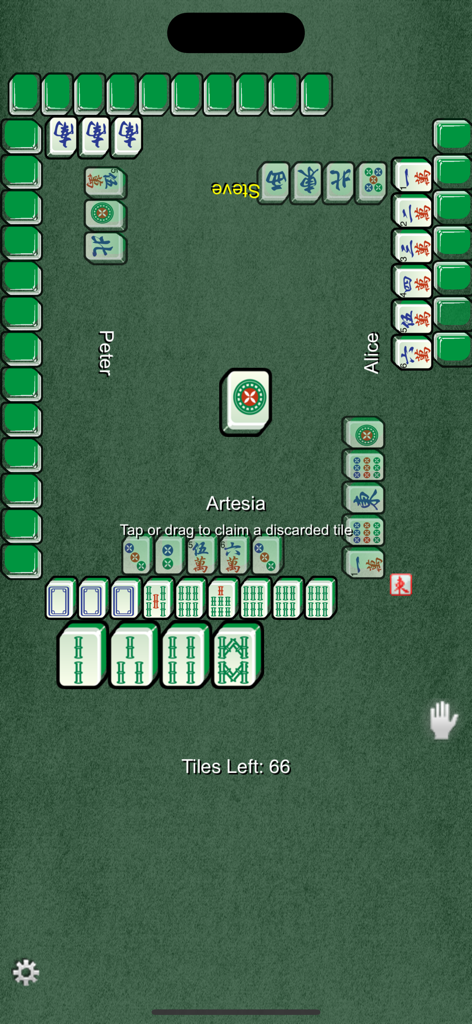
Mahjong! - 緑のテーブルインターフェースで進行中の4人用伝統麻雀ゲーム

緑のテーブルインターフェースで進行中の4人用伝統麻雀ゲーム

説明

Traditional Mahjong game in which you play against 3 other players - sole against all computer players, or play with one to three other friends or network players via Game Center. Seats not filled by friends or network players are played by the computer. You may exchange group text messages and voice chats while in the multiplayer game. Each player is dealt 13 tiles in a hand. The players take turns to draw a tile and discard one. The goal is to make 4 sets and 1 pair. Declare a win by tapping on a received tile or tapping/dragging on discarded tile that completes the hand of 14 tiles. The default mode will auto prompt you when a set or a winning hand can be formed with a tile drawn or discarded. Hands formed must be of some minimum point value (0-3) in order to win the round. A zero base point would allow chicken hand. The default is 0 base point, but can be customized. If the base point is set to greater than zero, an attempt to steal a discard that does not produce the minimum points to win will be preempted by another player's claim for pung, for example. Falsely declaring a win when the hand does not meet the base point will be penalized. The claim on a discard to form a hand with enough points to win has priority over other attempts to form kong, punt, or chow. Refer to wikipedia for a detailed description of the suite and scoring system of the game. As few reviewers noted, this game offers realistic play. Drag a tile out to discard it. You will be prompted to make a choice to pung, declare a win, etc, or drag a tile discarded by another player to claim it. Tap any tile on your hand to declare a win if not using auto prompt mode. You can move and rearrange the tiles at will. To have them sorted automatically, do a horizontal swipe above your hand. You can adjust the game speed and sound. You can also control that hands be of some minimum point value (0-3) in order to win the round. A zero base point would allow chicken hand. You can choose to play flower and season tiles. Choose "Align discarded tiles" to line discarded tiles neatly, else discarded tiles are spin and placed randomly. You can change the the color of the background and tiles, or use a picture as the game background. Multitask switching on supported iOS. Game is paused when you switch away from the App and automatically resumed when you return. Resume button is used to resume game saved if App is terminated (or for older iOS without multitask support). The players bank will be shown at the start of the game. To see the bank during the game, tap on the player's name. Your name in the game is taken from the Game Center alias and can be customized in the Game Center app. If you did not login to Game Center,the name is determined from the following sources (if used) in order: your name used for iCloud, other email, the name on your iPad/iPhone/iTouch. You may customize the names of the computer players.

Download

ダウンロード: App Store

このページはアプリまたはその開発者の公式ページではなく、情報提供および論評を目的として作成された独立した編集出版物です。明示的に別段の記載がない限り、アプリおよびその開発者は、MWM、Apple、Google Play、アプリのパブリッシャー、またはアプリの開発者と提携、承認、後援、認可、またはその他の公式的な関係はなく、このページのいかなる内容も、アプリがMWMのサービスを使用して開発されたことを意味するものではありません。すべての商標、ロゴ、スクリーンショット、その他のコンテンツはそれぞれの所有者の財産です。