
このページはアプリまたはその開発者の公式ページではなく、情報提供および論評を目的として作成された独立した編集出版物です。明示的に別段の記載がない限り、アプリおよびその開発者は、MWM、Apple、Google Play、アプリのパブリッシャー、またはアプリの開発者と提携、承認、後援、認可、またはその他の公式的な関係はなく、このページのいかなる内容も、アプリがMWMのサービスを使用して開発されたことを意味するものではありません。すべての商標、ロゴ、スクリーンショット、その他のコンテンツはそれぞれの所有者の財産です。


Minesweeper Classic: Retro
お気に入りの 90 年代のノスタルジックな美学で、戦略パズルのゴールドスタンダードを追体験しましょう。当社の限定推測不要モード、毎日のチャレンジ、分析的な思考のためにデザインされた 50 以上のカスタマイズ可能なテーマでボードをマスターしましょう。
ダウンロード
3M+ユーザー評価
評価数
48K+開発元
カテゴリ
Games対応言語
33最新バージョン
1.4.8サイズ
68.3 MBリリース日
2017年9月27日純粋な論理でグリッドをマスターする
分析的な思考のためにデザインされた究極のレトロマインスイーパ体験。もう運任せの推測はありません。純粋な戦略とノスタルジーだけです。
100% 解けるボード
50/50 の罠によるフラストレーションに終止符を打ちましょう。当社の推測不要モードにより、純粋な推論と論理で全ての地雷を見つけることができます。
ノスタルジーの再構築
50 以上のカスタマイズ可能なレトロテーマと、お気に入りの象徴的なピクセルパーフェクトインターフェースで、クラシックな Windows 時代を追体験しましょう。
よくある質問
について知っておくべきこと Minesweeper Classic: Retro
Minesweeper Classic: Retroの遊び方を教えてください。
Minesweeper Classic: Retroは、セルをタップして数字を表示したり、エリアをクリアしたりします。プレイヤーは長押しして地雷にフラグを立てます。フラグで囲まれた数字のセルを開くと、さらに多くのセルがクリアされます。アプリには詳細な説明のために「遊び方」セクションが含まれています。
Minesweeper Classic: Retroには推測不要モードはありますか?
はい、Minesweeper Classic: Retroには推測不要モード(ベータ版)があります。このモードは、ゲームプレイ中の50/50の状況を排除するように設計されています。プレイヤーはアプリケーション内の設定メニューから直接推測不要モードを有効にすることができます。
Minesweeper Classic: Retroでゲーム体験をカスタマイズできますか?
はい、Minesweeper Classic: Retroは豊富なカスタマイズオプションを提供しています。ユーザーはズーム感度を調整したり、「新規ゲーム」ボタンを変更したり、トップバーをカスタマイズしたり、「長押しでフラグを立てる」を無効にしたり、50以上のテーマから選択したりして、ゲーム体験を調整できます。
Minesweeper Classic: Retroでコインを稼ぐにはどうすればいいですか?
プレイヤーは、地雷に正しくフラグを立て、ゲームラウンドを正常に完了することで、Minesweeper Classic: Retroでコインを稼ぎます。獲得したコインは、ゲームのテーマ選択内で利用可能なさまざまな美しいレトロテーマのロックを解除するために使用されます。
Minesweeper Classic: Retroで利用可能なゲームモードは何ですか?
Minesweeper Classic: Retroは、イージー、ミディアム、ハード、エクストリーム、カスタムの5つの異なるゲームモードを提供しています。これらのモードは、さまざまなグリッドサイズと地雷密度を提供し、さまざまなチャレンジの好みやスキルレベルに対応します。
Minesweeper Classic: Retroはゲームの進行状況を保存しますか?
はい、Minesweeper Classic: Retroはゲームの進行状況を自動的に保存するため、再起動時に中断したところから再開できます。さらに、テーマと統計情報はiCloudに保存して、さまざまなデバイス間でバックアップおよび復元できます。
Minesweeper Classic: Retroで地雷を爆発させるとどうなりますか?
プレイヤーがMinesweeper Classic: Retroで地雷に当たった場合、その時点からゲームを続行できます。このオプションは、ゲーム内コイン50枚を消費するか、短いビデオ広告を視聴することで利用できます。
Minesweeper Classic: RetroはGame Centerをサポートしていますか?
はい、Minesweeper Classic: RetroはAppleのGame Centerと統合されており、世界中のプレイヤーのスコアを追跡するためのリーダーボードを提供します。ユーザーは、完全な機能のためにGame Centerアカウントにログインしていることを確認する必要があります。
Minesweeper Classic: Retroのヒントはどのように機能しますか?
Minesweeper Classic: Retroでは、プレイヤーはヒントを使用できます。ヒントボタンを押すと、不明な結果を明らかにすることなく、確実に進行できる領域がハイライトされます。これにより、プレイヤーが行き詰まったときに役立ちます。
Minesweeper Classic: Retroで利用可能なテーマはいくつありますか?
Minesweeper Classic: Retroは、ゲームの外観をパーソナライズするために50以上の美しいレトロテーマを提供しています。プレイヤーはゲーム内コインを獲得して使用することでこれらのテーマのロックを解除し、さまざまなビジュアルスタイルを提供します。
以下のスクリーンショットと説明は、アプリの公式ストアリスティングから直接取得されたものであり、アプリ開発者の所有物です。
アプリストア
スクリーンショット
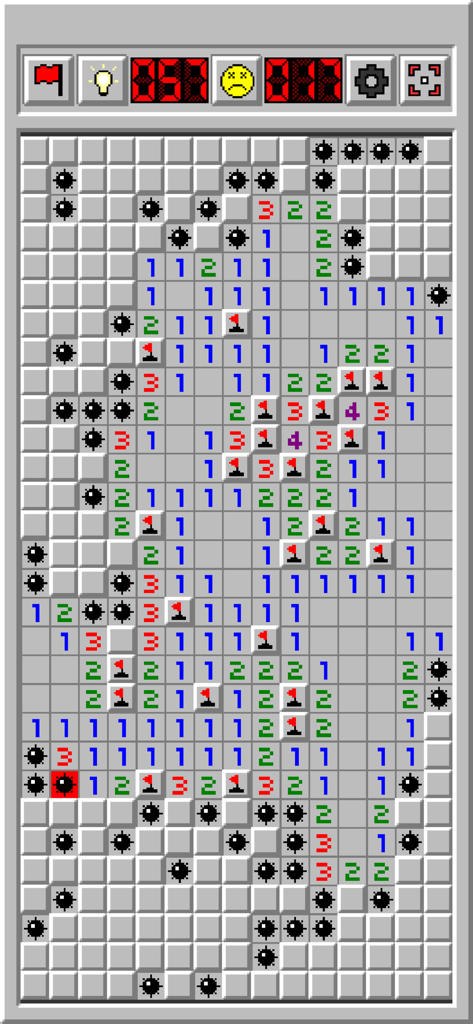
レトロマインスイーパーのゲーム画面、フラグと起爆した地雷が表示されている
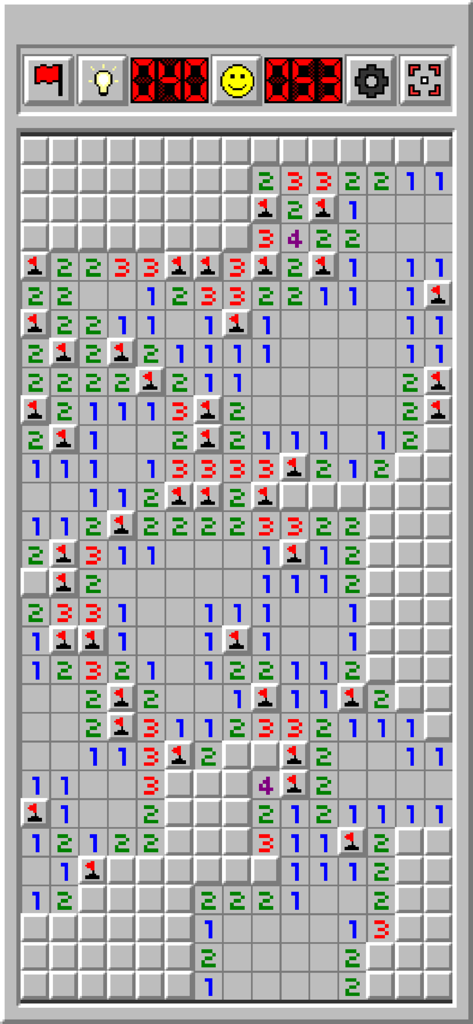
クラシックなグレーの Windows スタイルのインターフェースを表示した、進行中のゲームの Minesweeper Classic Retro のスクリーンショット
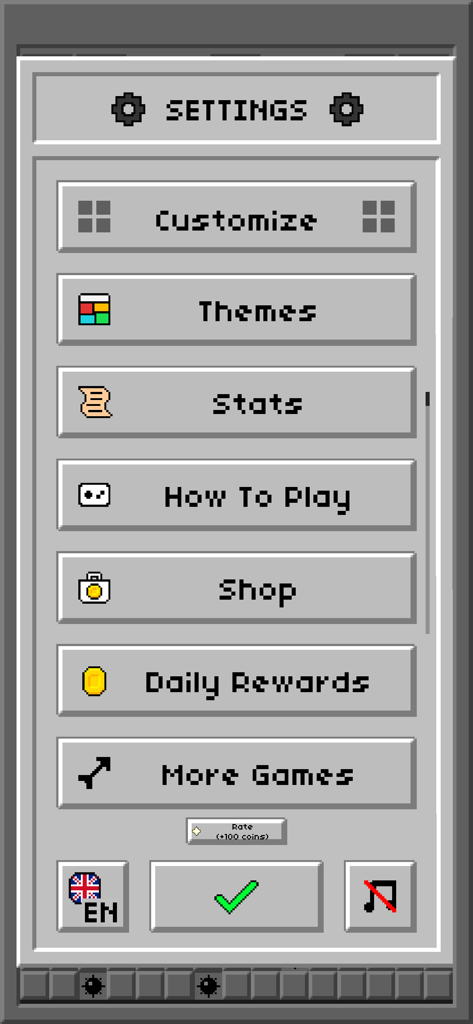
ピクセル化されたボタンとクラシックなグレーのインターフェースを備えた、Minesweeper Classic Retro の設定メニュー
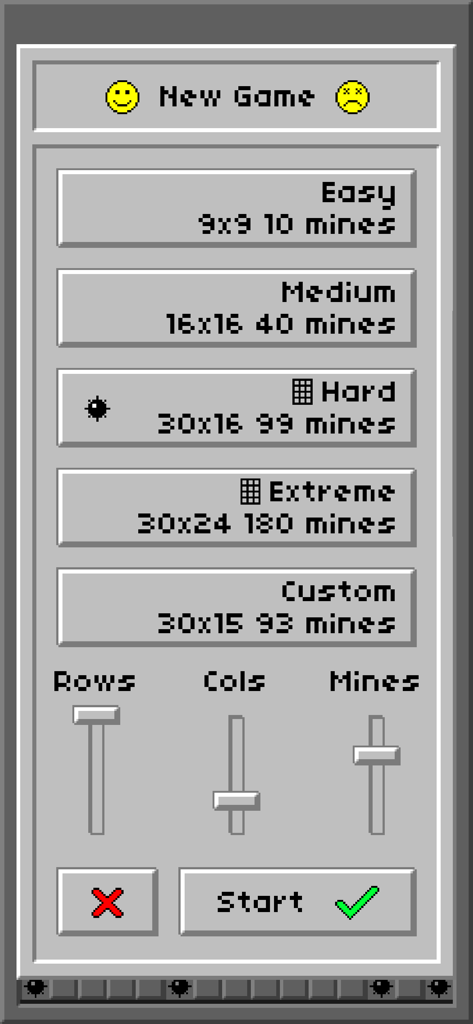
ノスタルジックな Windows インターフェースで難易度選択とカスタム設定を表示する、Minesweeper Classic Retro の新規ゲームメニュー
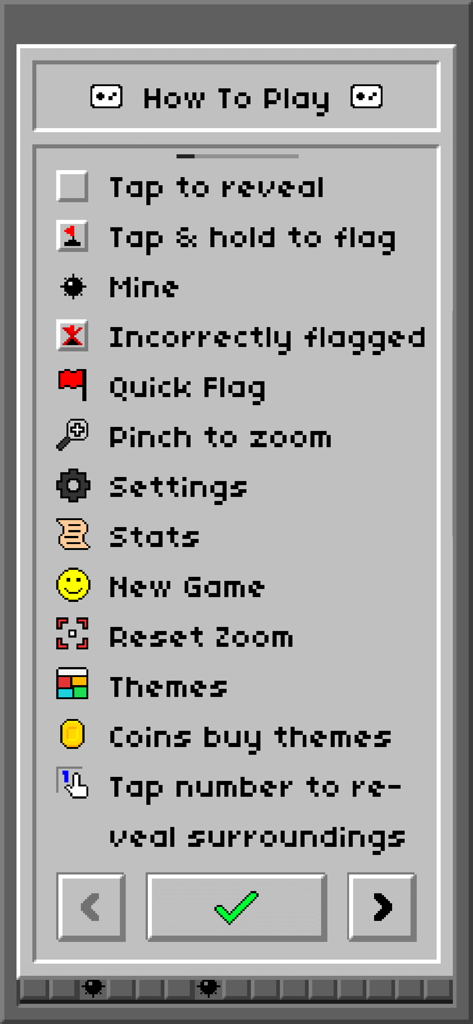
ピクセルアートアイコンを備えた、Minesweeper Classic Retro の遊び方説明メニュー
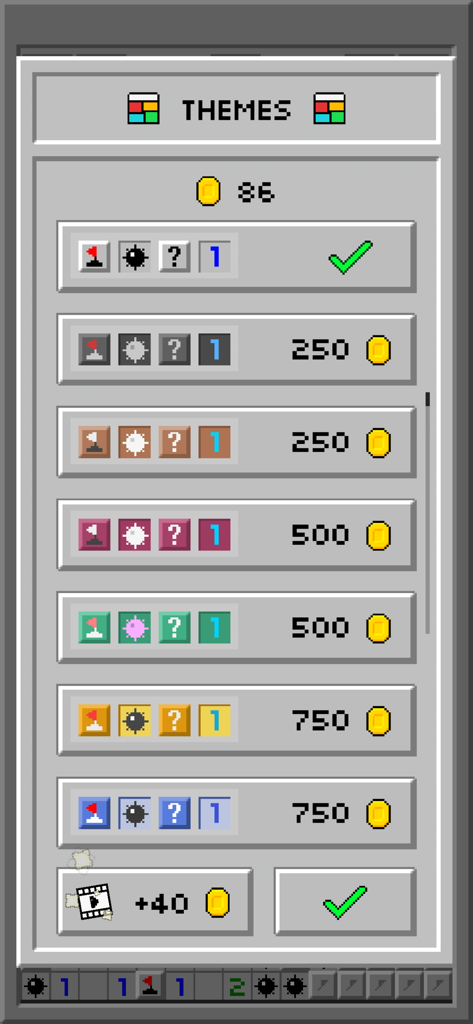
コイン価格と様々なカラーオプションを備えた、Minesweeper Classic Retro のテーマ選択画面
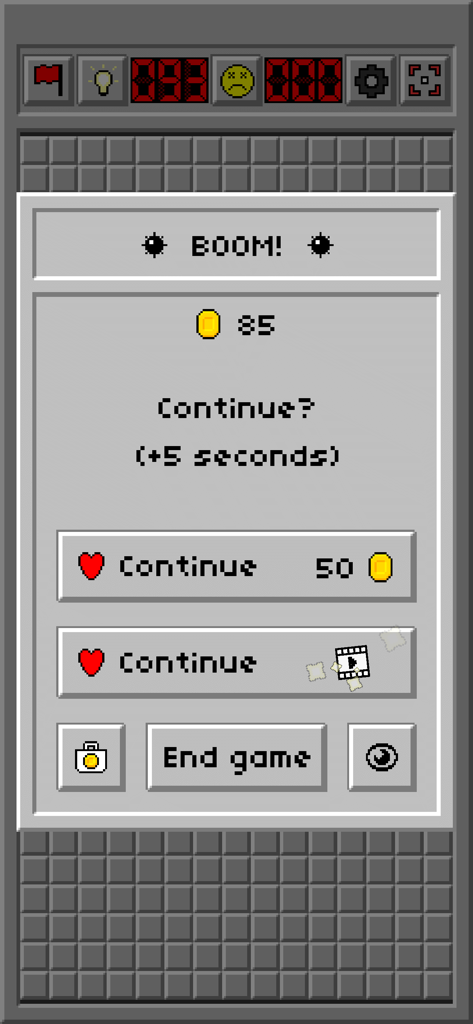
コインまたは広告で続行するオプションを示す、Minesweeper Classic Retro のゲームオーバー画面
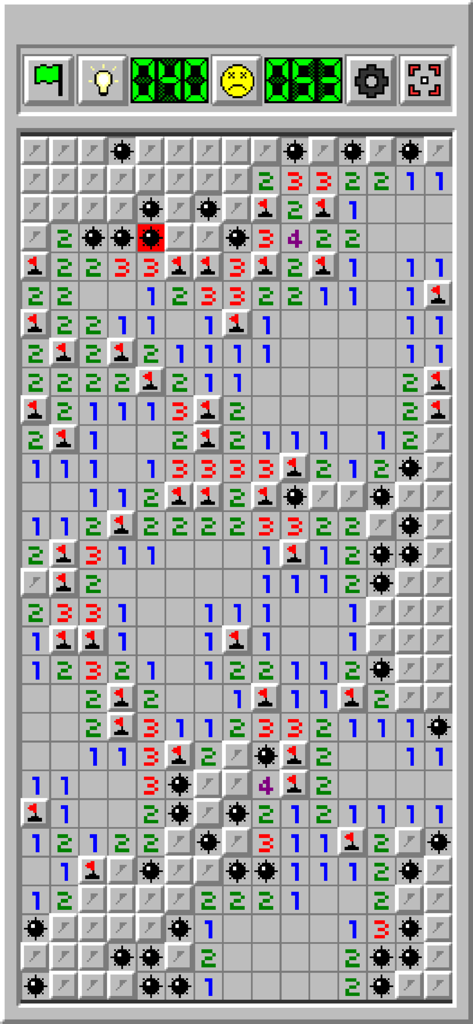
数字、フラグ、表示された地雷が表示されたクラシックなグリッドを表示する、Minesweeper Classic Retro のゲームプレイ画面のスクリーンショット
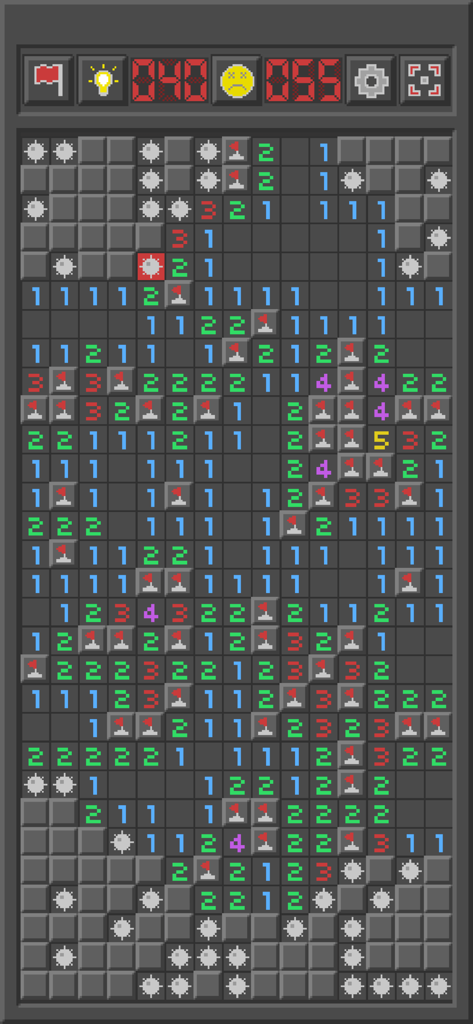
フラグと地雷が表示された Minesweeper Classic Retro のゲームプレイボード
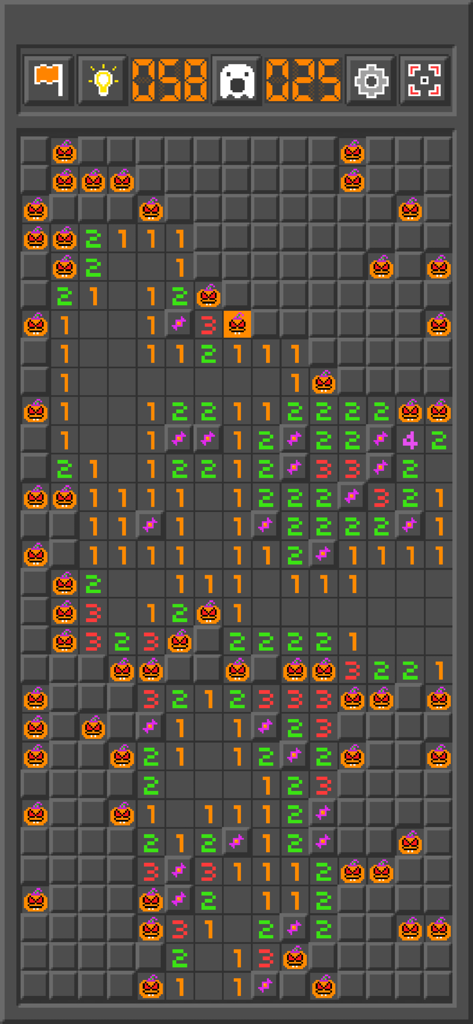
カボチャのアイコンを備えたハロウィンテーマの Minesweeper Classic Retro ゲームプレイ画面
説明
Download
類似アプリ
同じカテゴリのトップランクアプリ

Block Blast!
ARETIS LIMITED

Heartopia
XD Entertainment Co., Ltd.

Solitaire Associations Journey
Hitapps Games LTD

Roblox
Roblox Corporation

Gossip Harbor®: Merge & Story
Microfun Limited

Arrows – Puzzle Escape
Lessmore UG haftungsbeschraenkt

Township
PLR Worldwide Sales Limited

Last War:Survival
FUNFLY PTE. LTD.

Vita Mahjong
VITA STUDIO PTE. LTD.
このページはアプリまたはその開発者の公式ページではなく、情報提供および論評を目的として作成された独立した編集出版物です。明示的に別段の記載がない限り、アプリおよびその開発者は、MWM、Apple、Google Play、アプリのパブリッシャー、またはアプリの開発者と提携、承認、後援、認可、またはその他の公式的な関係はなく、このページのいかなる内容も、アプリがMWMのサービスを使用して開発されたことを意味するものではありません。すべての商標、ロゴ、スクリーンショット、その他のコンテンツはそれぞれの所有者の財産です。